
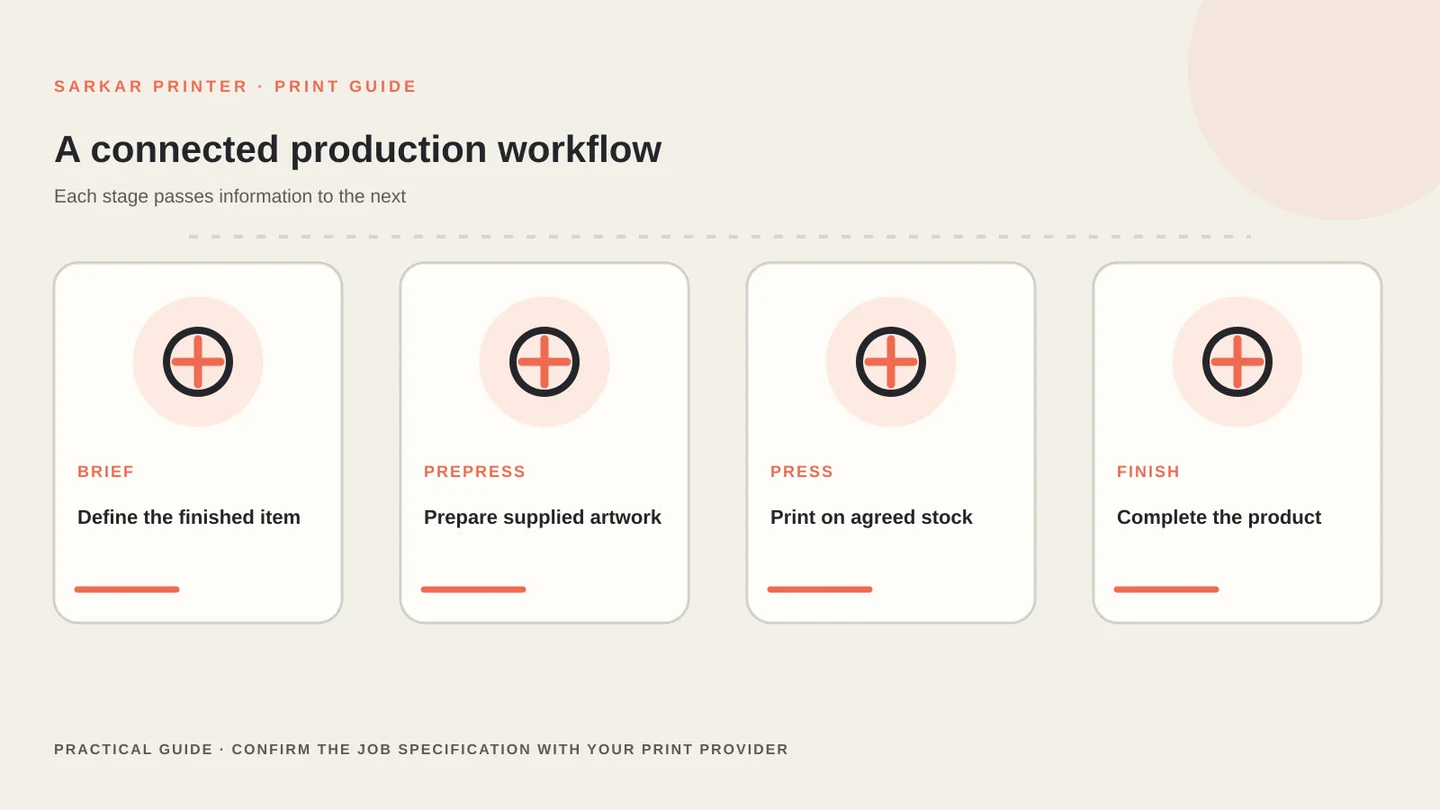
Print technology is more than the machine that puts ink or toner on a sheet. A commercial job moves through artwork preparation, prepress checks, output, press control and finishing. Each stage passes decisions to the next, so a small file or specification issue can affect the final result.
Print technology starts with the file and the job brief
Begin with the finished item. Note its size, quantity, stock, colours, fold or binding, finish, versions and delivery date. A product label, annual report and folded carton place different demands on the workflow. Share the complete brief before a supplier recommends equipment.
Then ask how the provider will handle the artwork and proof. Our offset printing process guide walks through the production handoff, while the printing process comparison helps you compare broad process families.
What prepress and a RIP do
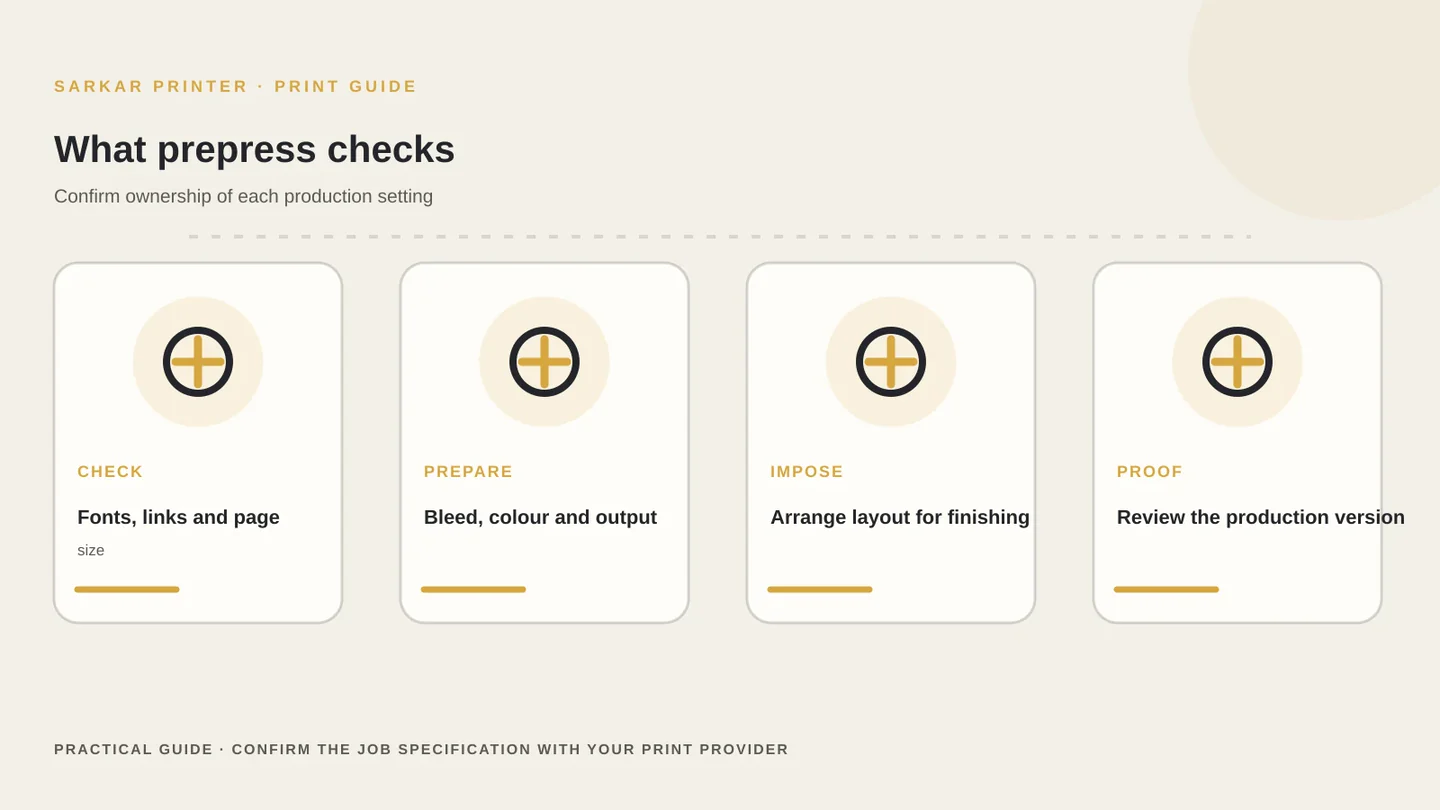
Prepress prepares supplied artwork for a particular production route. Depending on the workflow, a prepress team may check page size, fonts, links, bleed, overprint, colour spaces, image resolution, panel order and imposition. Imposition arranges pages or pieces on a press sheet so they can be printed and finished in the planned sequence.
A raster image processor, commonly called a RIP, interprets page-description data and prepares output for a specific device. The RIP may handle screening, colour management, trapping or imposition as part of a wider workflow, but the exact functions vary by software and press. Ask which items the print provider checks and which must arrive correctly set in your file.
Adobe’s current guidance on print-ready PDF files recommends matching export settings to the print provider’s specifications. Use the provider’s requested PDF standard, bleed and colour instructions instead of applying a generic preset to every job.
Colour management and output control depend on conditions
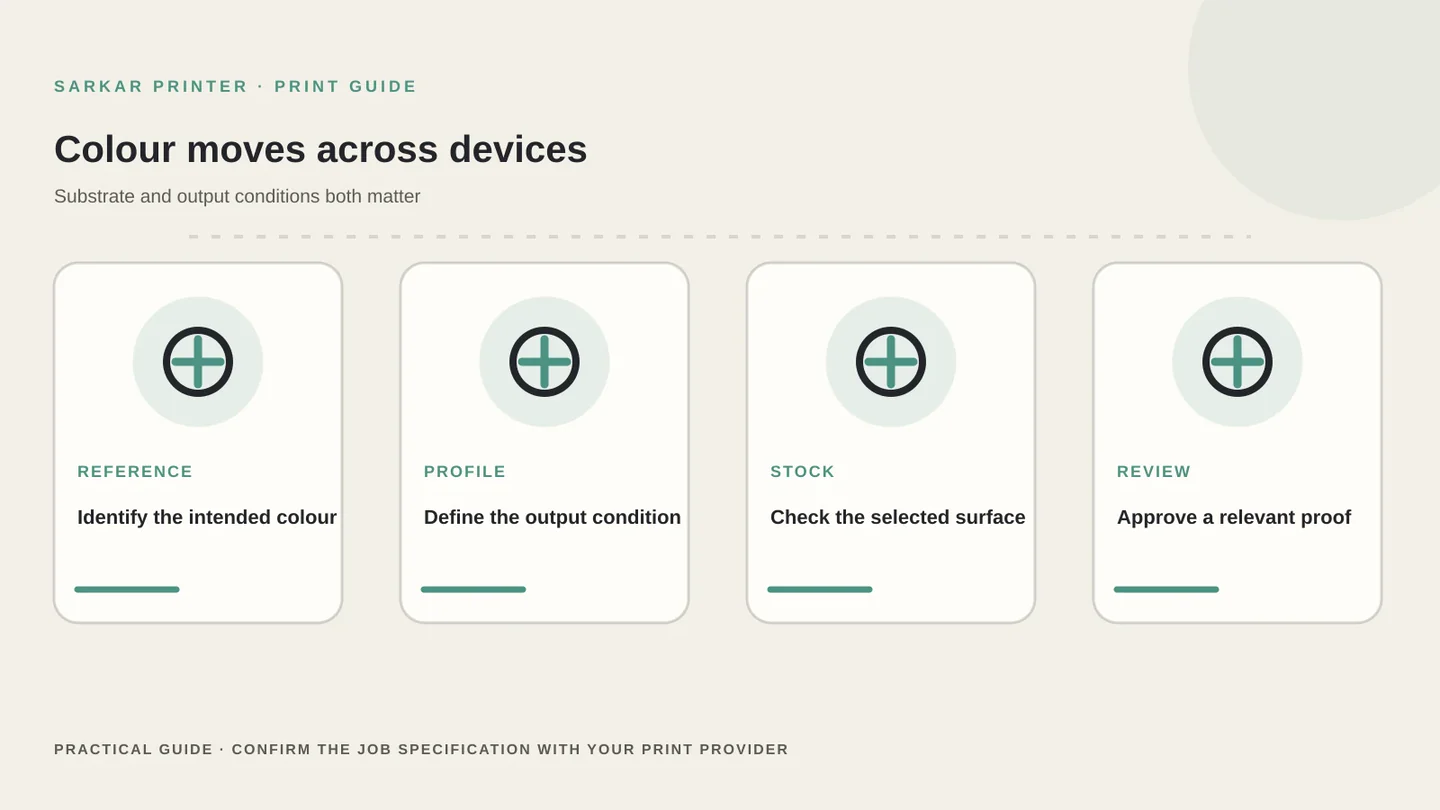
Colour changes when a file moves between a monitor, proofing device, press and substrate. A colour-managed workflow uses profiles and agreed output conditions to describe how a device reproduces colour. The right settings depend on the press, paper, ink system and proofing process; a profile cannot make two different substrates behave identically.
Do not convert every image or document to the same colour space without asking the printer. Confirm whether the provider wants CMYK values, embedded profiles, spot colours or a particular PDF/X setting. When a brand colour matters, share a Pantone reference or approved sample and ask how the production team will evaluate it.
Review a proof at the intended size and on the most relevant stock available. For a deeper look at colour checks, read our commercial print colour accuracy guide and paper coating technology guide.
Choose technology for the complete production route
Digital, sheetfed offset, web offset, flexographic and other production systems solve different problems. Their capabilities overlap, and modern equipment can handle applications that older rules of thumb might exclude. Compare the actual specification, available material, number of versions, proofing route and delivery plan with the supplier.
Finishing matters just as much as image transfer. A printed piece may need cutting, folding, creasing, lamination, binding, die-cutting or pasting. Ask whether the proposed press and downstream equipment can complete the full job without changing the required stock or design.
Use the companion guide to commercial printing machines to understand equipment families, then compare the job-specific quote. Share the finished size, quantity, artwork status and delivery date with Sarkar Printer’s team.
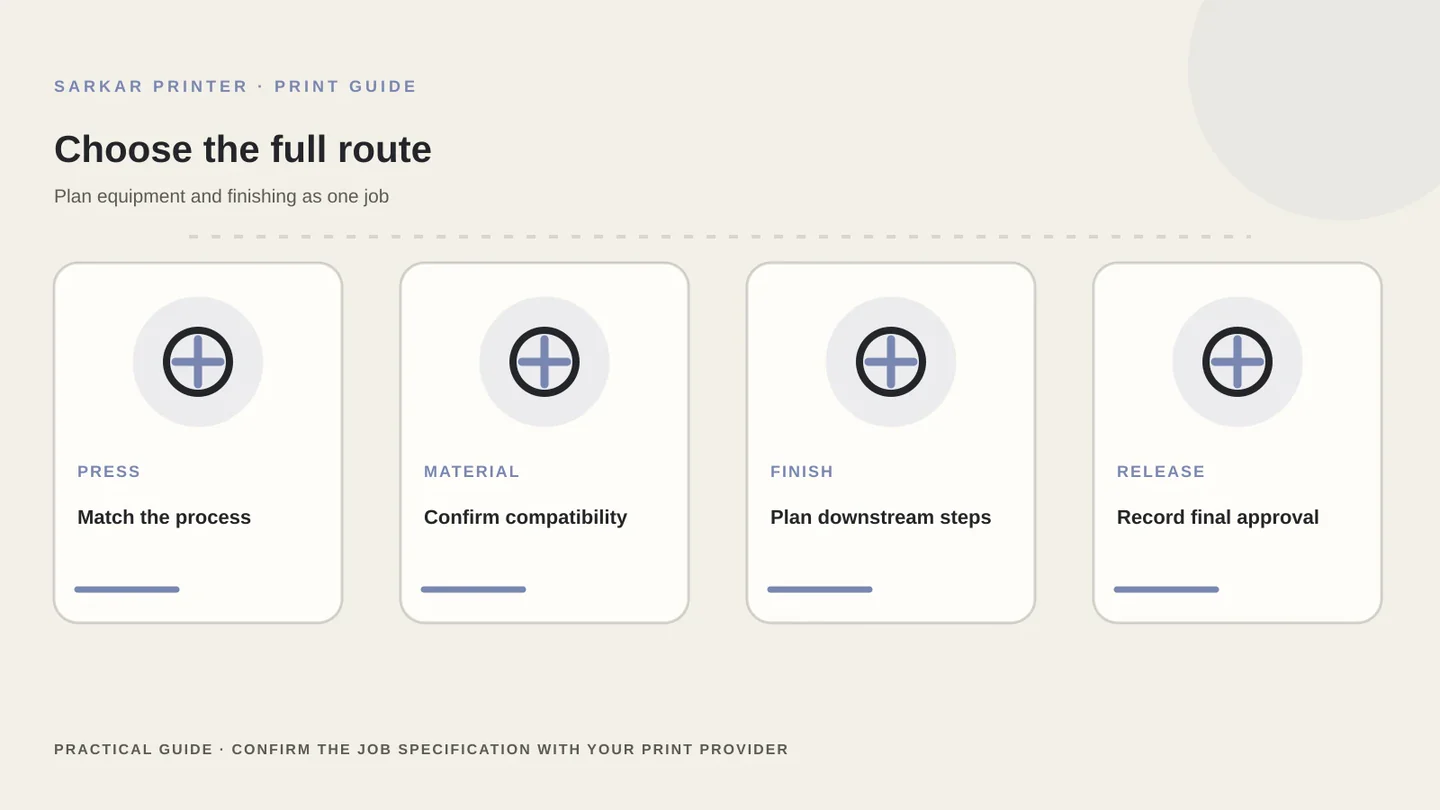
Print technology workflow at a glance
The exact steps depend on the provider, press and finished product. Use these questions to make the handoff clear.
| Stage | What happens | What to confirm |
|---|---|---|
| Brief | The team defines the finished product and quantity | Size, stock, versions, colour and due date |
| Prepress | Artwork is checked and prepared for output | PDF standard, fonts, bleed and dieline |
| RIP and output | Software prepares data for the selected device | Screening, colour settings and imposition owner |
| Press | The selected process prints on the specified material | Proof, stock and agreed quality checks |
| Finishing | The printed piece is trimmed, folded, bound or converted | Sequence, tolerances and final sample |
CONTINUE THE PRINT PLAN
Make the next print decision with a clear brief.
Share the finished product, artwork status and material before choosing a route. Explore offset printing, packaging printing, or send a print enquiry.
Frequently asked questions
What does print technology include?
It includes the artwork and prepress workflow, output software, printing process, colour controls, materials and finishing used to make a printed item.
What is a RIP in printing?
A raster image processor interprets page data and prepares output for a particular device. The functions included in a RIP depend on the software and workflow.
Should I convert every print file to CMYK?
No single conversion setting suits every job. Ask the print provider which colour space, profiles and PDF settings match its press and substrate.
Why does the proof matter?
A proof lets the team check content, layout, colour intent and finishing details before production. Ask what type of proof best matches the job.