
Choosing among the types of printing gets easier when you begin with the result you need. Note what the printed piece must do, who will use it, where it will be handled and how many versions you need. A business card, a folding carton and a long-run catalogue may all need different production decisions. Align sheet dimensions with ISO 216 international paper standards and preflight color separations using Adobe InDesign print-ready PDF guidelines.
Start with the job, not the machine
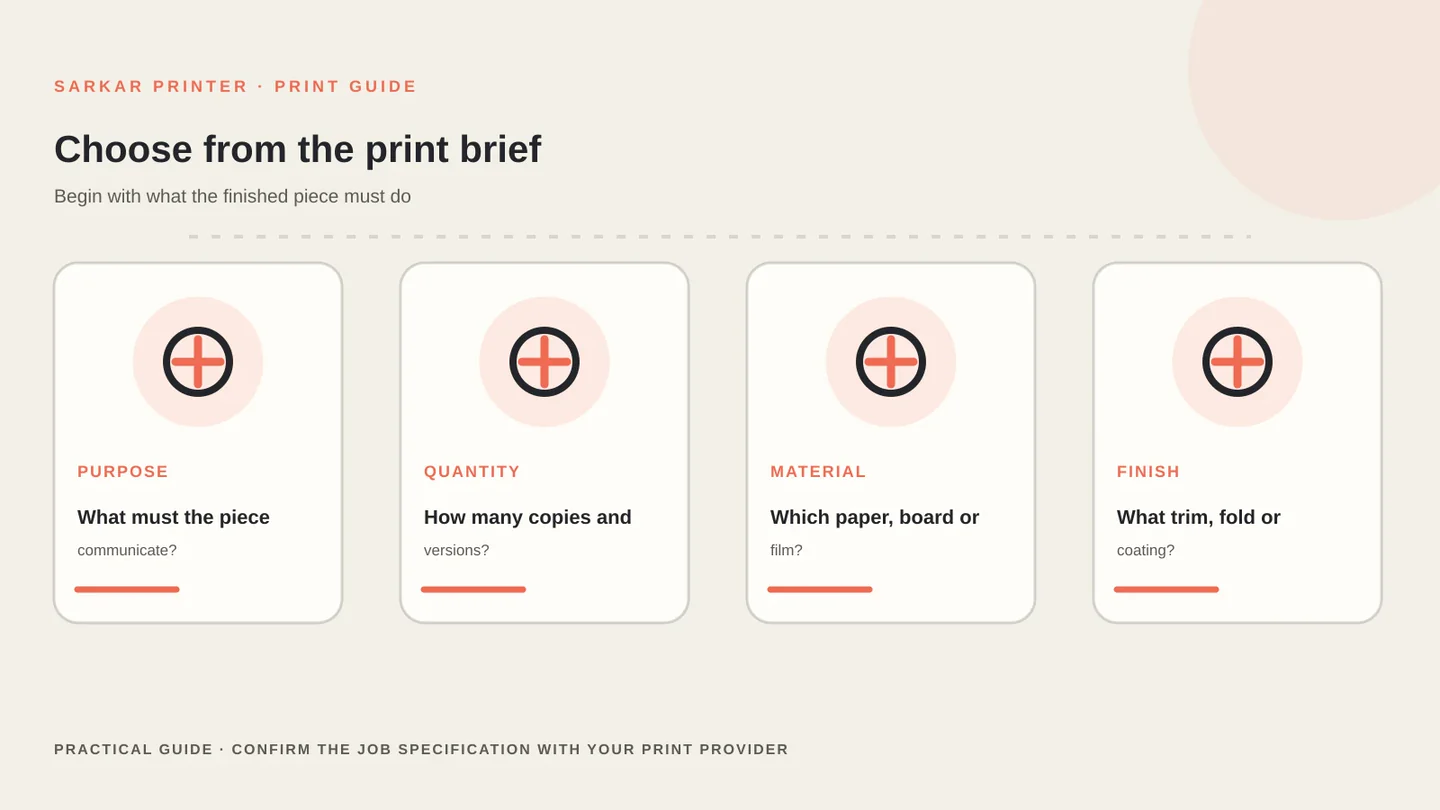
Choosing among the types of printing gets easier when you begin with the result you need. Note what the printed piece must do, who will use it, where it will be handled and how many versions you need. A business card, a folding carton and a long-run catalogue may all need different production decisions.
Write down the finished size, quantity, substrate, colour requirements, finishing and delivery date. Flag variable names, serial numbers or regional versions early. Those details can change how the printer prepares the files and organises the run.
Then ask the printer which process can meet the brief on the required material. The press name alone does not decide the outcome: equipment, paper or board, artwork quality, finishing and quality controls all affect the finished piece.
How the main types of printing differ
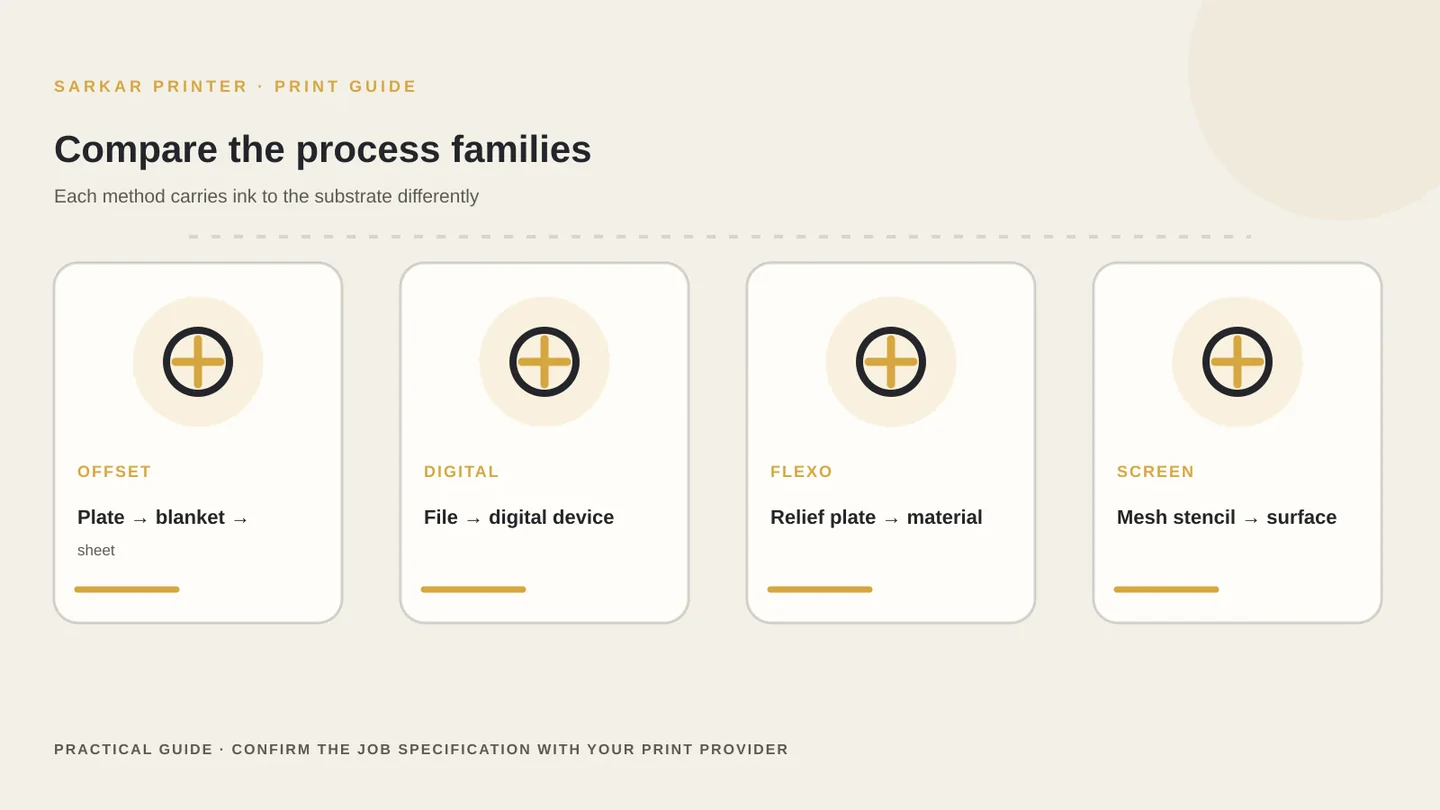
Offset printing transfers an image from a plate to a blanket and then to the printing surface. The setup takes preparation, so the process often suits repeatable commercial runs where consistent colour and finishing matter. Compare its strengths and trade-offs with the offset versus digital printing guide.
Digital printing sends artwork from a digital file to the output device without making a conventional printing plate for each image. It can support shorter runs and version changes, but the exact options depend on the equipment and material.
Flexographic printing uses a flexible relief plate and commonly appears in packaging and label production. Screen printing pushes ink through a prepared mesh stencil and can suit selected materials or specialty effects. Gravure transfers ink from engraved cells and serves particular high-volume applications. These are broad descriptions; a supplier should confirm its own process limits.
Match quantity, material and version needs
Quantity helps you frame the discussion, but there is no universal break-even number that works for every printer. Setup, make-ready, paper, colours, finishing, waste allowance and repeat orders all affect the quote. Ask for comparable specifications and a proof when you evaluate options.
Material can rule out a process before price does. A carton board, label stock, paper sheet and flexible film behave differently on press. Share the exact material or a reference sample, and ask whether the proposed process supports it.
Versioning also matters. A job with one master design may follow a different route from a campaign that needs many names, locations or product variants. Explain the number of versions and who will approve them. For the file handoff, use our artwork handoff checklist.
Prepare files and approve a production proof
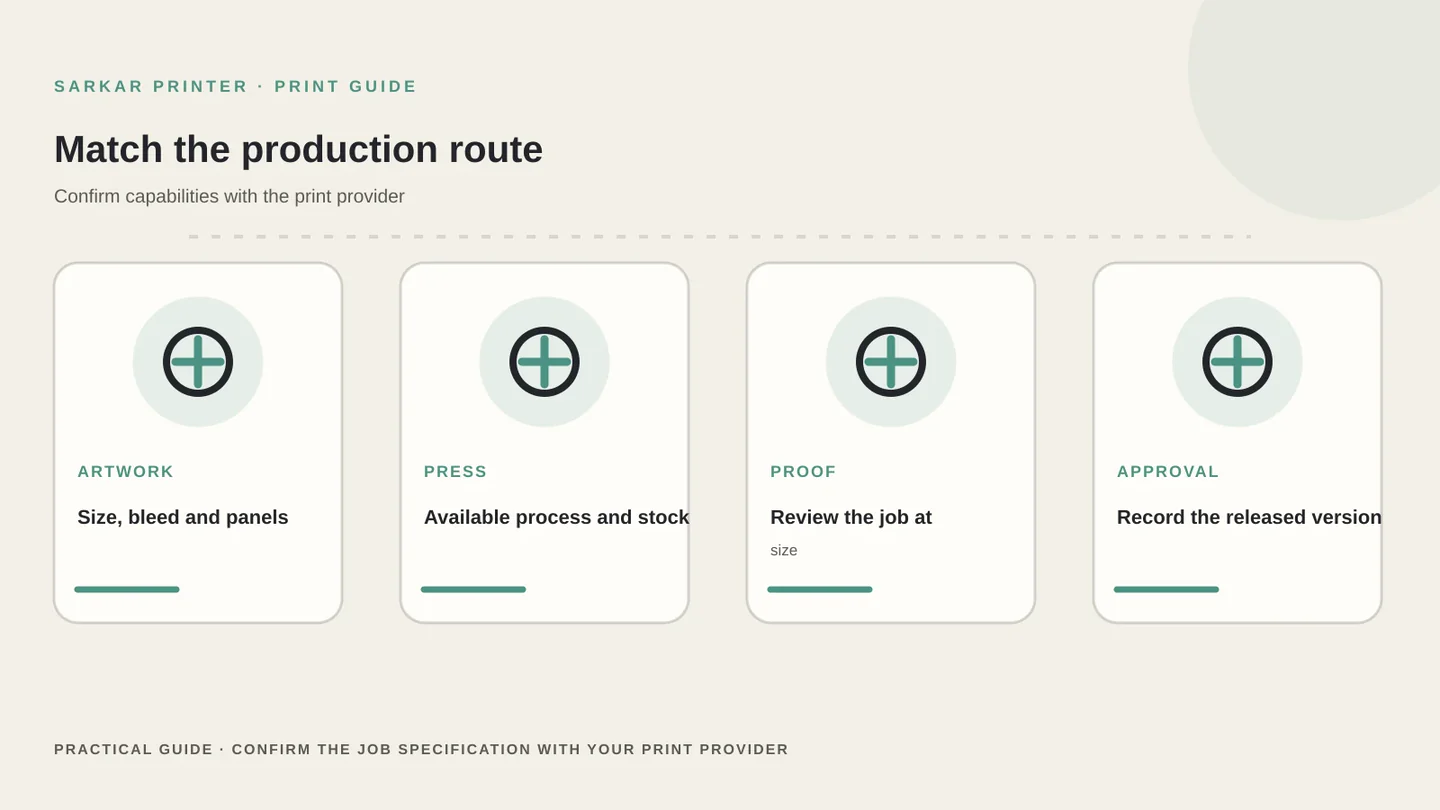
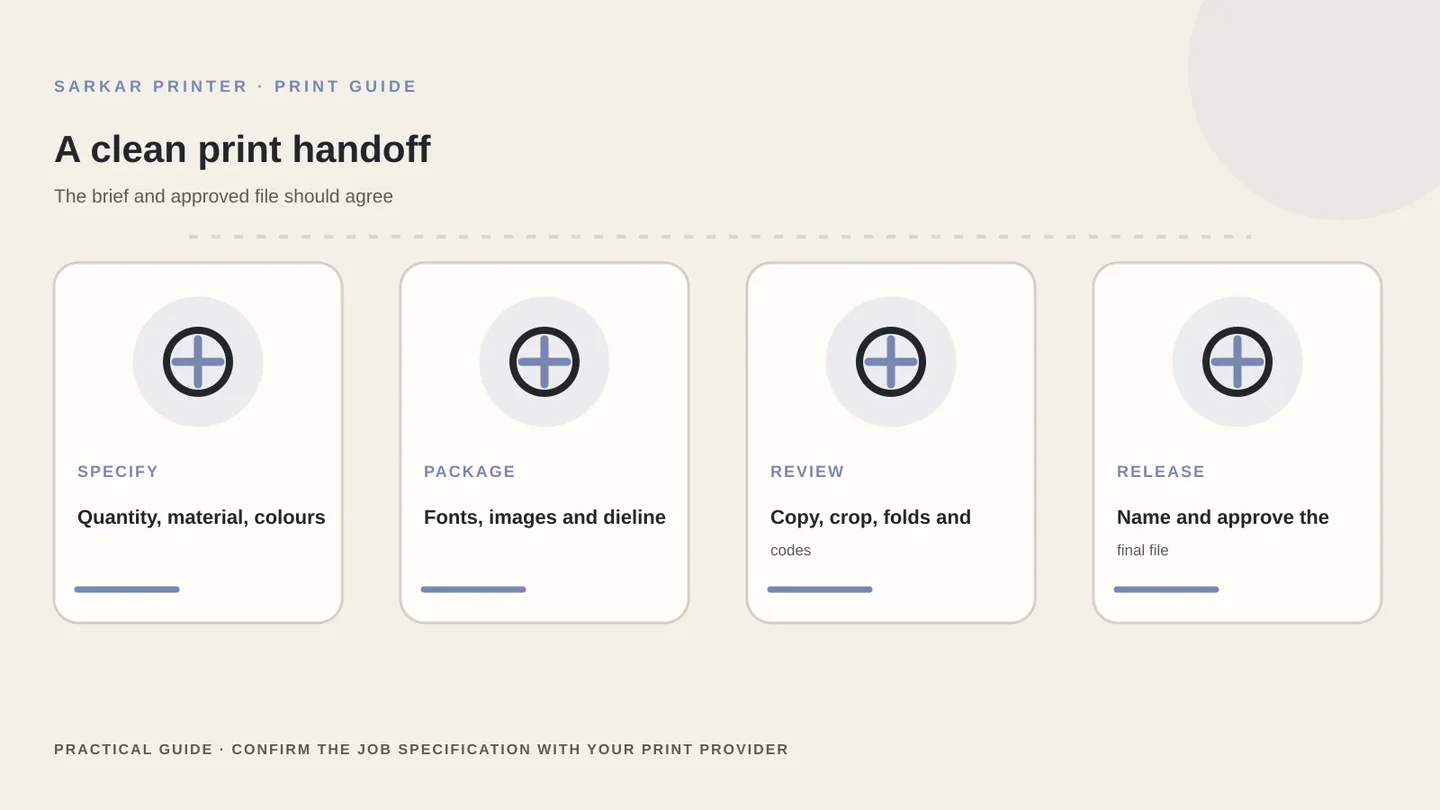
Send final dimensions, page or panel order, bleed, colour references, linked images and any supplied dieline. Package fonts or outline them only when your design workflow and printer require it. Keep approved copy separate from working notes so production receives a clear version.
Review the proof at the actual reading size. Check text, image crop, colour intent, panel order, folds, codes and trim. A screen preview helps you catch layout problems, but it cannot reproduce every paper, press or finishing condition. For images, check final placed size and effective resolution with our best DPI for print guide.
Record who approved the file and which version they approved. If a detail changes after sign-off, update the version name and review the changed area again. This creates a simple audit trail for repeat orders.
Print process comparison
Use this as a starting point for a supplier conversation; process capabilities vary by equipment and substrate.
| Process | How the image transfers | Discuss it when |
|---|---|---|
| Offset | Plate to blanket to substrate | A repeatable commercial run needs planned setup and finishing |
| Digital | Digital file to output device | Shorter runs or multiple artwork versions matter |
| Flexographic | Flexible relief plate to material | The job uses packaging or label workflows supported by the press |
| Screen | Ink passes through a prepared mesh stencil | The substrate or effect suits the supplier’s screen setup |
| Gravure | Engraved cells transfer ink | A specialist high-volume application matches the supplier’s capability |
CONTINUE THE PRINT PLAN
Make the next print decision with a clear brief.
Bring the finished size, material, quantity and version count to the conversation. Explore offset printing or packaging printing with Sarkar Printer.
Frequently asked questions
What are the main types of printing?
Common commercial processes include offset, digital, flexographic, screen and gravure printing. Each uses a different image-transfer method and has different material and setup requirements.
Is offset or digital printing better?
Neither process is best for every job. Compare the final specification, run size, version needs, stock, finishing and quote with the printer.
Can one print process work on every material?
No. A process must fit the material, press and finishing route. Share a sample or exact substrate and ask the supplier to confirm compatibility.
What should I send for a print-process quote?
Share dimensions, quantity, material, colour and finishing requirements, versions, artwork status and delivery date. Ask what proof the supplier recommends.