
A print file handoff is a small production package: final artwork, supporting assets, a clear specification and the name of the approved version. A complete artwork handoff for printing helps the pre-press team review the file without guessing which pieces belong together.
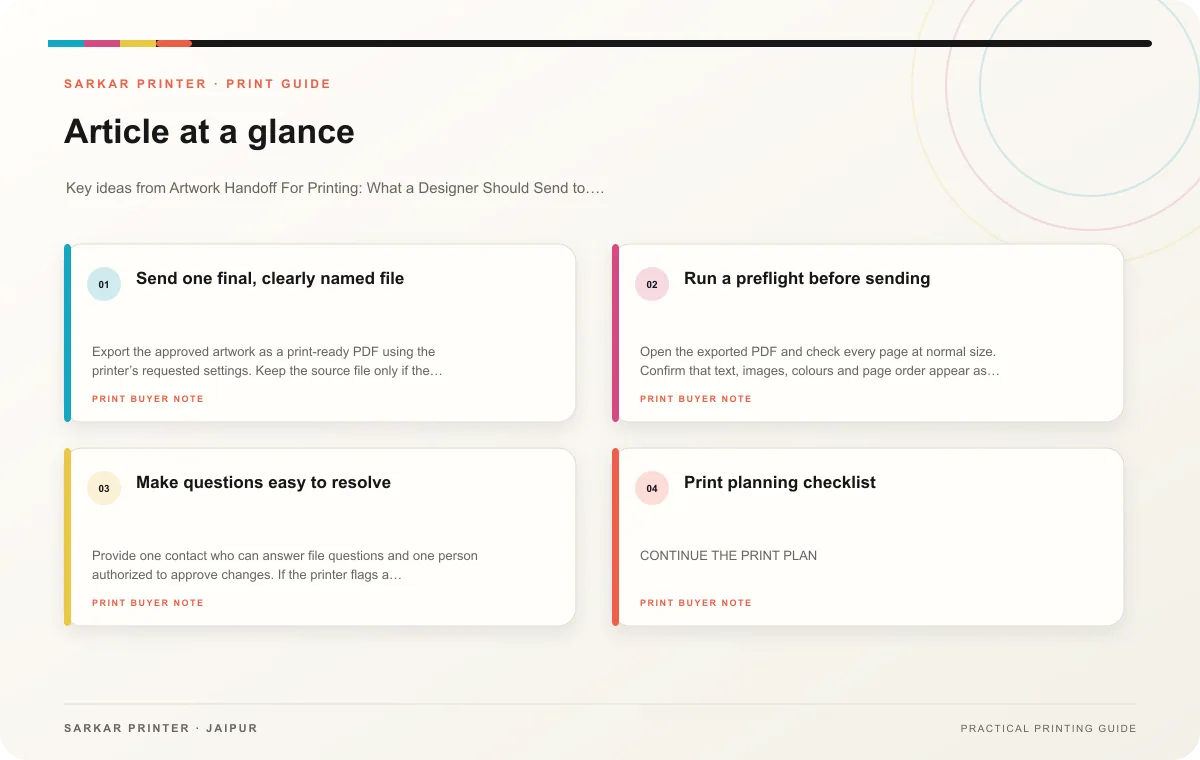
Send one final, clearly named file
Export the approved artwork as a print-ready PDF using the printer’s requested settings. Keep the source file only if the print team needs it, and include linked images, fonts or other assets only in the agreed structure. Avoid sending several files named “final” without a revision date or status.
Include a note with the finished size, page count or panel order, quantity, paper preference, finishing, delivery date and any special instructions. If artwork contains versions, name each by product or language and include a version list. State whether the PDF is for review or approved for production.
Run a preflight before sending
Open the exported PDF and check every page at normal size. Confirm that text, images, colours and page order appear as intended. Ensure no temporary notes, crop marks or hidden layers remain unless the printer requests them. Ask the printer to confirm technical details such as bleed, colour mode and resolution for the actual job.
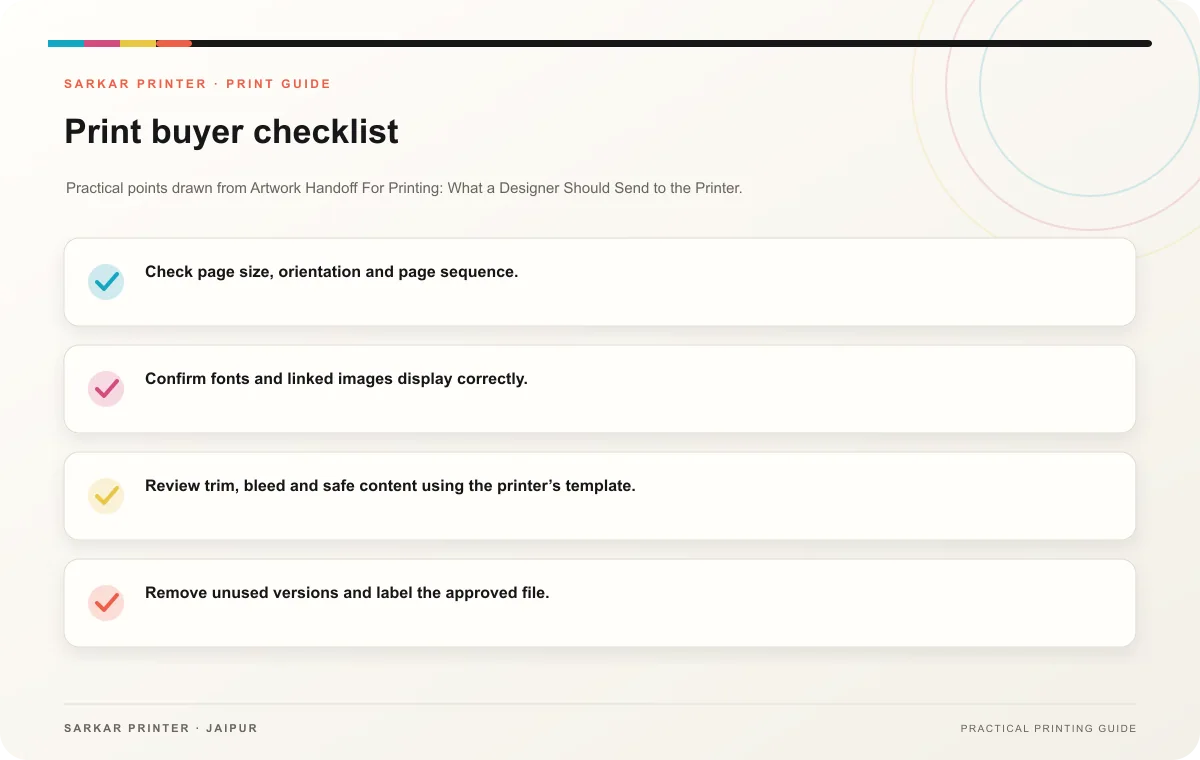
- Check page size, orientation and page sequence.
- Confirm fonts and linked images display correctly.
- Review trim, bleed and safe content using the printer’s template.
- Remove unused versions and label the approved file.
- Keep a copy of the final PDF and the written brief.
Make questions easy to resolve
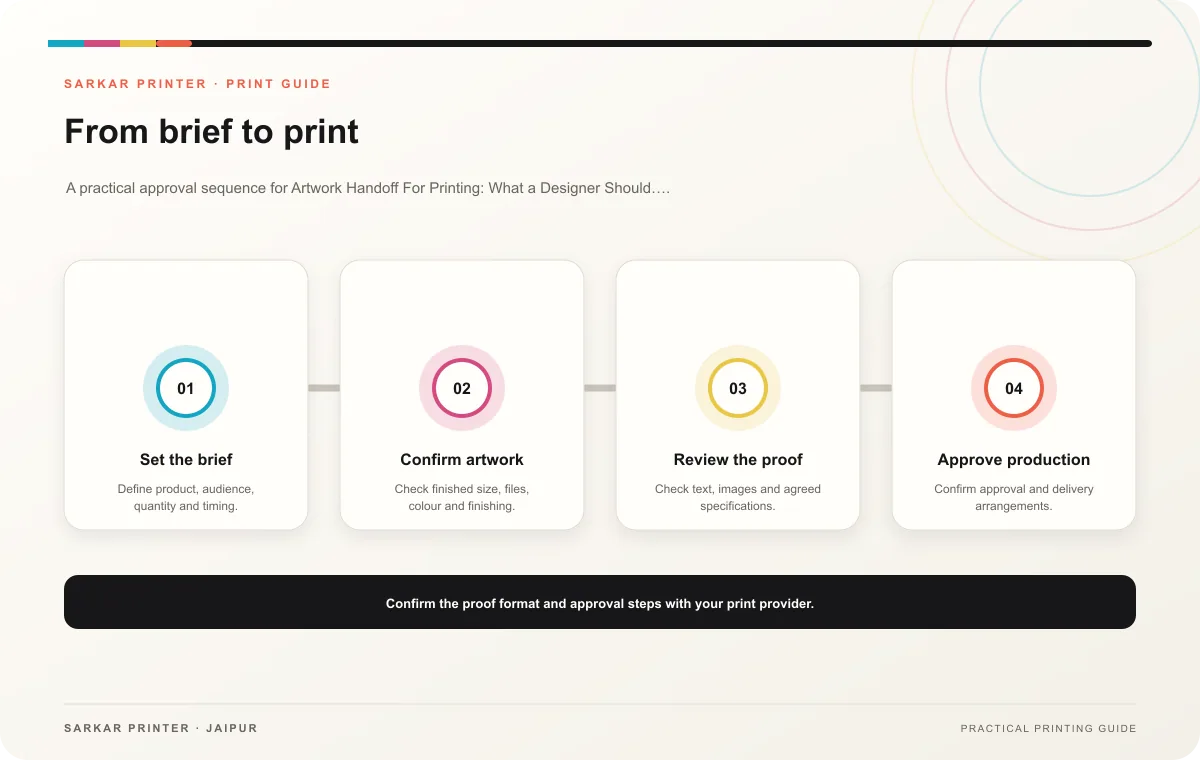
Provide one contact who can answer file questions and one person authorized to approve changes. If the printer flags a problem, ask for the page number and a marked preview. Correct the source artwork, export a new revision and replace the earlier file clearly.
Print planning checklist
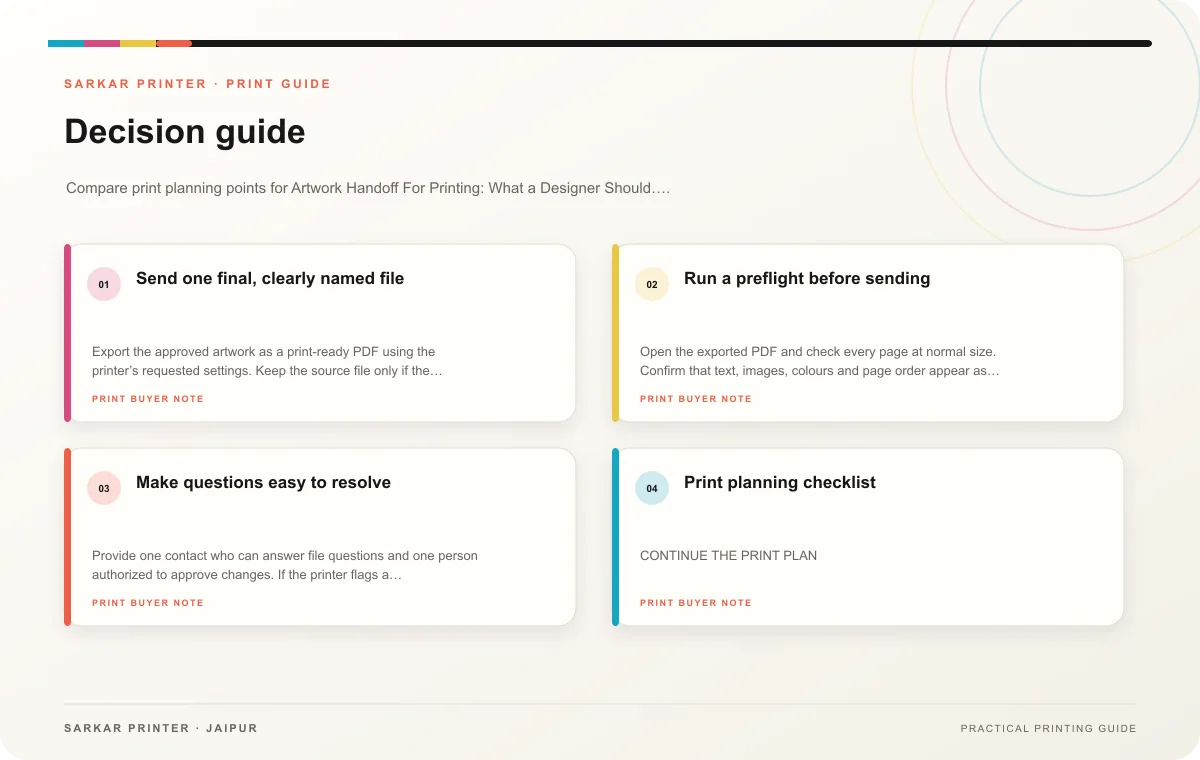
| Topic | Key point | Check before approval |
|---|---|---|
| Send one final, clearly named file | Export the approved artwork as a print-ready PDF using the printer’s requested settings. Keep the source file only if the print team needs it, and include linked images, fonts or other… | Check the supplied file at final size and confirm bleed and safe areas. |
| Run a preflight before sending | Open the exported PDF and check every page at normal size. Confirm that text, images, colours and page order appear as intended. Ensure no temporary notes, crop marks or hidden layers… | Compare estimates at the quantities you are considering. |
| Make questions easy to resolve | Provide one contact who can answer file questions and one person authorized to approve changes. If the printer flags a problem, ask for the page number and a marked preview. Correct the… | Record the agreed choice in the approved print brief. |
CONTINUE THE PRINT PLAN
Keep the next step useful.
Explore the service page or related drafts, then send the agreed brief to the print team.
Frequently asked questions
Should I send an editable file?
Follow the printer’s preference. A ready PDF often serves as the primary handoff; source files may help if your team needs edits.
How do I identify the approved version?
Use a descriptive filename, revision date and written approval status.
Can I email a link instead of attachments?
Use an accessible file-sharing link and tell the printer what files it contains and when it expires.