
Fonts affect the shape, spacing and readability of a printed design. Before sending fonts in print ready files, confirm how the printer wants type handled in the final PDF and keep a safe, editable source for future updates.
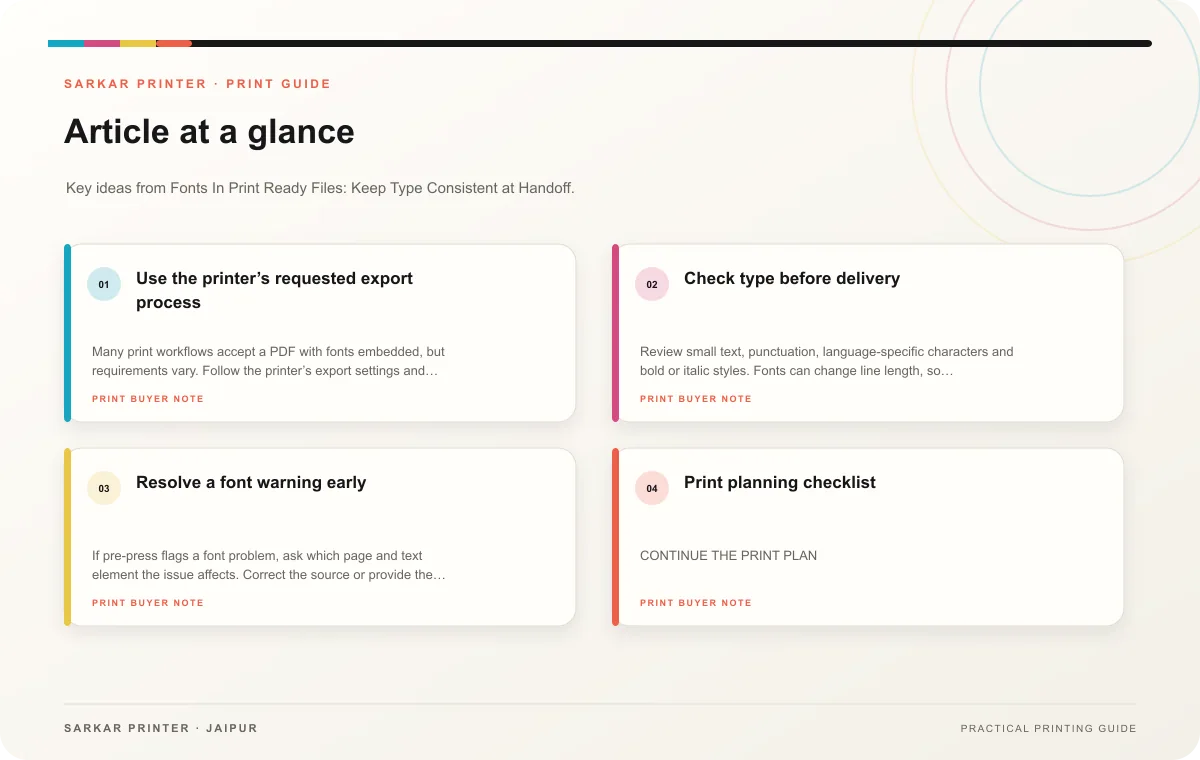
Use the printer’s requested export process
Many print workflows accept a PDF with fonts embedded, but requirements vary. Follow the printer’s export settings and inspect the result on another device or PDF viewer. Look for substituted type, missing symbols, unexpected line breaks or text that has shifted. Do not assume that a file that looks correct on the designer’s computer will display the same everywhere.
Keep the working file and licensed font files under the team’s control. If the printer needs to edit the source, confirm that the font license permits sharing. A PDF can protect the intended appearance while the source remains editable for the design team, but ask the printer which approach suits the job.
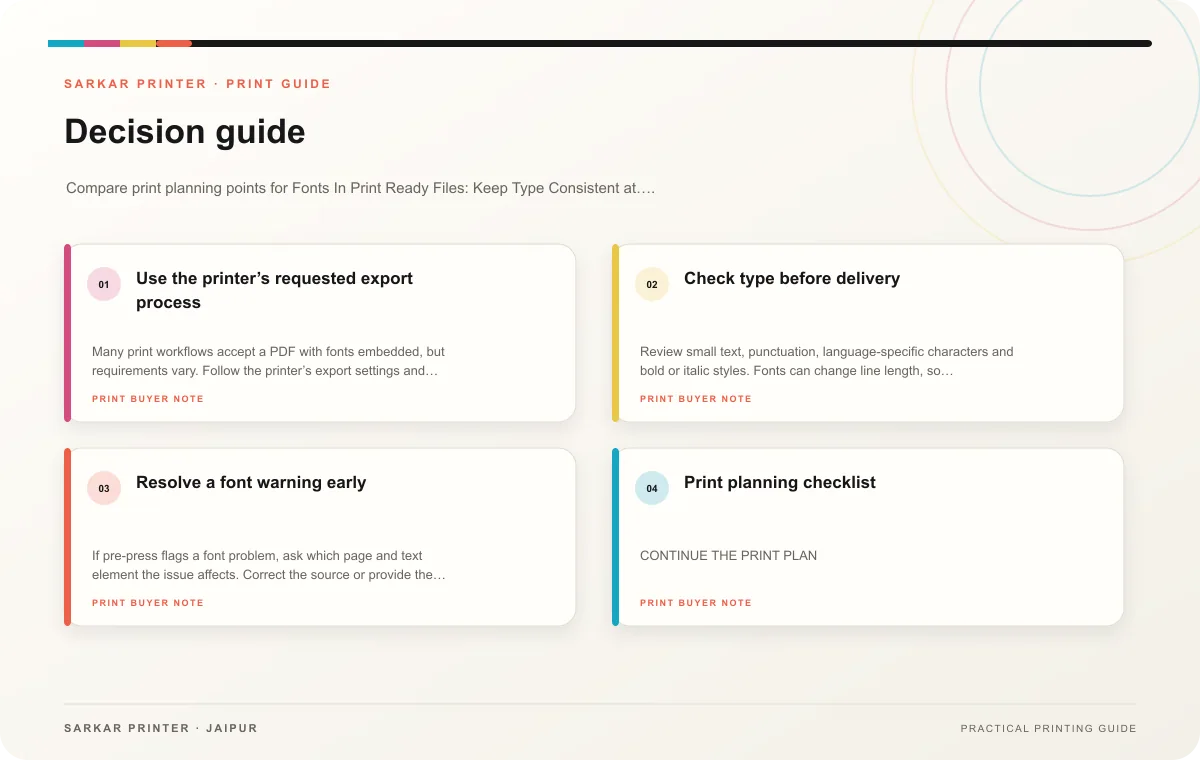
Check type before delivery
Review small text, punctuation, language-specific characters and bold or italic styles. Fonts can change line length, so inspect any paragraph that sits close to a panel edge. Check headings and page numbers too; recurring elements can reveal a substitution that is easy to miss in a single page.
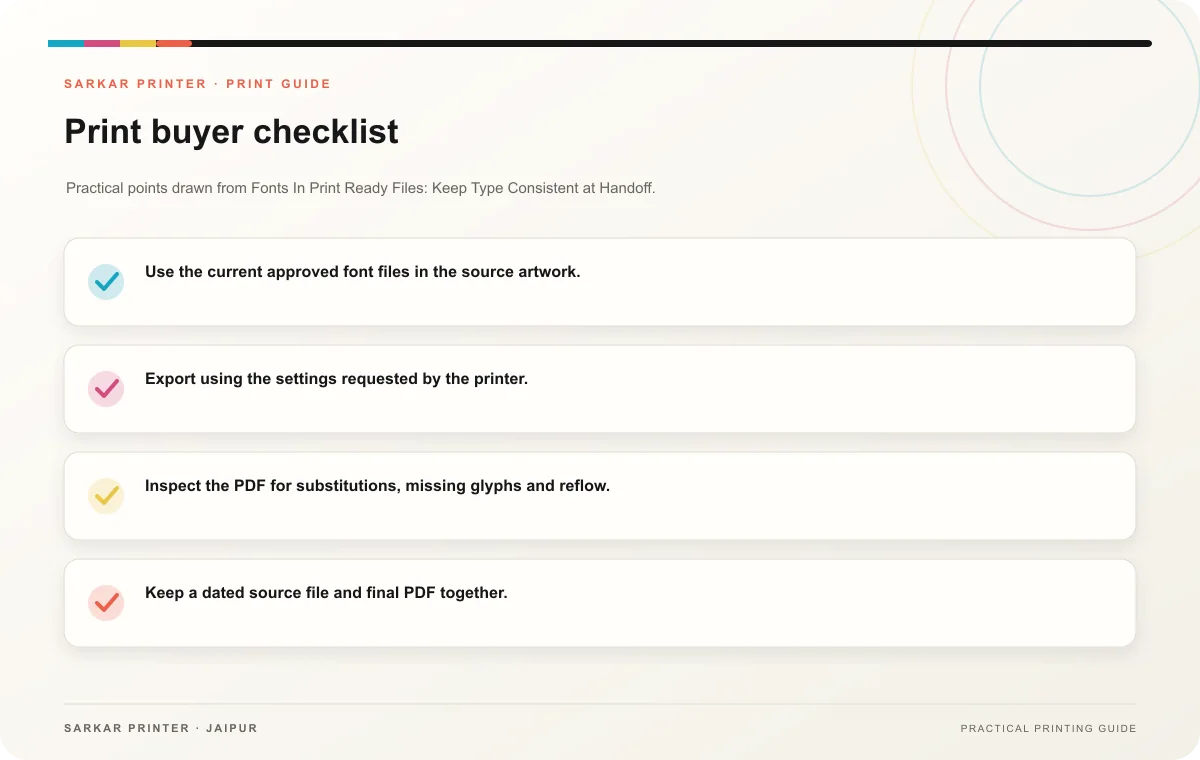
- Use the current approved font files in the source artwork.
- Export using the settings requested by the printer.
- Inspect the PDF for substitutions, missing glyphs and reflow.
- Keep a dated source file and final PDF together.
- Ask before sending editable files or licensed fonts externally.
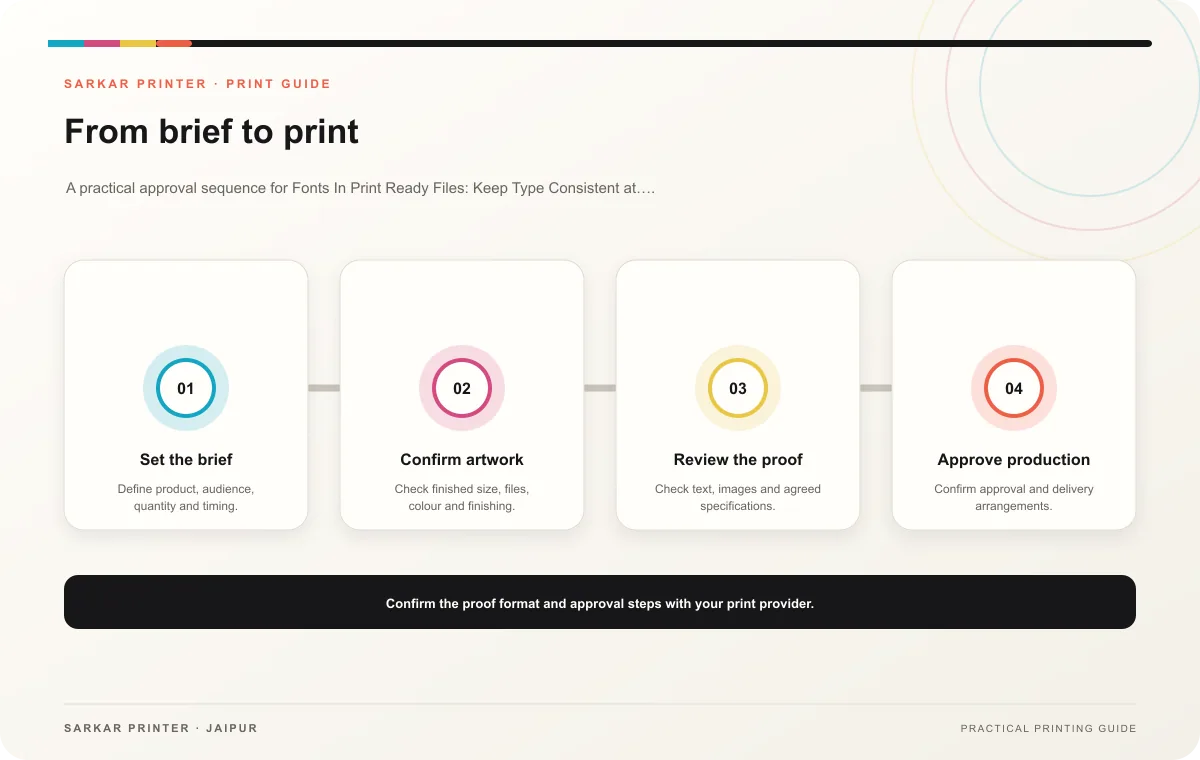
Resolve a font warning early
If pre-press flags a font problem, ask which page and text element the issue affects. Correct the source or provide the requested file, then export a new version. Replace the earlier PDF and clearly mark the new revision so production uses only the approved file.
Print planning checklist
| Topic | Key point | Check before approval |
|---|---|---|
| Use the printer’s requested export process | Many print workflows accept a PDF with fonts embedded, but requirements vary. Follow the printer’s export settings and inspect the result on another device or PDF viewer. Look for… | Record the agreed choice in the approved print brief. |
| Check type before delivery | Review small text, punctuation, language-specific characters and bold or italic styles. Fonts can change line length, so inspect any paragraph that sits close to a panel edge. Check… | Confirm the dispatch date and delivery location before accepting the schedule. |
| Resolve a font warning early | If pre-press flags a font problem, ask which page and text element the issue affects. Correct the source or provide the requested file, then export a new version. Replace the earlier PDF… | Record the agreed choice in the approved print brief. |
CONTINUE THE PRINT PLAN
Keep the next step useful.
Explore the service page or related drafts, then send the agreed brief to the print team.
Frequently asked questions
Should I outline all text?
Follow the printer’s workflow. Outlining can affect editability and accessibility, so do not use it by default without checking.
What does embedded mean?
It means the PDF carries font data needed to render the text as intended, subject to font licensing and export settings.
What should I do with a font warning?
Identify the affected text, correct the source and send a clearly versioned replacement PDF.