
A print package should include every image the artwork needs and make clear which version the approver selected. Knowing how to package artwork images for print prevents missing links and mismatched assets during handoff.
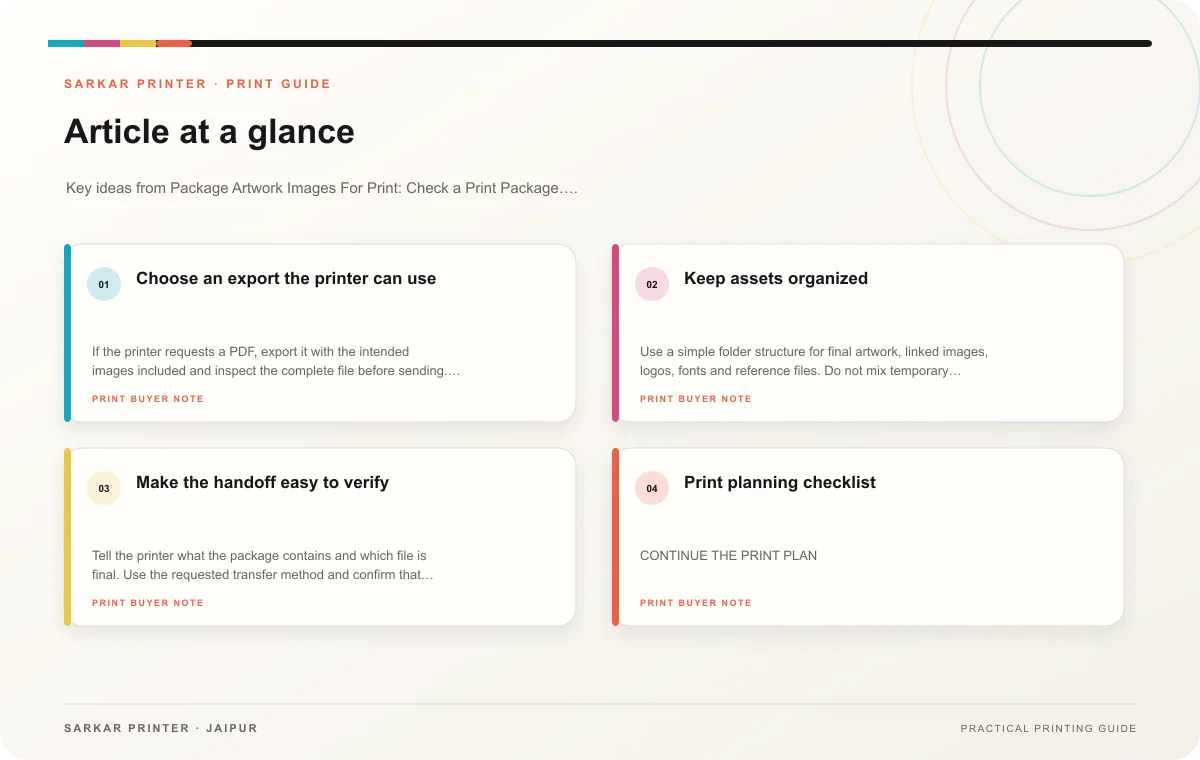
Choose an export the printer can use
If the printer requests a PDF, export it with the intended images included and inspect the complete file before sending. If the printer needs a native design file, collect linked images in one folder and use the application’s package or collect-files feature where available. Keep folder names short and assets clearly labelled.
Check that each image shows the correct product, has the intended crop and remains sharp at its final size. Avoid replacing an asset after proof approval without recording a new revision. If the print team uses a different image than the proof, the final output may no longer match the approved design.
Keep assets organized
Use a simple folder structure for final artwork, linked images, logos, fonts and reference files. Do not mix temporary exports with production assets. A short readme can identify the approved PDF, finished size and revision date. If an image has usage restrictions, include a note for the team responsible for handling it.
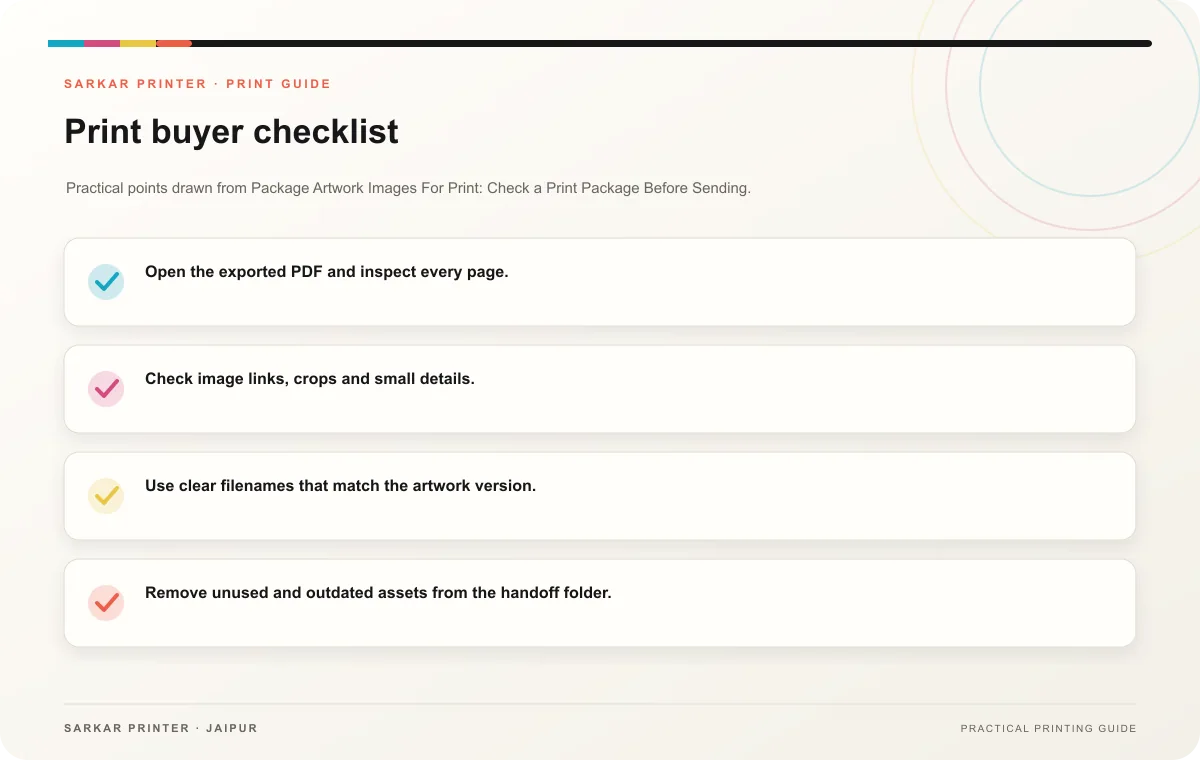
- Open the exported PDF and inspect every page.
- Check image links, crops and small details.
- Use clear filenames that match the artwork version.
- Remove unused and outdated assets from the handoff folder.
- Keep a copy of the approved proof with the final package.
Make the handoff easy to verify
Tell the printer what the package contains and which file is final. Use the requested transfer method and confirm that files uploaded completely. If a link has an expiry date, make sure the printer can access it during production. Keep the delivered package unchanged after approval.
Print planning checklist
| Topic | Key point | Check before approval |
|---|---|---|
| Choose an export the printer can use | If the printer requests a PDF, export it with the intended images included and inspect the complete file before sending. If the printer needs a native design file, collect linked images… | Record the agreed choice in the approved print brief. |
| Keep assets organized | Use a simple folder structure for final artwork, linked images, logos, fonts and reference files. Do not mix temporary exports with production assets. A short readme can identify the… | Record the agreed choice in the approved print brief. |
| Make the handoff easy to verify | Tell the printer what the package contains and which file is final. Use the requested transfer method and confirm that files uploaded completely. If a link has an expiry date, make sure… | Record the agreed choice in the approved print brief. |
CONTINUE THE PRINT PLAN
Keep the next step useful.
Explore the service page or related drafts, then send the agreed brief to the print team.
Frequently asked questions
Can I send only the PDF?
Often yes when the PDF is complete and the printer accepts it. Confirm the required format for the specific job.
Why send linked images separately?
A native file may need the original linked assets to open and edit correctly. Follow the printer’s request.
How should I mark the production file?
Use a descriptive name with product, revision and approval date, then identify it in your handoff note.