
A consistent print file naming convention helps a team find the approved design and avoid sending an old revision. Good filenames identify the item, version and status without relying on a vague “final final” label.
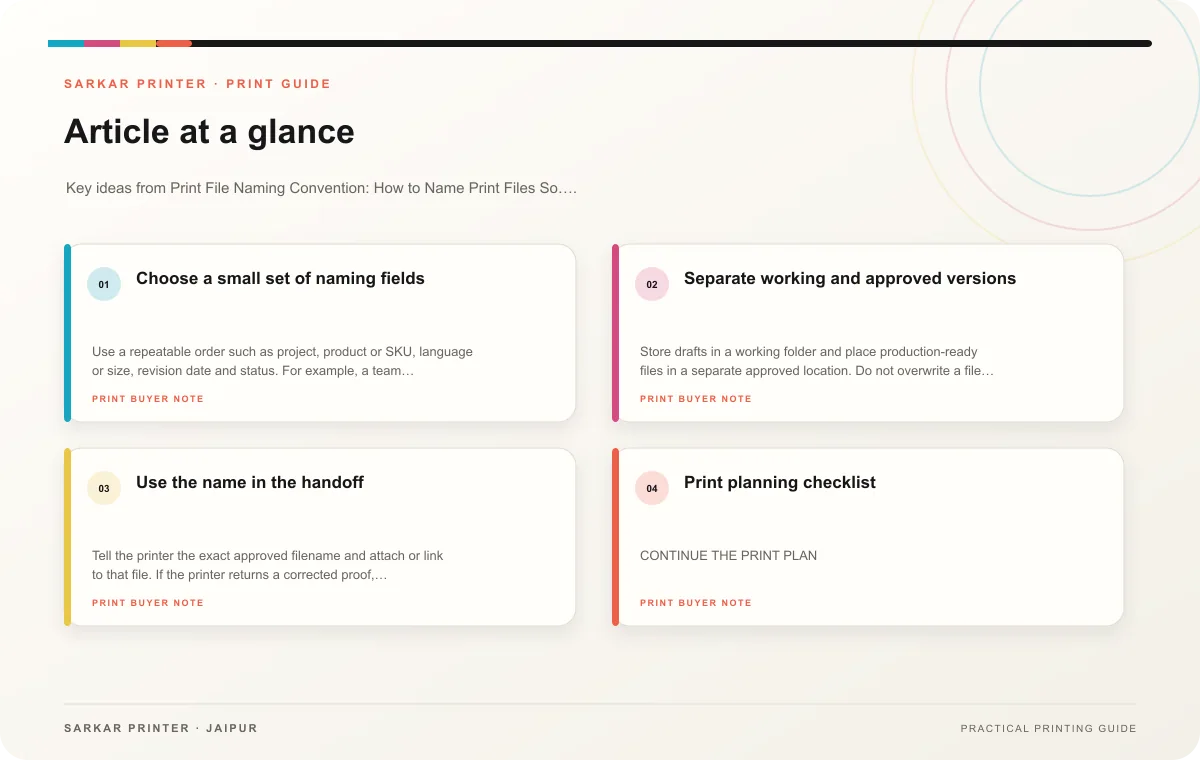
Choose a small set of naming fields
Use a repeatable order such as project, product or SKU, language or size, revision date and status. For example, a team might name files “Festival-Flyer-Jaipur-A4-en-r03-approved.pdf.” The exact pattern matters less than using it consistently and documenting it for everyone who prepares artwork.
Keep filenames readable and avoid characters that complicate uploads or sorting. Use the same product identifier in the artwork filename, data list and approval record. If a job has several variants, include the variant in every file name rather than hoping a folder order will make the difference obvious.
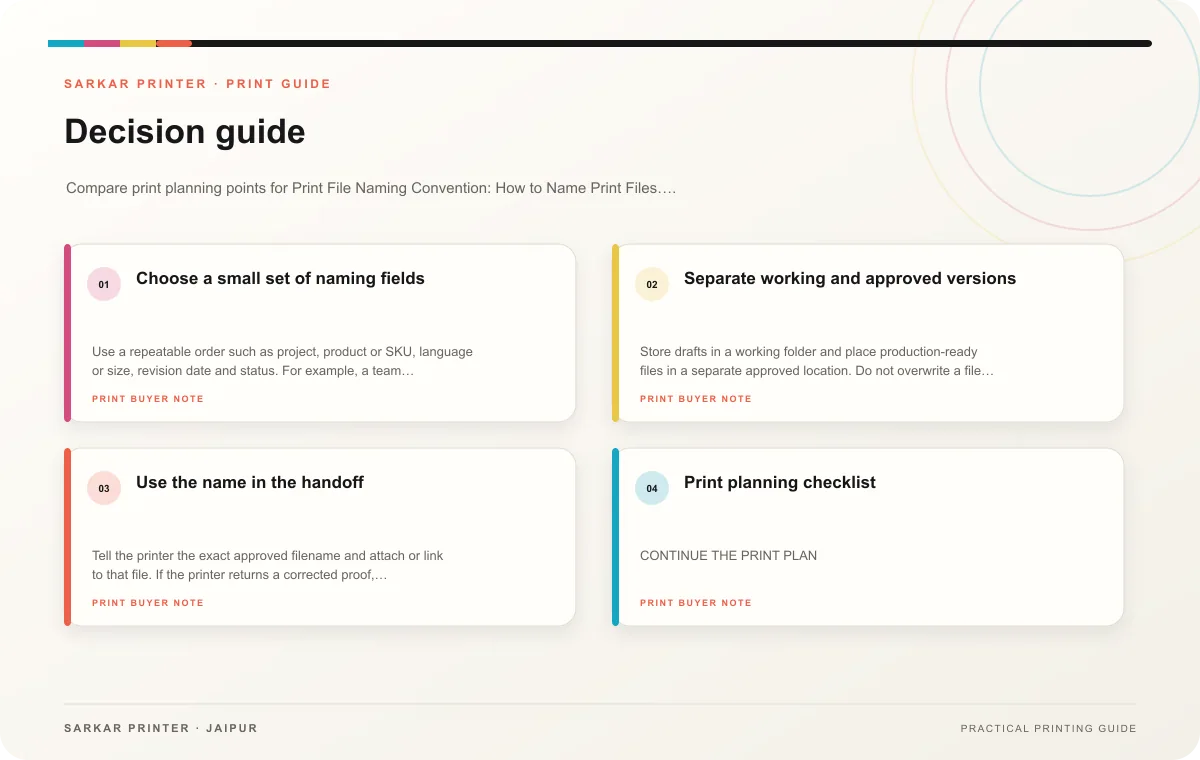
Separate working and approved versions
Store drafts in a working folder and place production-ready files in a separate approved location. Do not overwrite a file that has already received approval; make a new revision and record what changed. Mark the previous version as superseded so nobody mistakes it for the file to print.
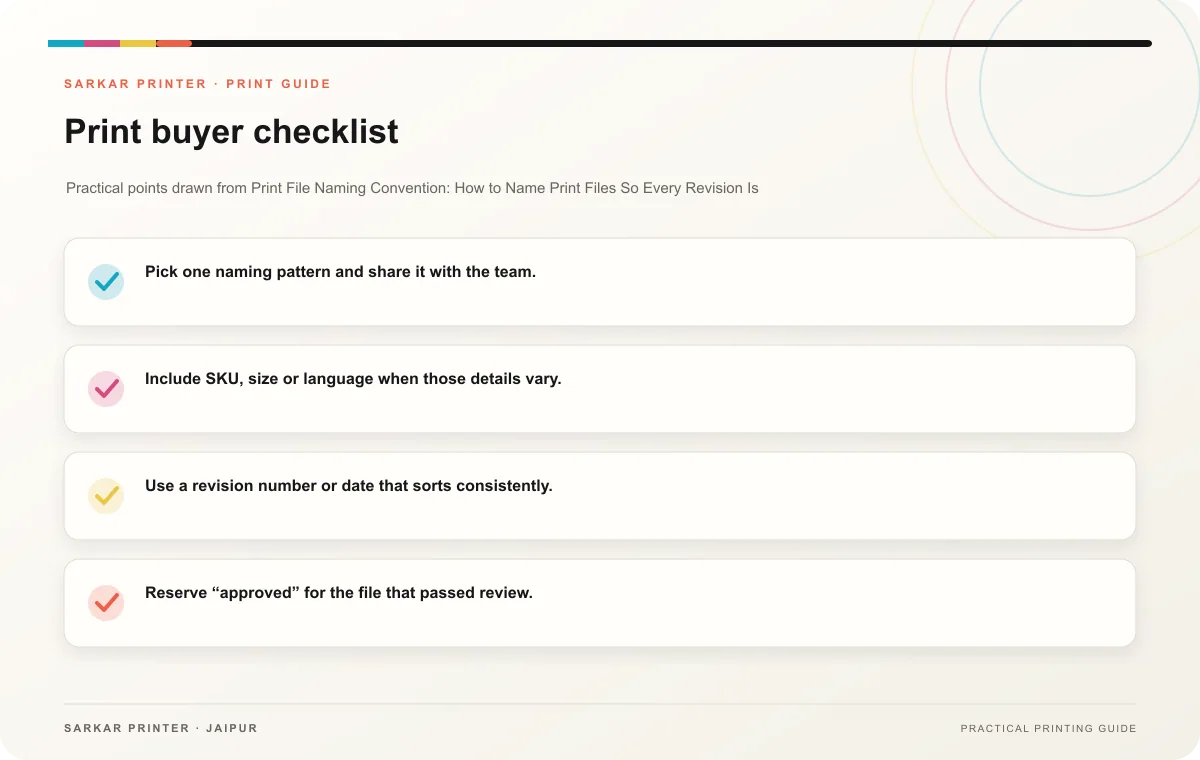
- Pick one naming pattern and share it with the team.
- Include SKU, size or language when those details vary.
- Use a revision number or date that sorts consistently.
- Reserve “approved” for the file that passed review.
- Keep an approval log with owner and date.
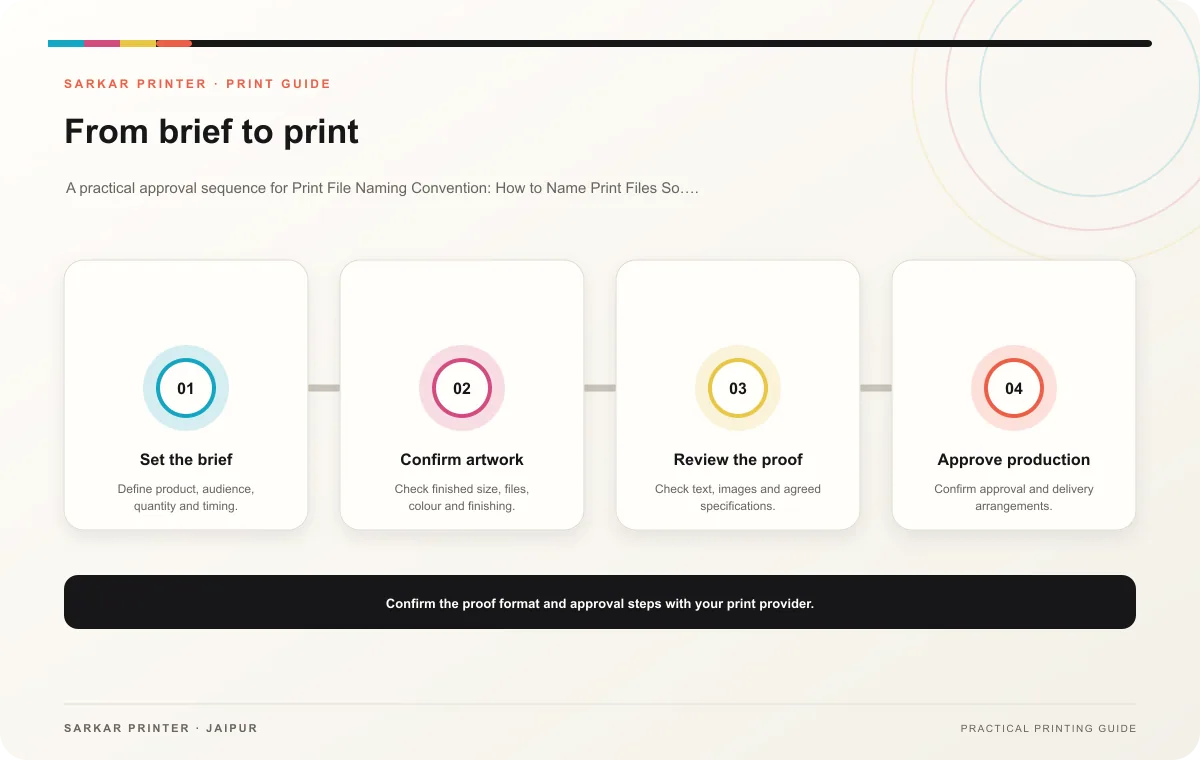
Use the name in the handoff
Tell the printer the exact approved filename and attach or link to that file. If the printer returns a corrected proof, create a new revision and repeat the approval. This simple practice helps teams match feedback, artwork and production records throughout the job.
Print planning checklist
| Topic | Key point | Check before approval |
|---|---|---|
| Choose a small set of naming fields | Use a repeatable order such as project, product or SKU, language or size, revision date and status. For example, a team might name files “Festival-Flyer-Jaipur-A4-en-r03-approved.pdf.”… | Record the agreed choice in the approved print brief. |
| Separate working and approved versions | Store drafts in a working folder and place production-ready files in a separate approved location. Do not overwrite a file that has already received approval; make a new revision and… | Record the agreed choice in the approved print brief. |
| Use the name in the handoff | Tell the printer the exact approved filename and attach or link to that file. If the printer returns a corrected proof, create a new revision and repeat the approval. This simple… | Record the agreed choice in the approved print brief. |
CONTINUE THE PRINT PLAN
Keep the next step useful.
Explore the service page or related drafts, then send the agreed brief to the print team.
Frequently asked questions
Should I use dates or revision numbers?
Either can work if the team can tell which version is current. A date and a short revision number can provide both context and sequence.
Can “final” appear in a filename?
Use it only for an approved production file and keep older versions clearly marked as superseded.
What should a team standardize first?
Agree on the fields, their order and the meaning of draft, review and approved statuses.