
A campaign that runs in several locations can produce many files, versions and local details. Print artwork version control keeps each branch traceable and helps every location receive the intended design.
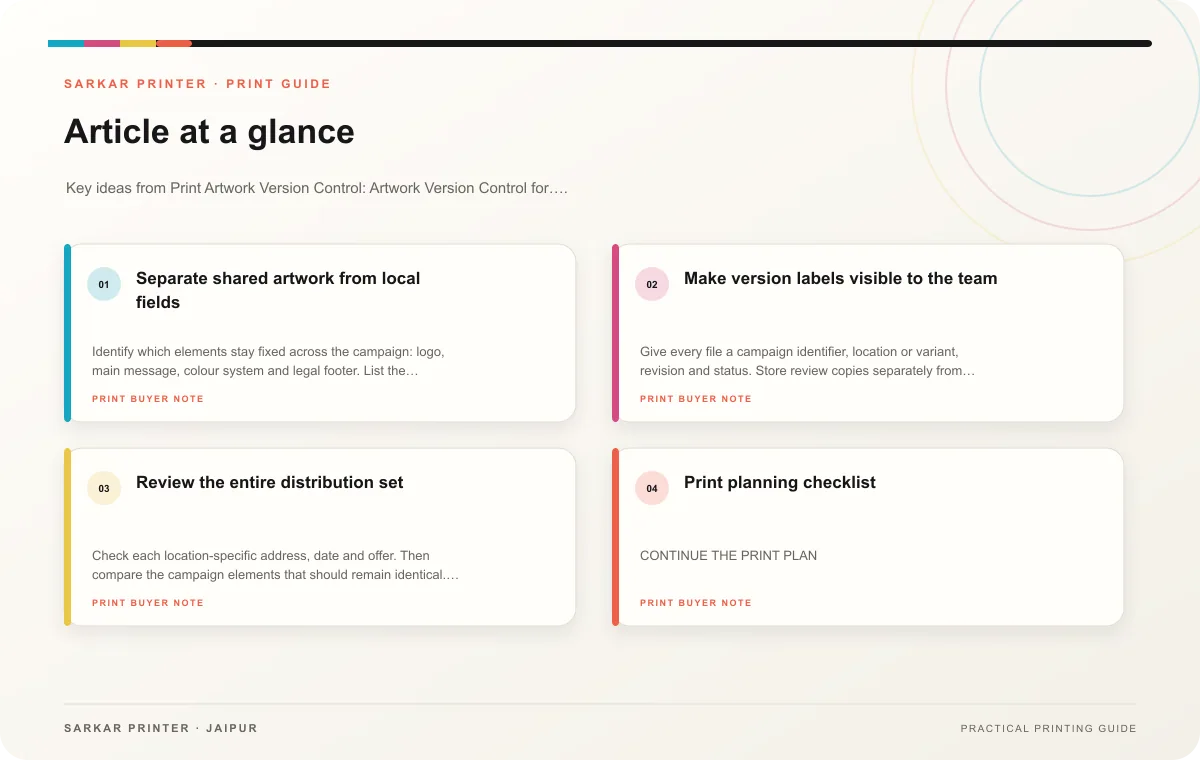
Separate shared artwork from local fields
Identify which elements stay fixed across the campaign: logo, main message, colour system and legal footer. List the details that vary, such as store address, phone number, date or offer. Put these fields in a controlled source table with one row per location and an owner for verification.
Use a master layout and create named variants from approved data. Keep one source of truth for the campaign and avoid editing exported files by hand. If a local manager requests a change, record it and route it through the person authorized to approve campaign copy.
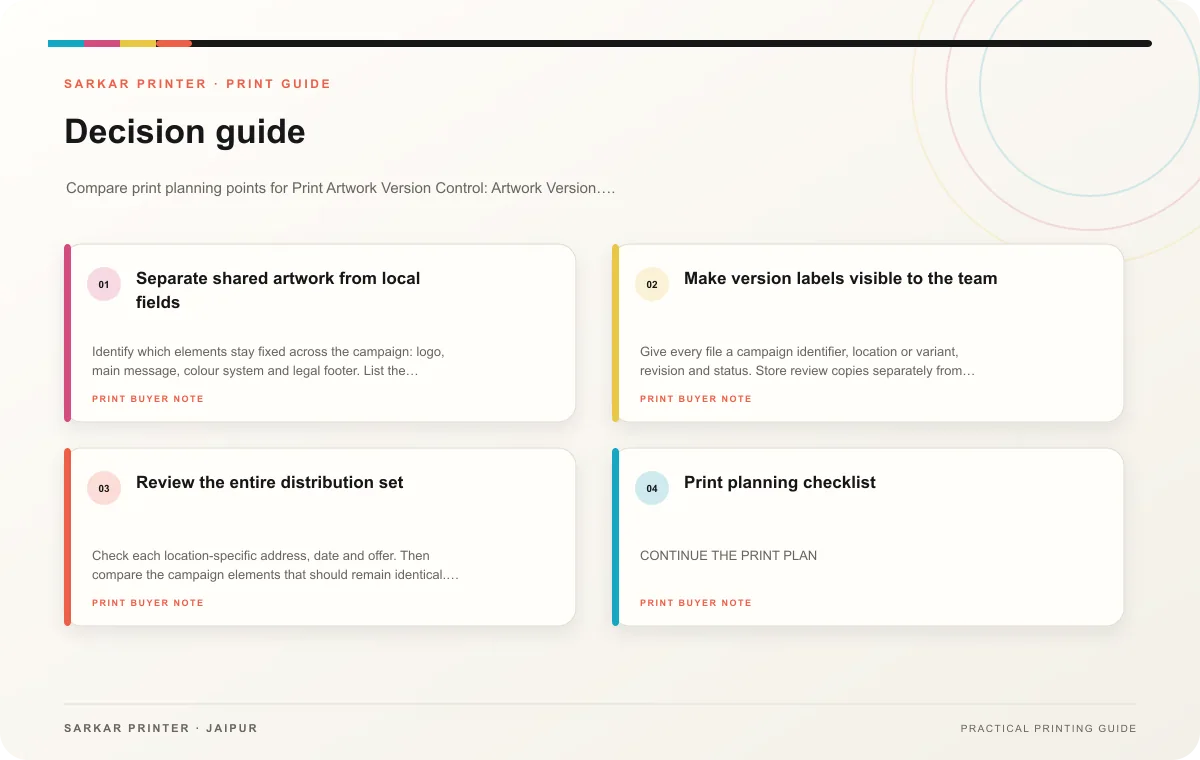
Make version labels visible to the team
Give every file a campaign identifier, location or variant, revision and status. Store review copies separately from approved production files. Keep a change log that records what changed, who requested it and who signed off. This helps a printer or coordinator answer the question “which file do we use?” without relying on memory.
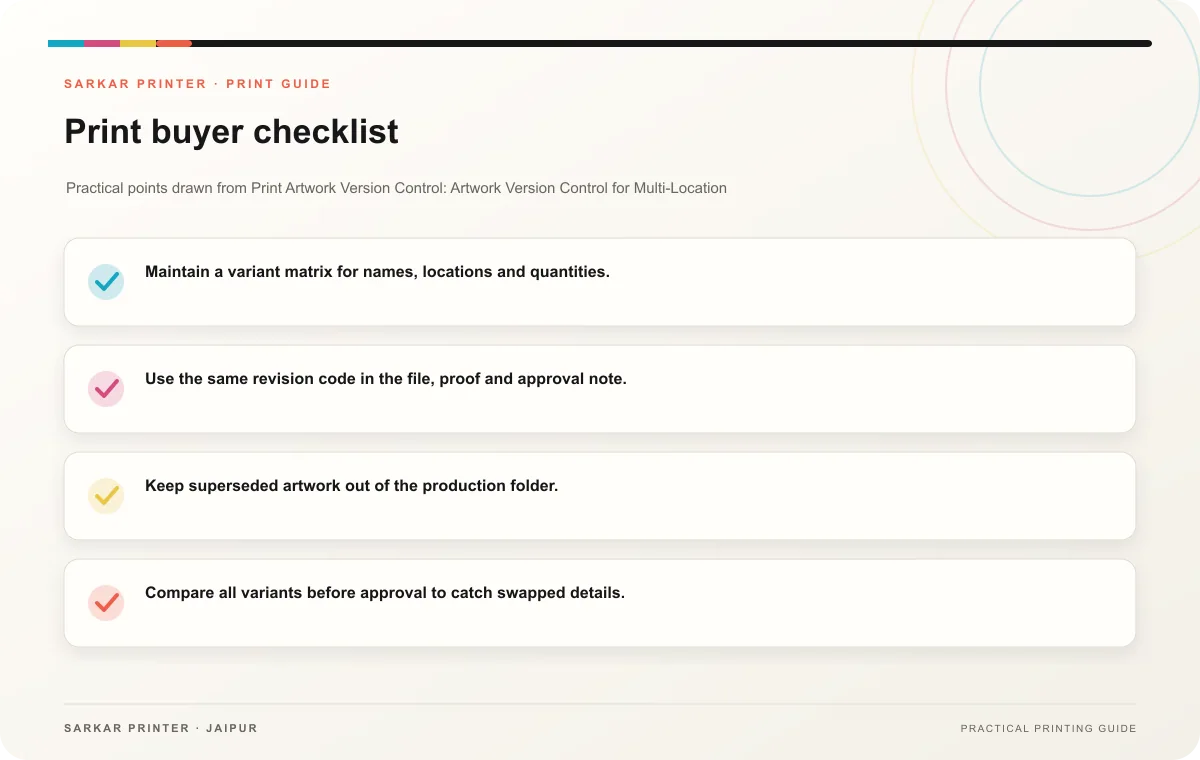
- Maintain a variant matrix for names, locations and quantities.
- Use the same revision code in the file, proof and approval note.
- Keep superseded artwork out of the production folder.
- Compare all variants before approval to catch swapped details.
- Archive the final PDF and the source data used to create it.
Review the entire distribution set
Check each location-specific address, date and offer. Then compare the campaign elements that should remain identical. Give the printer a distribution list with file names and quantities by location. Label bundles to match the list if the job will ship to multiple destinations.
Print planning checklist
| Topic | Key point | Check before approval |
|---|---|---|
| Separate shared artwork from local fields | Identify which elements stay fixed across the campaign: logo, main message, colour system and legal footer. List the details that vary, such as store address, phone number, date or… | Check the supplied file at final size and confirm bleed and safe areas. |
| Make version labels visible to the team | Give every file a campaign identifier, location or variant, revision and status. Store review copies separately from approved production files. Keep a change log that records what… | Record the agreed choice in the approved print brief. |
| Review the entire distribution set | Check each location-specific address, date and offer. Then compare the campaign elements that should remain identical. Give the printer a distribution list with file names and quantities… | Record the agreed choice in the approved print brief. |
CONTINUE THE PRINT PLAN
Keep the next step useful.
Explore the service page or related drafts, then send the agreed brief to the print team.
Frequently asked questions
Can each location change its own flyer?
Allow local changes only through an agreed approval path and controlled fields.
How can our team keep the printer from using an old version?
Separate approved files from drafts, mark old versions as superseded and identify the production file in writing.
Who approves local details?
Assign a location owner to verify local facts and a campaign owner to approve the final design.