
A workbook needs pages that support the learner’s next action. When planning workbook printing in Jaipur, begin with the lesson flow, activity types and the space learners need to write.
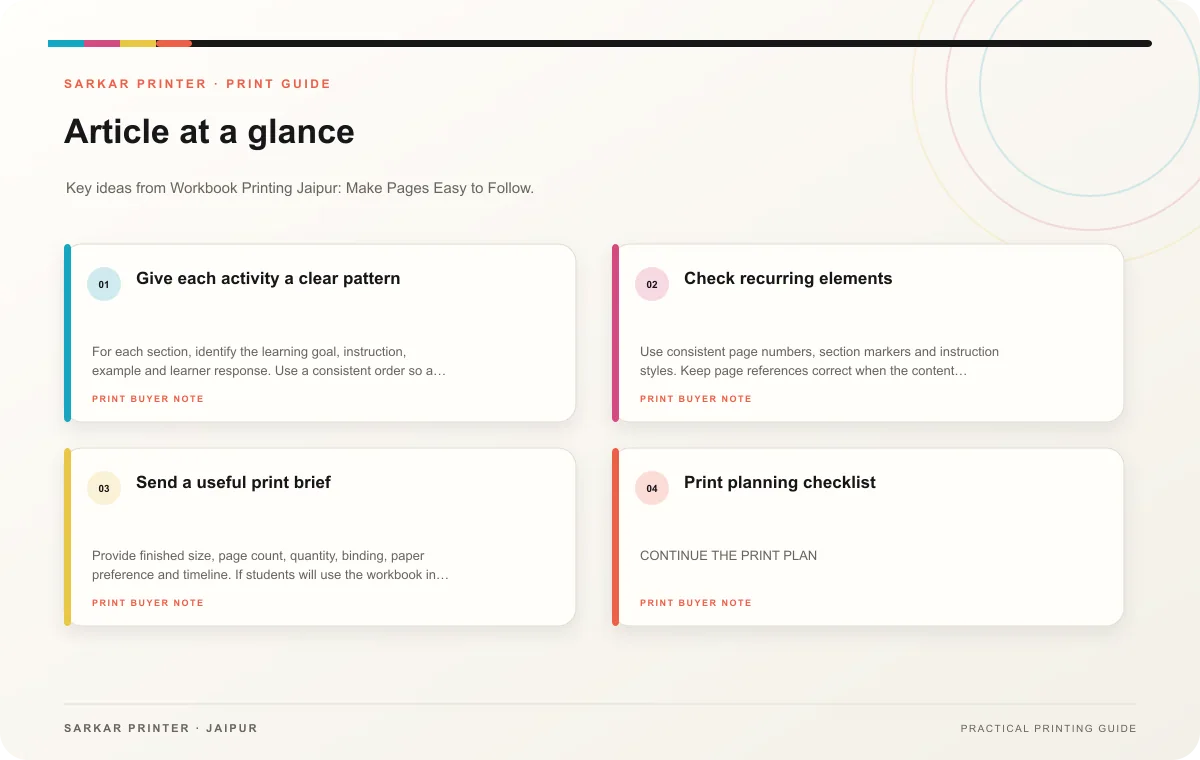
Give each activity a clear pattern
For each section, identify the learning goal, instruction, example and learner response. Use a consistent order so a trainer can introduce the activity and participants can start without searching. Number steps when sequence matters, and use a short heading to identify each exercise.
Estimate answer space from the longest expected response. A single line may suit a short label; a reflection question may need several lines or an open box. For a worksheet that includes calculations or diagrams, test the layout with a person who represents the audience. A screen preview cannot tell you whether the printed writing area feels cramped.
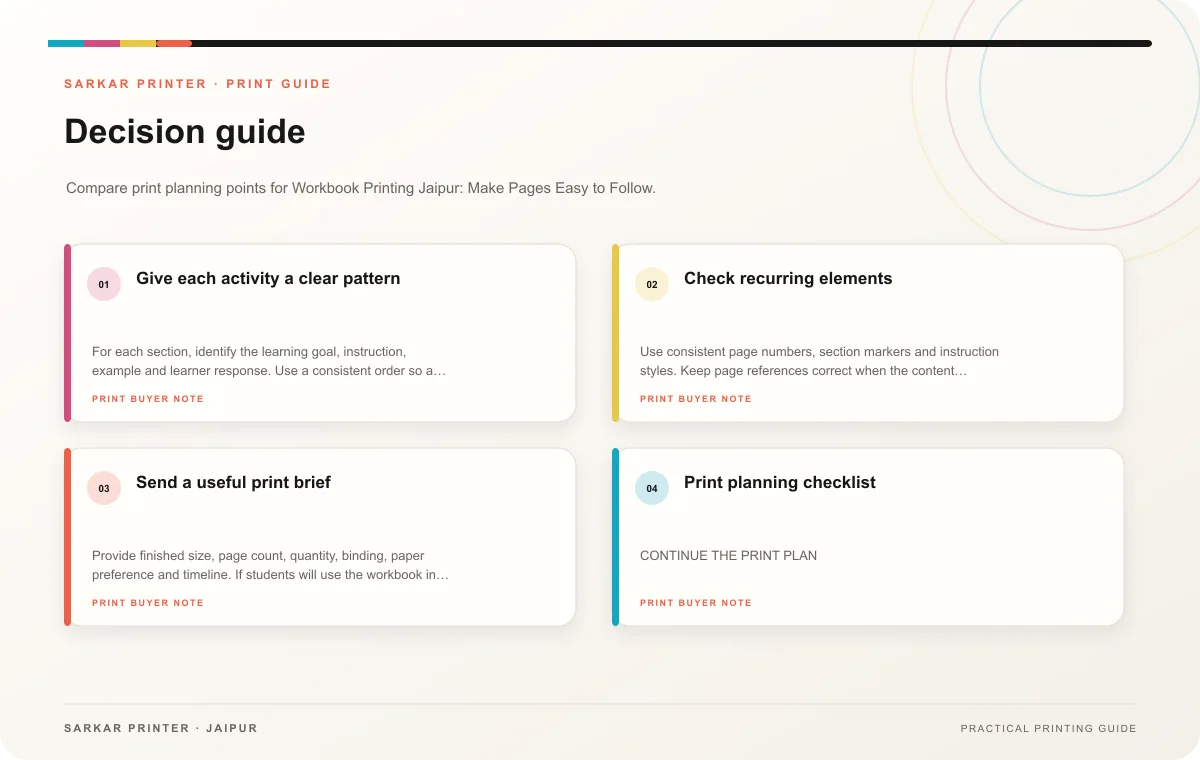
Check recurring elements
Use consistent page numbers, section markers and instruction styles. Keep page references correct when the content changes. If an instructor guide accompanies the workbook, make sure its activity names match the learner version. Review every blank that participants need to fill and ensure it remains visible at final size.
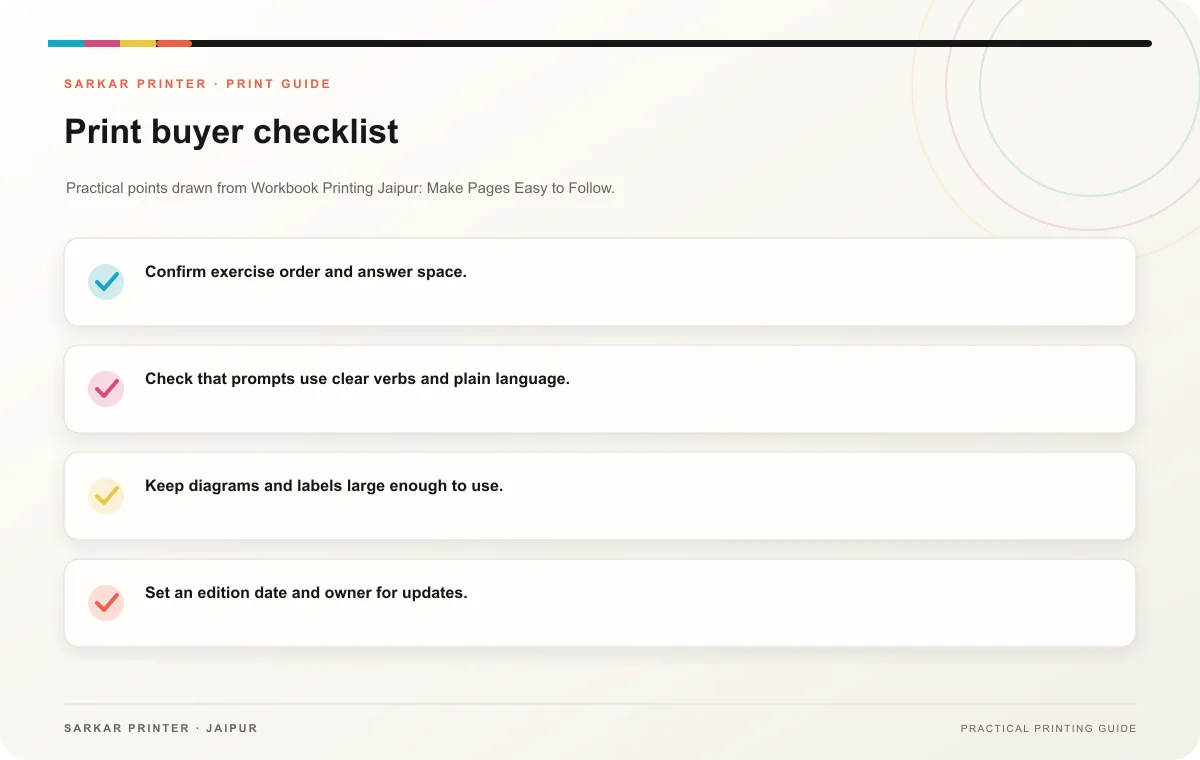
- Confirm exercise order and answer space.
- Check that prompts use clear verbs and plain language.
- Keep diagrams and labels large enough to use.
- Set an edition date and owner for updates.
- Ask the printer about paper that suits the planned writing tool.
Send a useful print brief
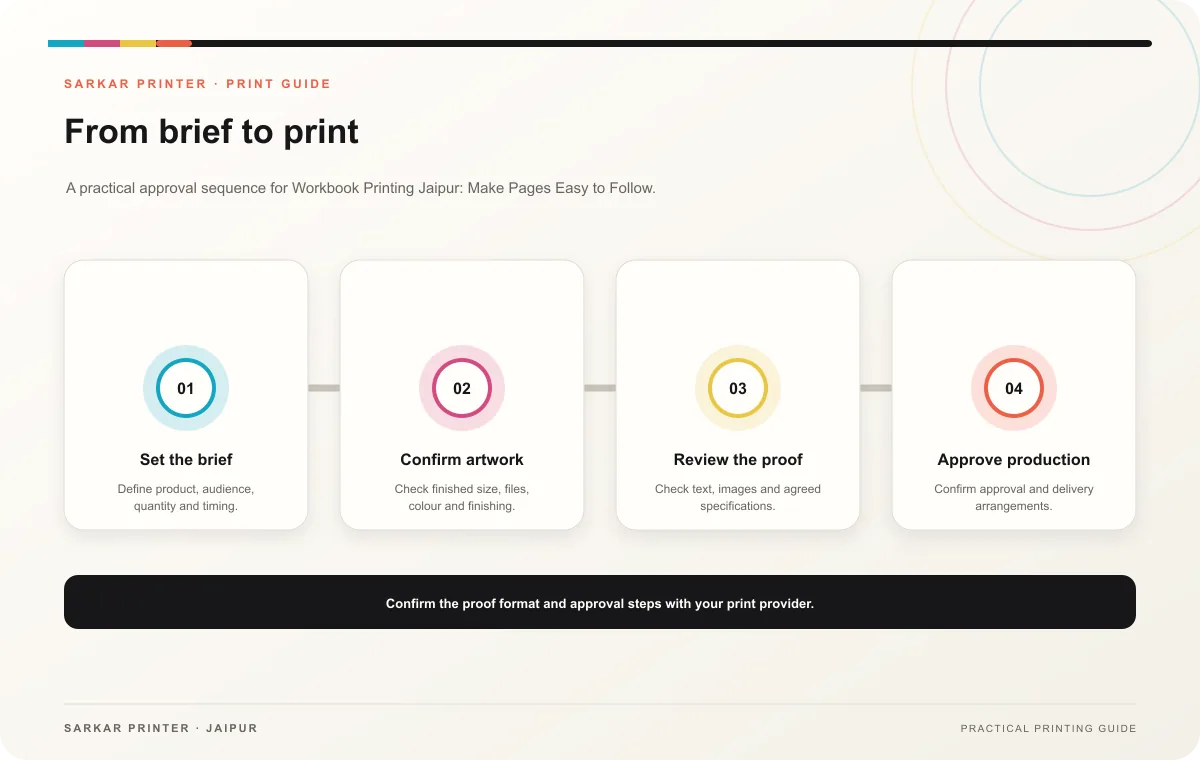
Provide finished size, page count, quantity, binding, paper preference and timeline. If students will use the workbook in class, estimate one copy per participant plus the trainer’s materials. Confirm the print schedule rather than assuming a particular turnaround. Review a sample page with a pen or pencil before approving the full run.
Print planning checklist
| Topic | Key point | Check before approval |
|---|---|---|
| Give each activity a clear pattern | For each section, identify the learning goal, instruction, example and learner response. Use a consistent order so a trainer can introduce the activity and participants can start without… | Record the agreed choice in the approved print brief. |
| Check recurring elements | Use consistent page numbers, section markers and instruction styles. Keep page references correct when the content changes. If an instructor guide accompanies the workbook, make sure its… | Record the agreed choice in the approved print brief. |
| Send a useful print brief | Provide finished size, page count, quantity, binding, paper preference and timeline. If students will use the workbook in class, estimate one copy per participant plus the trainer’s… | Record the agreed choice in the approved print brief. |
CONTINUE THE PRINT PLAN
Keep the next step useful.
Explore the service page or related drafts, then send the agreed brief to the print team.
Frequently asked questions
How much space should activities get?
Plan around the expected response, then test the physical page with a learner or trainer.
Should every participant receive a workbook?
Base the count on confirmed attendance, trainer copies and a reserve that has a clear purpose.
What causes a workbook to feel difficult?
Instructions, diagrams or writing areas that are too small can slow use. Review the print proof at actual size.