
A retail lookbook uses images to set a visual rhythm and gives each product enough information to support a purchase conversation. Lookbook printing starts with image selection, sequence and product data, then brings those pieces into a consistent layout.
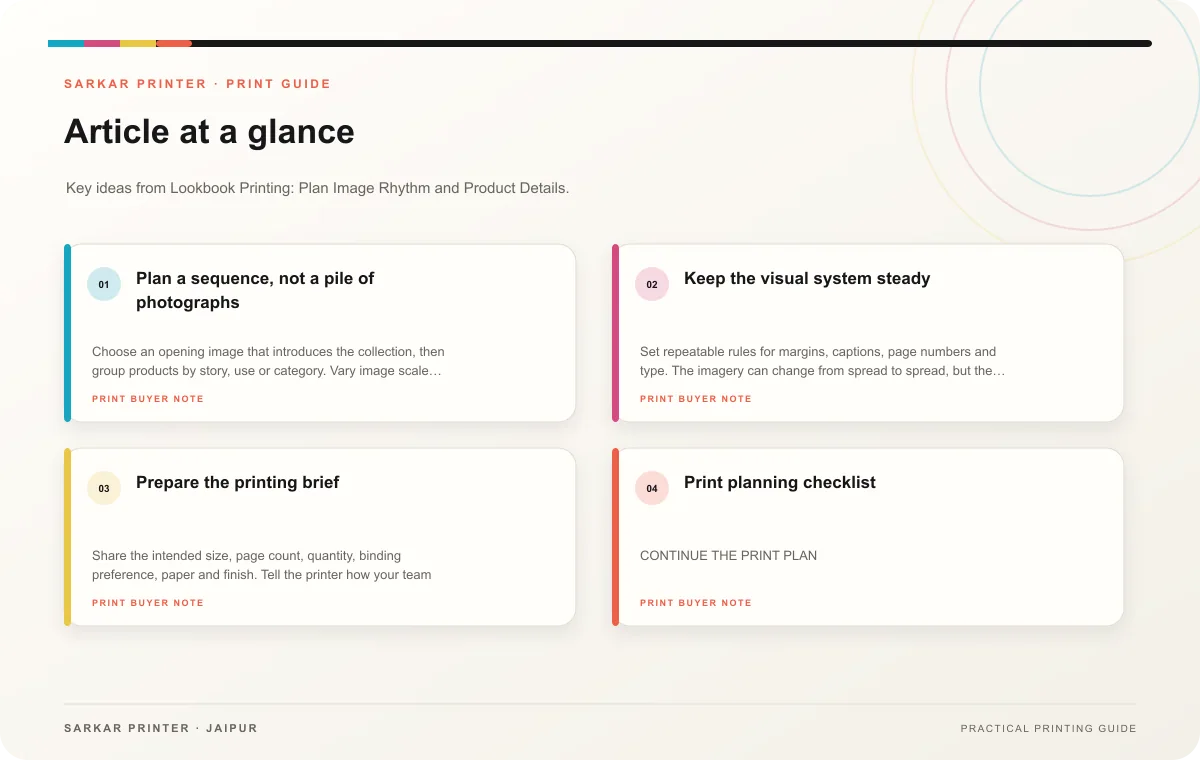
Plan a sequence, not a pile of photographs
Choose an opening image that introduces the collection, then group products by story, use or category. Vary image scale deliberately: a full-page view can establish mood, while a smaller detail can show texture, colour or construction. Keep the transitions clear so the reader understands why one spread follows another.
Build a product list beside the image plan. Match each image to the approved product name, reference code, colour or size options and any necessary description. If a picture is illustrative or digitally altered, make sure the label and context are accurate. Replace any image that shows a variant unavailable in the edition.
Keep the visual system steady
Set repeatable rules for margins, captions, page numbers and type. The imagery can change from spread to spread, but the reader should still recognize the collection. Use enough space around product details to avoid a cluttered page. Check that image crops do not cut off a feature a buyer needs to see.
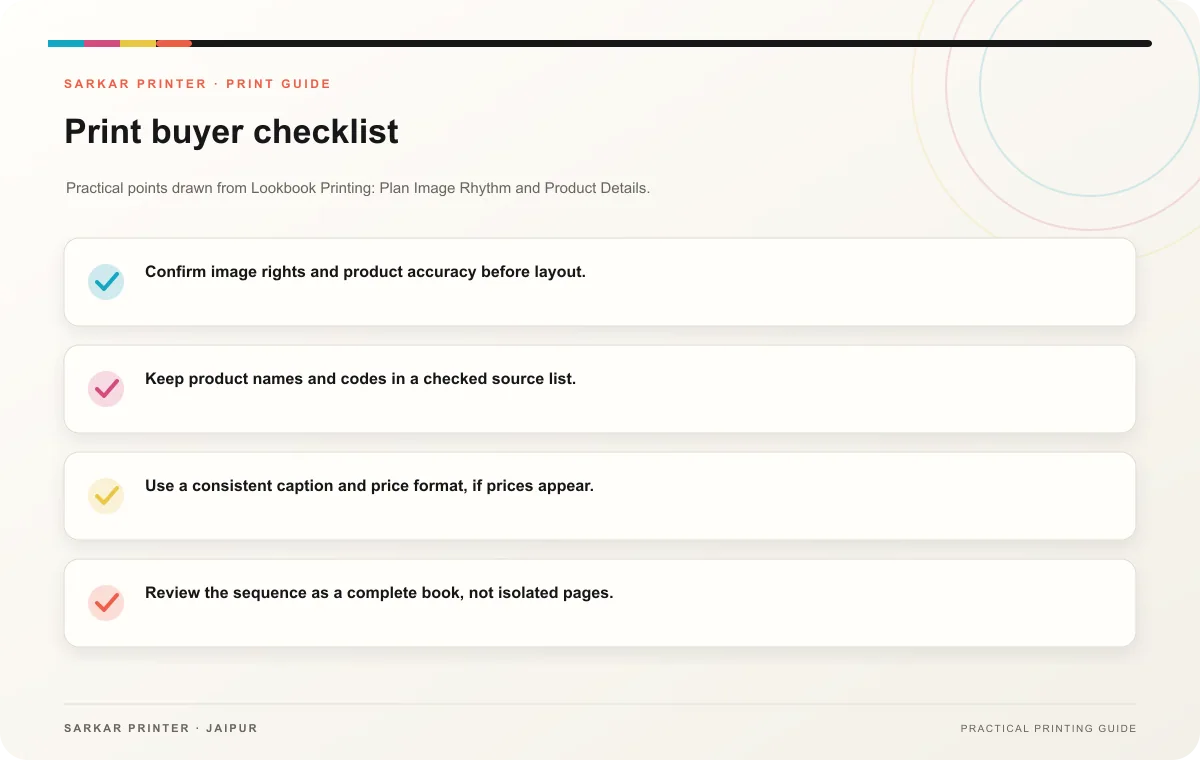
- Confirm image rights and product accuracy before layout.
- Keep product names and codes in a checked source list.
- Use a consistent caption and price format, if prices appear.
- Review the sequence as a complete book, not isolated pages.
- Record the edition and the source image folder.
Prepare the printing brief
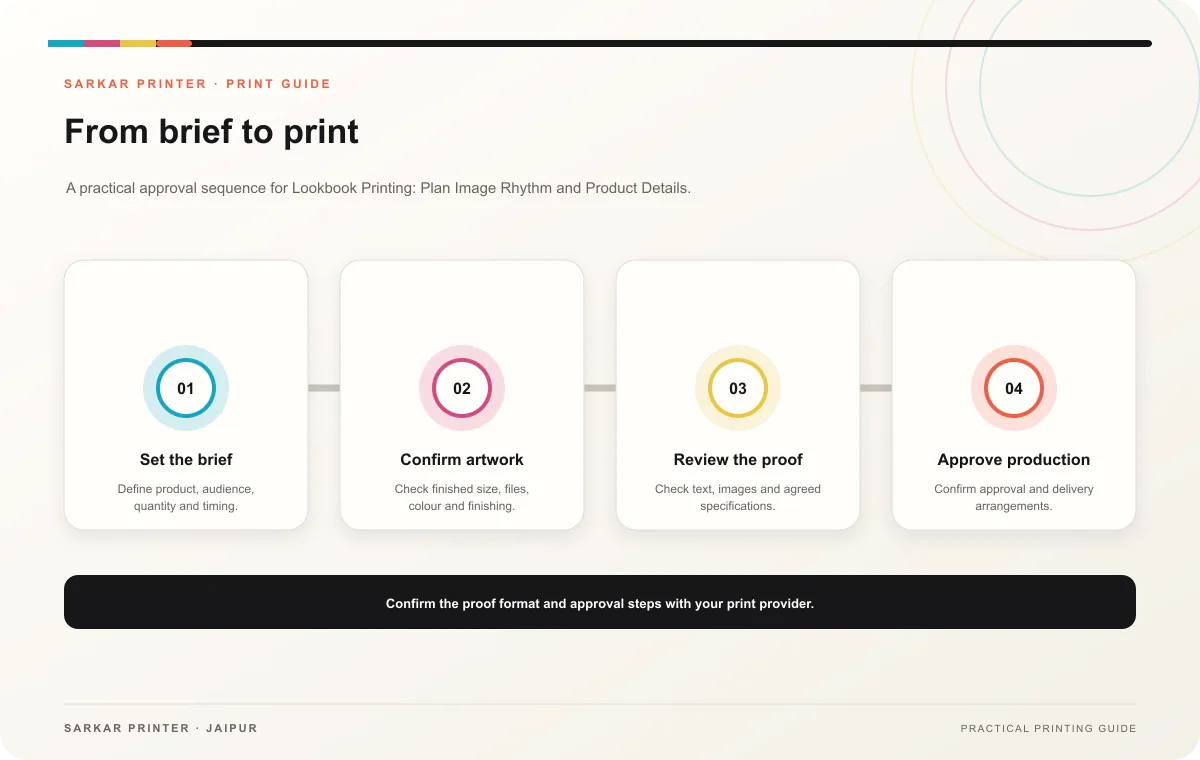
Share the intended size, page count, quantity, binding preference, paper and finish. Tell the printer how your team will use the lookbook and ask which sample or proof will best represent the imagery. Review image quality, colour consistency, page flow and final product details before approval.
Print planning checklist
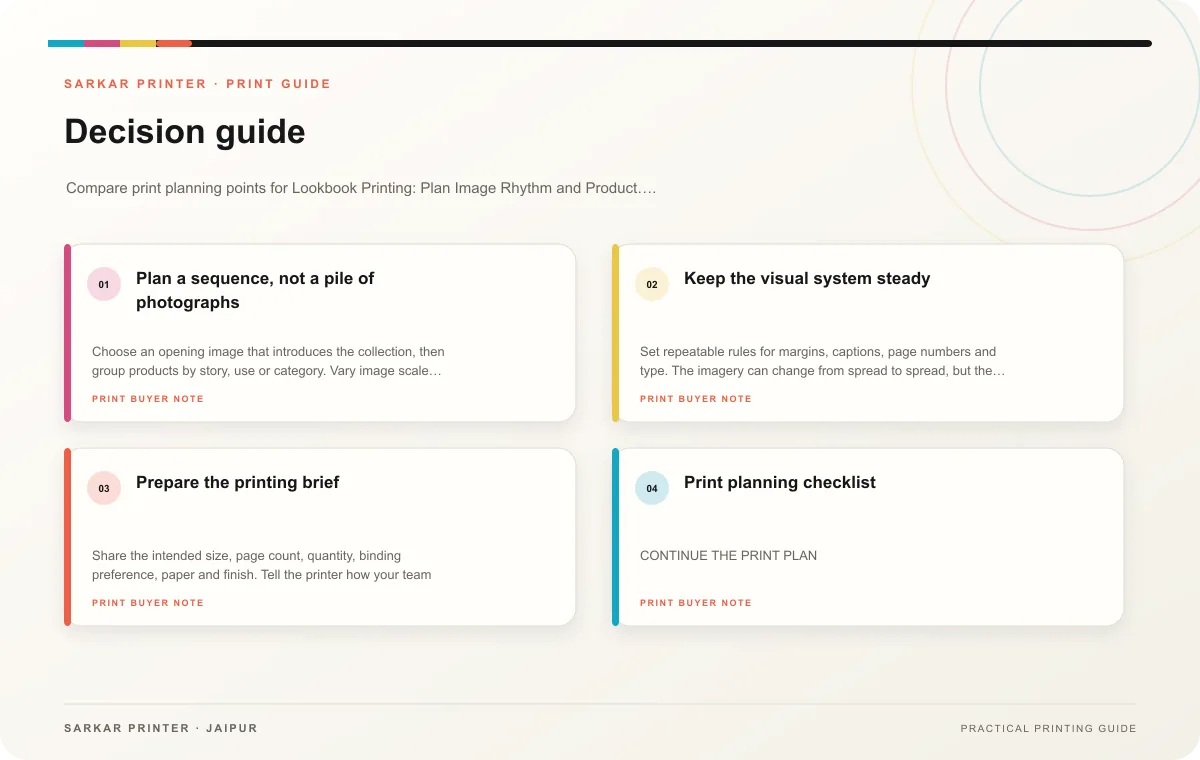
| Topic | Key point | Check before approval |
|---|---|---|
| Plan a sequence, not a pile of photographs | Choose an opening image that introduces the collection, then group products by story, use or category. Vary image scale deliberately: a full-page view can establish mood, while a smaller… | Record the agreed choice in the approved print brief. |
| Keep the visual system steady | Set repeatable rules for margins, captions, page numbers and type. The imagery can change from spread to spread, but the reader should still recognize the collection. Use enough space… | Record the agreed choice in the approved print brief. |
| Prepare the printing brief | Share the intended size, page count, quantity, binding preference, paper and finish. Tell the printer how your team will use the lookbook and ask which sample or proof will best… | Record the agreed choice in the approved print brief. |
CONTINUE THE PRINT PLAN
Keep the next step useful.
Explore the service page or related drafts, then send the agreed brief to the print team.
Frequently asked questions
How many images should a lookbook contain?
Use enough to tell the collection story and show meaningful product differences. The right number depends on the page count and image sequence.
Can captions be minimal?
Yes, when the product is clear without extra text. Keep names or identifiers where customers need to request or compare an item.
What should I check on a proof?
Review image crops, product matches, captions, page sequence and the consistency of repeated layout elements.