
An annual report brings financial information, governance notes and a year’s work into one publication. Annual report printing depends on a stable source for every figure and a review schedule that gives owners time to check the final layout.
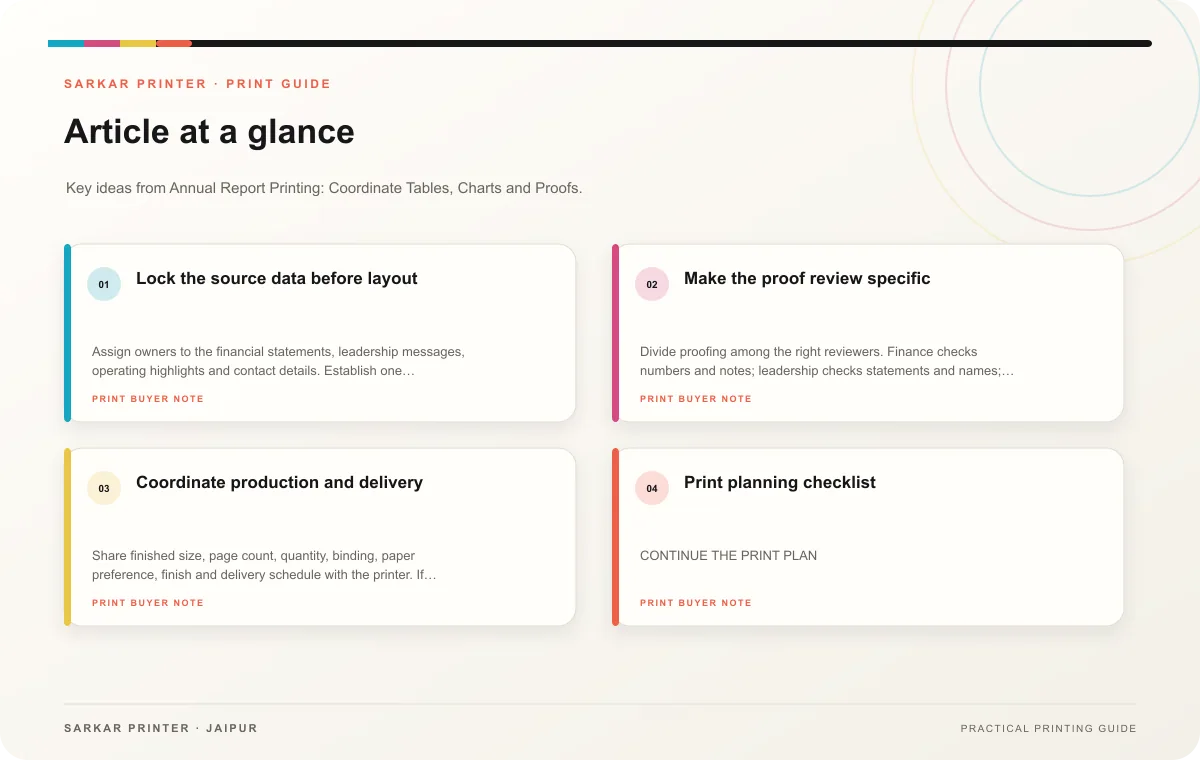
Lock the source data before layout
Assign owners to the financial statements, leadership messages, operating highlights and contact details. Establish one approved version for each section and record when the approver cleared it. Tables and charts should come from reviewed figures, not numbers retyped from a presentation. Confirm labels, units, reporting period and footnotes with the finance team.
Plan the report’s order around its audience. A short opening can explain the year’s priorities, followed by the supporting data and governance information. Keep captions close to their charts and use a consistent format for dates, currencies and percentages. If a graphic simplifies a data set, ensure the underlying figures remain available in the report.
Make the proof review specific
Divide proofing among the right reviewers. Finance checks numbers and notes; leadership checks statements and names; communications checks language and hierarchy. Ask each person to comment on a single dated PDF. This avoids conflicting edits on different copies.
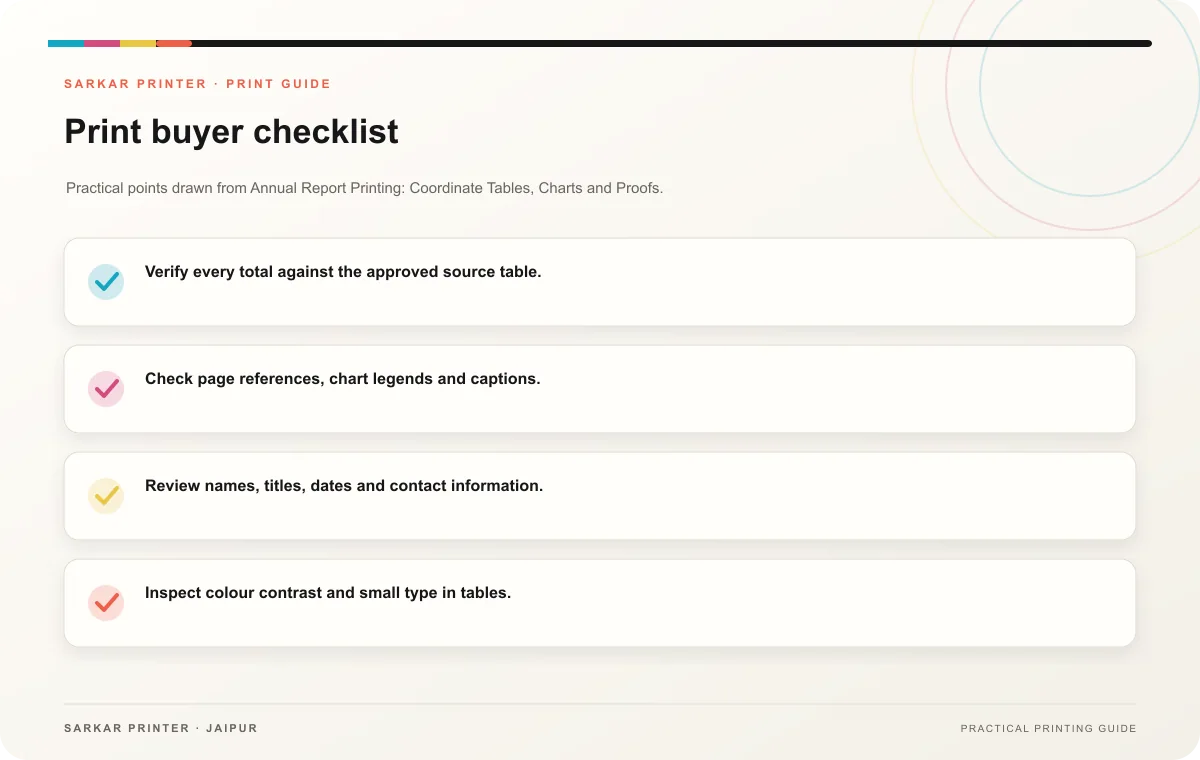
- Verify every total against the approved source table.
- Check page references, chart legends and captions.
- Review names, titles, dates and contact information.
- Inspect colour contrast and small type in tables.
- Confirm the page sequence and any required disclosures.
Coordinate production and delivery
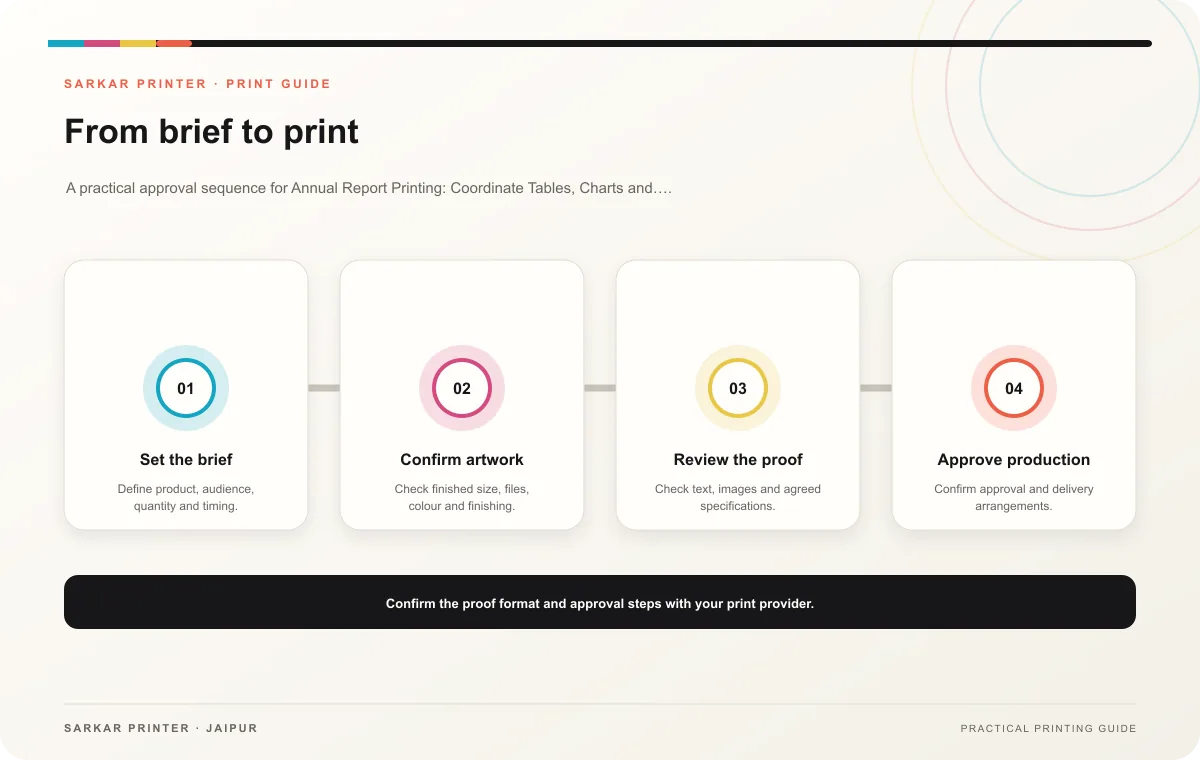
Share finished size, page count, quantity, binding, paper preference, finish and delivery schedule with the printer. If your team plans to distribute the report at an event, plan packaging and location-specific quantities too. Confirm how the proof will represent the final paper and finish before signing off.
Print planning checklist
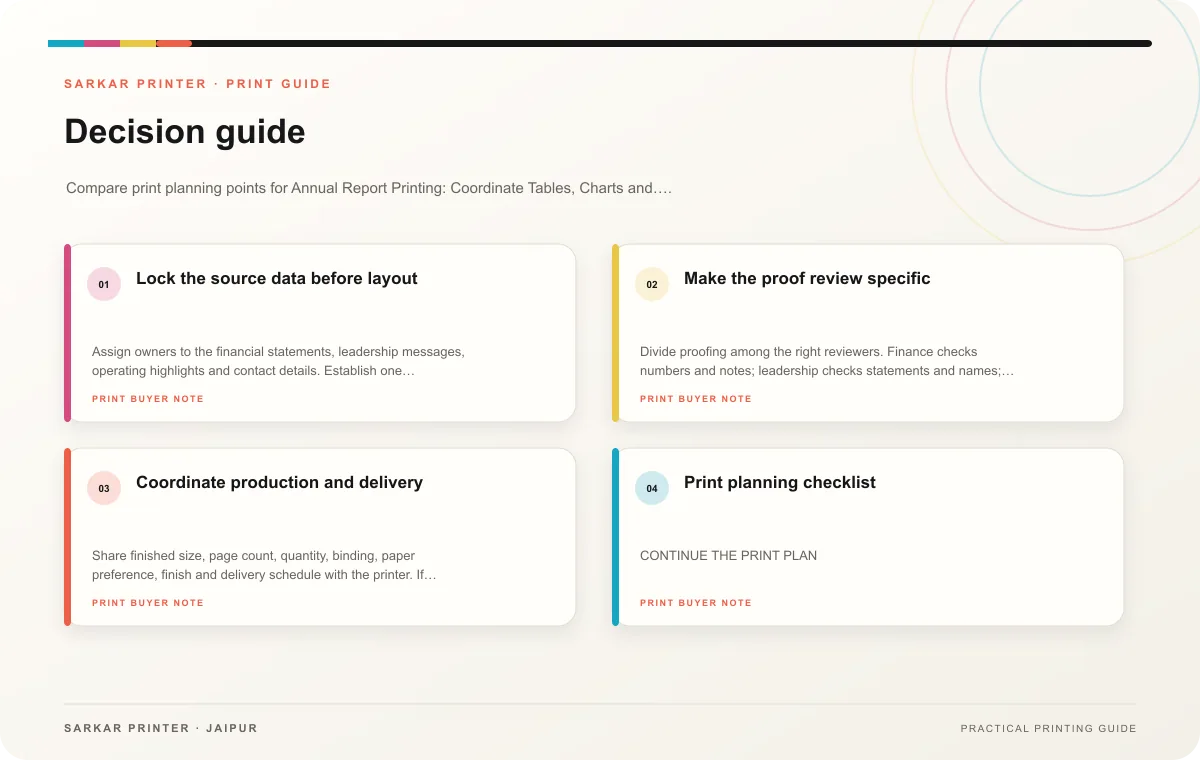
| Topic | Key point | Check before approval |
|---|---|---|
| Lock the source data before layout | Assign owners to the financial statements, leadership messages, operating highlights and contact details. Establish one approved version for each section and record when the approver… | Check the supplied file at final size and confirm bleed and safe areas. |
| Make the proof review specific | Divide proofing among the right reviewers. Finance checks numbers and notes; leadership checks statements and names; communications checks language and hierarchy. Ask each person to… | Review one dated proof under suitable light before approval. |
| Coordinate production and delivery | Share finished size, page count, quantity, binding, paper preference, finish and delivery schedule with the printer. If your team plans to distribute the report at an event, plan… | Confirm the dispatch date and delivery location before accepting the schedule. |
CONTINUE THE PRINT PLAN
Keep the next step useful.
Explore the service page or related drafts, then send the agreed brief to the print team.
Frequently asked questions
When should report production start?
Start once the reporting calendar identifies owners and approval dates. Work backward from the distribution date and confirm the printer’s schedule.
Who checks the figures?
The person accountable for the data should verify it against the approved source, even if another team prepares the layout.
Should a report include a printed and digital version?
That depends on how the audience uses it. Keep both versions aligned and label the approved edition clearly.