
A printed price list can stay useful while a product range changes, but only if the business controls its source data and editions. Printed price list design should make comparison straightforward and give staff a reliable way to identify the current version.
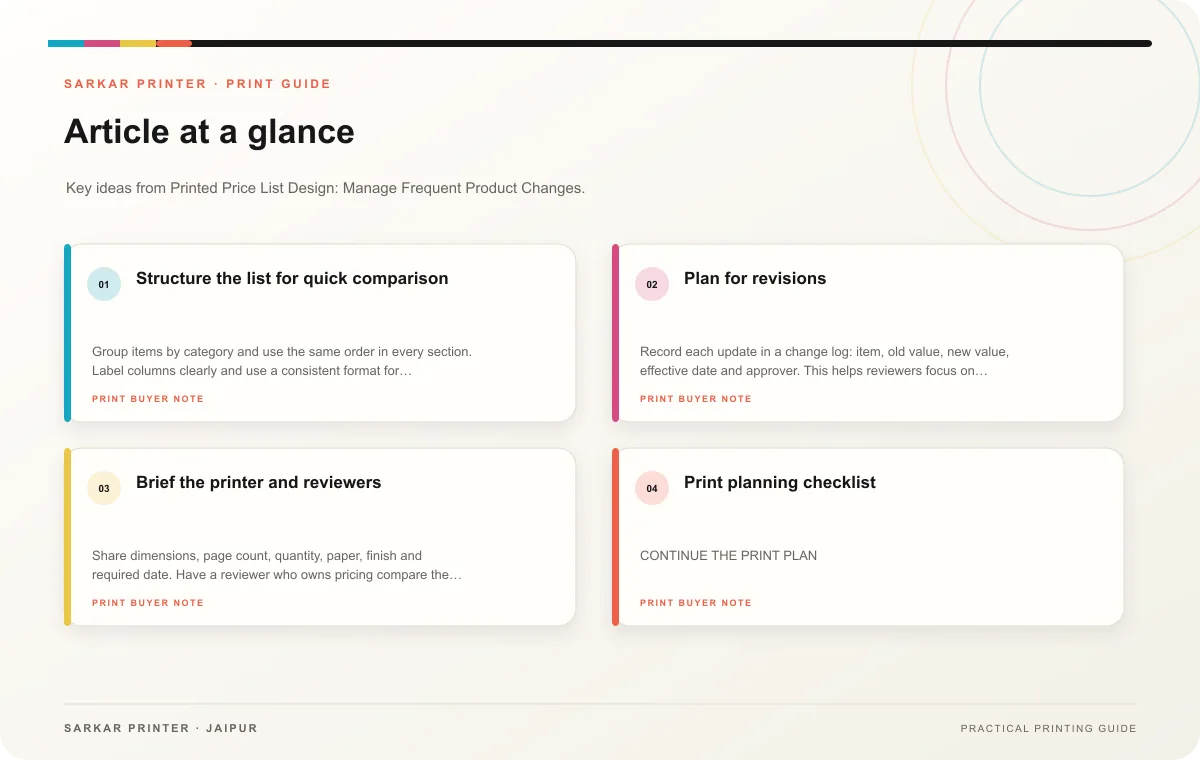
Structure the list for quick comparison
Group items by category and use the same order in every section. Label columns clearly and use a consistent format for currency, units and options. If customers compare several models, show the attributes that distinguish them rather than repeating a long description for each row.
Keep the approved price source separate from the layout file. Assign an owner to confirm each price and decide how discounts, taxes or validity dates should appear. If prices change often, consider whether a printed list should show a date, an edition label or a direction to confirm current availability.
Plan for revisions
Record each update in a change log: item, old value, new value, effective date and approver. This helps reviewers focus on changed entries. When an item disappears, check its cross-reference, image and category before removing it. Give the design room for a new row so future revisions do not force a complete redesign.
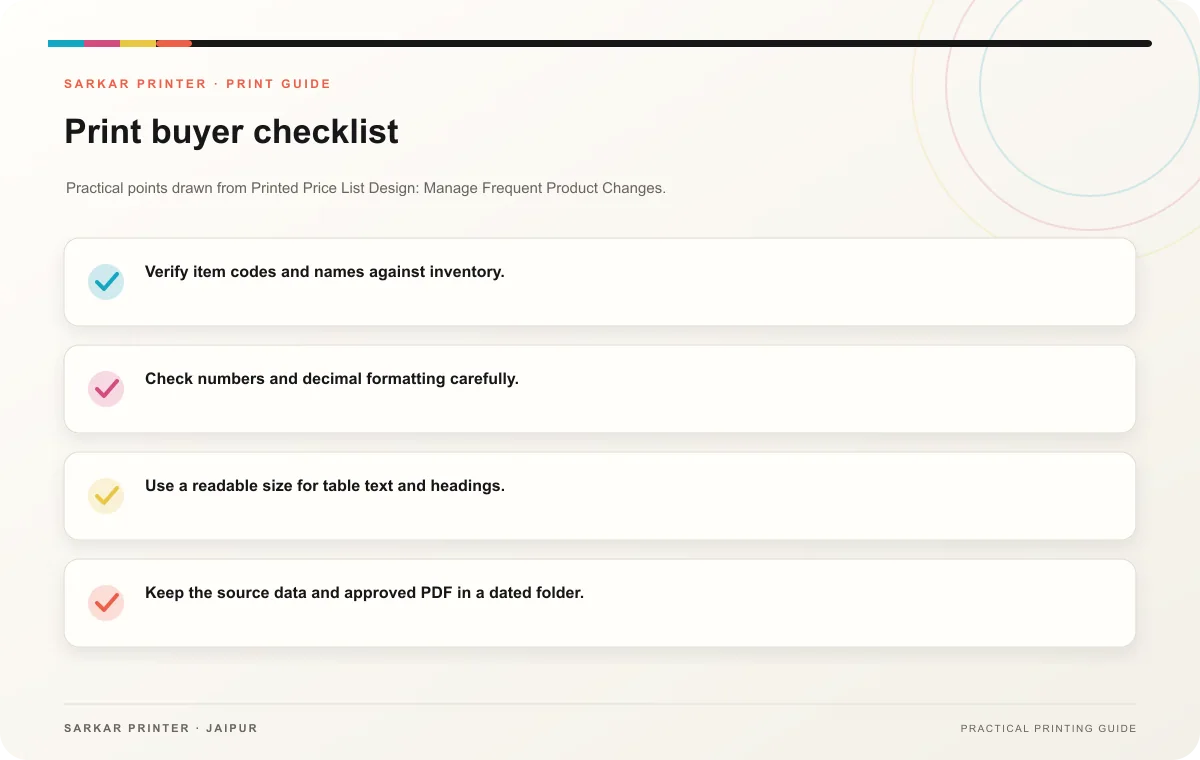
- Verify item codes and names against inventory.
- Check numbers and decimal formatting carefully.
- Use a readable size for table text and headings.
- Keep the source data and approved PDF in a dated folder.
- Decide how staff will retire obsolete printed copies.
Brief the printer and reviewers
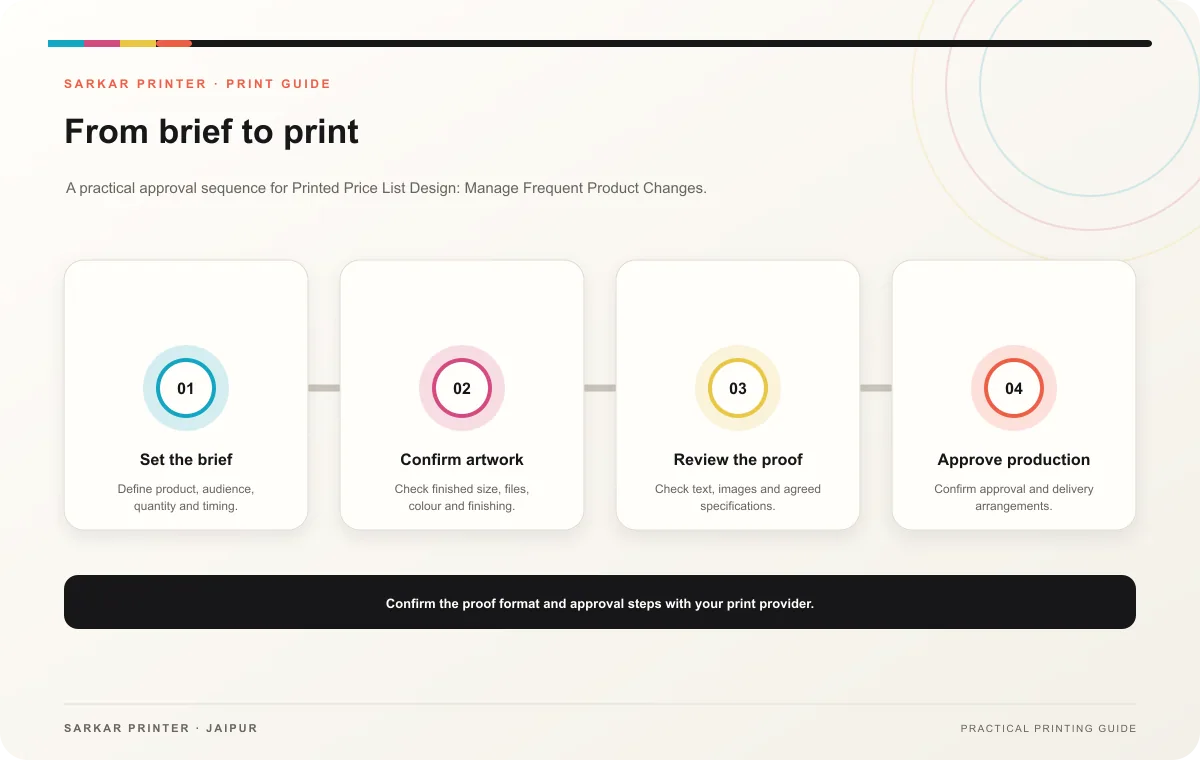
Share dimensions, page count, quantity, paper, finish and required date. Have a reviewer who owns pricing compare the final proof against the approved data. Ask the printer how your team should submit updates to an existing job, and identify the exact version the approver selected for production.
Print planning checklist
| Topic | Key point | Check before approval |
|---|---|---|
| Structure the list for quick comparison | Group items by category and use the same order in every section. Label columns clearly and use a consistent format for currency, units and options. If customers compare several models,… | Record the agreed choice in the approved print brief. |
| Plan for revisions | Record each update in a change log: item, old value, new value, effective date and approver. This helps reviewers focus on changed entries. When an item disappears, check its… | Record the agreed choice in the approved print brief. |
| Brief the printer and reviewers | Share dimensions, page count, quantity, paper, finish and required date. Have a reviewer who owns pricing compare the final proof against the approved data. Ask the printer how your team… | Record the agreed choice in the approved print brief. |
CONTINUE THE PRINT PLAN
Keep the next step useful.
Explore the service page or related drafts, then send the agreed brief to the print team.
Frequently asked questions
Should a price list include every product?
Include the products the audience needs to compare. Move complex options to a separate table or a linked detail page when the main list becomes difficult to scan.
How can we reduce outdated copies?
Date the edition, distribute quantities deliberately and tell staff when a new version replaces the old one.
Who must approve the final prices?
The person accountable for pricing should verify every value against the current approved source.