
Searching for spiral binding near me is only the first step. A printer can quote more accurately when you share how the document will be used, its finished size, page count, paper, cover and deadline. Use this checklist to compare practical fit before approving a manual or report. Evaluate surface curing, adhesion, and gloss reflectance aligned with Fogra graphic technology specifications and sustainable substrate handling under FSC chain-of-custody guidelines.
Quote the project before choosing a shop
Searching for spiral binding near me is a useful start, but a nearby printer still needs the job details before it can recommend a format. Tell the shop whether you are producing a field manual, training workbook, meeting report or reference guide. The way people use the document affects how they turn pages, write notes and carry it.
Spiral-bound documents can open flat, which helps when someone needs to consult a page while working. Check a physical sample if the book must stay open on a desk or turn back on itself. Binding elements and equipment vary, so a sample is a better guide than a generic online page limit.
Ask each shop to quote the same finished size, page count, quantity, cover, inside paper, print sides and delivery date. That gives you a fair comparison and helps reveal which details still need a decision.
Set the page count and finished size
Confirm the document’s finished size before you lay out the pages. A manual that is carried in a bag may need a different format from a report that stays beside a workstation. State portrait or landscape orientation and keep that choice consistent across the PDF.
Share the final page count, including blank pages, inserts and any divider sheets. Ask the print shop whether it counts printed sides or physical sheets in its quotation. This small clarification prevents mismatched expectations when you compare prices.
Name the inside and cover files clearly. If the shop will impose the pages for production, send reader-order pages and ask how it wants the PDF supplied. If you are preparing printer spreads yourself, confirm that workflow first.
Protect the binding edge in the artwork
Leave enough space at the binding edge for punching. The required clearance depends on the finished format and binding equipment, so request the printer’s template instead of guessing a universal margin.
Keep body text, page numbers, charts and form fields away from the punched edge. A line that looks comfortable on screen can feel cramped after binding. Check both left and right pages, because the inside margin changes sides across a facing-page layout.
If readers need to write on the pages, place writing areas where the coil and the reader’s hand will not obstruct them. Review the complete spread at actual size and ask the shop to flag any layout that sits too close to the punch area.
Compare the sample, quote and schedule
A useful quotation lists the quantity, finished size, inside stock, cover stock, print sides, binding element, finishing, packing and promised dates. Ask whether the price includes a proof and what happens if you request a correction after reviewing it.
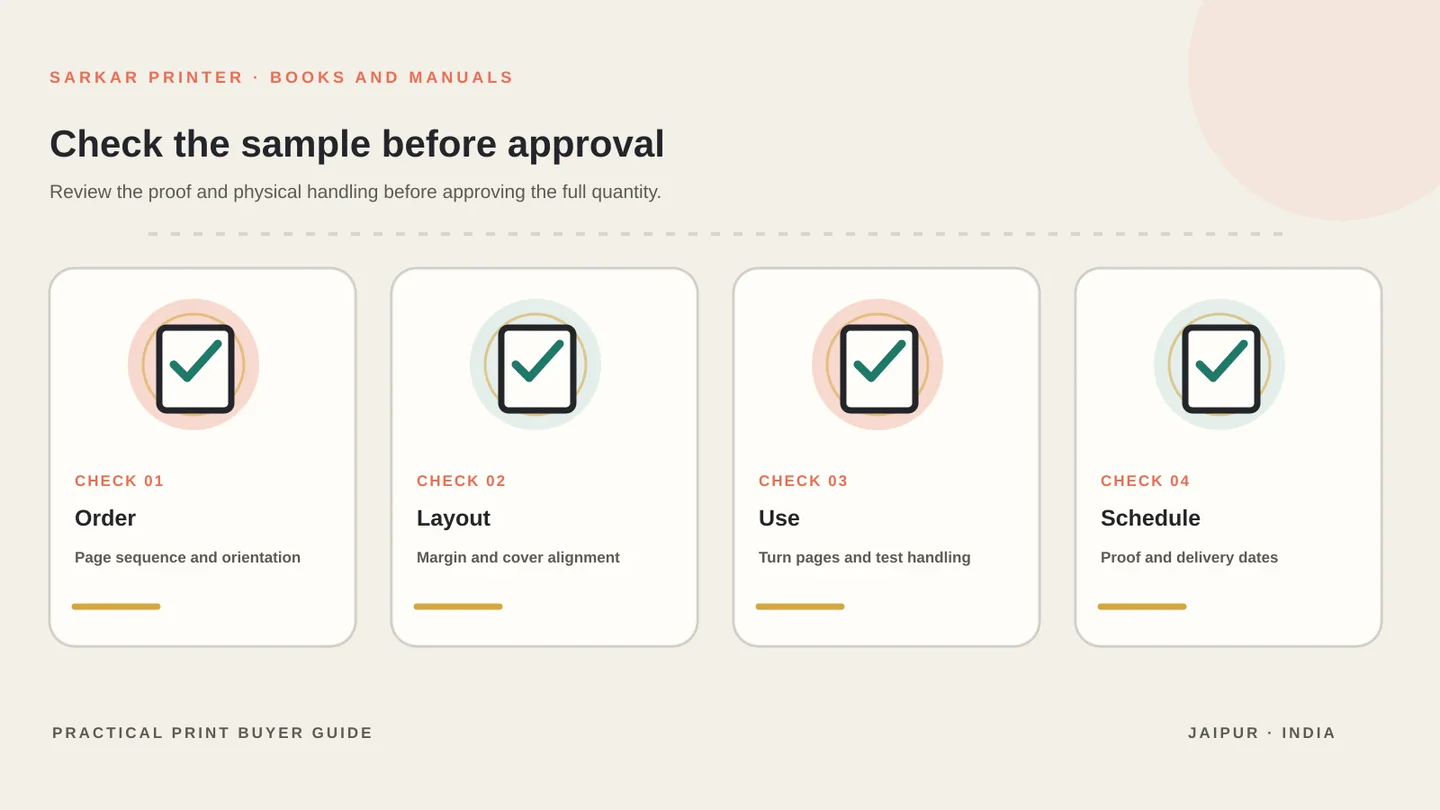
Inspect the proof for page order, orientation, margins, cover alignment and legibility. Turn several pages in the sample to check that the document handles comfortably. If the manual includes tables, maps or forms, review those pages first because they often expose cramped layouts.
For a broader comparison of binding styles, read our booklet binding options guide. For printed books and manuals, see the book and booklet printing service and our book printing planning guide. You can send the brief to our team when the specifications are ready.
Spiral binding near me checklist
Use this table as a starting point, then confirm the production details with the print provider for your job.
| Quote detail | What to provide | What to confirm |
|---|---|---|
| Purpose | Manual, report or workbook | How readers will use it |
| Format | Finished size and orientation | Available trim and template |
| Page count | All pages, inserts and blanks | How the shop counts pages |
| Paper | Inside stock and cover preference | Weight, opacity and coil fit |
| Artwork | Reader-order PDF or agreed file format | Punch margin and proof process |
| Quantity and date | Required copies and due date | Packing and realistic schedule |
CONTINUE THE PRINT PLAN
Make the next binding decision with a clear brief.
Compare the binding options, explore book and booklet printing, or send us your manual brief.
Frequently asked questions
What should I share when searching for spiral binding near me?
Share the finished size, orientation, total page count, inside and cover paper, print sides, quantity and due date. Ask for the punch-margin template and a proof before approving production.
How many pages can a spiral-bound manual have?
There is no single page limit that fits every binding element and machine. Ask the print shop to check the thickness of your chosen paper and recommend a coil size for the complete page block.
Does spiral binding let a manual lie flat?
It is commonly selected when readers want pages to open easily, but the result depends on the binding element and build. Review a sample that uses a similar page count and paper.
Should I send printer spreads for a spiral-bound report?
Ask the shop first. Many printers prefer a reader-order PDF and handle production imposition themselves, while some jobs use a different file workflow.