
Small type and fine rules can look comfortable when designers enlarge a design on screen, yet they can become difficult to read in the finished piece. Small text print proof checks should happen at the intended size and under realistic viewing conditions.
Review size, contrast and spacing
Print or preview the proof at 100 percent and inspect the smallest text, including footnotes, legal lines, contact information, captions and table labels. Check that letters have enough space and that strokes remain distinct. A light typeface over a busy image can lose clarity even when its point size seems adequate.
Examine thin rules, reversed text and fine icons. Make sure lines do not disappear against a background or merge with nearby elements. If colour contrast matters, use the proof process agreed with the printer; a laptop display cannot fully predict how a chosen stock and ink will look.
Check how readers will hold the piece
Consider distance, light and the angle at which a person will read. A wall notice, menu and hand-held card have different reading contexts. Ask someone unfamiliar with the design to locate key information without coaching. Their first attempt can reveal a hierarchy problem that a designer who knows the page may overlook.
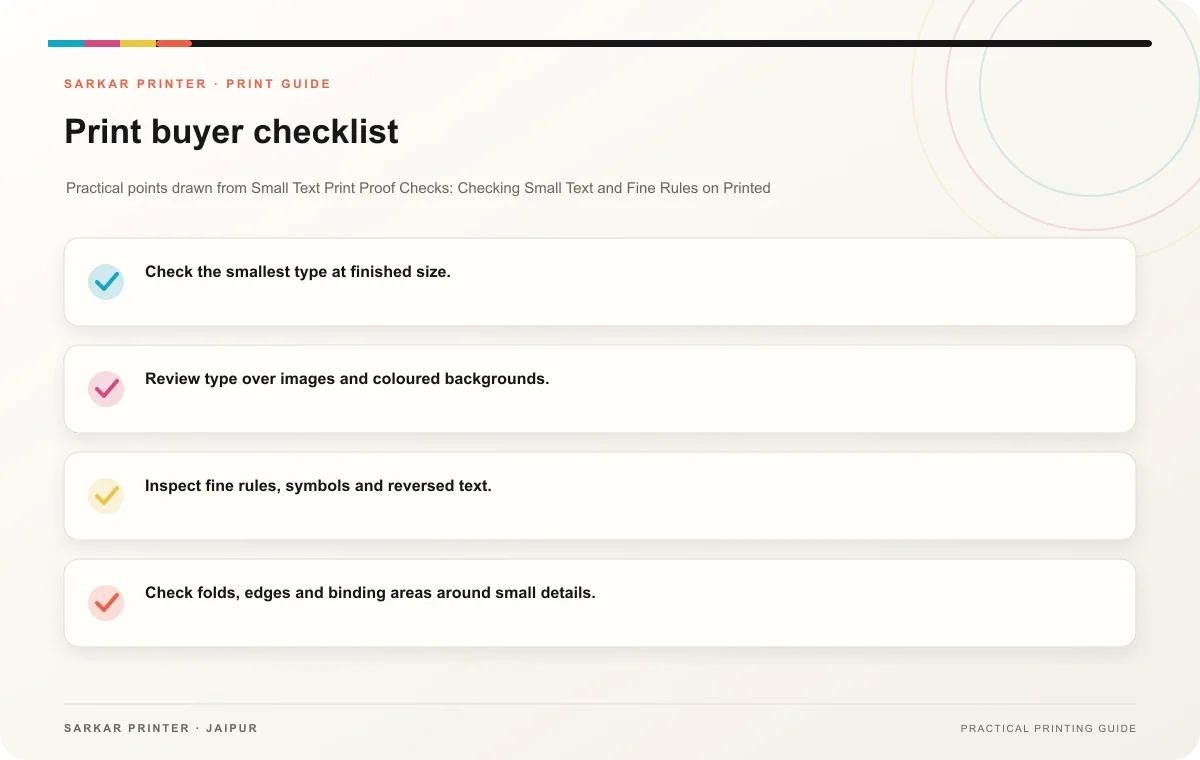
- Check the smallest type at finished size.
- Review type over images and coloured backgrounds.
- Inspect fine rules, symbols and reversed text.
- Check folds, edges and binding areas around small details.
- Ask a real reader to find the most important information.
Adjust before final approval
If a detail is hard to read, simplify the copy, increase its size, strengthen contrast or move it to a clearer area. Do not rely on the reader to zoom in on a printed item. Request a corrected proof and check the adjusted detail before approval.
Print planning checklist
| Topic | Key point | Check before approval |
|---|---|---|
| Review size, contrast and spacing | Print or preview the proof at 100 percent and inspect the smallest text, including footnotes, legal lines, contact information, captions and table labels. Check that letters have enough… | Record the agreed choice in the approved print brief. |
| Check how readers will hold the piece | Consider distance, light and the angle at which a person will read. A wall notice, menu and hand-held card have different reading contexts. Ask someone unfamiliar with the design to… | Record the agreed choice in the approved print brief. |
| Adjust before final approval | If a detail is hard to read, simplify the copy, increase its size, strengthen contrast or move it to a clearer area. Do not rely on the reader to zoom in on a printed item. Request a… | Review one dated proof under suitable light before approval. |
CONTINUE THE PRINT PLAN
Keep the next step useful.
Explore the service page or related drafts, then send the agreed brief to the print team.
Frequently asked questions
Can a zoomed screen view confirm legibility?
It helps inspect artwork, but evaluate text at the physical size people will read.
What if a legal line cannot grow?
Ask the content owner to simplify or reorganize the copy while preserving required information.
When should designers increase line weight?
Test them on a proof and ask the printer about the process and material for the job.