
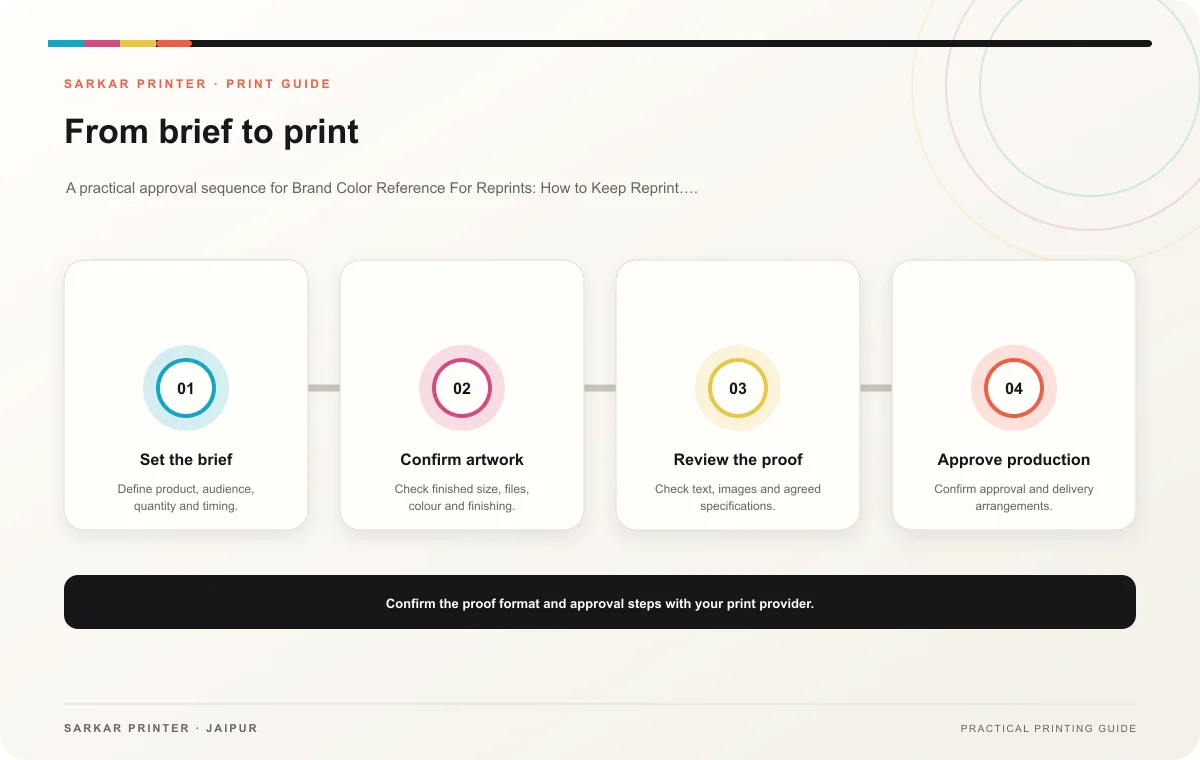
A reprint can feel inconsistent when a team relies on a screen image or an old file without recording the approved colour reference. Brand color reference for reprints should connect the design, proof and production notes.
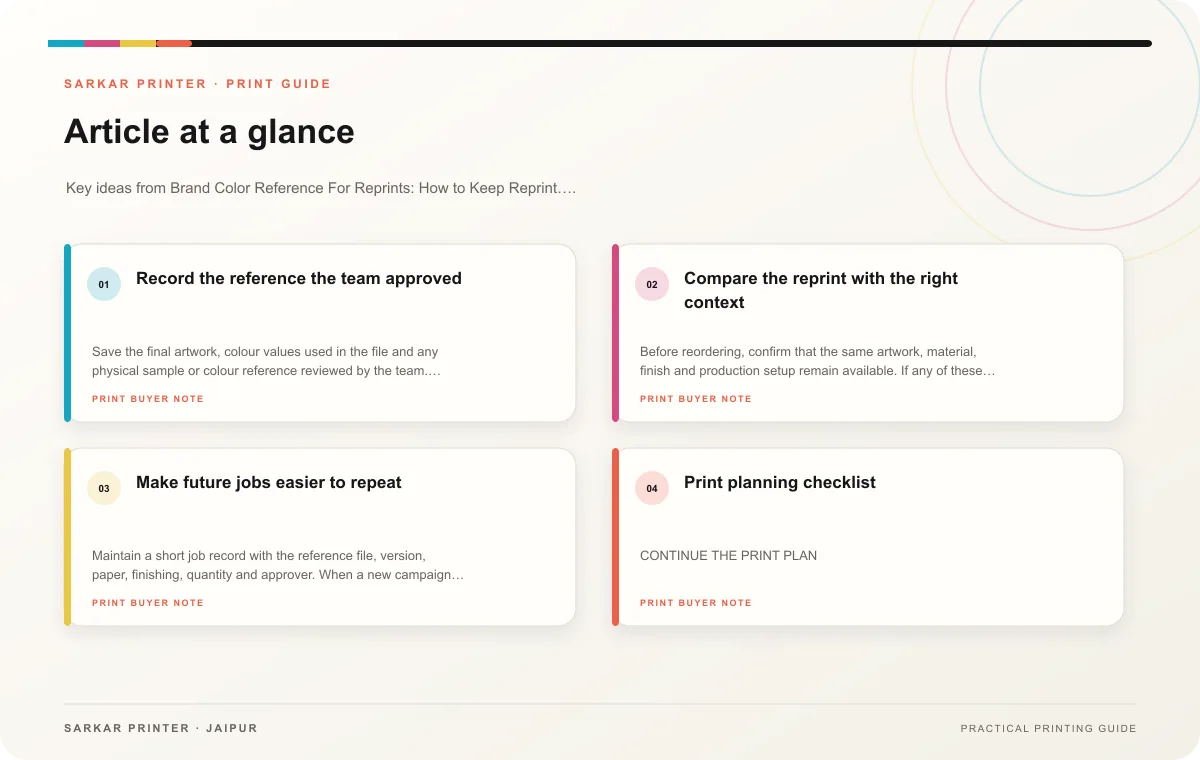
Record the reference the team approved
Save the final artwork, colour values used in the file and any physical sample or colour reference reviewed by the team. Note the paper or material and finishing, because the surface can affect how a colour appears. A reference on one stock may not look identical on another.
Ask the printer how the print team will evaluate colour for the particular job. If a colour must match a brand standard, share the official reference and agree on the proofing method. A monitor screenshot is useful for communication but is not a dependable physical colour target.
Compare the reprint with the right context
Before reordering, confirm that the same artwork, material, finish and production setup remain available. If any of these changed, tell the printer and ask whether a new proof or sample makes sense. Compare the new piece with the recorded reference under similar lighting, and document any agreed variation.
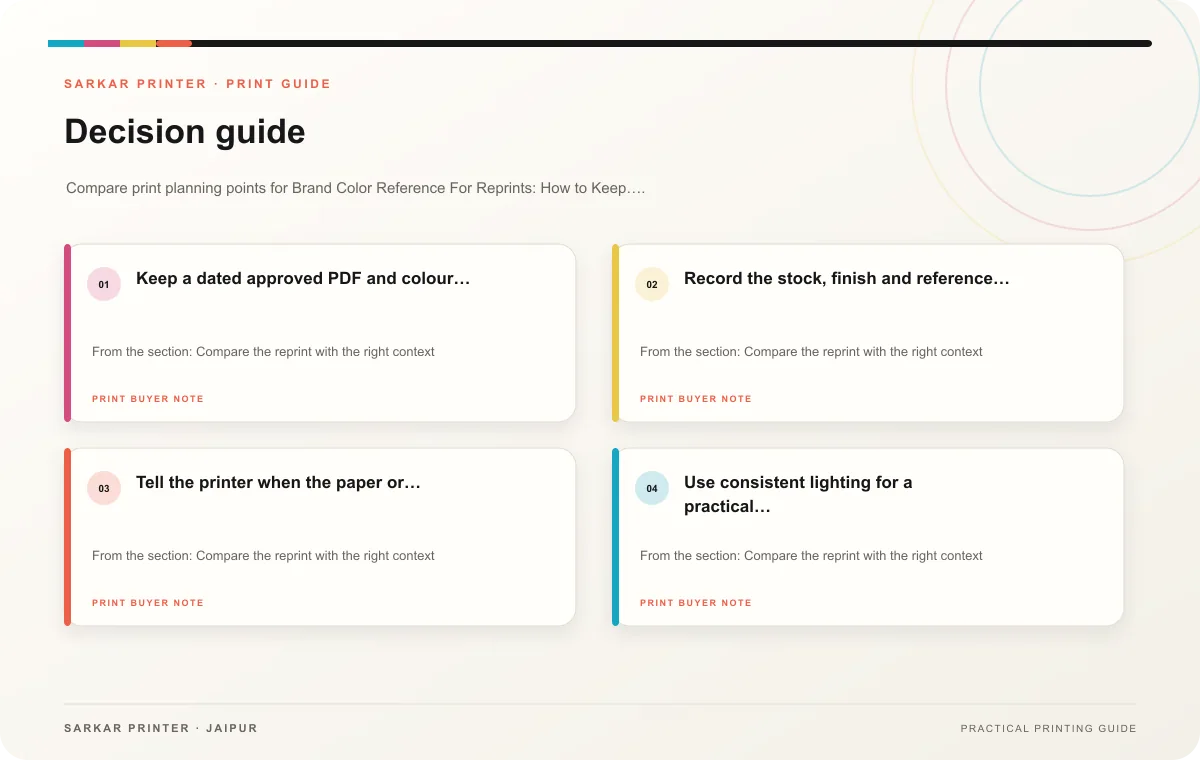
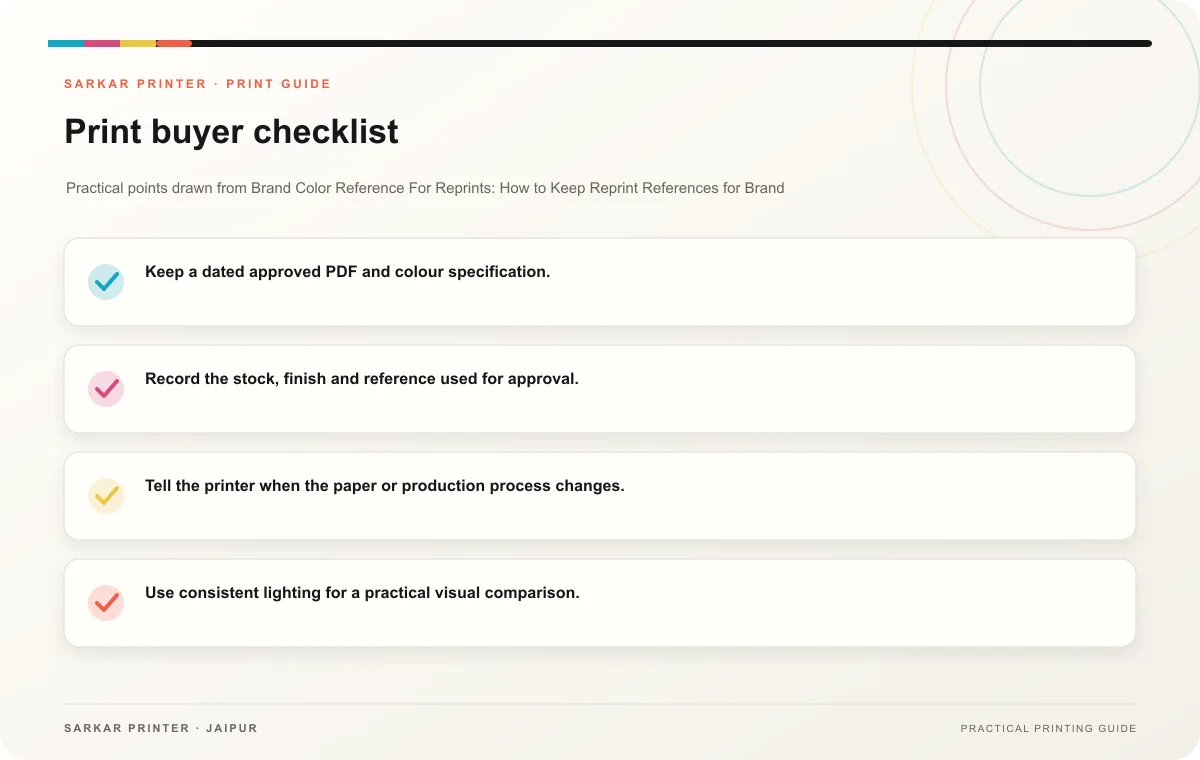
- Keep a dated approved PDF and colour specification.
- Record the stock, finish and reference used for approval.
- Tell the printer when the paper or production process changes.
- Use consistent lighting for a practical visual comparison.
- Store approval notes with the reprint order.
Make future jobs easier to repeat
Maintain a short job record with the reference file, version, paper, finishing, quantity and approver. When a new campaign begins, decide whether to reuse the existing reference or establish a new one. This keeps the team from treating different materials and production conditions as directly interchangeable.
Print planning checklist
| Topic | Key point | Check before approval |
|---|---|---|
| Record the reference the team approved | Save the final artwork, colour values used in the file and any physical sample or colour reference reviewed by the team. Note the paper or material and finishing, because the surface can… | Record the agreed choice in the approved print brief. |
| Compare the reprint with the right context | Before reordering, confirm that the same artwork, material, finish and production setup remain available. If any of these changed, tell the printer and ask whether a new proof or sample… | Record the agreed choice in the approved print brief. |
| Make future jobs easier to repeat | Maintain a short job record with the reference file, version, paper, finishing, quantity and approver. When a new campaign begins, decide whether to reuse the existing reference or… | Record the agreed choice in the approved print brief. |
CONTINUE THE PRINT PLAN
Keep the next step useful.
Explore the service page or related drafts, then send the agreed brief to the print team.
Frequently asked questions
Will a reprint always match the first run exactly?
Talk with the printer about expected variation, especially if materials or production conditions have changed.
Can a screen colour act as the standard?
Use the brand’s specified reference and an agreed proofing method for production decisions.
What should I save after approval?
Keep the artwork, material specification, proof or sample reference and written approval together.