
A print design system helps a small business make business cards, menus, brochures and packaging feel like one brand. A practical print design system sets a few repeatable rules and leaves room for each format to serve its purpose.
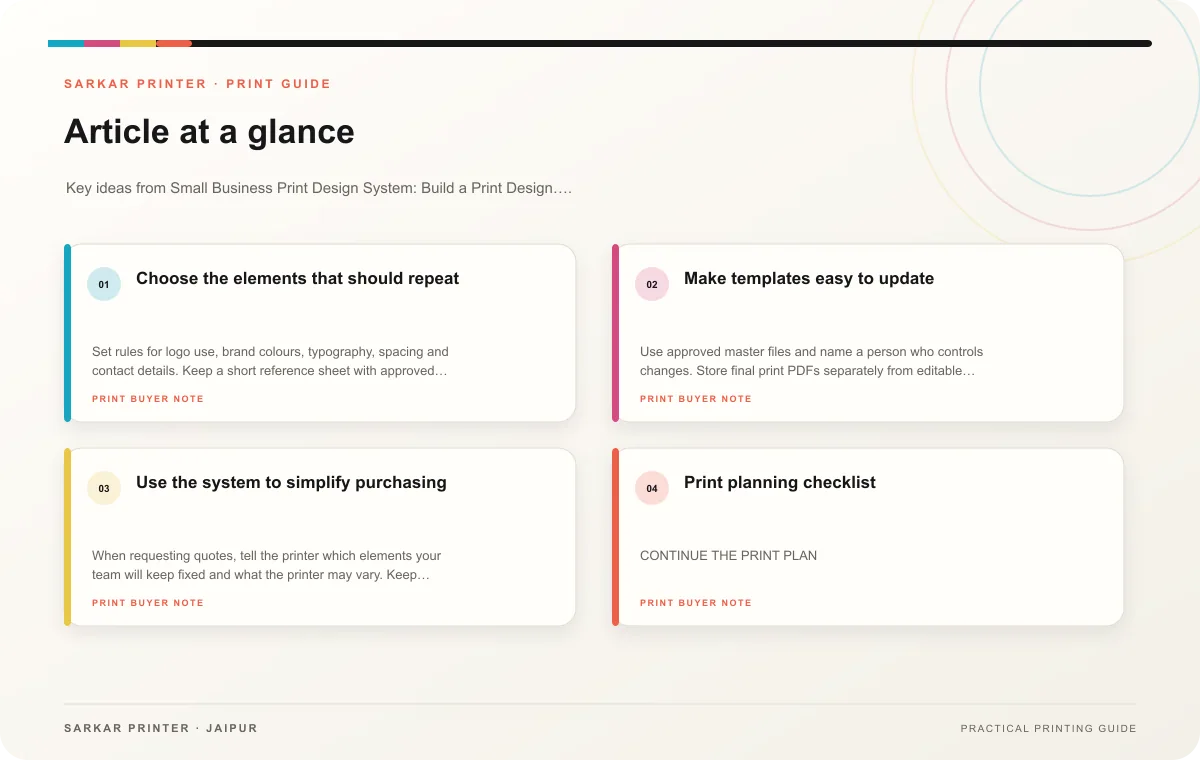
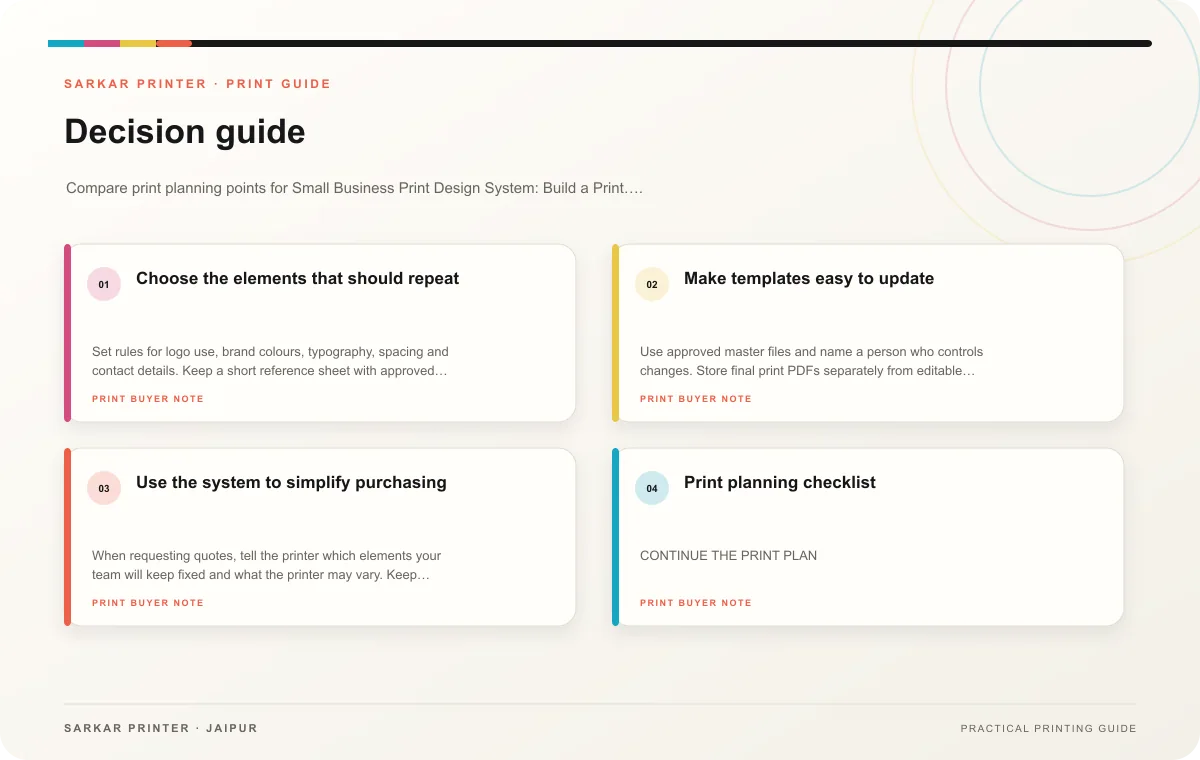
Choose the elements that should repeat
Set rules for logo use, brand colours, typography, spacing and contact details. Keep a short reference sheet with approved versions and filenames. Define how the system adapts to dark and light backgrounds, small sizes and different paper surfaces. Avoid creating so many rules that a simple update requires a redesign.
Decide what can change for each item. A menu needs clear categories and prices; a brochure needs a story and service hierarchy; a label may have limited space and required product information. Keep the core visual identity stable while adapting layout to the item and reader.
Make templates easy to update
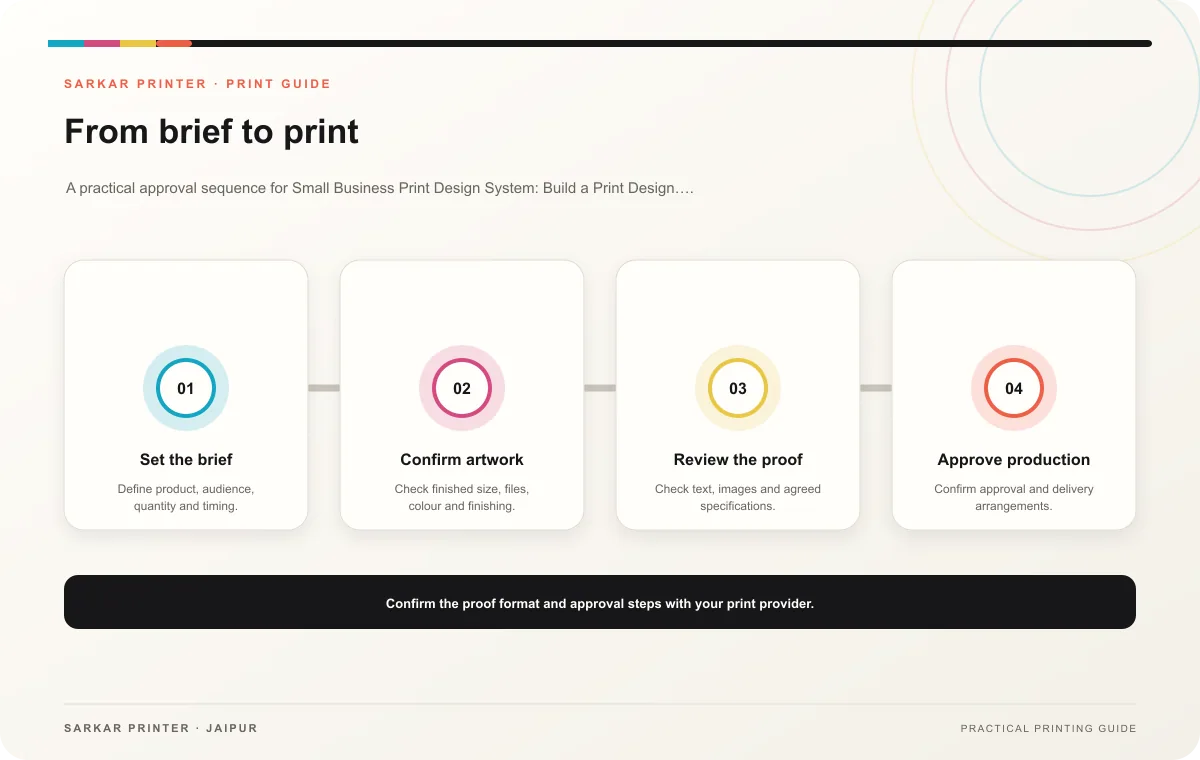
Use approved master files and name a person who controls changes. Store final print PDFs separately from editable templates. Create a simple checklist for contact details, file version, size and proof approval. This is especially useful when several staff members prepare materials.
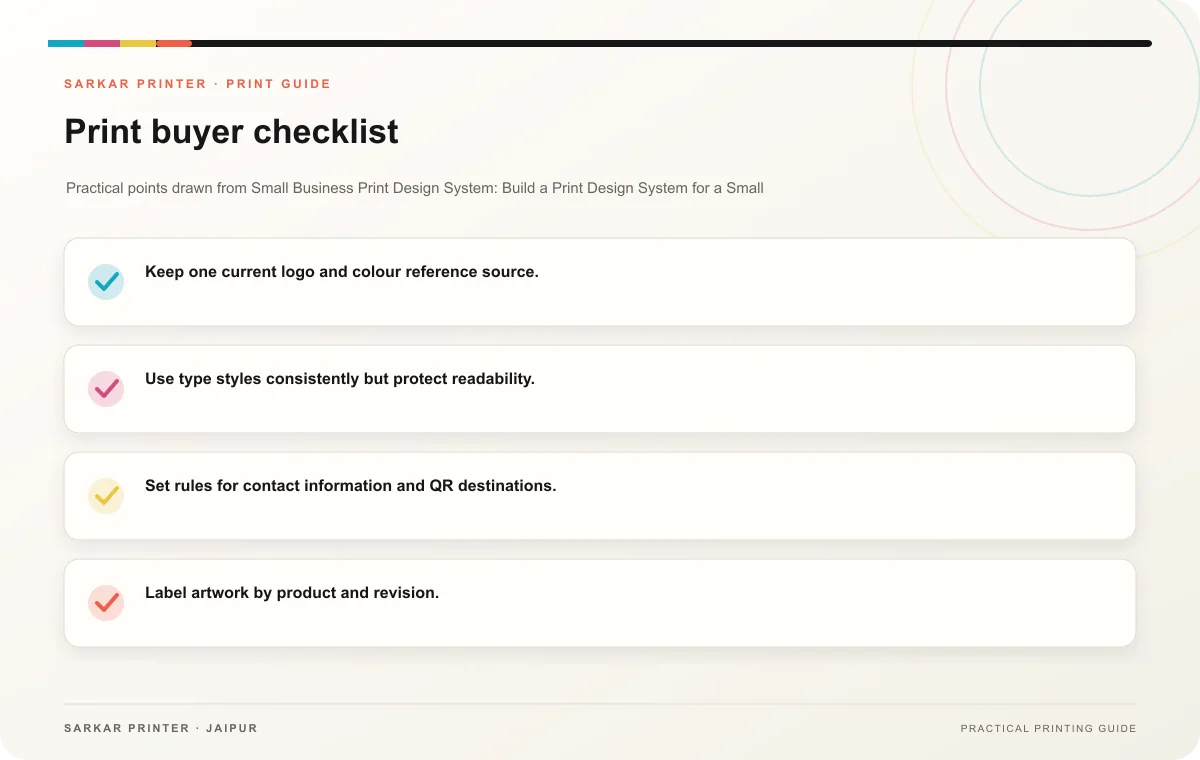
- Keep one current logo and colour reference source.
- Use type styles consistently but protect readability.
- Set rules for contact information and QR destinations.
- Label artwork by product and revision.
- Review the whole printed set together once a year or after a brand change.
Use the system to simplify purchasing
When requesting quotes, tell the printer which elements your team will keep fixed and what the printer may vary. Keep specifications for repeat items so the team can compare jobs and reorder confidently. Save a sample of the approved set to guide future work.
Print planning checklist
| Topic | Key point | Check before approval |
|---|---|---|
| Choose the elements that should repeat | Set rules for logo use, brand colours, typography, spacing and contact details. Keep a short reference sheet with approved versions and filenames. Define how the system adapts to dark… | Record the agreed choice in the approved print brief. |
| Make templates easy to update | Use approved master files and name a person who controls changes. Store final print PDFs separately from editable templates. Create a simple checklist for contact details, file version,… | Record the agreed choice in the approved print brief. |
| Use the system to simplify purchasing | When requesting quotes, tell the printer which elements your team will keep fixed and what the printer may vary. Keep specifications for repeat items so the team can compare jobs and… | Record the agreed choice in the approved print brief. |
CONTINUE THE PRINT PLAN
Keep the next step useful.
Explore the service page or related drafts, then send the agreed brief to the print team.
Frequently asked questions
Do small businesses need a brand manual?
A short reference with logo, colour, type and template rules can be enough to keep everyday print consistent.
Can templates cover every format?
Templates can share core elements, but each layout should suit its size, reading distance and use.
Who should approve changes?
Name one brand owner and route factual content to the person responsible for it.