
Readers often scan a brochure before deciding which section to read closely. Scannable business brochure design uses clear headings, grouping and visual cues to help a person find the information they need.
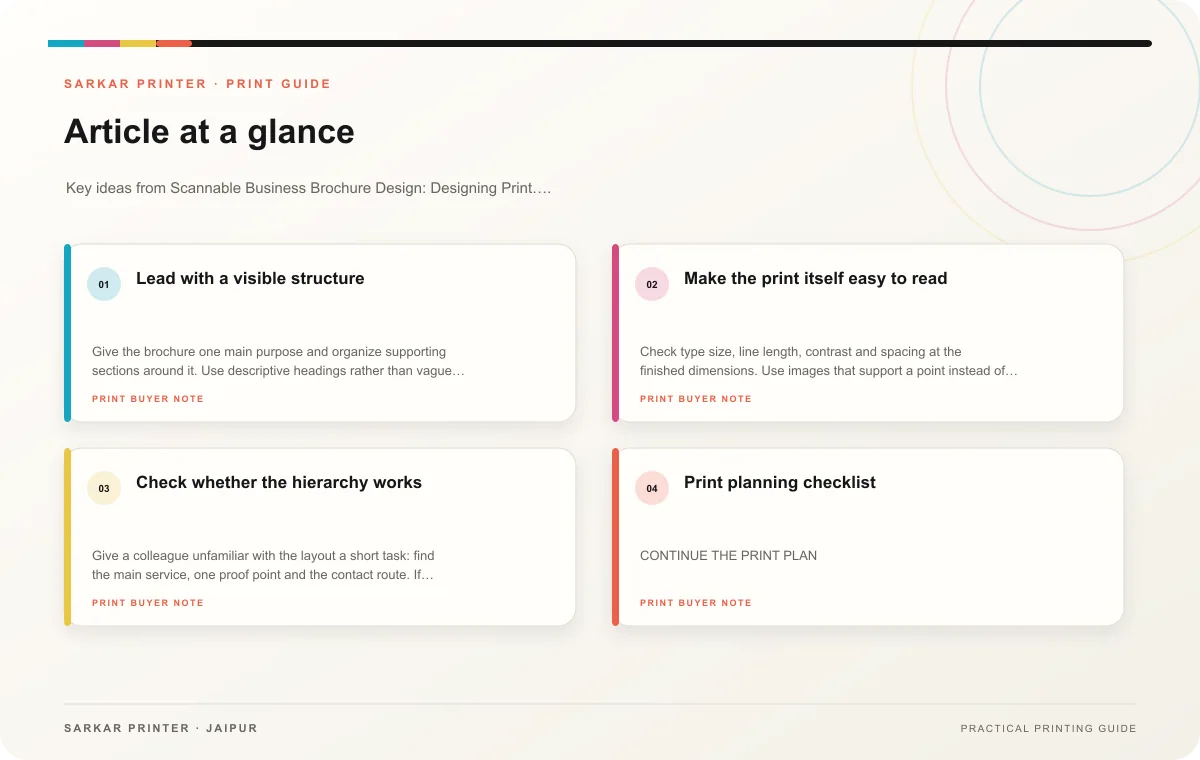
Lead with a visible structure
Give the brochure one main purpose and organize supporting sections around it. Use descriptive headings rather than vague labels. Keep each paragraph focused, and use lists for steps or grouped benefits. A reader should be able to understand the page’s structure from its headings and emphasis alone.
Use hierarchy with restraint. A strong title, a few subheadings, captions and callouts can guide attention. Too many boxes, colours and bold phrases compete with each other. Keep related information close: a service name should sit beside its description, and a contact action should appear where it makes sense.
Make the print itself easy to read
Check type size, line length, contrast and spacing at the finished dimensions. Use images that support a point instead of filling space. Keep captions clear and avoid placing text over a busy photograph. For a folded brochure, make sure the panel sequence carries the reader through the story.
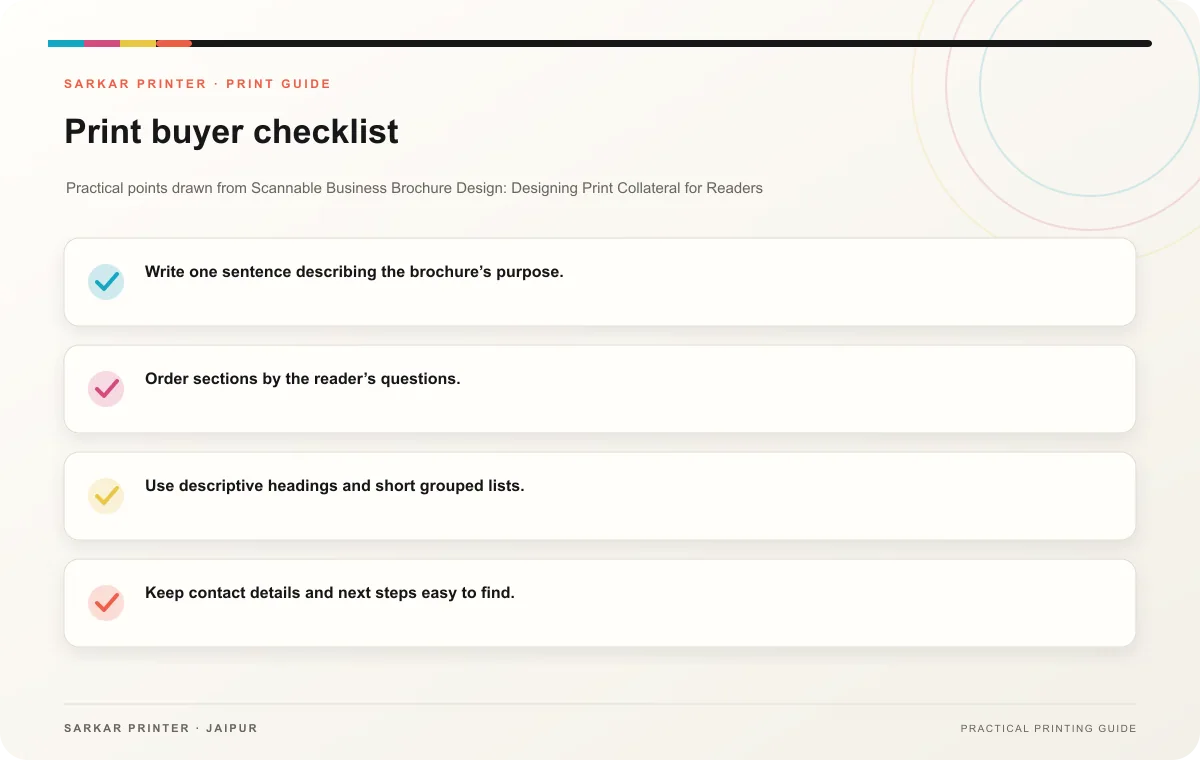
- Write one sentence describing the brochure’s purpose.
- Order sections by the reader’s questions.
- Use descriptive headings and short grouped lists.
- Keep contact details and next steps easy to find.
- Review a physical proof from arm’s length and close up.
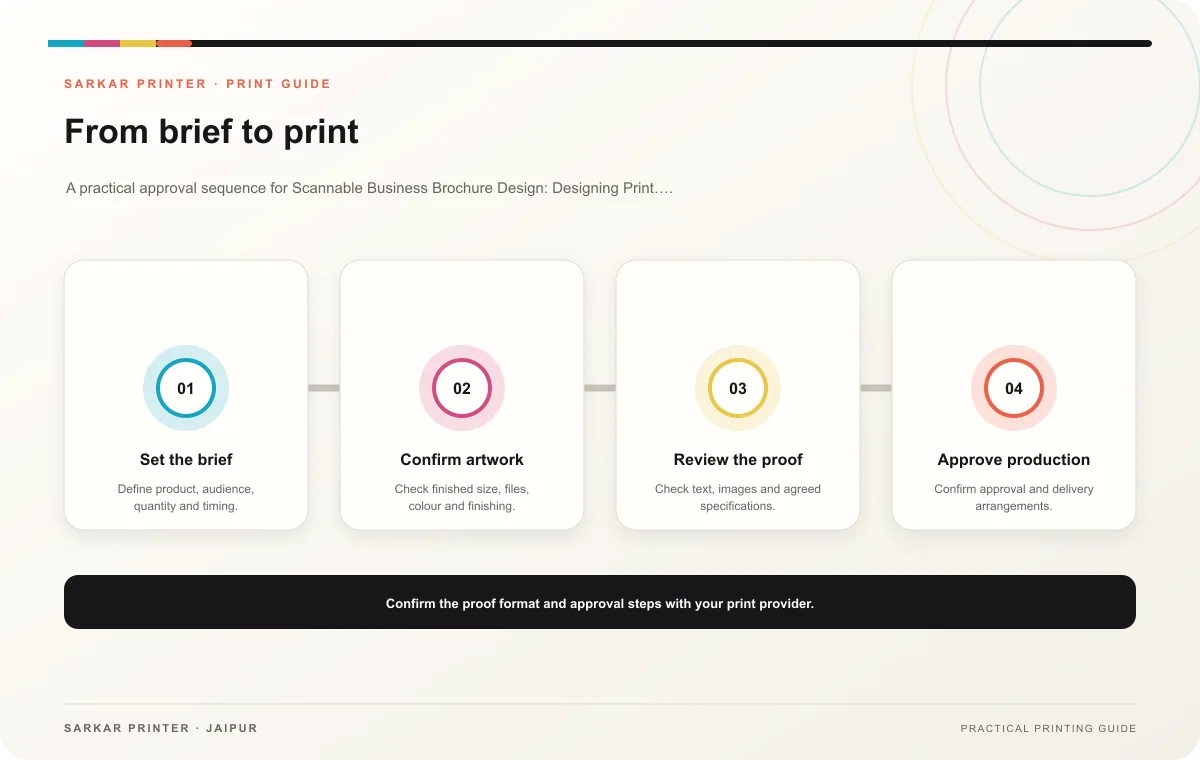
Check whether the hierarchy works
Give a colleague unfamiliar with the layout a short task: find the main service, one proof point and the contact route. If they pause or search, revise the order or labels. This quick review can reveal clutter before final approval.
Print planning checklist
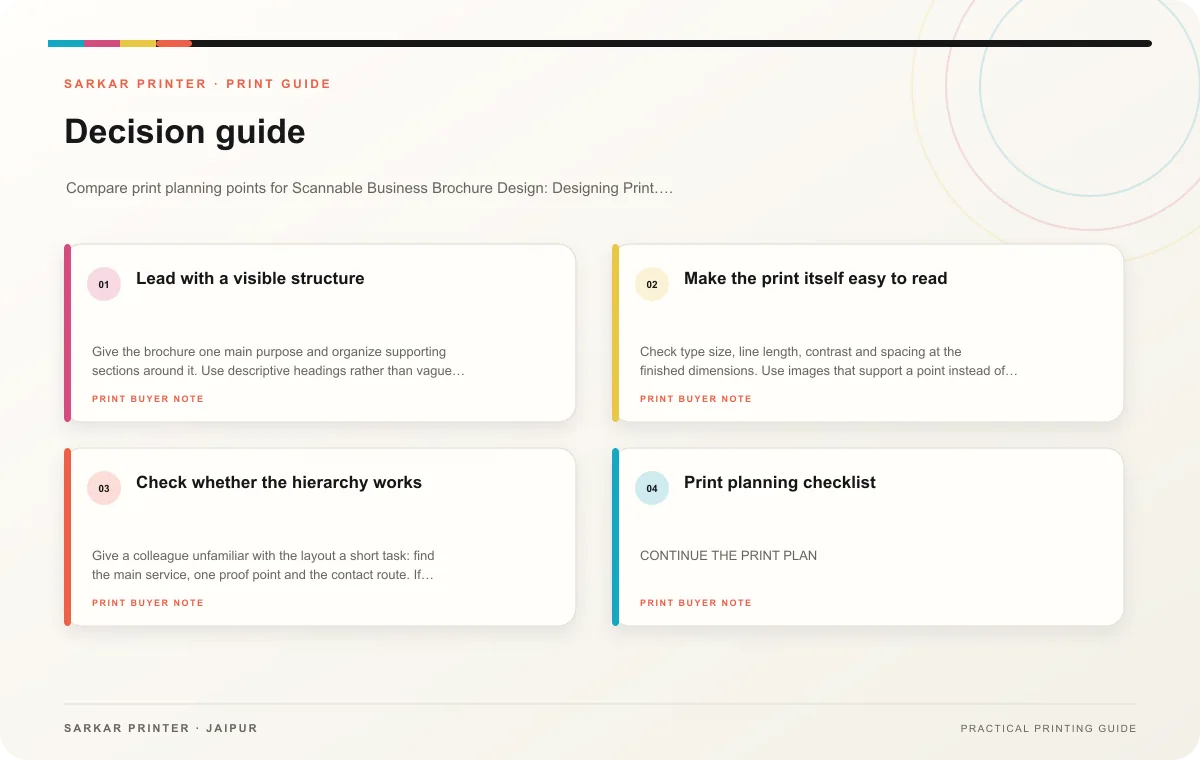
| Topic | Key point | Check before approval |
|---|---|---|
| Lead with a visible structure | Give the brochure one main purpose and organize supporting sections around it. Use descriptive headings rather than vague labels. Keep each paragraph focused, and use lists for steps or… | Record the agreed choice in the approved print brief. |
| Make the print itself easy to read | Check type size, line length, contrast and spacing at the finished dimensions. Use images that support a point instead of filling space. Keep captions clear and avoid placing text over a… | Record the agreed choice in the approved print brief. |
| Check whether the hierarchy works | Give a colleague unfamiliar with the layout a short task: find the main service, one proof point and the contact route. If they pause or search, revise the order or labels. This quick… | Record the agreed choice in the approved print brief. |
CONTINUE THE PRINT PLAN
Keep the next step useful.
Explore the service page or related drafts, then send the agreed brief to the print team.
Frequently asked questions
How much text should a brochure have?
Use enough to answer the reader’s questions. Move supporting detail elsewhere if it makes the main path difficult to scan.
Do icons improve scanning?
They can help when familiar and consistent. Pair them with labels where meaning might be unclear.
What should your team check on the printed piece?
Review hierarchy, small type, contrast, panel order and the visibility of the contact step.