
Images can clarify what a business makes, show a product detail or support a campaign story. Choosing images for commercial printing means checking accuracy, permission, crop and suitability for the final layout.
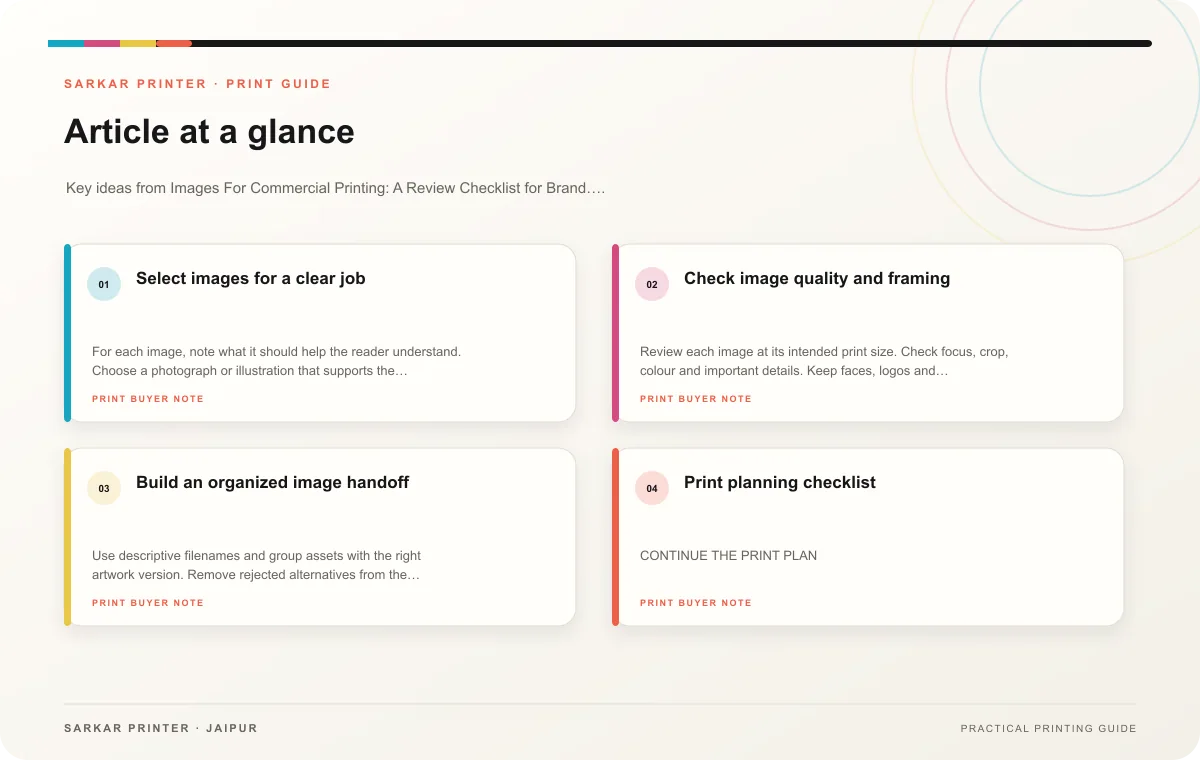
Select images for a clear job
For each image, note what it should help the reader understand. Choose a photograph or illustration that supports the message and matches the product or service you promote. Avoid using an image that suggests a feature, customer or location the business cannot substantiate.
Confirm usage rights and any required model, property or creator permissions. Keep the asset source and license record with the project. If the image is AI-generated or illustrative, label it accurately when a reader might otherwise treat it as a real product or facility photograph.
Check image quality and framing
Review each image at its intended print size. Check focus, crop, colour and important details. Keep faces, logos and product edges clear of folds and trims. Ask the printer or designer to confirm whether the supplied file suits the particular format and process.
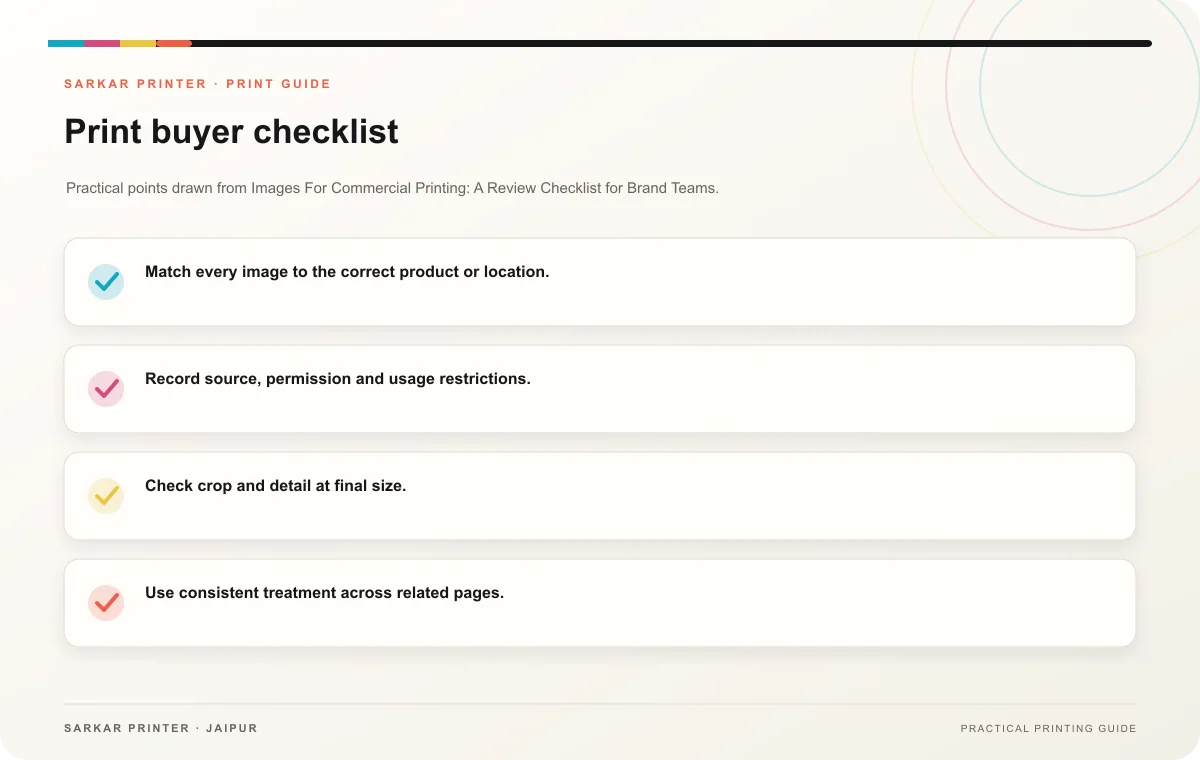
- Match every image to the correct product or location.
- Record source, permission and usage restrictions.
- Check crop and detail at final size.
- Use consistent treatment across related pages.
- Inspect the proof for unexpected crop or colour changes.
Build an organized image handoff
Use descriptive filenames and group assets with the right artwork version. Remove rejected alternatives from the production folder. If your team changes the image after approval, update the file revision and request a new proof. Reviewers can then assess the exact artwork the printer will print.
Print planning checklist
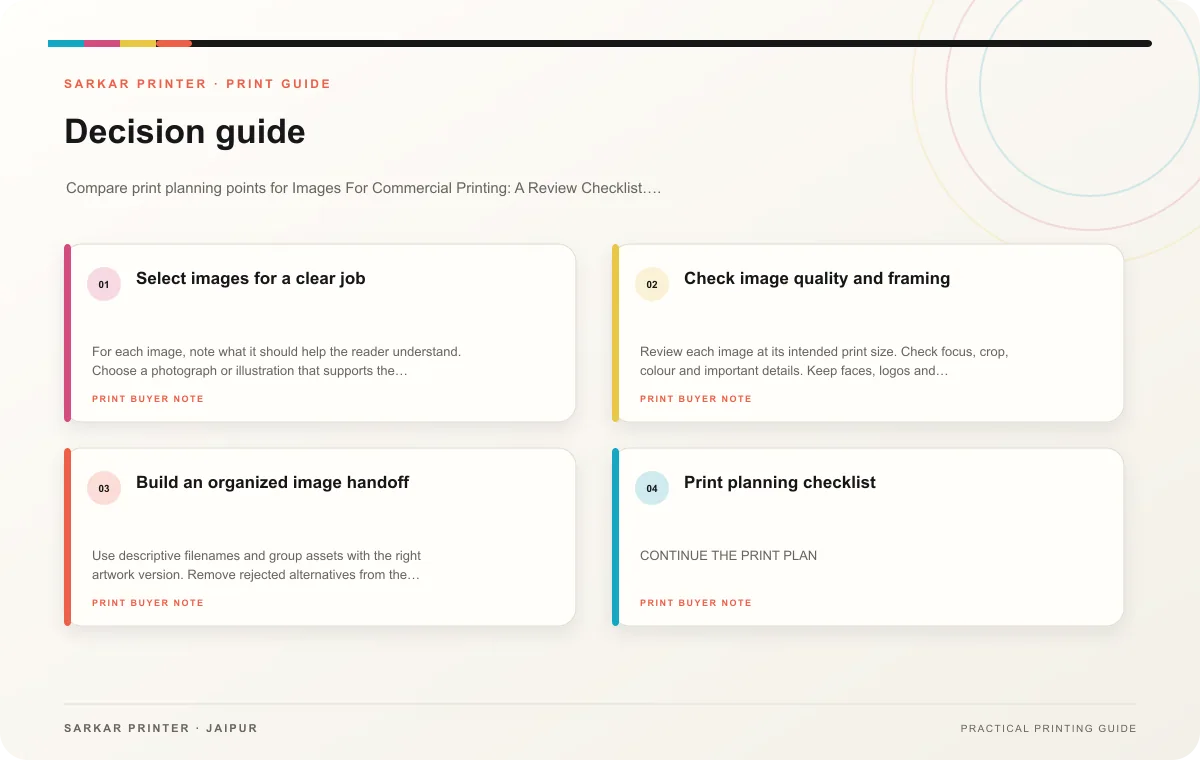
| Topic | Key point | Check before approval |
|---|---|---|
| Select images for a clear job | For each image, note what it should help the reader understand. Choose a photograph or illustration that supports the message and matches the product or service you promote. Avoid using… | Record the agreed choice in the approved print brief. |
| Check image quality and framing | Review each image at its intended print size. Check focus, crop, colour and important details. Keep faces, logos and product edges clear of folds and trims. Ask the printer or designer… | Record the agreed choice in the approved print brief. |
| Build an organized image handoff | Use descriptive filenames and group assets with the right artwork version. Remove rejected alternatives from the production folder. If your team changes the image after approval, update… | Record the agreed choice in the approved print brief. |
CONTINUE THE PRINT PLAN
Keep the next step useful.
Explore the service page or related drafts, then send the agreed brief to the print team.
Frequently asked questions
Can I use a web image in a brochure?
Only when you have permission for the intended print use and the file works at its final size.
Should we label an AI illustration?
Label it when a reader could reasonably mistake it for a real product, project or location.
Who checks image accuracy?
The product or campaign owner should confirm the image shows the correct subject and version.