
Accessible print layout design helps more people find and understand the information on a page. Clear contrast, readable type and predictable reading order improve usability for everyone, especially in busy or low-light settings.
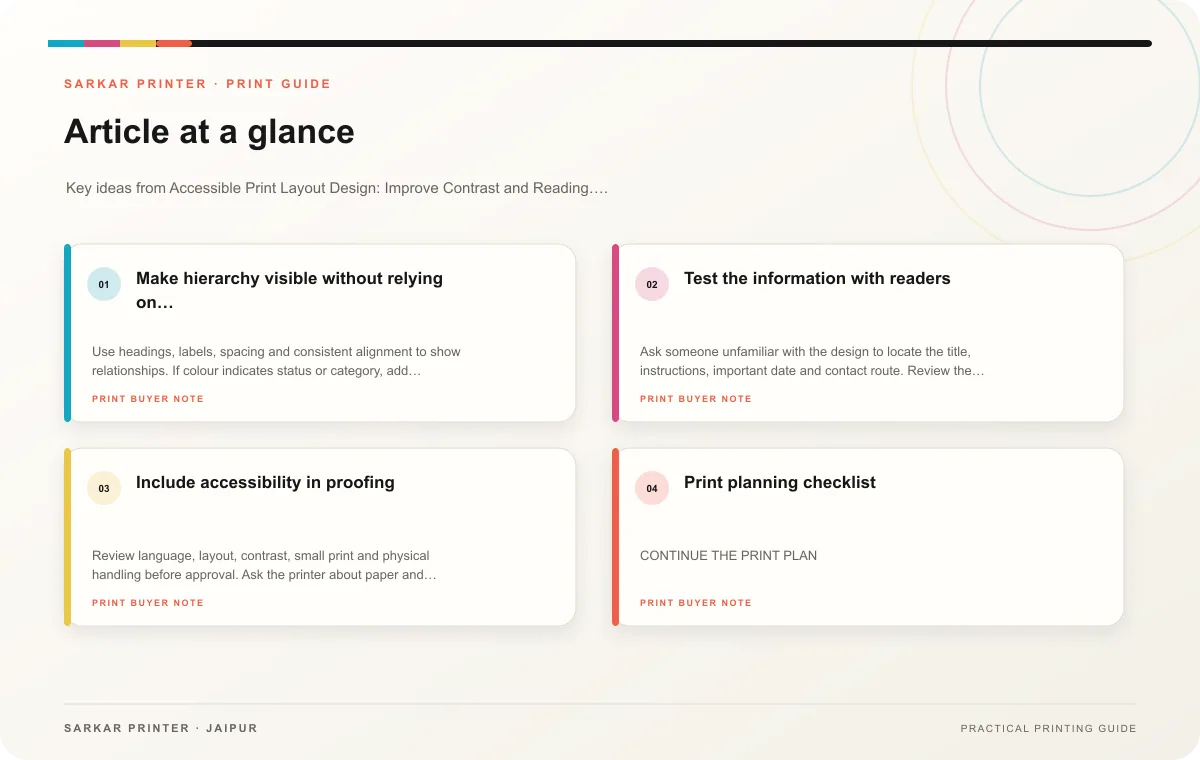
Make hierarchy visible without relying on colour
Use headings, labels, spacing and consistent alignment to show relationships. If colour indicates status or category, add a word, symbol or pattern so readers do not have to distinguish colour alone. Keep body text and background contrast strong enough for the intended material and lighting.
Choose type that remains readable at the final size. Avoid long passages in all caps, very thin strokes or tightly compressed spacing. Use short paragraphs and meaningful headings. For a chart, label the values and explain the main takeaway in text instead of expecting colour to carry the meaning.
Test the information with readers
Ask someone unfamiliar with the design to locate the title, instructions, important date and contact route. Review the printed piece at normal reading distance and in the place where people will use it. If the page includes a QR code, provide a short written URL or contact option as another route when space allows.
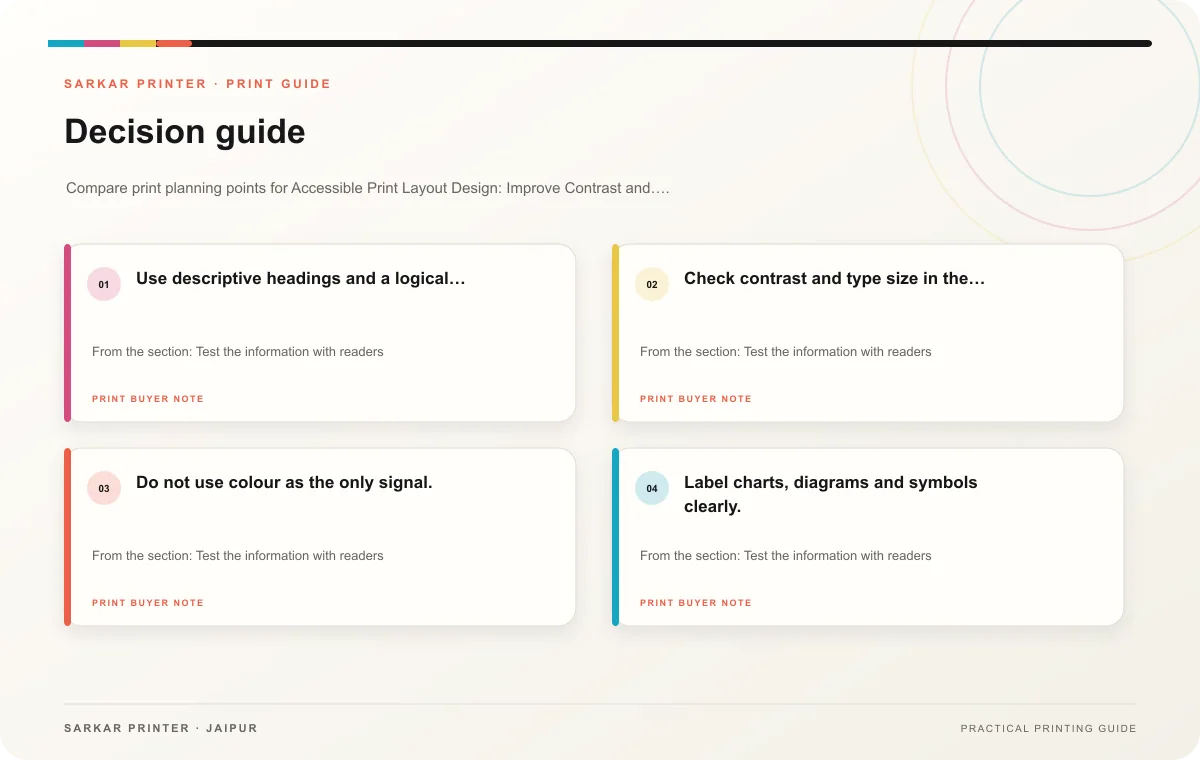
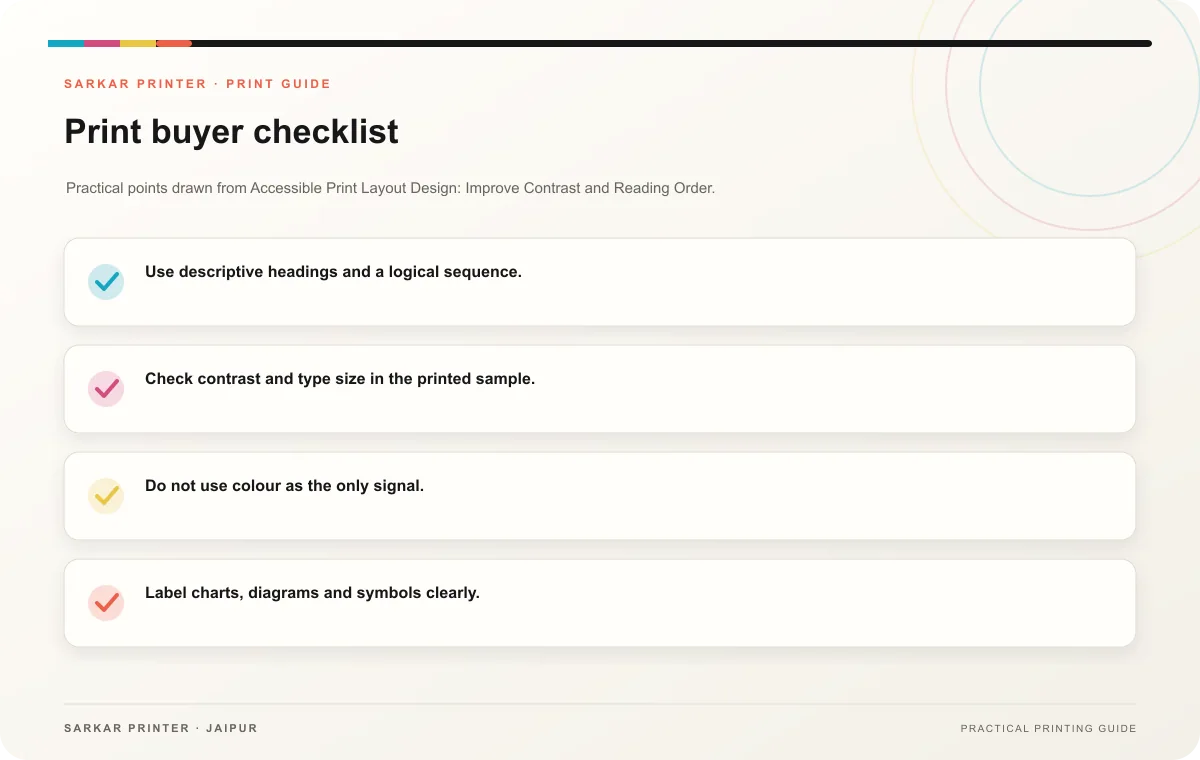
- Use descriptive headings and a logical sequence.
- Check contrast and type size in the printed sample.
- Do not use colour as the only signal.
- Label charts, diagrams and symbols clearly.
- Keep forms and instructions simple to navigate.
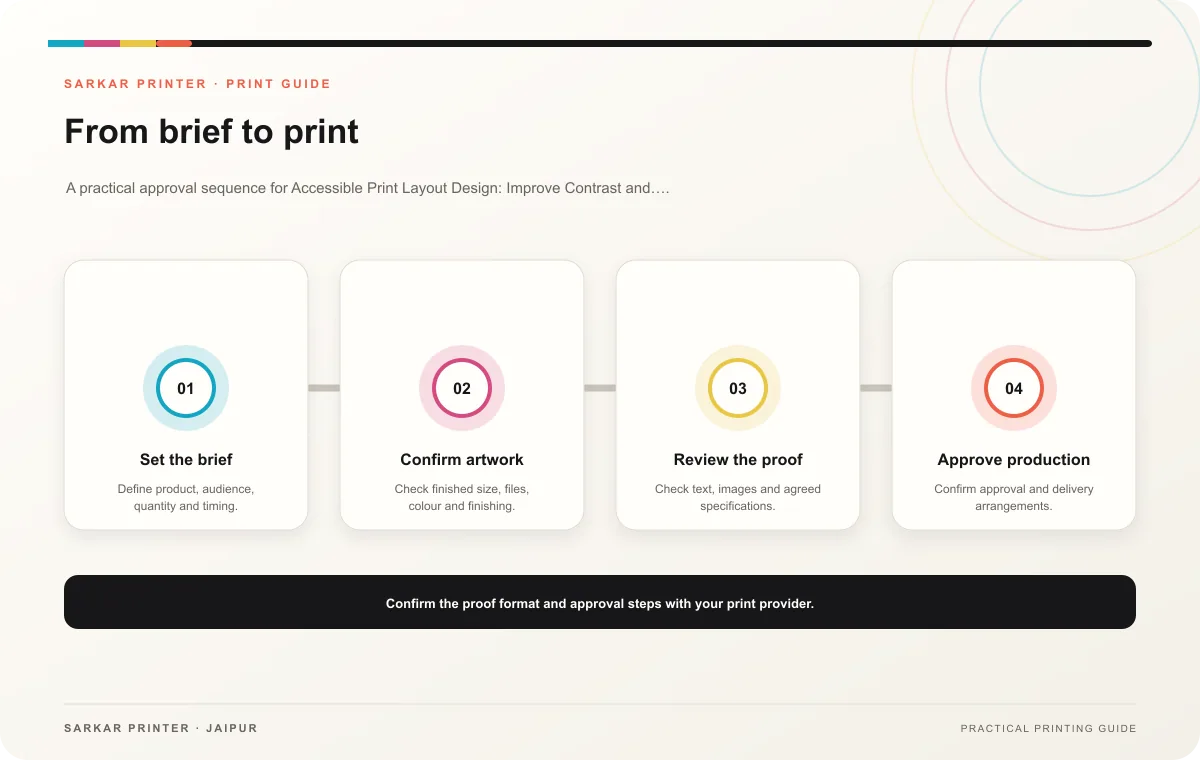
Include accessibility in proofing
Review language, layout, contrast, small print and physical handling before approval. Ask the printer about paper and finishing where glare or surface texture could affect reading. Keep accessibility notes with the template so future updates retain the same care.
Print planning checklist
| Topic | Key point | Check before approval |
|---|---|---|
| Make hierarchy visible without relying on colour | Use headings, labels, spacing and consistent alignment to show relationships. If colour indicates status or category, add a word, symbol or pattern so readers do not have to distinguish… | Review one dated proof under suitable light before approval. |
| Test the information with readers | Ask someone unfamiliar with the design to locate the title, instructions, important date and contact route. Review the printed piece at normal reading distance and in the place where… | Record the agreed choice in the approved print brief. |
| Include accessibility in proofing | Review language, layout, contrast, small print and physical handling before approval. Ask the printer about paper and finishing where glare or surface texture could affect reading. Keep… | Review one dated proof under suitable light before approval. |
CONTINUE THE PRINT PLAN
Keep the next step useful.
Explore the service page or related drafts, then send the agreed brief to the print team.
Frequently asked questions
Should I use larger text everywhere?
Use a type size appropriate to the format and audience, then prioritize the details people must find quickly.
Can colour coding still help?
Yes, when labels or other cues provide the same information without colour.
What is a useful reader test?
Ask a person unfamiliar with the design to find key facts without guidance.