
Outdated print wastes money and can confuse customers when offers, contact details or product information change. A plan to reduce outdated printed materials begins with knowing what exists and who owns it.
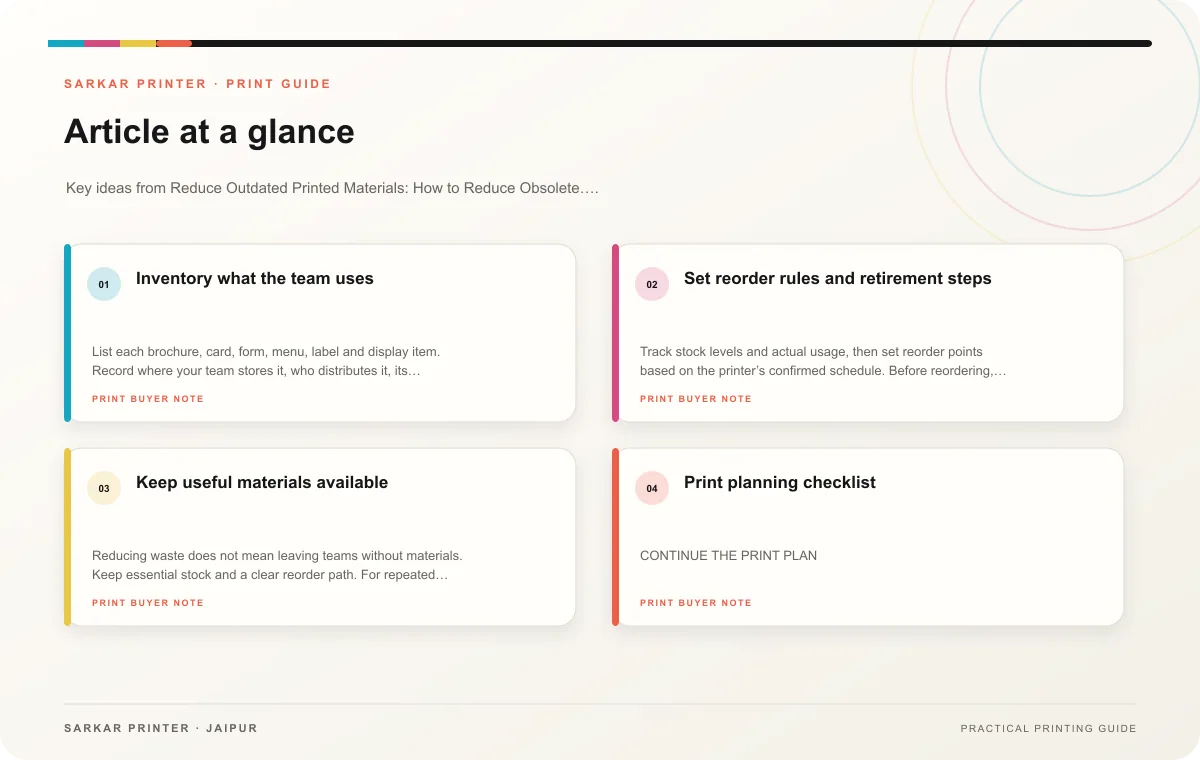
Inventory what the team uses
List each brochure, card, form, menu, label and display item. Record where your team stores it, who distributes it, its edition date and the facts that may change. Give every item an owner and a review date. This exposes duplicates and materials no one uses.
Separate stable information from short-lived messages. A company overview may remain useful for a while; event dates and offers expire quickly. Use inserts or digital updates for details that change often when that suits the audience and format. Avoid printing a temporary message in a large batch without a distribution plan.
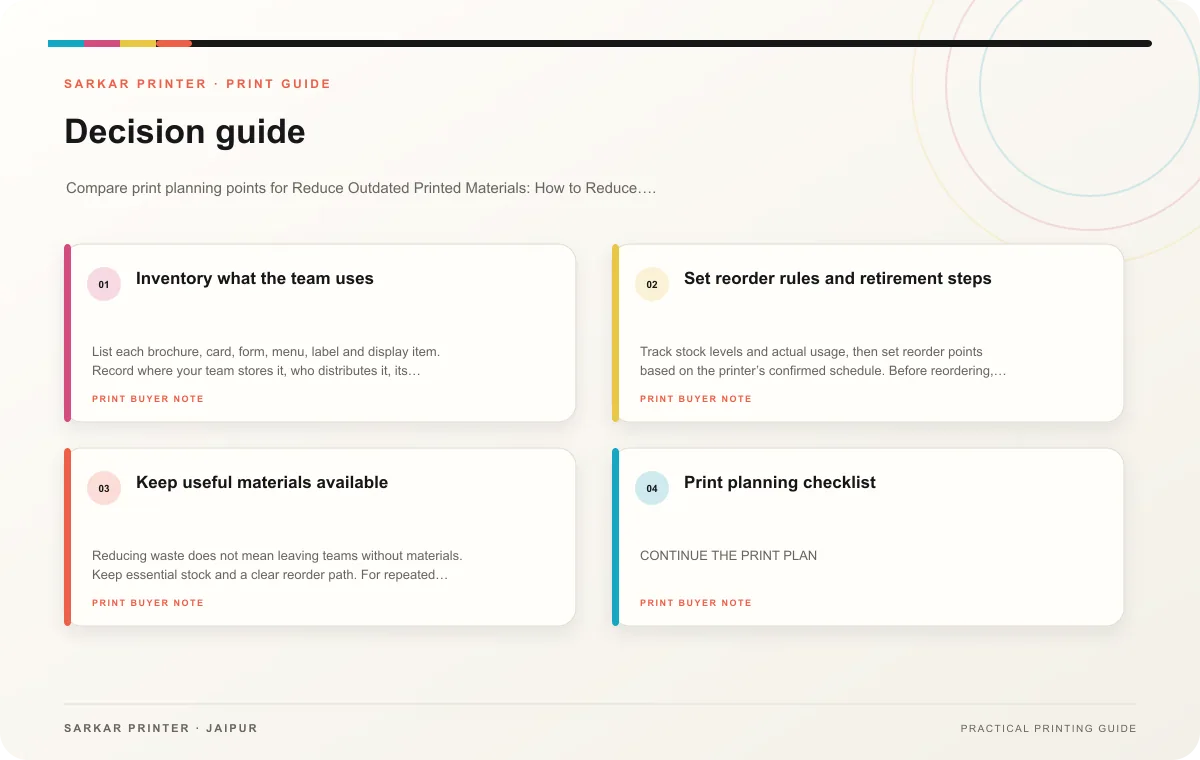
Set reorder rules and retirement steps
Track stock levels and actual usage, then set reorder points based on the printer’s confirmed schedule. Before reordering, review the content and edition date. When a new version arrives, assign someone to remove old copies from desks, counters and event kits. Recycle or dispose of them according to the business’s normal process.
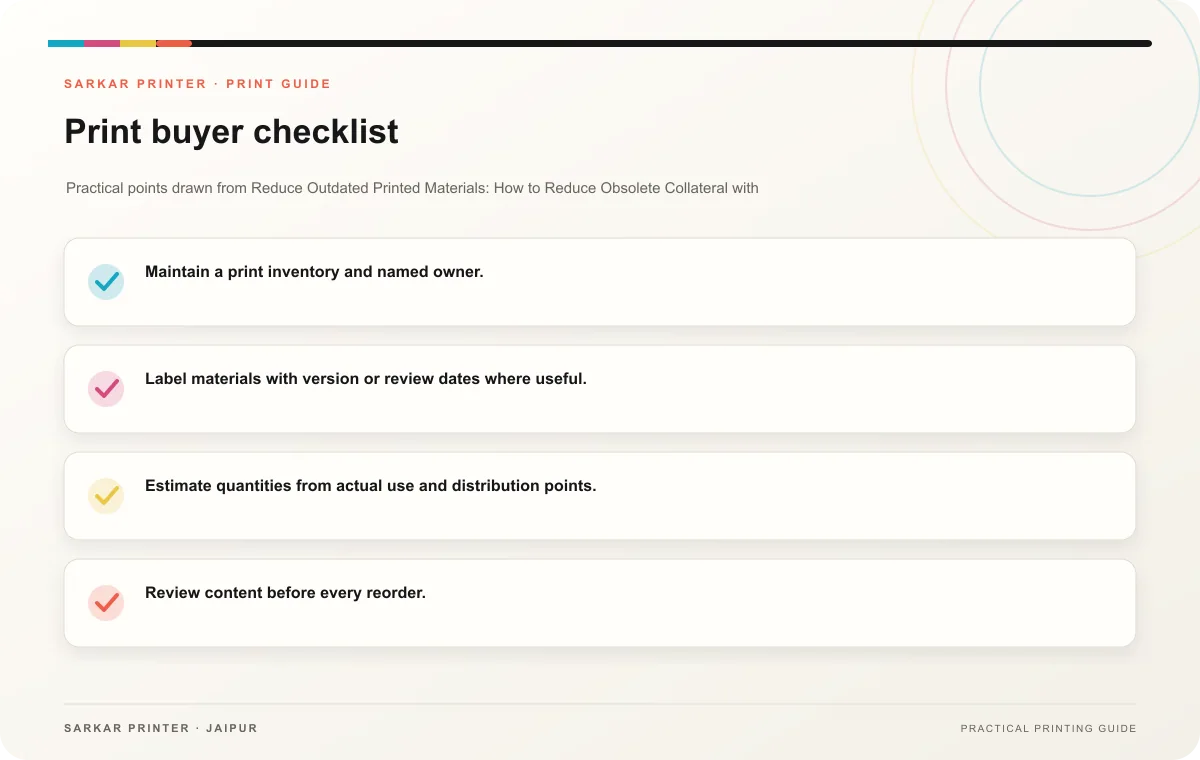
- Maintain a print inventory and named owner.
- Label materials with version or review dates where useful.
- Estimate quantities from actual use and distribution points.
- Review content before every reorder.
- Retire superseded copies after replacement.
Keep useful materials available
Reducing waste does not mean leaving teams without materials. Keep essential stock and a clear reorder path. For repeated campaigns, save approved masters and update only the fields that changed. Ask the printer about quantities or production options that fit the business’s usage pattern.
Print planning checklist
| Topic | Key point | Check before approval |
|---|---|---|
| Inventory what the team uses | List each brochure, card, form, menu, label and display item. Record where your team stores it, who distributes it, its edition date and the facts that may change. Give every item an… | Record the agreed choice in the approved print brief. |
| Set reorder rules and retirement steps | Track stock levels and actual usage, then set reorder points based on the printer’s confirmed schedule. Before reordering, review the content and edition date. When a new version… | Record the agreed choice in the approved print brief. |
| Keep useful materials available | Reducing waste does not mean leaving teams without materials. Keep essential stock and a clear reorder path. For repeated campaigns, save approved masters and update only the fields that… | Compare the stock at finished size and check how it will be handled. |
CONTINUE THE PRINT PLAN
Keep the next step useful.
Explore the service page or related drafts, then send the agreed brief to the print team.
Frequently asked questions
Which items become outdated fastest?
Materials with dates, prices, staff contacts or changing product details need more frequent review.
How often should we check stock?
Choose an interval based on consumption and reorder lead time, then assign someone to record the count.
Can a QR code replace print?
It can support updates, but consider whether the audience can access the link and still needs printed information.