
Sheet labels and roll labels can support different application workflows. Compare sheet labels vs roll labels by looking at how the team applies them, stores them and handles the production quantity.
Compare the hand-application workflow
Sheet labels place multiple stickers on one backing sheet. A person can peel individual labels or handle a sheet at a time, which may suit hand application or smaller batches. Roll labels arrive wound around a core, which can work with a dispenser or an applicator designed for rolls. Confirm the actual equipment and label orientation before specifying the format.
Think through the full path from delivery to application. Where will your team store the labels? Does the team need to carry small batches to different workstations? Will an applicator pull labels from a roll in a particular direction? Those practical details can matter more than the visual artwork.
Consider storage, quantities and label shape
Ask the printer about available sizes, gap or spacing, backing and finishing for each format. A complex shape may need a specific layout on the sheet or roll. If the labels carry variable data, provide a sample data file and confirm how each record will appear before the run.
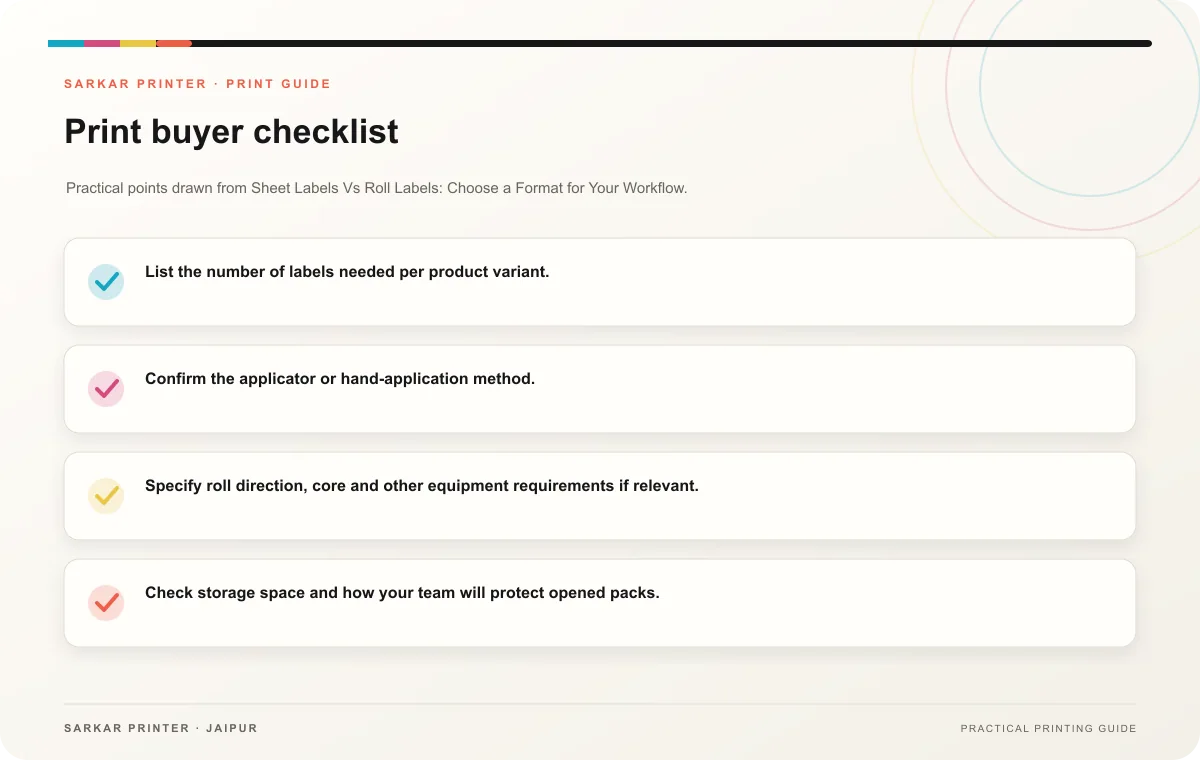
- List the number of labels needed per product variant.
- Confirm the applicator or hand-application method.
- Specify roll direction, core and other equipment requirements if relevant.
- Check storage space and how your team will protect opened packs.
- Approve a sample with the actual artwork and container.
Choose the format with the printer
Give the printer the label dimensions, shapes, quantity by variant, material preference and application process. Ask for a recommendation based on that setup and compare the delivered format with the team’s equipment. The best option is the one that fits the real workflow and the production specification.
Print planning checklist
| Topic | Key point | Check before approval |
|---|---|---|
| Compare the hand-application workflow | Sheet labels place multiple stickers on one backing sheet. A person can peel individual labels or handle a sheet at a time, which may suit hand application or smaller batches. Roll… | Record the agreed choice in the approved print brief. |
| Consider storage, quantities and label shape | Ask the printer about available sizes, gap or spacing, backing and finishing for each format. A complex shape may need a specific layout on the sheet or roll. If the labels carry… | Record the agreed choice in the approved print brief. |
| Choose the format with the printer | Give the printer the label dimensions, shapes, quantity by variant, material preference and application process. Ask for a recommendation based on that setup and compare the delivered… | Record the agreed choice in the approved print brief. |
CONTINUE THE PRINT PLAN
Keep the next step useful.
Explore the service page or related drafts, then send the agreed brief to the print team.
Frequently asked questions
Are roll labels always for machines?
No. Some teams apply roll labels by hand, but the roll still needs to suit storage and handling preferences.
Are sheet labels only for small orders?
They can suit hand workflows across different quantities; confirm the most practical format with the printer.
What should I send for a quote?
Share dimensions, shape, total and variant counts, application method, material preference and timing.