
Bottle and jar labels must remain legible on a curved surface and avoid seams or edges that disrupt the design. Bottle label printing should begin with the actual container or an approved drawing, not a guessed flat rectangle.
Measure the label area in context
Confirm the usable area on the bottle or jar, including the taper, shoulder, seam and cap. A label wrapped around a cylinder can bring its edges close together, while a tapered container may distort a rectangular design. Ask the packaging owner or printer for a dieline that reflects the container shape.
Place the product name and key details where a shopper can see them. Keep small copy away from the seam and avoid placing essential information where the container’s curve makes it difficult to read. If the label includes a barcode, check its orientation and position against how a scanner will read the packaged product.
Choose material for the setting
Think about condensation, handling, storage and the product’s environment. Ask the printer which label materials and adhesives suit the intended use. Request a sample on the actual container if the label must resist moisture, fit a small diameter or present a particular finish. A generic sample may not reveal how the chosen adhesive behaves on your package.
- Confirm the container size, shape and application area.
- Review copy and any regulated details with the responsible product owner.
- Keep a seam gap and safe space for important text.
- Check barcode or QR placement in the packaged state.
- Test the proof on the bottle or jar before authorizing production.
Prepare the final artwork
Use the printer’s template and package the final PDF with required fonts or linked files. State the quantity, material preference, finish, application method and deadline. Identify the version clearly so the print team can match the artwork to the approved container.
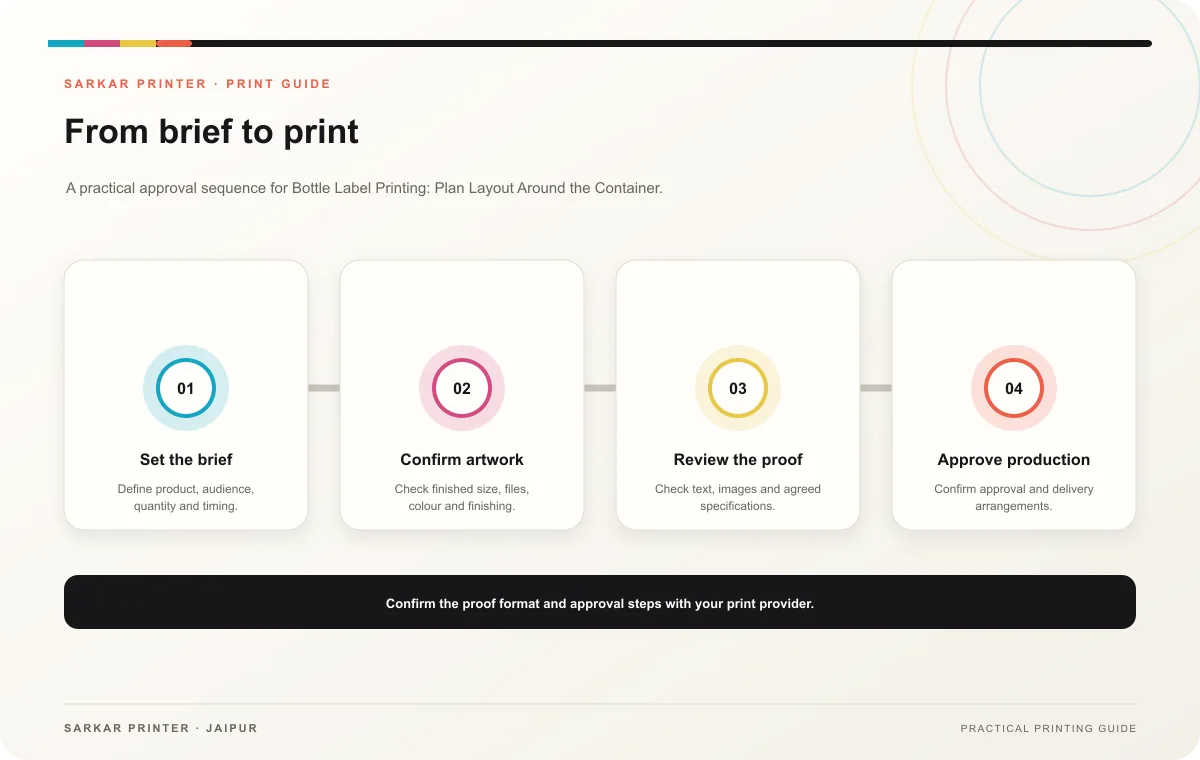
Print planning checklist
| Topic | Key point | Check before approval |
|---|---|---|
| Measure the label area in context | Confirm the usable area on the bottle or jar, including the taper, shoulder, seam and cap. A label wrapped around a cylinder can bring its edges close together, while a tapered container… | Record the agreed choice in the approved print brief. |
| Choose material for the setting | Think about condensation, handling, storage and the product’s environment. Ask the printer which label materials and adhesives suit the intended use. Request a sample on the actual… | Compare the stock at finished size and check how it will be handled. |
| Prepare the final artwork | Use the printer’s template and package the final PDF with required fonts or linked files. State the quantity, material preference, finish, application method and deadline. Identify the… | Check the supplied file at final size and confirm bleed and safe areas. |
CONTINUE THE PRINT PLAN
Keep the next step useful.
Explore the service page or related drafts, then send the agreed brief to the print team.
Frequently asked questions
Can one label size fit several bottles?
Only if the usable areas and application conditions match. Check each container rather than assuming a shared shape.
Where should the seam sit?
Follow the approved package layout and leave essential copy clear of the seam. The printer or packaging owner can confirm the application position.
What is a useful sample check?
Apply the label to the actual container and inspect fit, legibility, edges and any machine-readable code.