
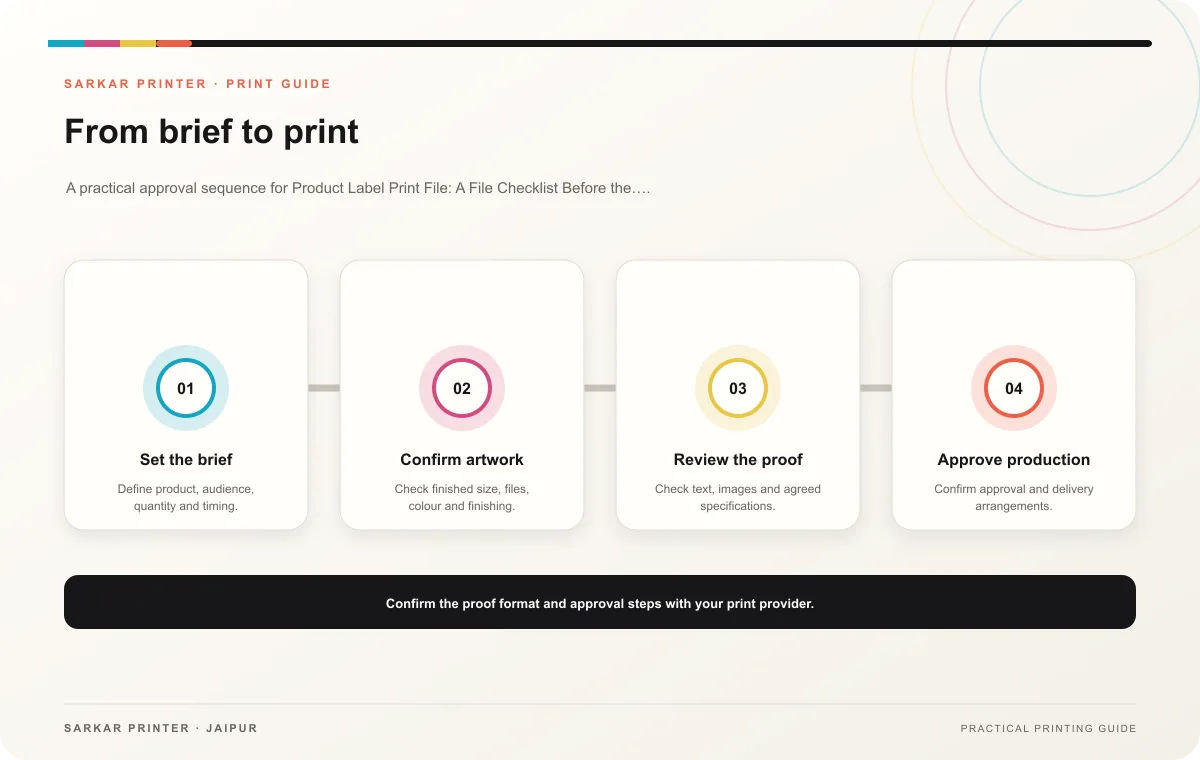
A label artwork file needs to fit the container, carry the approved product information and leave room for machine-readable codes where required. Before sending a product label print file, coordinate the design with the product and packaging owners.
Start from the real package
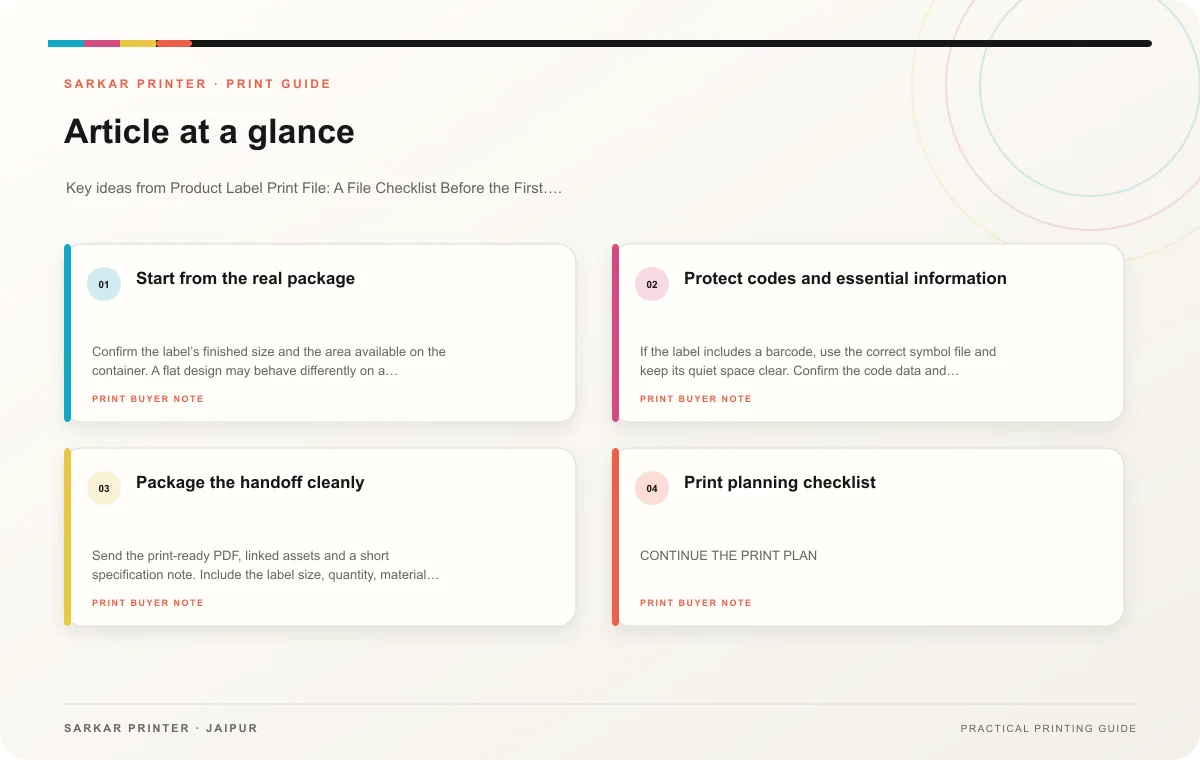
Confirm the label’s finished size and the area available on the container. A flat design may behave differently on a curved or tapered surface, so ask for the correct dieline or template. Identify seams, edges and places where a label could wrinkle or overlap. The packaging team can help confirm the application area.
Gather approved text from the responsible product owner. This may include the product name, variant, instructions, ingredients or other regulated information depending on the product and market. Do not invent missing copy or treat a design proof as approval of regulatory details. Check minimum type size and required warnings with the compliance owner.
Protect codes and essential information
If the label includes a barcode, use the correct symbol file and keep its quiet space clear. Confirm the code data and placement with the brand or supply-chain team. GS1’s guidance recommends checking symbol size, quiet zones, contrast and position for the application. Ask the relevant owner whether the symbol needs verification after printing.
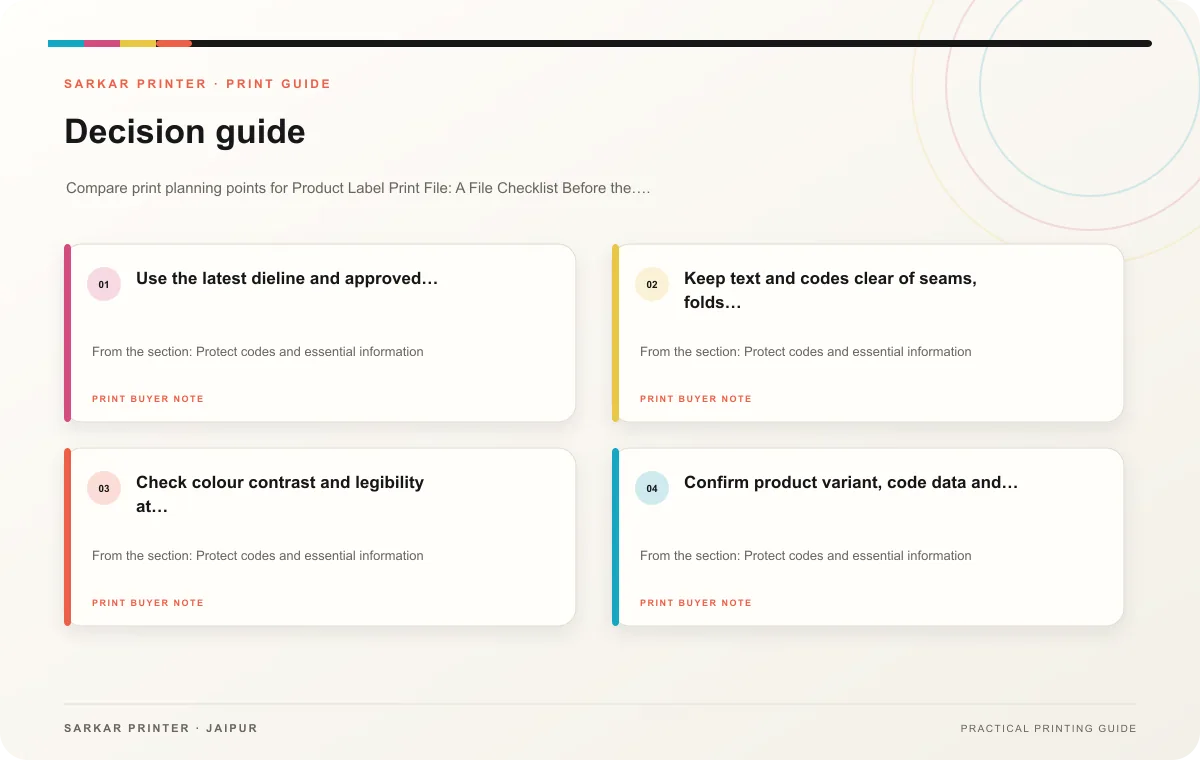
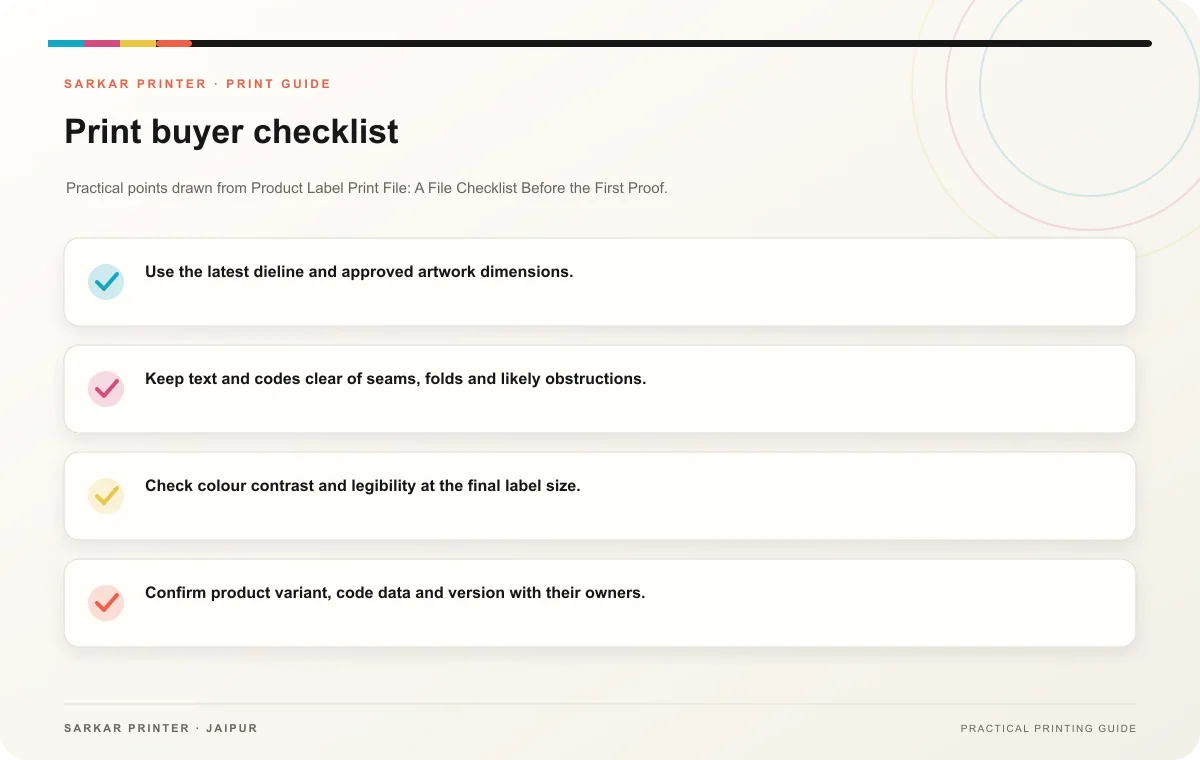
- Use the latest dieline and approved artwork dimensions.
- Keep text and codes clear of seams, folds and likely obstructions.
- Check colour contrast and legibility at the final label size.
- Confirm product variant, code data and version with their owners.
- Test a sample on the actual container when fit matters.
Package the handoff cleanly
Send the print-ready PDF, linked assets and a short specification note. Include the label size, quantity, material preference, finishing, application context and required date. Keep a dated source file and ask the printer to confirm that the supplied artwork matches the requested production setup.
Reference: GS1 barcode quality checks.
Print planning checklist
| Topic | Key point | Check before approval |
|---|---|---|
| Start from the real package | Confirm the label’s finished size and the area available on the container. A flat design may behave differently on a curved or tapered surface, so ask for the correct dieline or… | Record the agreed choice in the approved print brief. |
| Protect codes and essential information | If the label includes a barcode, use the correct symbol file and keep its quiet space clear. Confirm the code data and placement with the brand or supply-chain team. GS1’s guidance… | Record the agreed choice in the approved print brief. |
| Package the handoff cleanly | Send the print-ready PDF, linked assets and a short specification note. Include the label size, quantity, material preference, finishing, application context and required date. Keep a… | Record the agreed choice in the approved print brief. |
CONTINUE THE PRINT PLAN
Keep the next step useful.
Explore the service page or related drafts, then send the agreed brief to the print team.
Frequently asked questions
Can I use a generic rectangle as the label template?
Use the container’s approved dimensions and a printer-provided dieline when available, especially for curved or shaped packages.
Who approves product label copy?
The business owner responsible for product and regulatory information should approve the wording before production.
Should I check a label on the container?
Yes, when shape, seam or application position can affect readability or fit.