
People view screen previews and printed pieces under different conditions. Screen vs print color expectations should be set before artwork approval, especially when a brand colour or product shade matters.
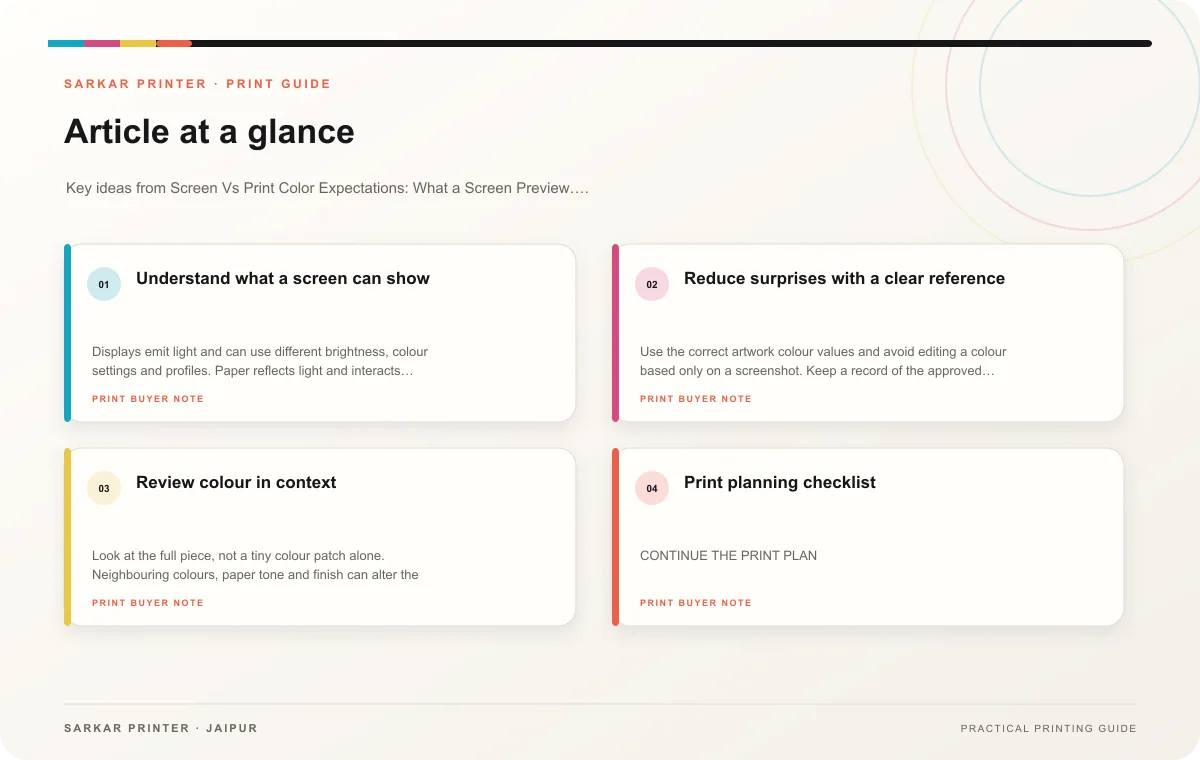
Understand what a screen can show
Displays emit light and can use different brightness, colour settings and profiles. Paper reflects light and interacts with ink, stock and finishing. A monitor can help reviewers judge layout and relative colour, but it cannot guarantee the exact appearance of a printed surface.
Ask the printer which production steps it plans to use and which colour references it can supply. If colour accuracy is important, provide the brand’s approved reference and agree on a suitable proofing method. Evaluate a physical sample under consistent light and consider the paper or coating used for the final run.
Reduce surprises with a clear reference
Use the correct artwork colour values and avoid editing a colour based only on a screenshot. Keep a record of the approved sample, paper and finish. If any of those change, tell the printer; the same file can look different on a different substrate or production setup.
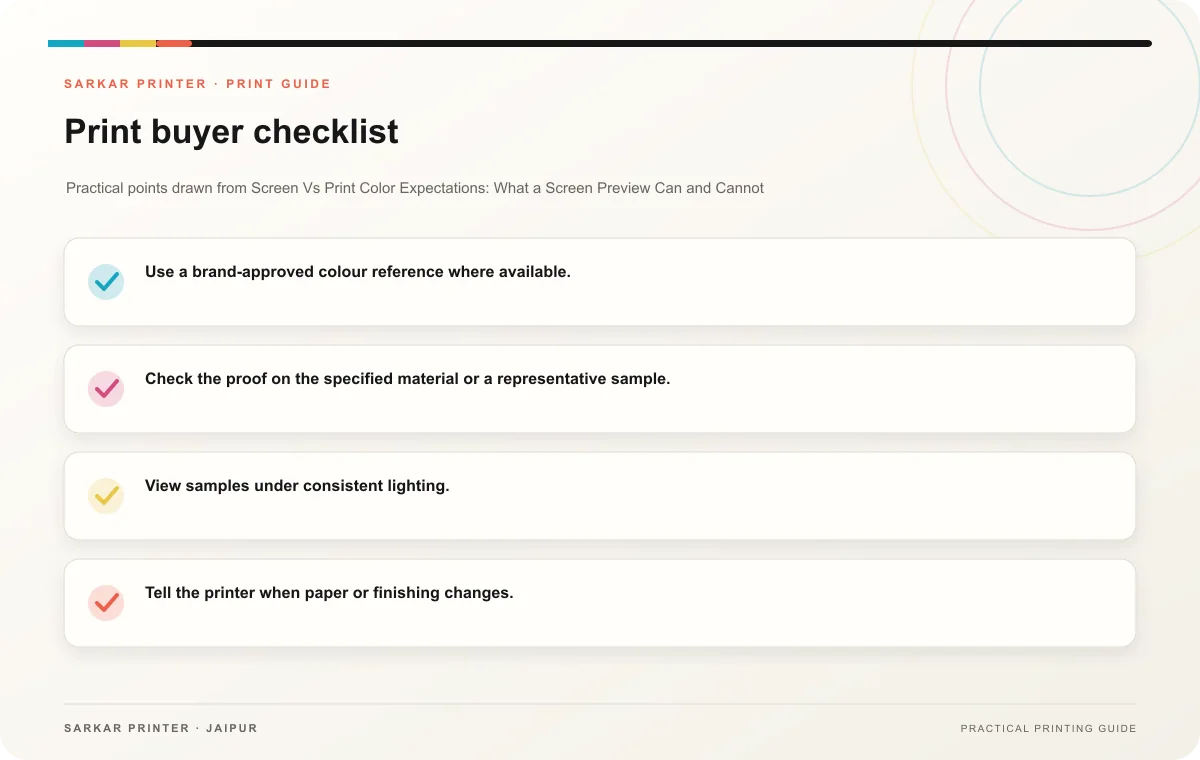
- Use a brand-approved colour reference where available.
- Check the proof on the specified material or a representative sample.
- View samples under consistent lighting.
- Tell the printer when paper or finishing changes.
- Record agreed expectations before approving the job.
Review colour in context
Look at the full piece, not a tiny colour patch alone. Neighbouring colours, paper tone and finish can alter the visual impression. If one area is critical, point it out before production and ask the printer how its team will evaluate it.
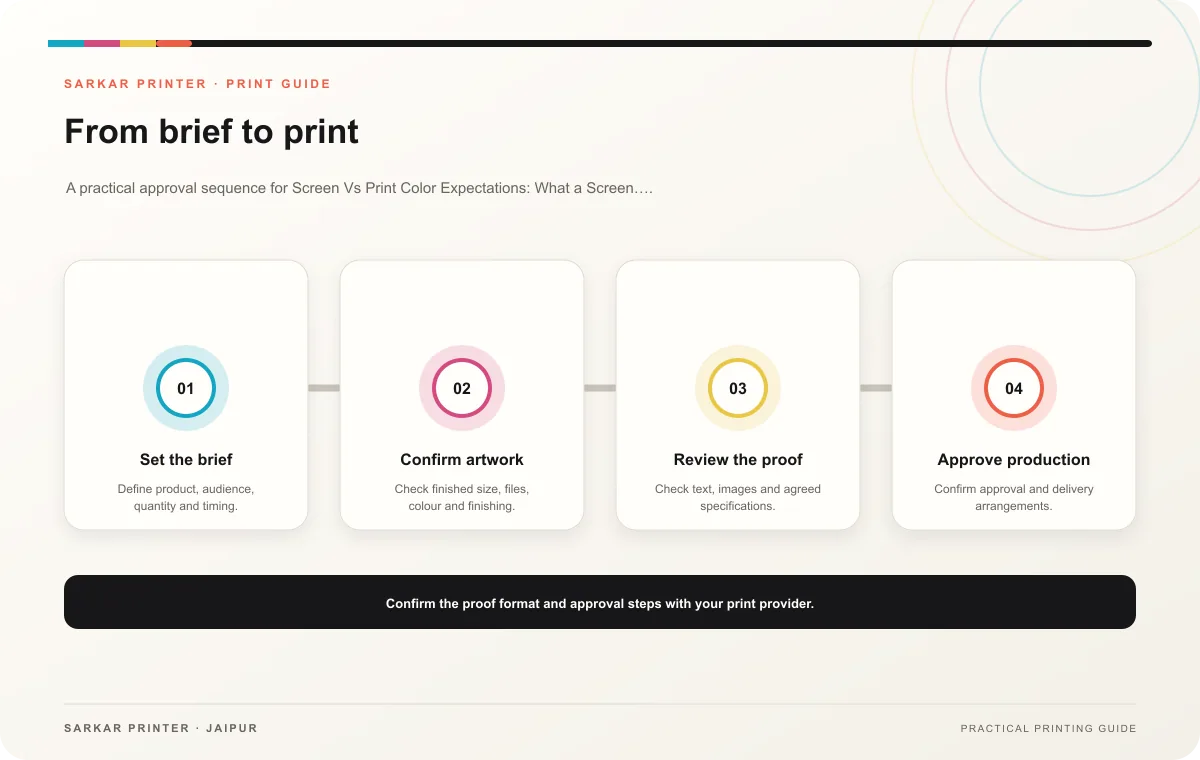
Print planning checklist
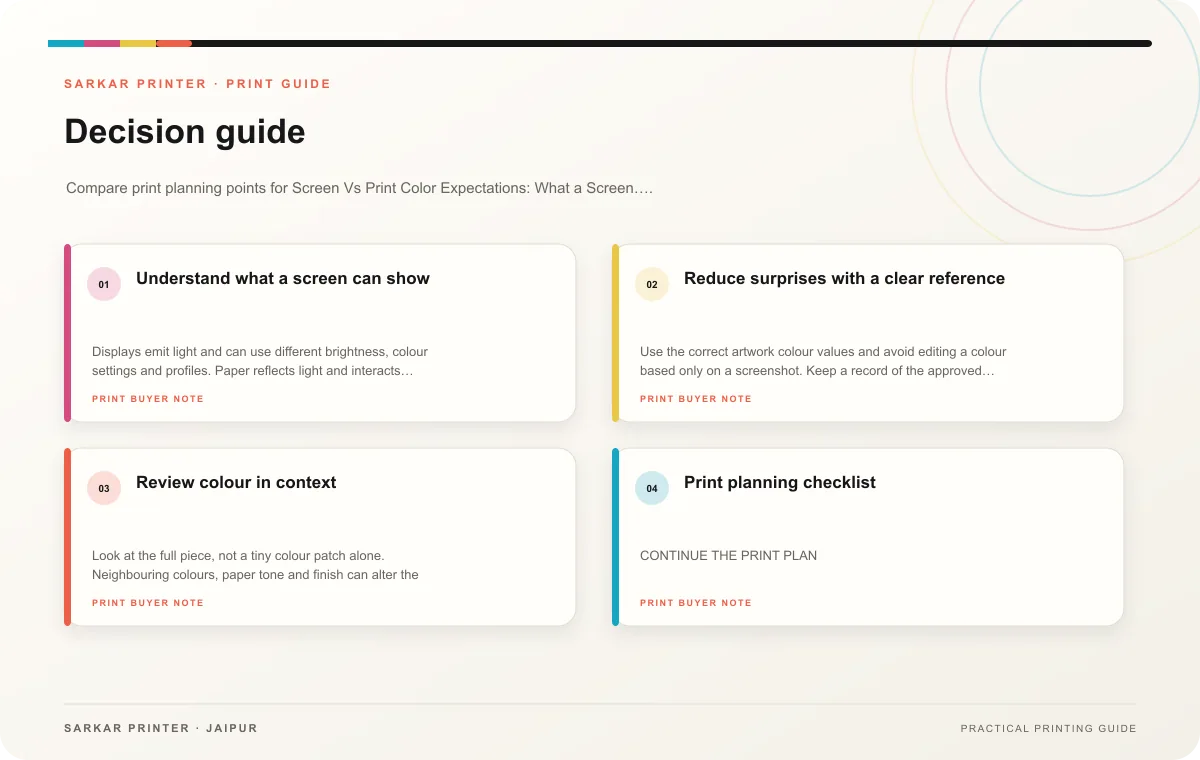
| Topic | Key point | Check before approval |
|---|---|---|
| Understand what a screen can show | Displays emit light and can use different brightness, colour settings and profiles. Paper reflects light and interacts with ink, stock and finishing. A monitor can help reviewers judge… | Record the agreed choice in the approved print brief. |
| Reduce surprises with a clear reference | Use the correct artwork colour values and avoid editing a colour based only on a screenshot. Keep a record of the approved sample, paper and finish. If any of those change, tell the… | Record the agreed choice in the approved print brief. |
| Review colour in context | Look at the full piece, not a tiny colour patch alone. Neighbouring colours, paper tone and finish can alter the visual impression. If one area is critical, point it out before… | Review one dated proof under suitable light before approval. |
CONTINUE THE PRINT PLAN
Keep the next step useful.
Explore the service page or related drafts, then send the agreed brief to the print team.
Frequently asked questions
Will a PDF look exactly like the print?
A PDF can confirm the design, but monitor settings and reflective print surfaces differ.
What should I share for a brand colour?
Provide the official reference and ask the printer which proofing method suits the job.
Can paper change the appearance?
Yes. Paper and finishing influence how people perceive a colour, so review a representative sample when needed.