
A repeat print order is easier when the previous approved job record is complete. Use this repeat print order checklist to confirm that artwork, materials, quantity and delivery details still match the current need.
Verify the old reference
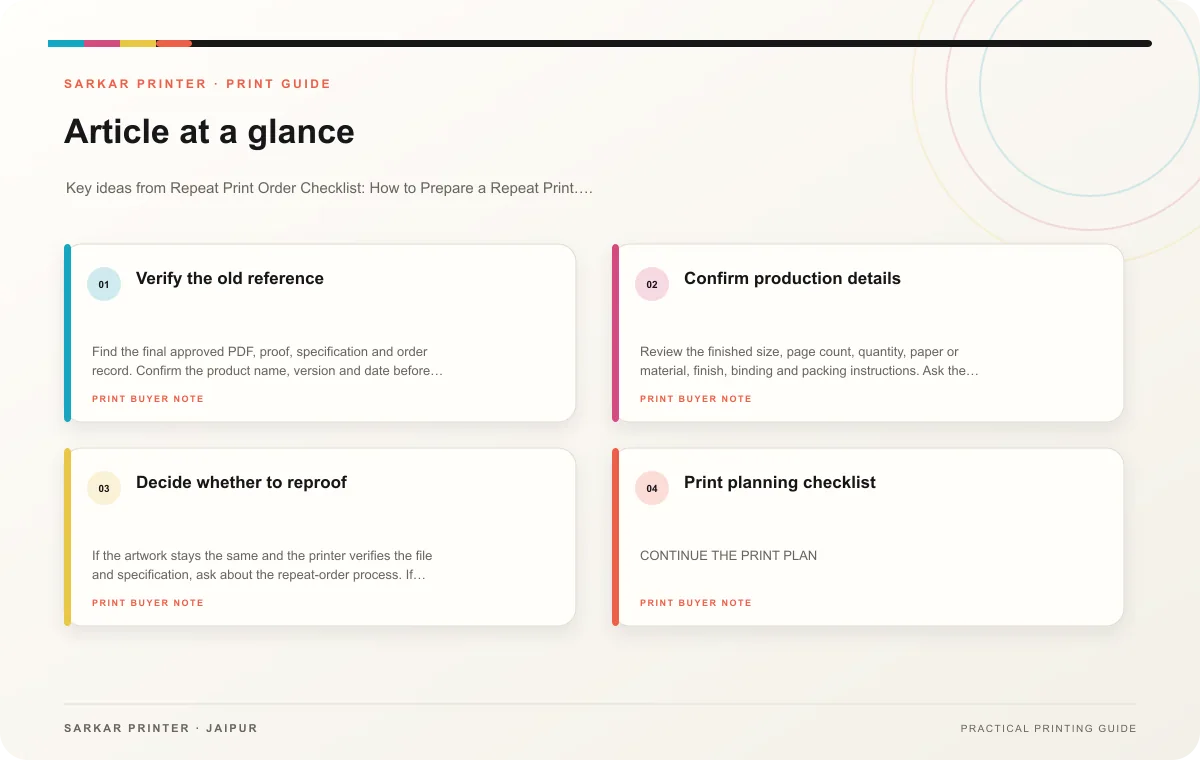
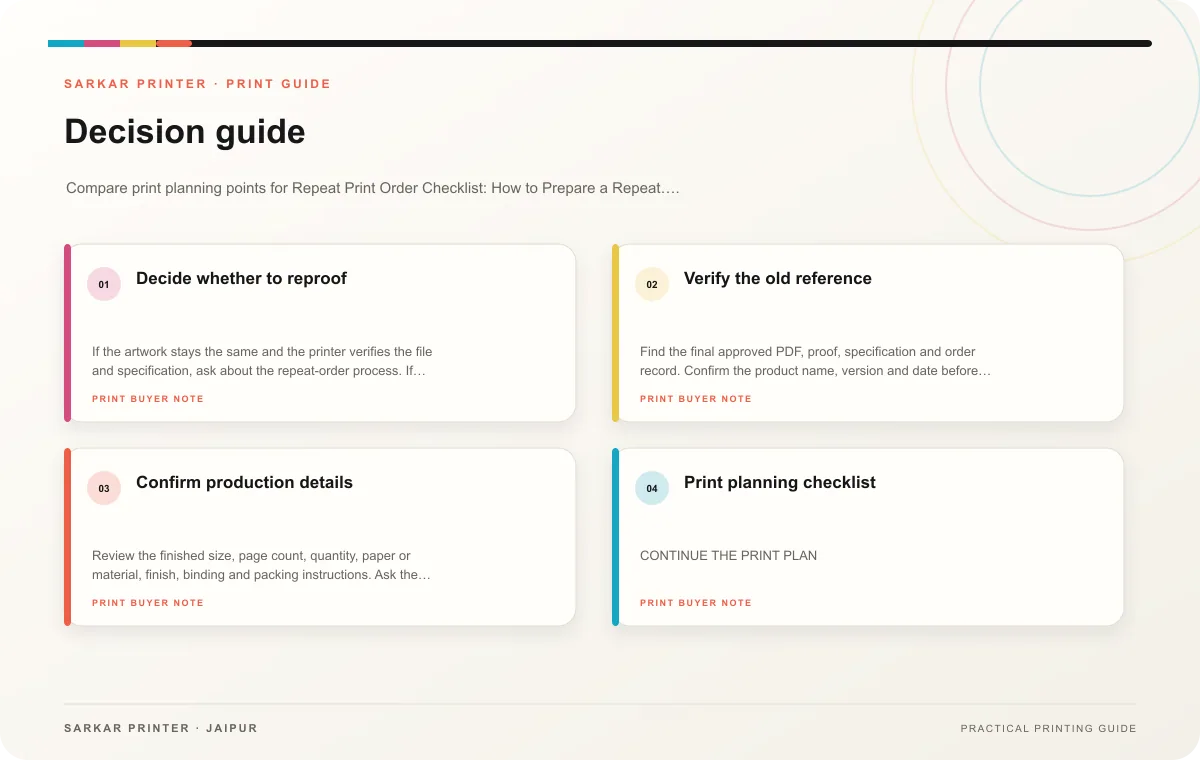
Find the final approved PDF, proof, specification and order record. Confirm the product name, version and date before reusing them. Ask the content owner whether prices, contact details, offers or product information have changed since the last run. Do not reprint a file solely because someone used it before.
Confirm production details
Review the finished size, page count, quantity, paper or material, finish, binding and packing instructions. Ask the printer to confirm that the same specification remains available and that the new deadline is feasible. If the product, process or material has changed, request advice on whether a new proof or sample makes sense.
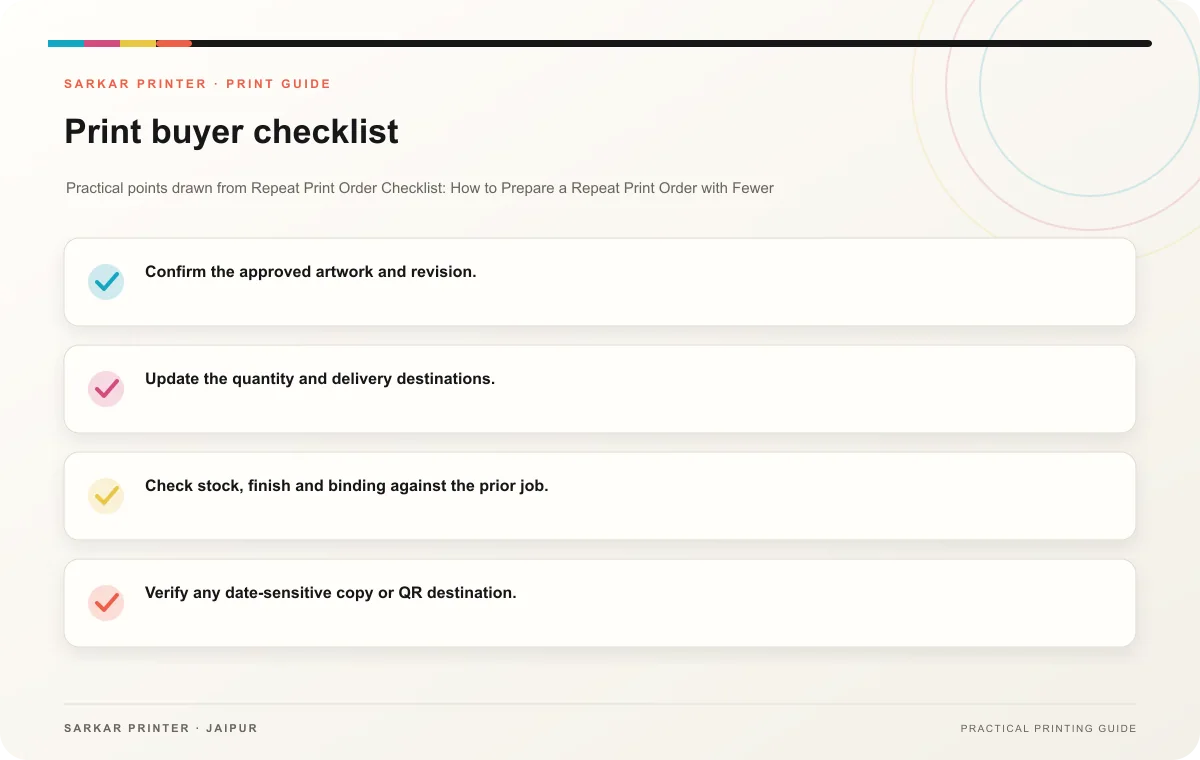
- Confirm the approved artwork and revision.
- Update the quantity and delivery destinations.
- Check stock, finish and binding against the prior job.
- Verify any date-sensitive copy or QR destination.
- Record a new order number and approval date.
Decide whether to reproof
If the artwork stays the same and the printer verifies the file and specification, ask about the repeat-order process. If any content or production detail changes, create a new version and review the proof. Keep old files marked as superseded when the updated version replaces them.
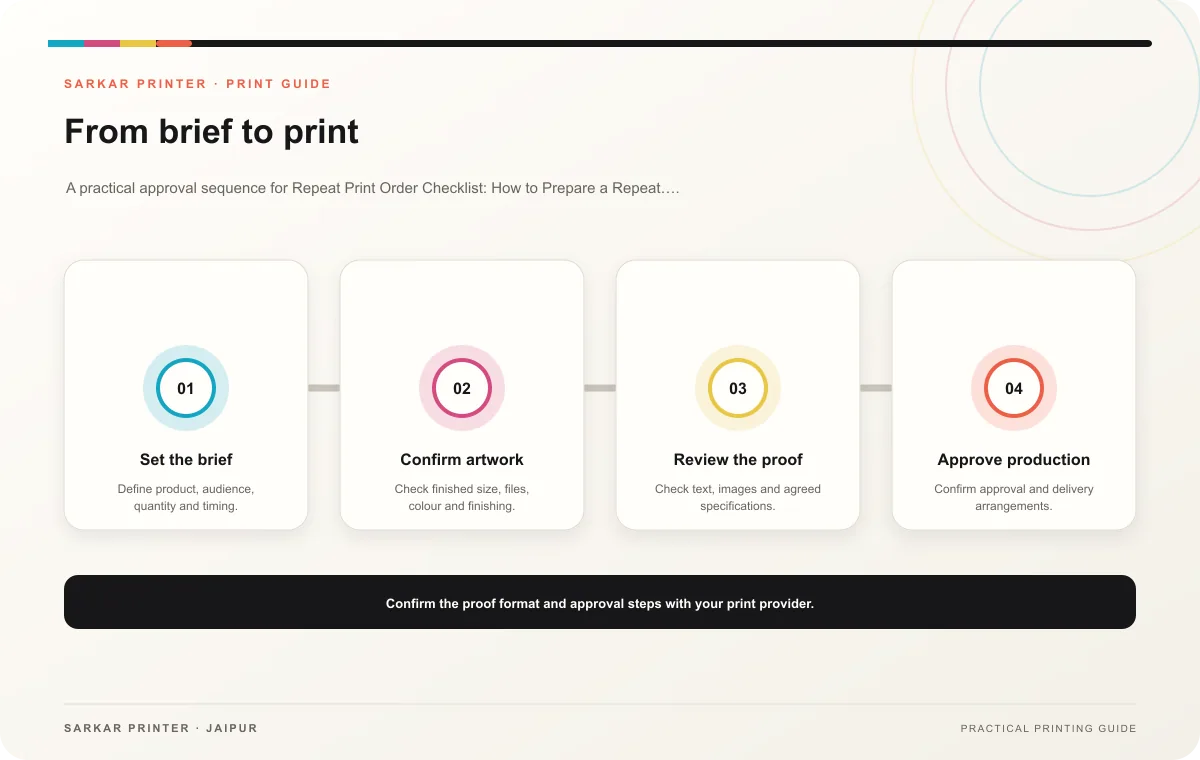
Print planning checklist
| Topic | Key point | Check before approval |
|---|---|---|
| Verify the old reference | Find the final approved PDF, proof, specification and order record. Confirm the product name, version and date before reusing them. Ask the content owner whether prices, contact details,… | Record the agreed choice in the approved print brief. |
| Confirm production details | Review the finished size, page count, quantity, paper or material, finish, binding and packing instructions. Ask the printer to confirm that the same specification remains available and… | Record the agreed choice in the approved print brief. |
| Decide whether to reproof | If the artwork stays the same and the printer verifies the file and specification, ask about the repeat-order process. If any content or production detail changes, create a new version… | Review one dated proof under suitable light before approval. |
CONTINUE THE PRINT PLAN
Keep the next step useful.
Explore the service page or related drafts, then send the agreed brief to the print team.
Frequently asked questions
Can I use the same quote as last time?
Ask the printer to confirm current pricing and availability; do not assume old terms still apply.
Should a repeat order have a new revision number?
Keep the artwork version clear and record the new job separately, even when the file itself remains unchanged.
What if only the delivery date changes?
Confirm the production schedule and delivery details with the printer before placing the order.