
Restaurant menu printing begins with the service pattern: guests may read while seated, order at a counter or scan a digital menu and still want a printed reference. Organize the information around that moment before choosing the format or finish.
Build a menu that is easy to scan
Group dishes the way guests make choices. A simple menu might separate starters, mains, sides and drinks. A restaurant with set meals, regional dishes or dietary options may need clearer subgroups. Keep item names visually distinct from descriptions and prices, and use consistent spacing so the eye can move down the page.
Write descriptions for decision-making. Mention the defining ingredient, preparation or portion detail that helps a guest choose. Remove repeated adjectives and long stories that push the price away from the item. If an allergen or dietary note matters, agree on the wording with the kitchen and display it consistently.
Plan for updates and handling
Separate stable content from items that change often. If seasonal specials or prices change regularly, leave a clear area or use an insert that staff can replace. Check with the printer about a material that suits how staff will handle and clean the menu; do not assume every coating or stock can withstand the same use.
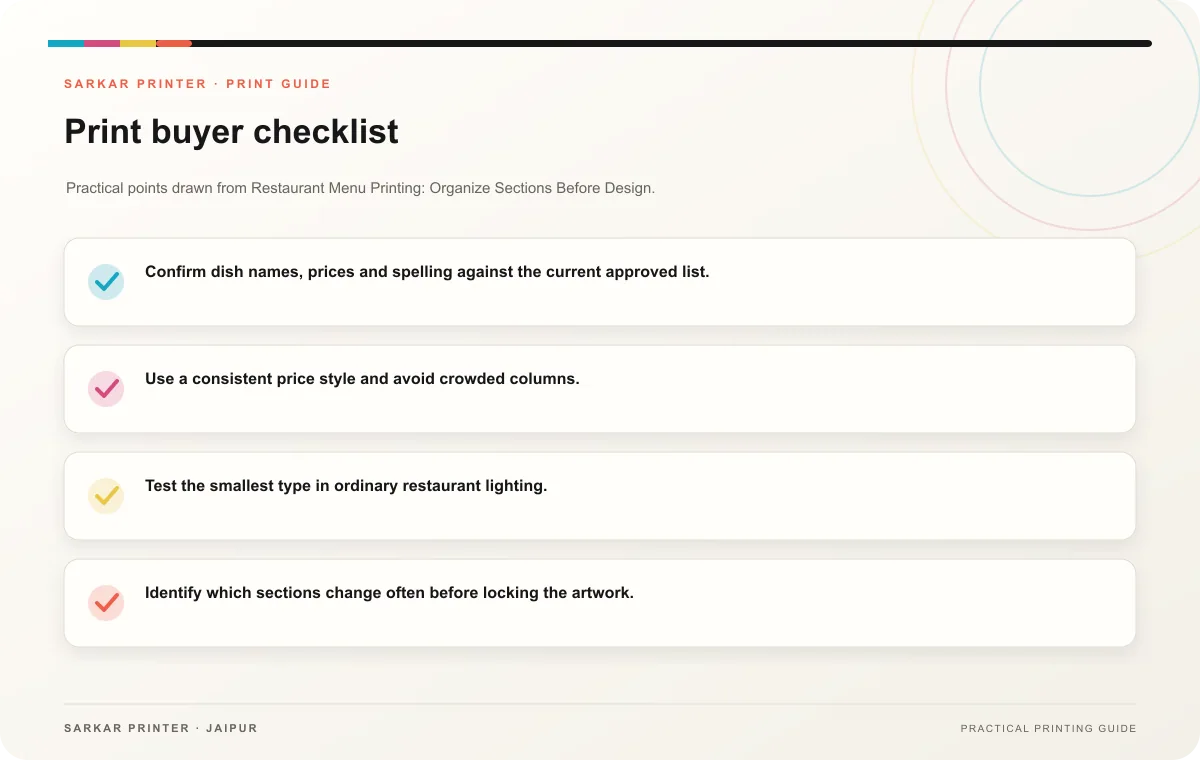
- Confirm dish names, prices and spelling against the current approved list.
- Use a consistent price style and avoid crowded columns.
- Test the smallest type in ordinary restaurant lighting.
- Identify which sections change often before locking the artwork.
- Keep a dated source file so the next revision starts from approved information.
Send a complete print brief
Provide the finished size, number of pages or panels, quantity, preferred paper or material, finishing, and the date the menu must be ready. Ask for a proof at actual size. Have one person compare every price and item against the final kitchen-approved list; a design review alone may miss a last-minute menu change.
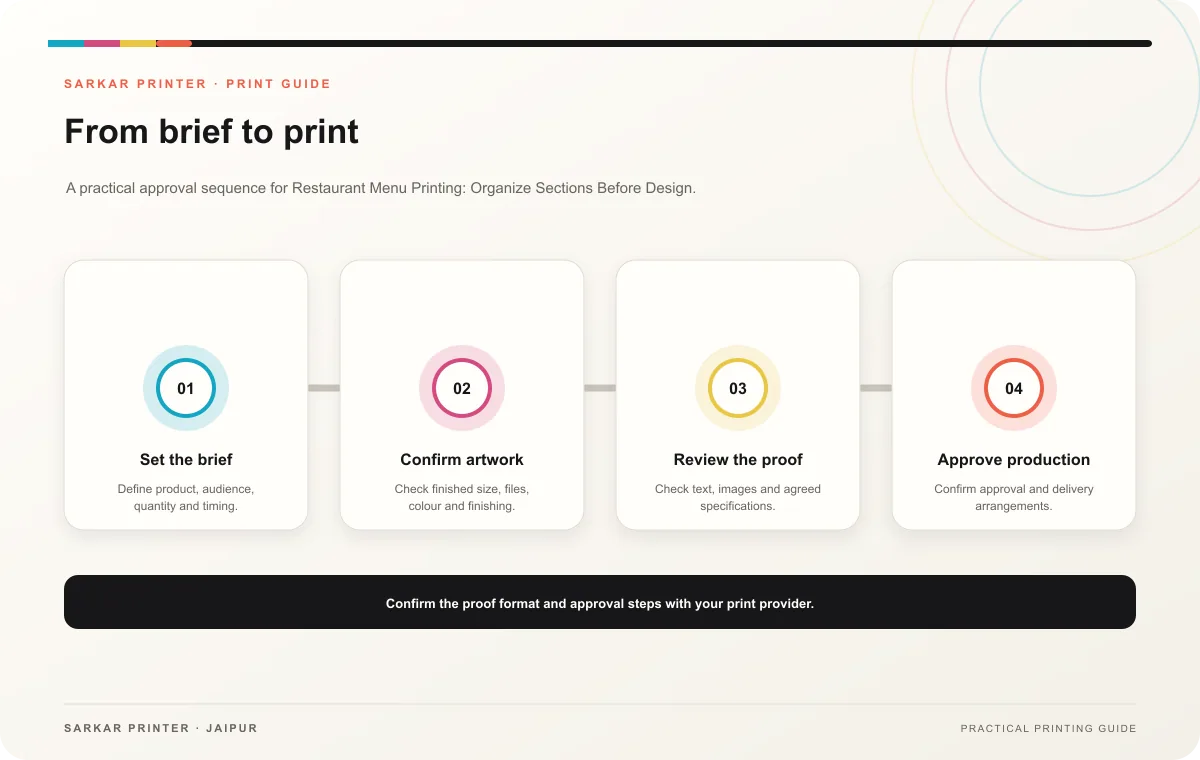
Print planning checklist
| Topic | Key point | Check before approval |
|---|---|---|
| Build a menu that is easy to scan | Group dishes the way guests make choices. A simple menu might separate starters, mains, sides and drinks. A restaurant with set meals, regional dishes or dietary options may need clearer… | Record the agreed choice in the approved print brief. |
| Plan for updates and handling | Separate stable content from items that change often. If seasonal specials or prices change regularly, leave a clear area or use an insert that staff can replace. Check with the printer… | Record the agreed choice in the approved print brief. |
| Send a complete print brief | Provide the finished size, number of pages or panels, quantity, preferred paper or material, finishing, and the date the menu must be ready. Ask for a proof at actual size. Have one… | Record the agreed choice in the approved print brief. |
CONTINUE THE PRINT PLAN
Keep the next step useful.
Explore the service page or related drafts, then send the agreed brief to the print team.
Frequently asked questions
Should a restaurant print a single-sheet or multi-page menu?
Choose based on the number of categories and how guests use it. A compact menu is quick to scan; more pages can give a wider range room without shrinking type.
Can menus include seasonal specials?
Yes. Plan a deliberate update area or replaceable insert and date the working artwork so staff can identify the current version.
What should I check on the proof?
Verify item names, prices, order, spelling, legibility and any dietary notes against the approved source list.