
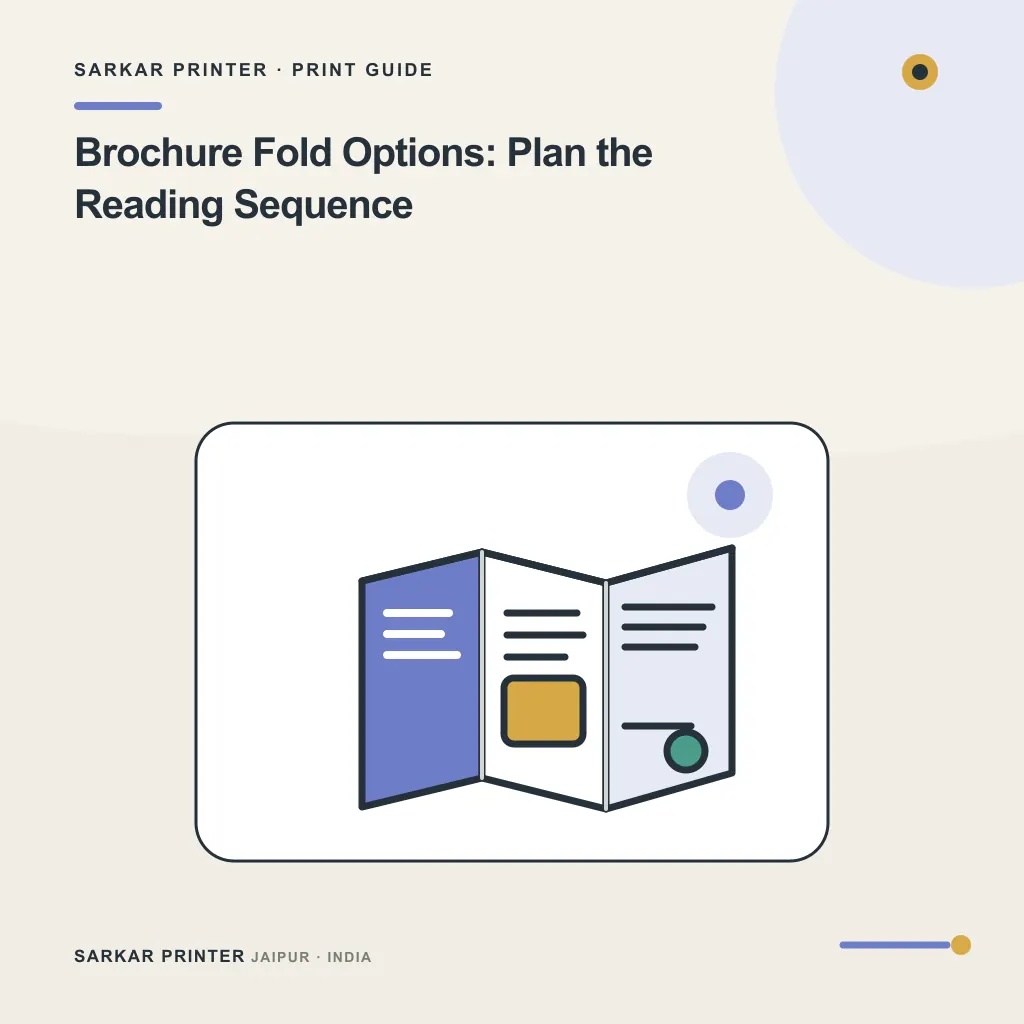
Brochure fold options affect how a reader discovers the information. Choose the fold after you establish the page sequence; the same copy can feel clear or confusing depending on what appears first and what stays hidden.
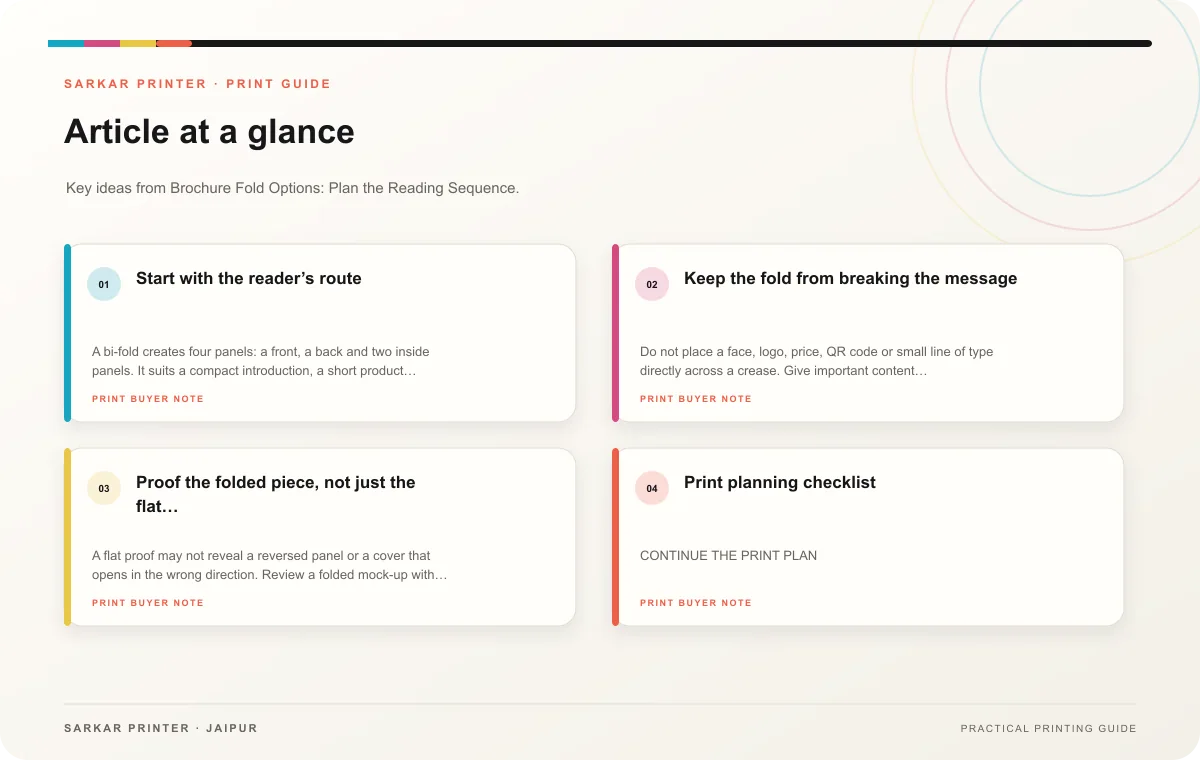
Start with the reader’s route
A bi-fold creates four panels: a front, a back and two inside panels. It suits a compact introduction, a short product range or an event handout that needs a simple open-and-read path. The broad inside spread gives a designer room to compare two ideas side by side.
A tri-fold divides the sheet into six panels. It can support a guided story, such as a problem, solution and response, or group several services into short sections. Before laying out the text, ask the printer for the panel measurements and folding direction. Panels may need slightly different widths so the folded piece closes cleanly.
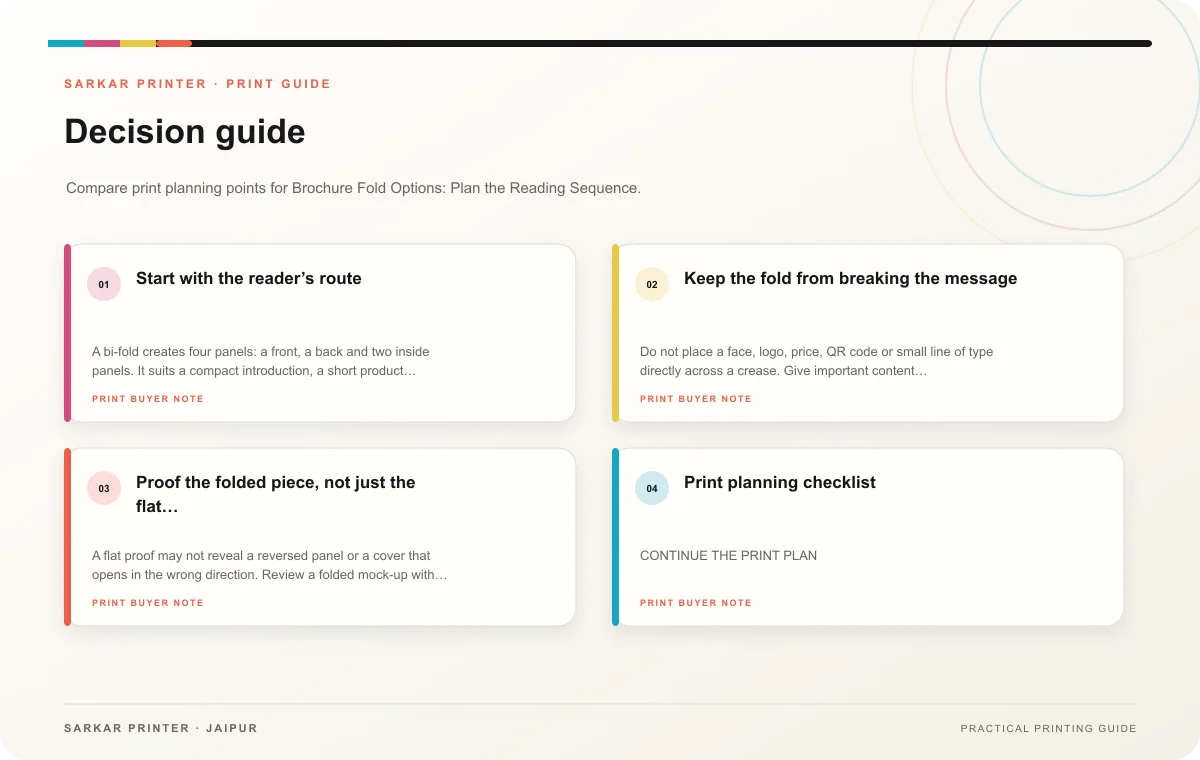
Keep the fold from breaking the message
Do not place a face, logo, price, QR code or small line of type directly across a crease. Give important content comfortable space from each fold and trim edge. Keep the cover focused, use the inside for the explanation and reserve the back for details that a reader may need later, such as location, hours or contact information.
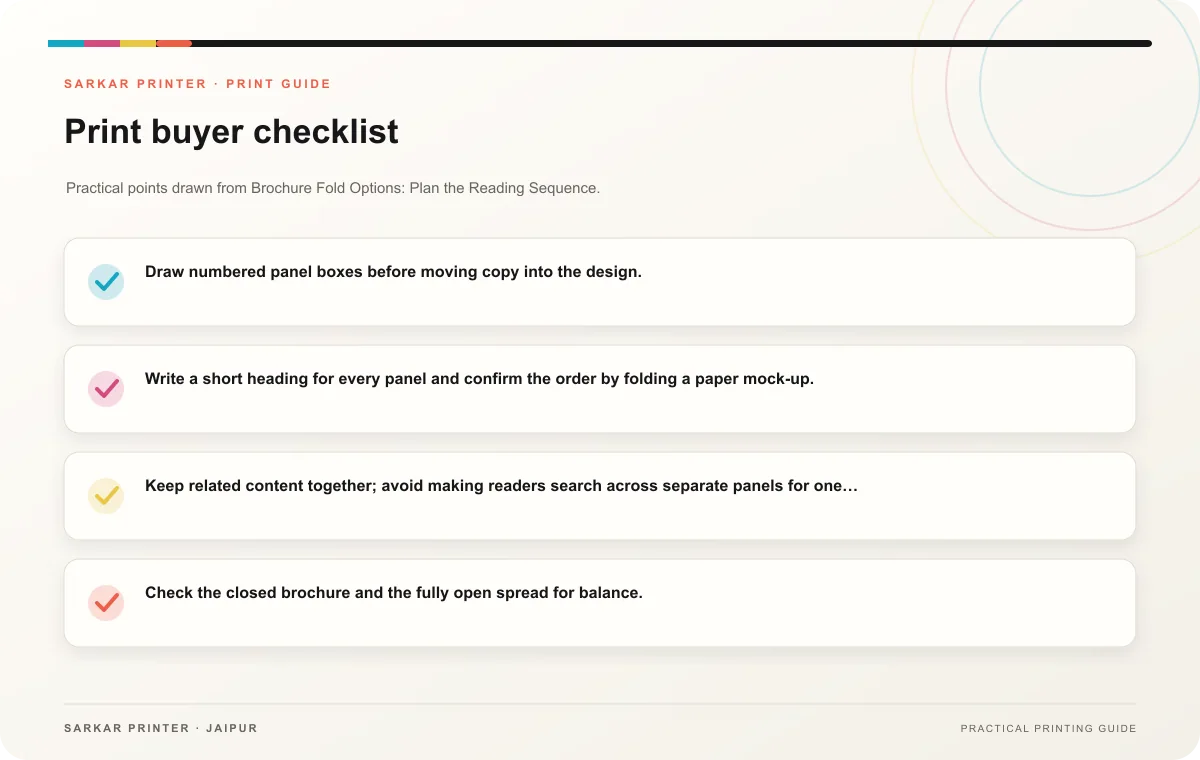
- Draw numbered panel boxes before moving copy into the design.
- Write a short heading for every panel and confirm the order by folding a paper mock-up.
- Keep related content together; avoid making readers search across separate panels for one thought.
- Check the closed brochure and the fully open spread for balance.
Proof the folded piece, not just the flat file
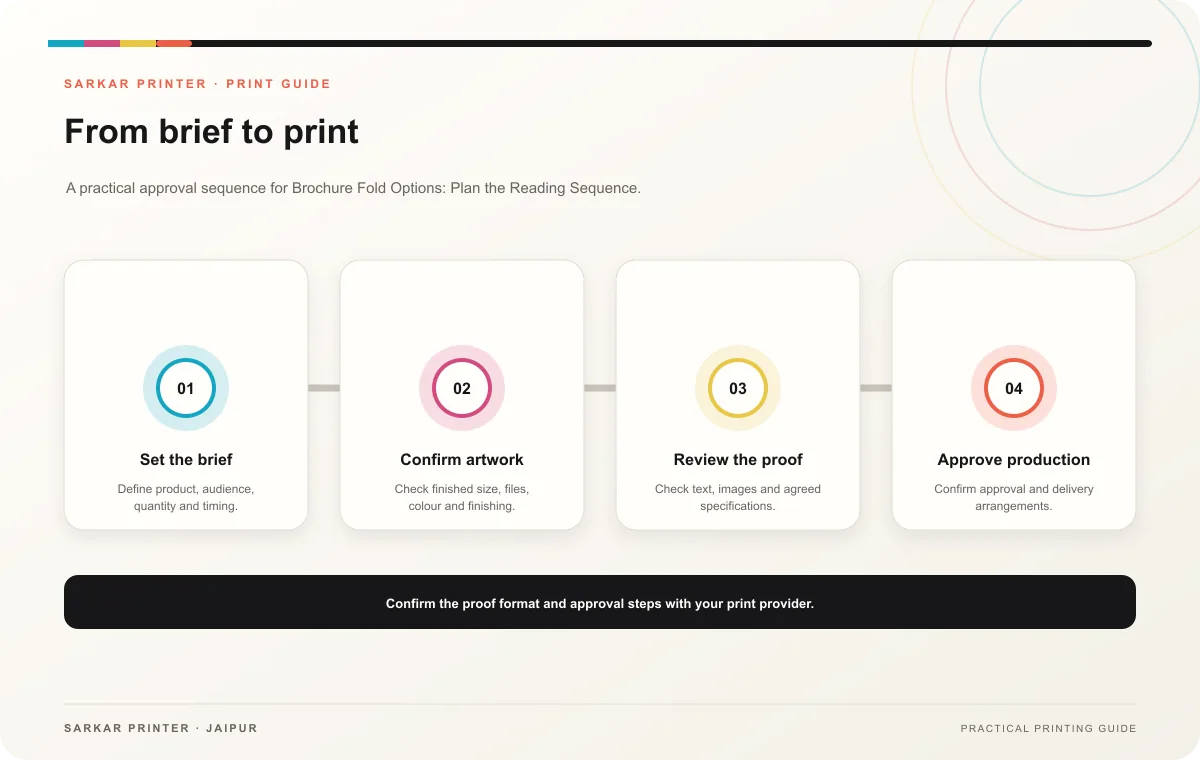
A flat proof may not reveal a reversed panel or a cover that opens in the wrong direction. Review a folded mock-up with the actual panel sequence. Confirm spelling, images, phone numbers and any offer conditions, then ask the print team to clarify the final size and fold specification on the job brief.
Print planning checklist
| Topic | Key point | Check before approval |
|---|---|---|
| Start with the reader’s route | A bi-fold creates four panels: a front, a back and two inside panels. It suits a compact introduction, a short product range or an event handout that needs a simple open-and-read path.… | Record the agreed choice in the approved print brief. |
| Keep the fold from breaking the message | Do not place a face, logo, price, QR code or small line of type directly across a crease. Give important content comfortable space from each fold and trim edge. Keep the cover focused,… | Record the audience and main message in the print brief. |
| Proof the folded piece, not just the flat file | A flat proof may not reveal a reversed panel or a cover that opens in the wrong direction. Review a folded mock-up with the actual panel sequence. Confirm spelling, images, phone numbers… | Check the supplied file at final size and confirm bleed and safe areas. |
CONTINUE THE PRINT PLAN
Keep the next step useful.
Explore the service page or related drafts, then send the agreed brief to the print team.
Frequently asked questions
Which fold works for a short company profile?
A bi-fold often works when the story needs a cover and one clear inside spread. A tri-fold can help when the profile contains several distinct sections.
Should panel widths always match?
Follow the printer’s template for the selected fold. Some fold-in panels need a different width to close neatly.
What is the safest approval check?
Read the piece in its folded order and inspect the open spread before signing off the final proof.