
A café menu may change with the season, supplier availability or the time of day. Café menu printing works best when the design leaves room for those changes without making each update feel like a different brand.
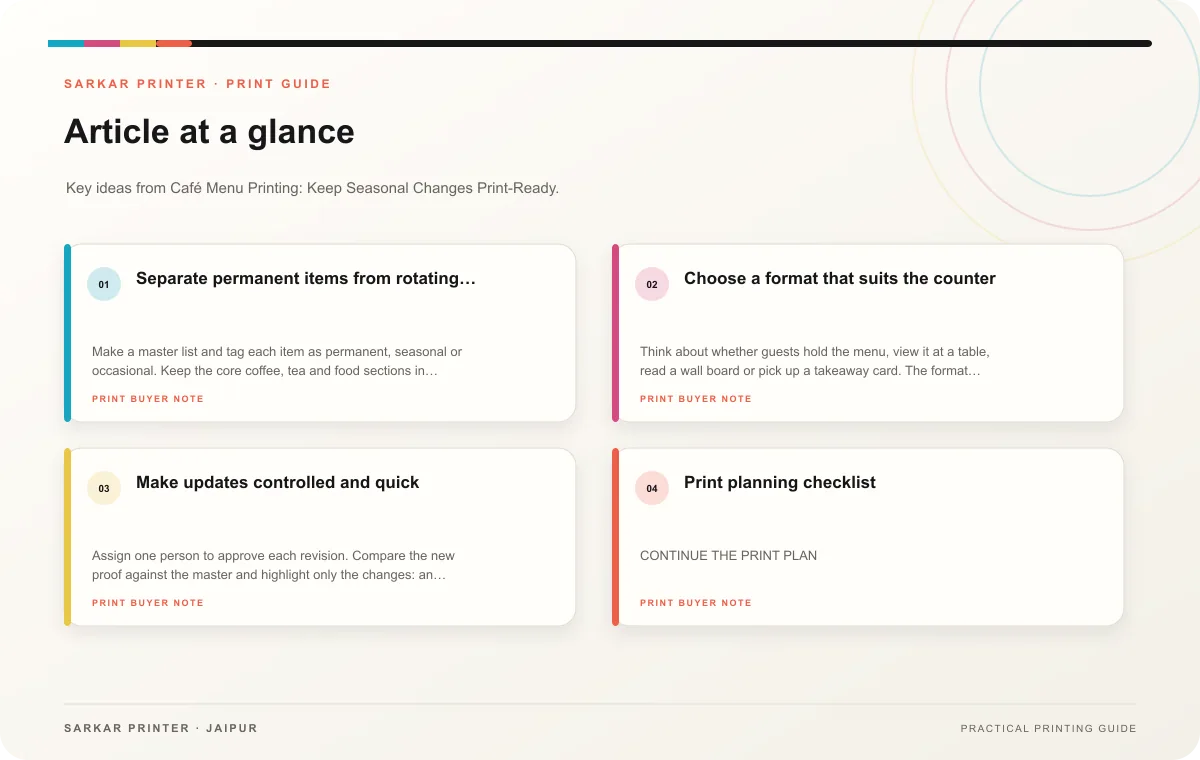
Separate permanent items from rotating choices
Make a master list and tag each item as permanent, seasonal or occasional. Keep the core coffee, tea and food sections in the stable layout. Give rotating drinks or bakery specials a defined place with the same heading, type style and price treatment. That lets staff update a small block while the main menu remains familiar.
Use clear names and short descriptions. A guest usually needs to know what the item is, what distinguishes it and how much it costs. If a drink has a choice of sizes or milk, explain the options in one consistent format. Avoid squeezing every customisation into the description; a short note can direct guests to ask staff.
Choose a format that suits the counter
Think about whether guests hold the menu, view it at a table, read a wall board or pick up a takeaway card. The format affects size, type scale and material. Ask the printer which available stocks and finishes fit the intended handling, and test a sample where spills, frequent cleaning or outdoor display may matter.
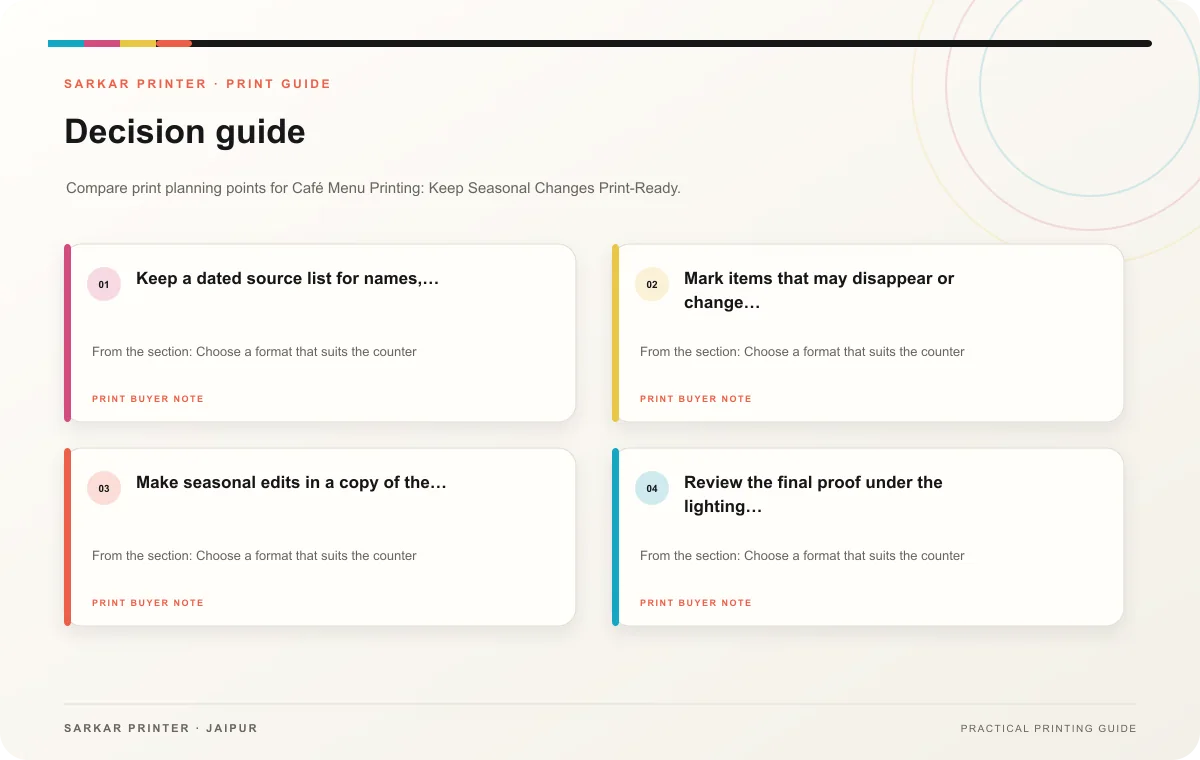
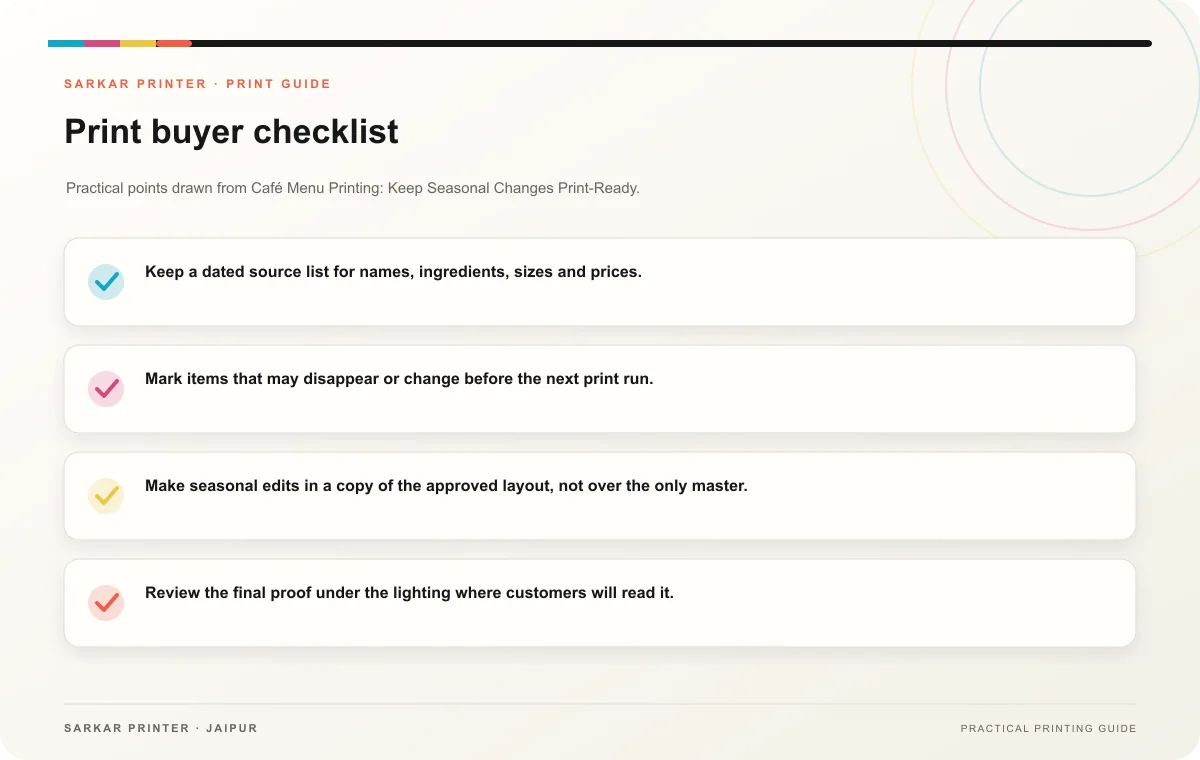
- Keep a dated source list for names, ingredients, sizes and prices.
- Mark items that may disappear or change before the next print run.
- Make seasonal edits in a copy of the approved layout, not over the only master.
- Review the final proof under the lighting where customers will read it.
Make updates controlled and quick
Assign one person to approve each revision. Compare the new proof against the master and highlight only the changes: an item added, a price altered or a spelling correction. This focused check catches small differences without forcing the team to re-read the whole menu from scratch.
Print planning checklist
| Topic | Key point | Check before approval |
|---|---|---|
| Separate permanent items from rotating choices | Make a master list and tag each item as permanent, seasonal or occasional. Keep the core coffee, tea and food sections in the stable layout. Give rotating drinks or bakery specials a… | Record the agreed choice in the approved print brief. |
| Choose a format that suits the counter | Think about whether guests hold the menu, view it at a table, read a wall board or pick up a takeaway card. The format affects size, type scale and material. Ask the printer which… | Record the agreed choice in the approved print brief. |
| Make updates controlled and quick | Assign one person to approve each revision. Compare the new proof against the master and highlight only the changes: an item added, a price altered or a spelling correction. This focused… | Record the agreed choice in the approved print brief. |
CONTINUE THE PRINT PLAN
Keep the next step useful.
Explore the service page or related drafts, then send the agreed brief to the print team.
Frequently asked questions
How can a café update specials without reprinting everything?
Reserve a consistent update area or use a separate insert. Confirm that the insert format and material suit the menu’s setting.
Should a menu use photographs?
Use a small number of accurate, current images when they help guests choose. Make sure each image represents the actual item and does not crowd the text.
What belongs in the print brief?
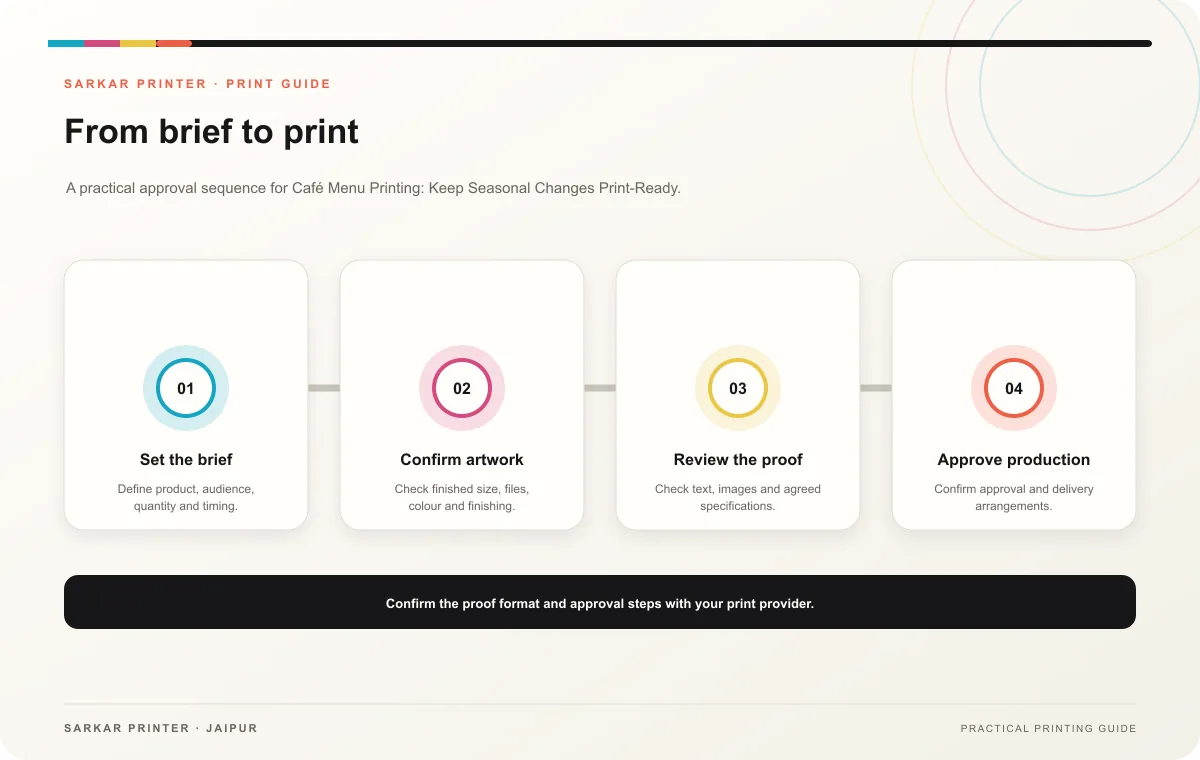
Share format, finished dimensions, quantity, paper or material preference, finishing and the date you need the updated menu.