
Organize product data before design begins; then your team can update the catalog more easily. Product catalog printing depends on consistent names, images, specifications and page relationships as much as it does on an attractive cover.
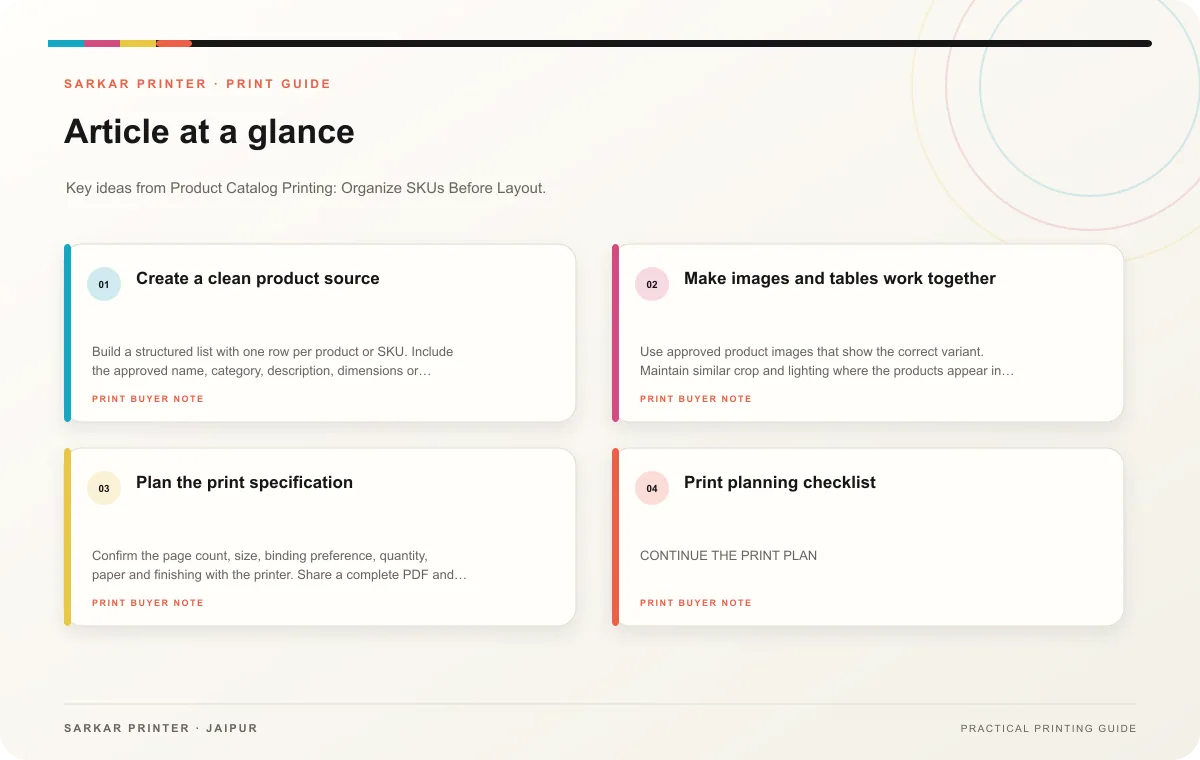
Create a clean product source
Build a structured list with one row per product or SKU. Include the approved name, category, description, dimensions or other relevant specification, image reference and current status. Mark fields that vary by option. Use the same units and naming conventions across the file so a reader can compare similar products without decoding different formats.
Decide how customers will browse. A trade catalog may prioritize item codes and technical tables; a retail catalog may lead with product group and use. Group related products, then choose a page template for each type. Leave room for captions and callouts, but keep the page hierarchy consistent.
Make images and tables work together
Use approved product images that show the correct variant. Maintain similar crop and lighting where the products appear in a comparison. Tables should have labelled columns and consistent units. If your team discontinues an item or runs out temporarily, decide whether it belongs in the edition before layout starts.
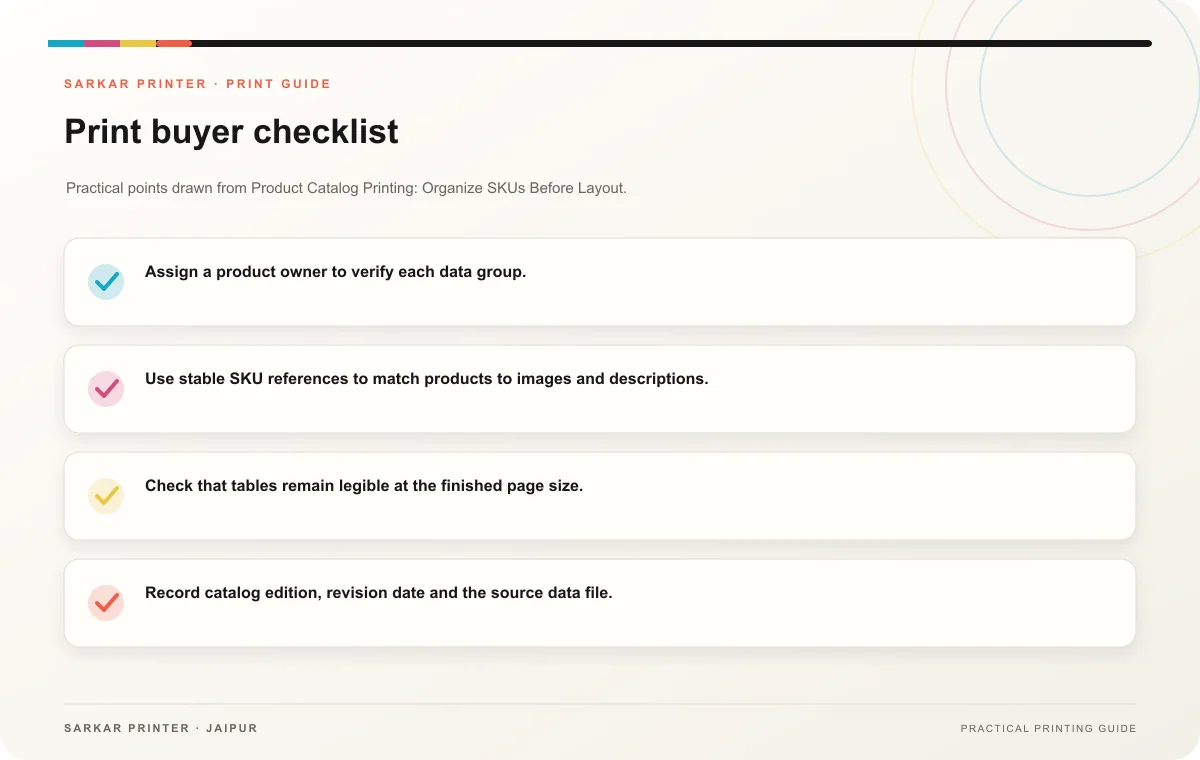
- Assign a product owner to verify each data group.
- Use stable SKU references to match products to images and descriptions.
- Check that tables remain legible at the finished page size.
- Record catalog edition, revision date and the source data file.
Plan the print specification
Confirm the page count, size, binding preference, quantity, paper and finishing with the printer. Share a complete PDF and linked assets according to the agreed handoff. Review a proof by checking a sample of product pages from every template, plus the index, cover and contact information.
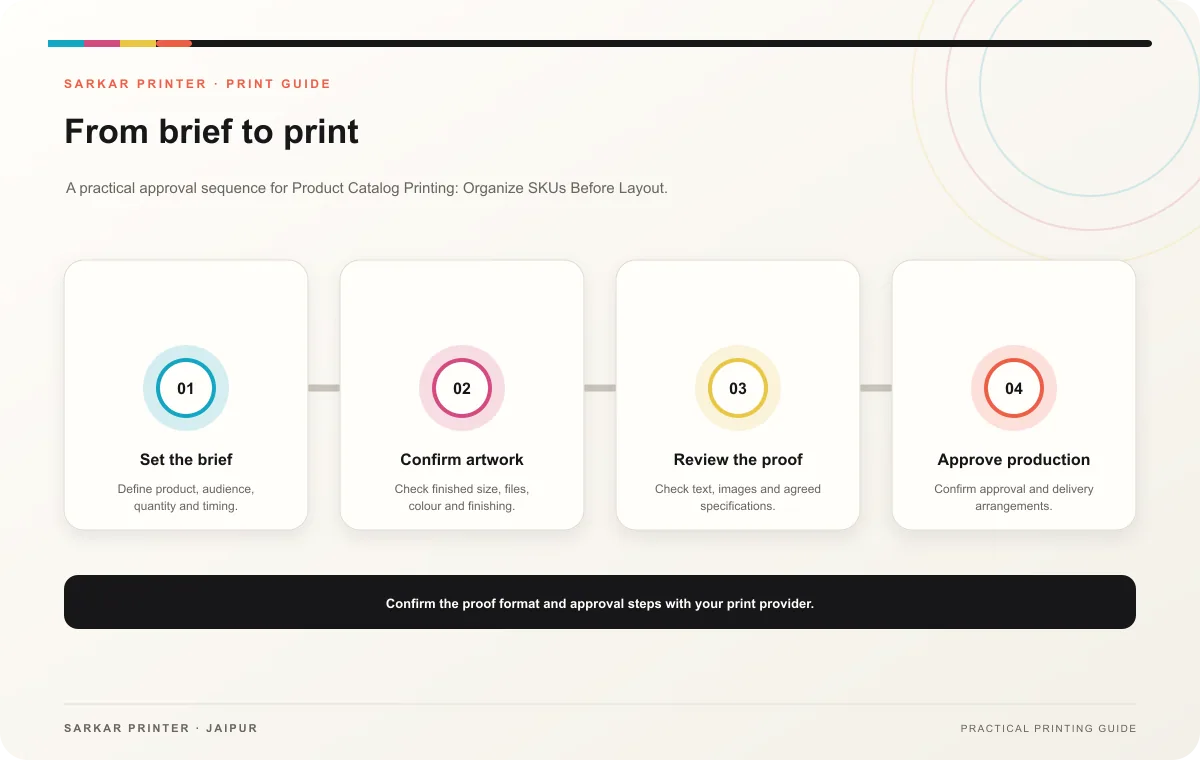
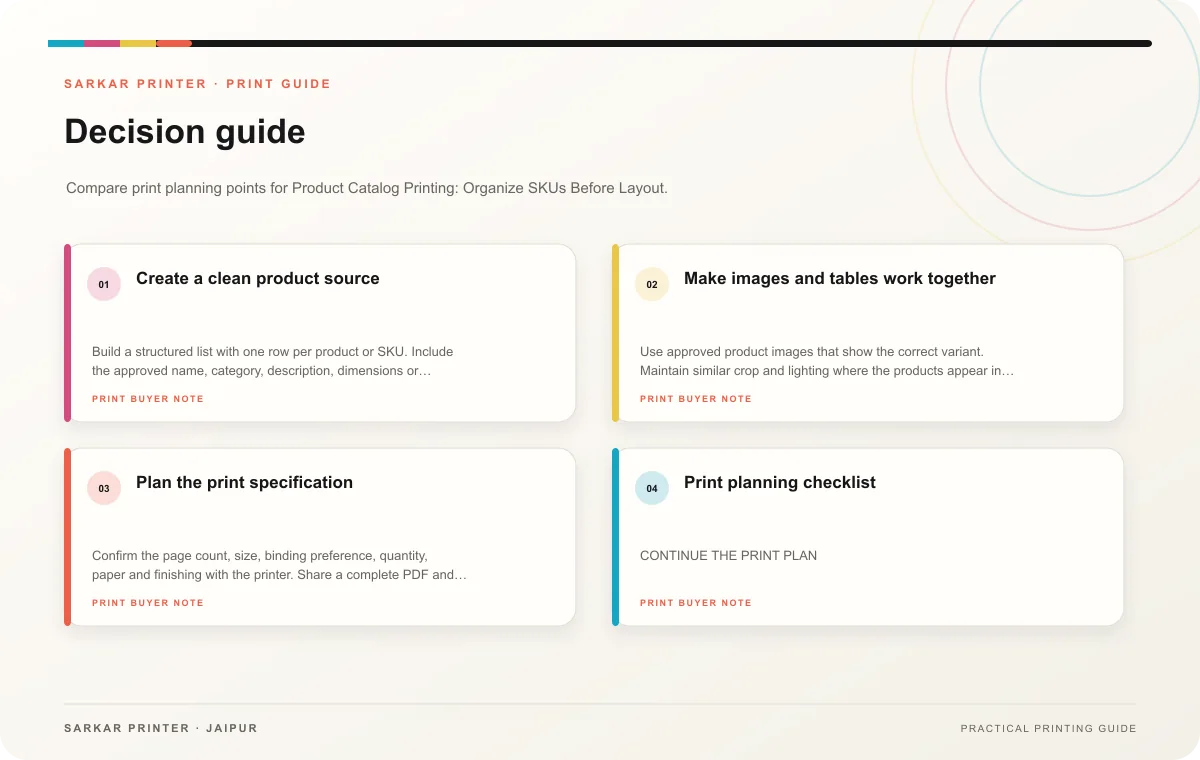
Print planning checklist
| Topic | Key point | Check before approval |
|---|---|---|
| Create a clean product source | Build a structured list with one row per product or SKU. Include the approved name, category, description, dimensions or other relevant specification, image reference and current status.… | Record the agreed choice in the approved print brief. |
| Make images and tables work together | Use approved product images that show the correct variant. Maintain similar crop and lighting where the products appear in a comparison. Tables should have labelled columns and… | Record the agreed choice in the approved print brief. |
| Plan the print specification | Confirm the page count, size, binding preference, quantity, paper and finishing with the printer. Share a complete PDF and linked assets according to the agreed handoff. Review a proof… | Record the agreed choice in the approved print brief. |
CONTINUE THE PRINT PLAN
Keep the next step useful.
Explore the service page or related drafts, then send the agreed brief to the print team.
Frequently asked questions
How often should a team update a catalog?
Update when product data or availability changes enough to affect a buyer’s decision. Keep a version record so staff can identify current copies.
Should every product get a full page?
Give space according to the information needed. Related items can share a page if the differences stay easy to compare.
What prevents image and SKU mix-ups?
Use stable identifiers in the data file and image names, then have a product owner check the laid-out proof.