
A catalog reprint checklist helps a team compare the approved edition with current products, prices and artwork before it places a repeat order.
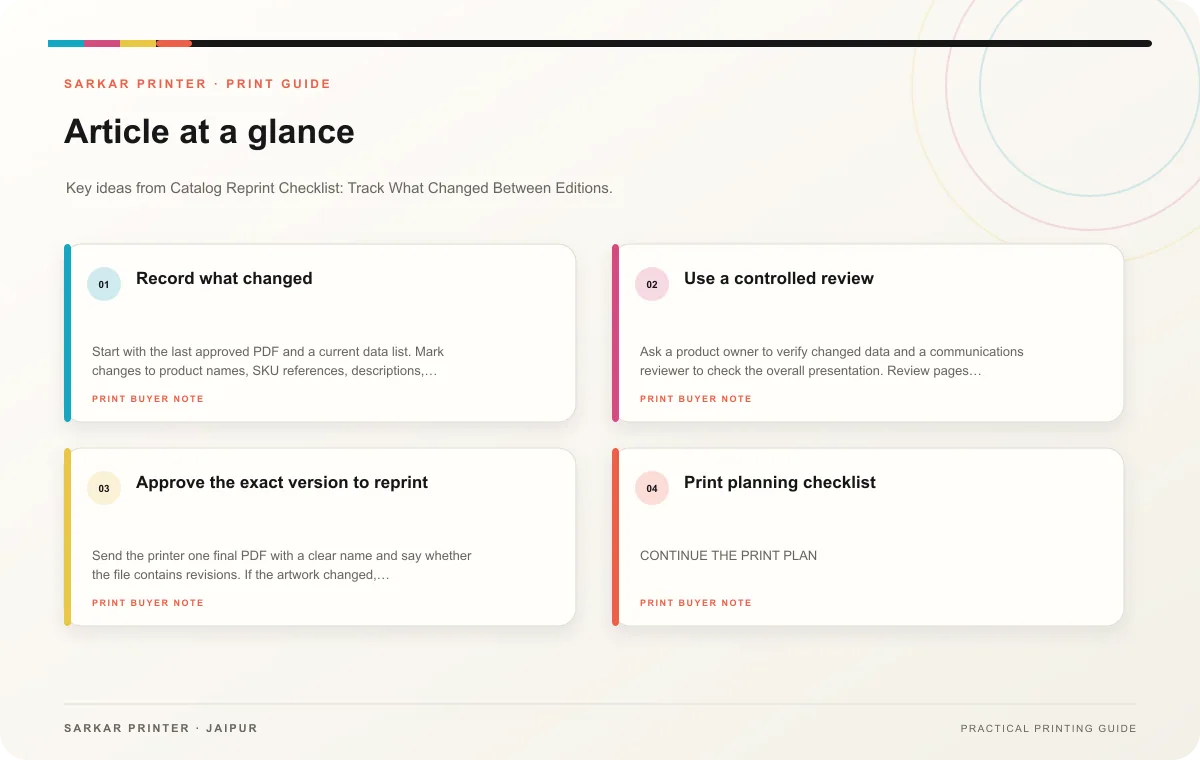
Record what changed
Start with the last approved PDF and a current data list. Mark changes to product names, SKU references, descriptions, images, availability and contact details. Note removed products and new additions. If prices appear in the catalog, verify them against the owner’s current approved source and decide who signs off.
Separate content changes from production changes. Content edits include new products or corrected specifications. Production edits include quantity, paper, binding or finishing. A reprint may keep the same specification, but confirm it with the printer so a prior assumption does not carry into a different job.
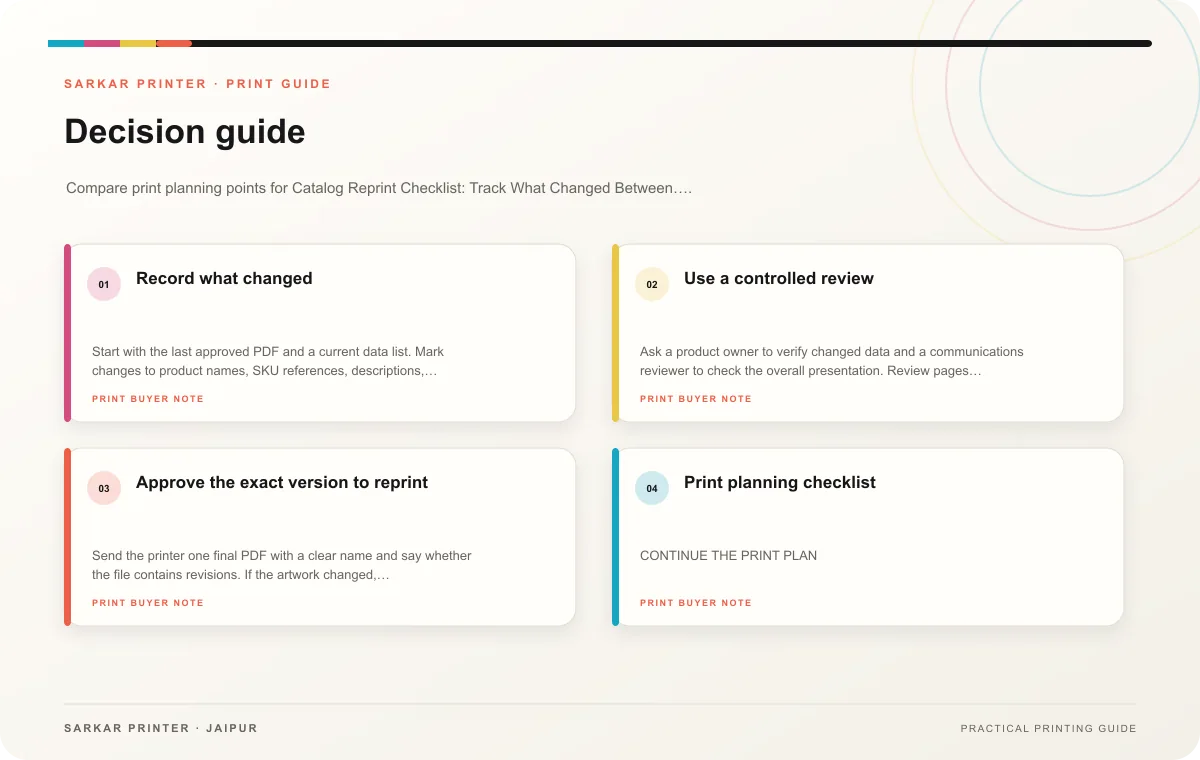
Use a controlled review
Ask a product owner to verify changed data and a communications reviewer to check the overall presentation. Review pages affected by edits, then sample unaffected pages for accidental layout shifts. Compare the PDF page count and sequence with the previous edition. Check the cover edition label if the catalog carries one.
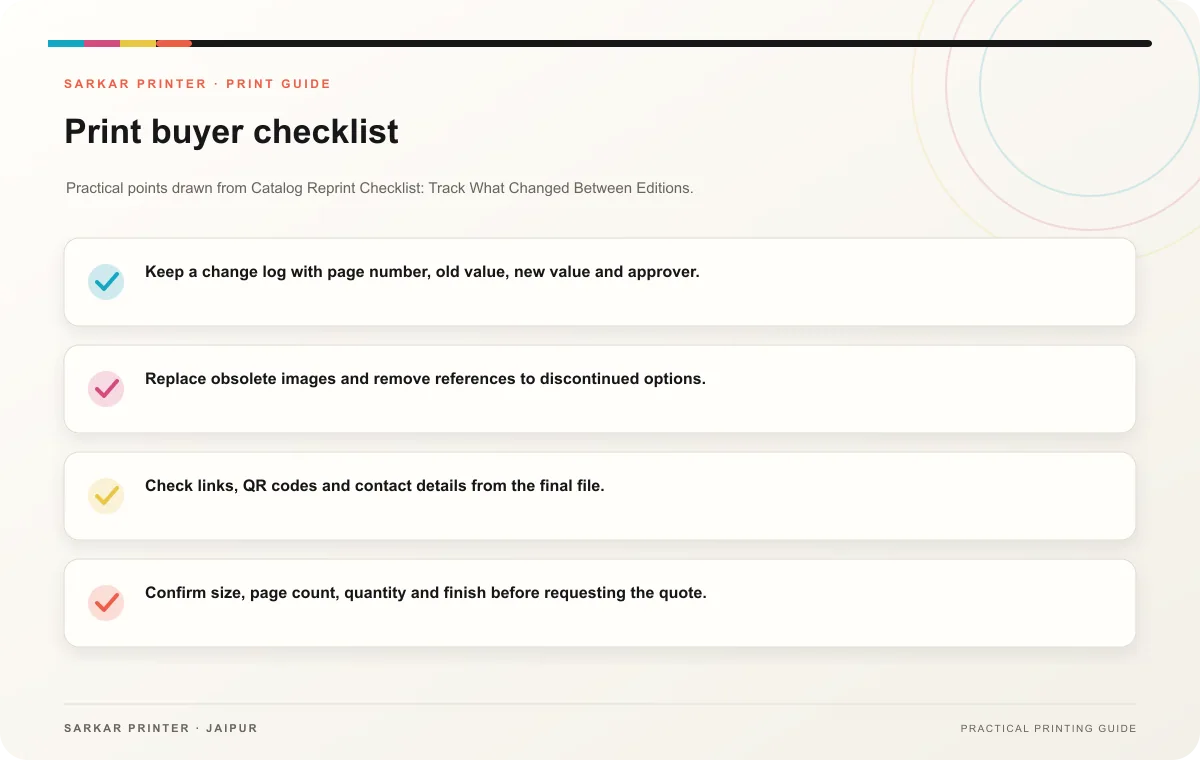
- Keep a change log with page number, old value, new value and approver.
- Replace obsolete images and remove references to discontinued options.
- Check links, QR codes and contact details from the final file.
- Confirm size, page count, quantity and finish before requesting the quote.
- Archive the previous edition as superseded, not as the current master.
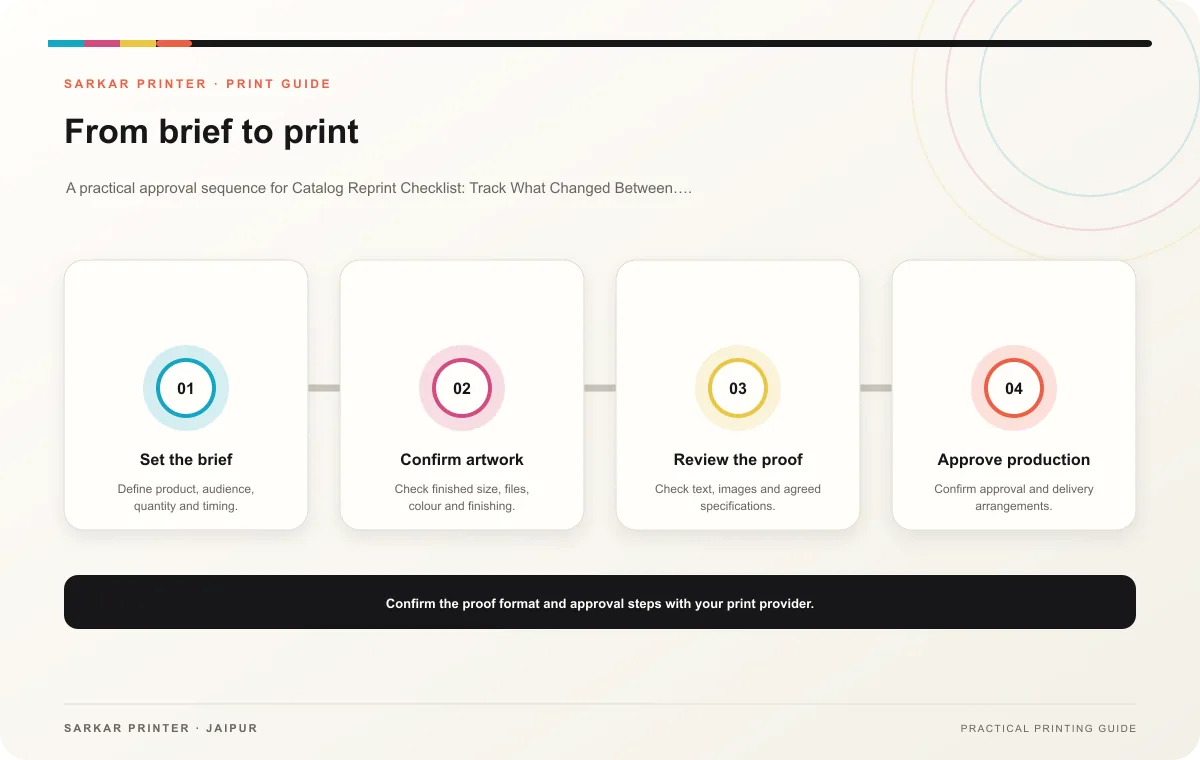
Approve the exact version to reprint
Send the printer one final PDF with a clear name and say whether the file contains revisions. If the artwork changed, request a proof and review corrections before approval. Keep the approved file and the job specification together so the next reprint starts from reliable records.
Print planning checklist
| Topic | Key point | Check before approval |
|---|---|---|
| Record what changed | Start with the last approved PDF and a current data list. Mark changes to product names, SKU references, descriptions, images, availability and contact details. Note removed products and… | Record the agreed choice in the approved print brief. |
| Use a controlled review | Ask a product owner to verify changed data and a communications reviewer to check the overall presentation. Review pages affected by edits, then sample unaffected pages for accidental… | Record the agreed choice in the approved print brief. |
| Approve the exact version to reprint | Send the printer one final PDF with a clear name and say whether the file contains revisions. If the artwork changed, request a proof and review corrections before approval. Keep the… | Record the agreed choice in the approved print brief. |
CONTINUE THE PRINT PLAN
Keep the next step useful.
Explore the service page or related drafts, then send the agreed brief to the print team.
Frequently asked questions
Can we reorder without changing the artwork?
Yes, after the content owner confirms the catalog is still current and the printer confirms the production specification.
What is the most common reprint risk?
An old price, phone number or product image may remain unnoticed. Compare against current source data.
Should we check every page?
Check all changed pages and sample the rest for consistency. Have the product owner verify factual content.