
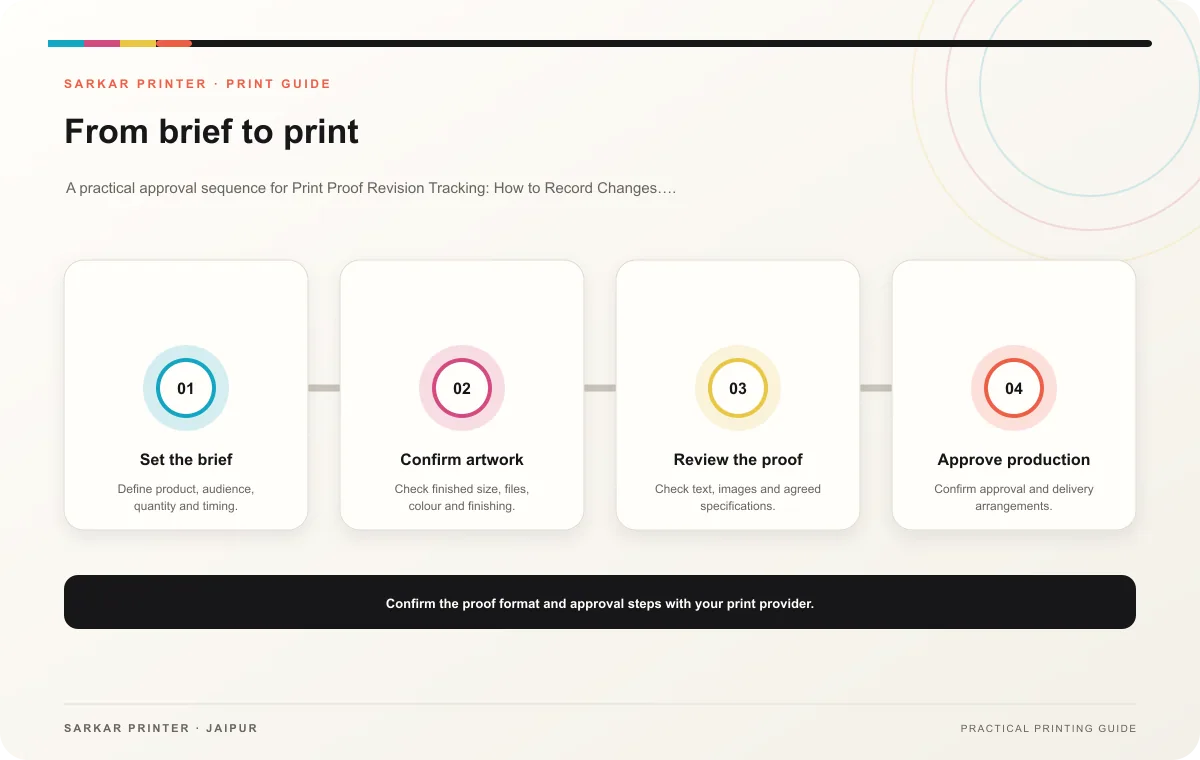
A proof may pass through several rounds before production. Print proof revision tracking gives reviewers a clear record of each change and helps the printer identify the exact file approved for the job.
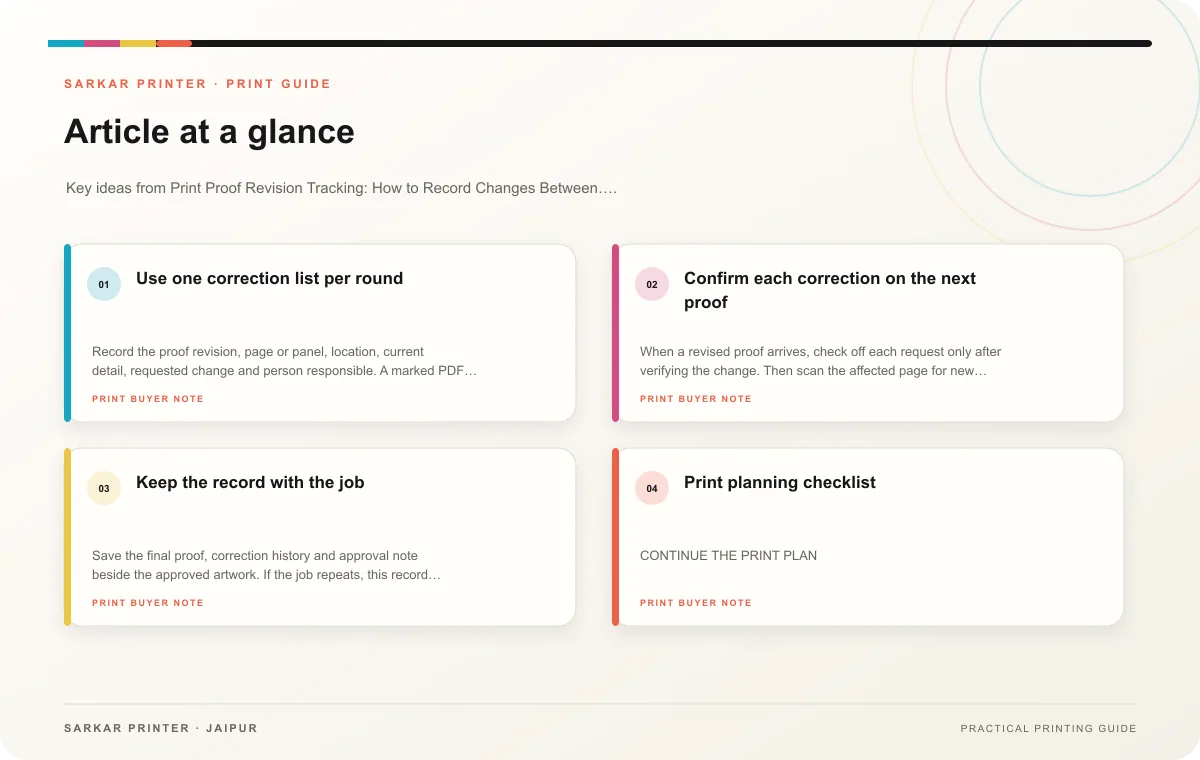
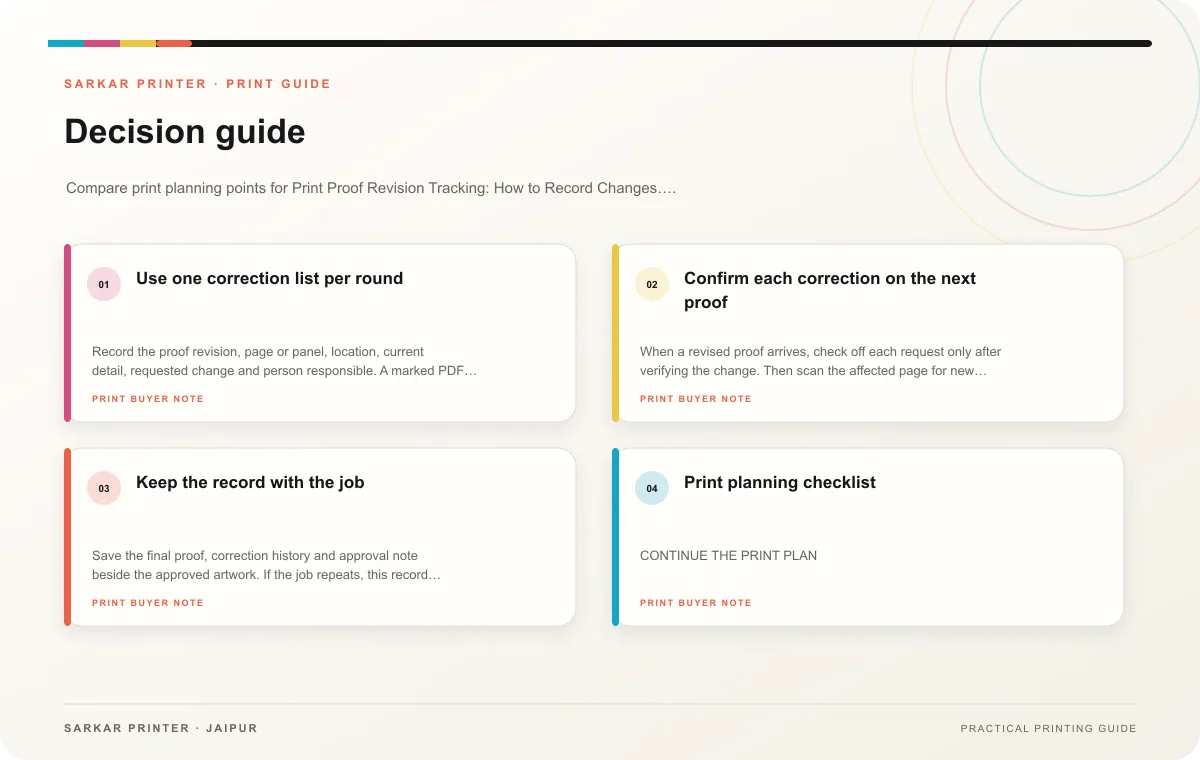
Use one correction list per round
Record the proof revision, page or panel, location, current detail, requested change and person responsible. A marked PDF works well when every reviewer uses the same copy. If feedback comes from email or chat, transfer it into the master correction list before sending it to the designer.
Separate content corrections from design preferences. Fix factual errors first, then resolve layout choices with the project owner. If two reviewers request conflicting changes, get a decision before the designer creates the next proof. This keeps the file from bouncing between incompatible versions.
Confirm each correction on the next proof
When a revised proof arrives, check off each request only after verifying the change. Then scan the affected page for new line breaks, moved images or altered spacing. A one-word correction can push text onto another line and change the panel balance, so look around the edited area.
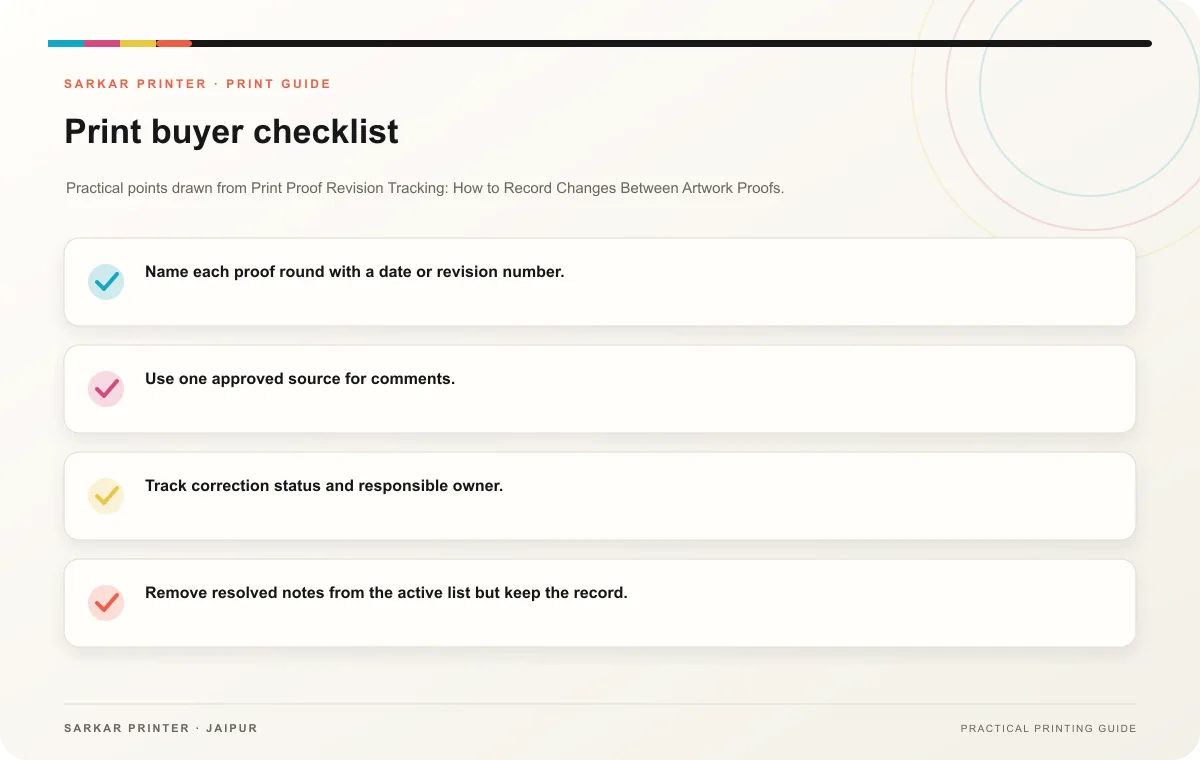
- Name each proof round with a date or revision number.
- Use one approved source for comments.
- Track correction status and responsible owner.
- Remove resolved notes from the active list but keep the record.
- Identify the final production file in writing.
Keep the record with the job
Save the final proof, correction history and approval note beside the approved artwork. If the job repeats, this record helps the team distinguish production changes from new content. It also shows which details the team reviewed and when.
Print planning checklist
| Topic | Key point | Check before approval |
|---|---|---|
| Use one correction list per round | Record the proof revision, page or panel, location, current detail, requested change and person responsible. A marked PDF works well when every reviewer uses the same copy. If feedback… | Record the agreed choice in the approved print brief. |
| Confirm each correction on the next proof | When a revised proof arrives, check off each request only after verifying the change. Then scan the affected page for new line breaks, moved images or altered spacing. A one-word… | Review one dated proof under suitable light before approval. |
| Keep the record with the job | Save the final proof, correction history and approval note beside the approved artwork. If the job repeats, this record helps the team distinguish production changes from new content. It… | Record the agreed choice in the approved print brief. |
CONTINUE THE PRINT PLAN
Keep the next step useful.
Explore the service page or related drafts, then send the agreed brief to the print team.
Frequently asked questions
How many proof rounds should we plan?
Set the review schedule with the printer and project owner. Complete content approval before the final production check where possible.
Can different departments mark separate copies?
They can review independently, but one coordinator should merge feedback before it reaches the designer.
What does final approval identify?
It should name the exact file or proof revision approved for production.