
A print image crop determines which part of a photograph remains visible in the final layout. Image crop proofing for print helps a reviewer confirm that the frame supports the message and does not cut away a detail the reader needs.
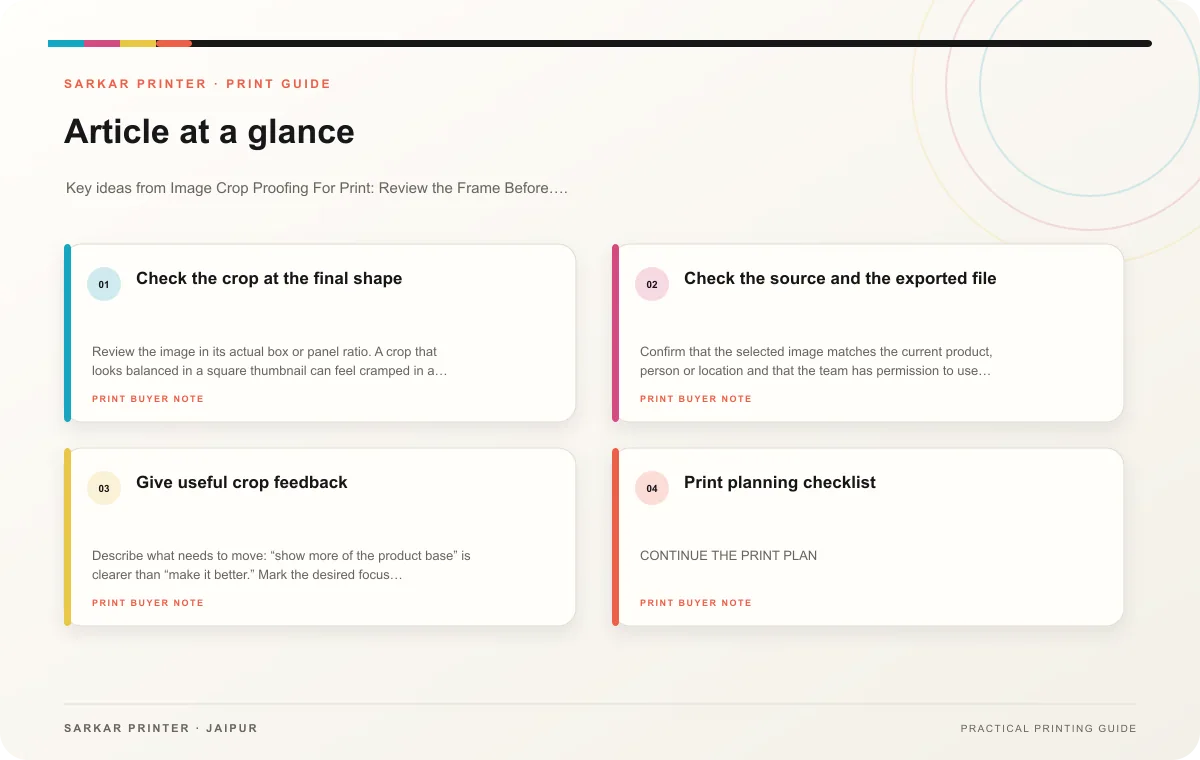
Check the crop at the final shape
Review the image in its actual box or panel ratio. A crop that looks balanced in a square thumbnail can feel cramped in a narrow column. Check faces, product edges, logos and any visual point that explains the image. Check the subject at normal page size.
Look at image placement near folds, trims and bindings. A face or product detail should not disappear into a crease or close to a cut edge. If the image spans a spread, ask how the centre join affects the composition. For packaging, review an assembled mock-up and inspect the crop on the real surface.
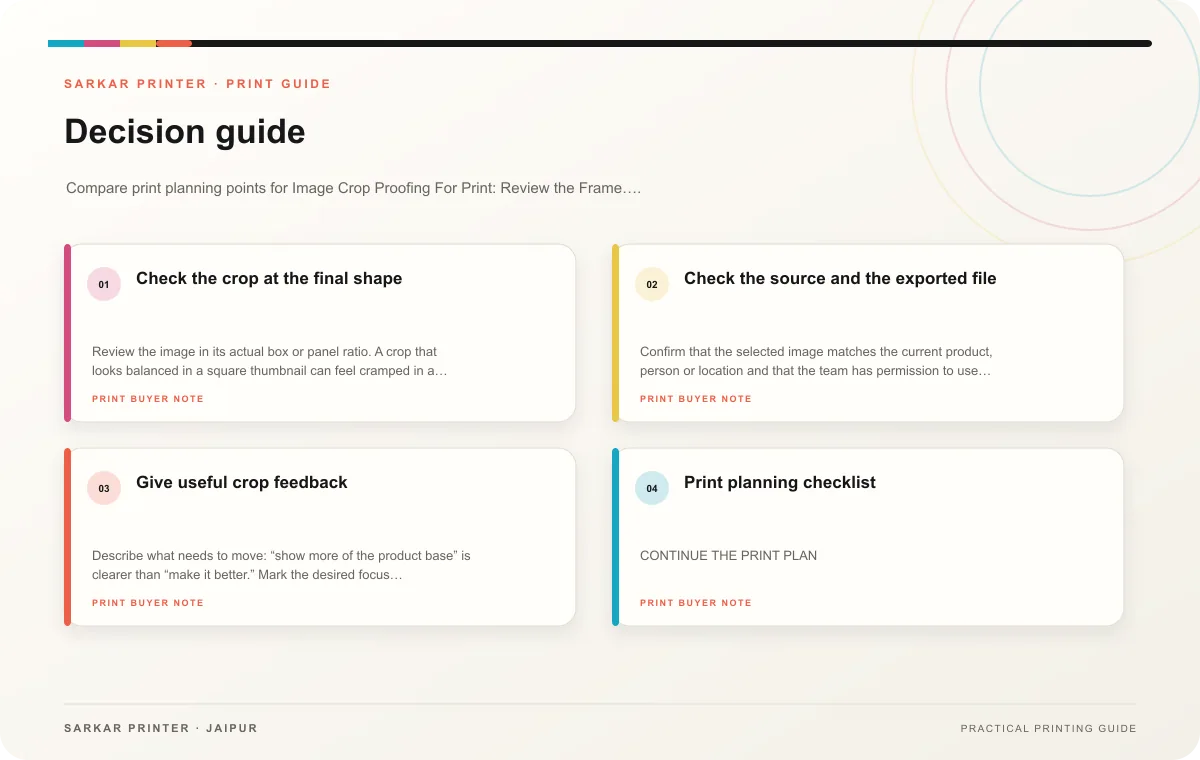
Check the source and the exported file
Confirm that the selected image matches the current product, person or location and that the team has permission to use it. Inspect the export for unexpected crop shifts or low-resolution appearance. If the designer changed the frame after review, request a new proof and approve the revised crop.
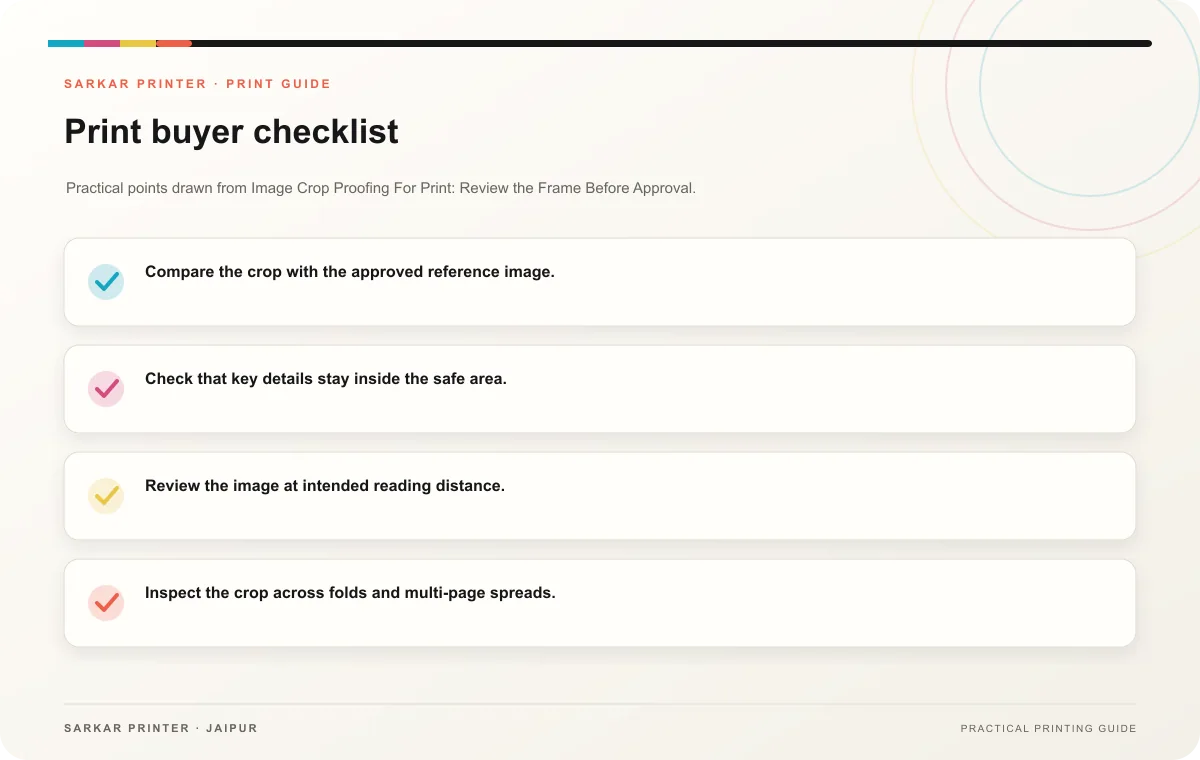
- Compare the crop with the approved reference image.
- Check that key details stay inside the safe area.
- Review the image at intended reading distance.
- Inspect the crop across folds and multi-page spreads.
- Verify the correct asset and edition before approval.
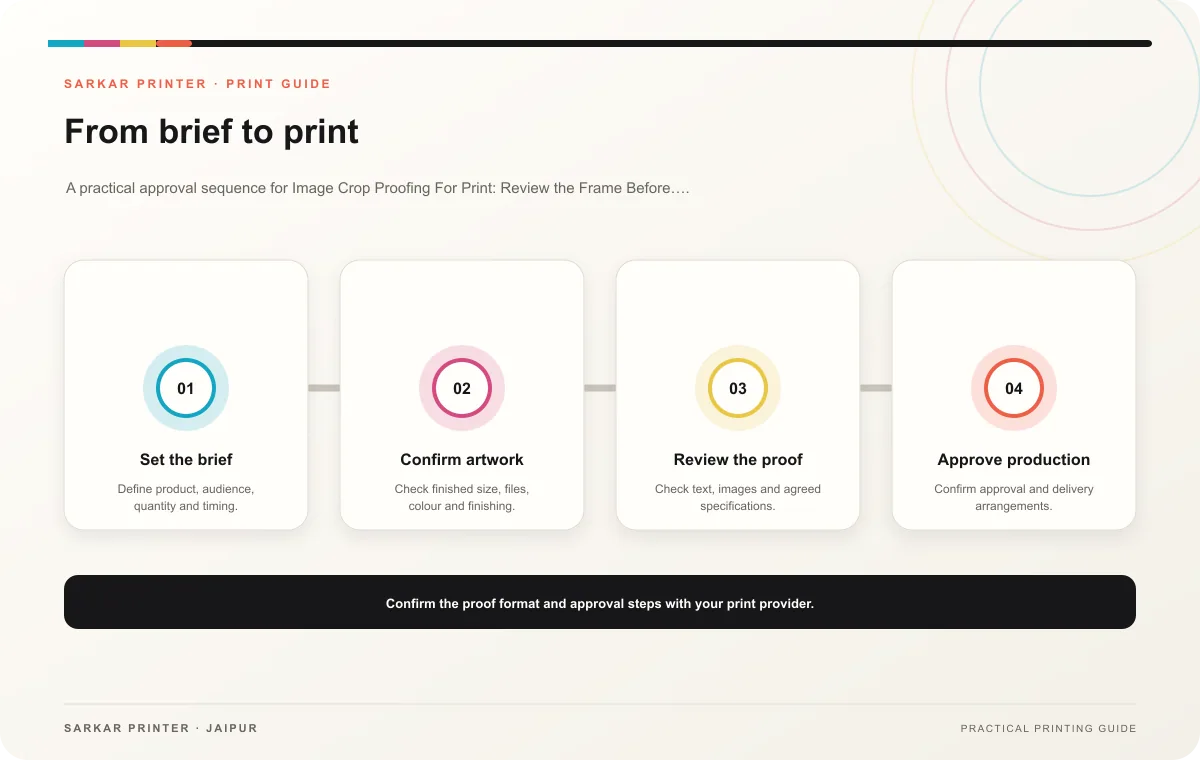
Give useful crop feedback
Describe what needs to move: “show more of the product base” is clearer than “make it better.” Mark the desired focus point or provide an alternate crop. The designer can then revise the frame and return a proof that reviewers can check.
Print planning checklist
| Topic | Key point | Check before approval |
|---|---|---|
| Check the crop at the final shape | Review the image in its actual box or panel ratio. A crop that looks balanced in a square thumbnail can feel cramped in a narrow column. Check faces, product edges, logos and any visual… | Record the agreed choice in the approved print brief. |
| Check the source and the exported file | Confirm that the selected image matches the current product, person or location and that the team has permission to use it. Inspect the export for unexpected crop shifts or… | Check the supplied file at final size and confirm bleed and safe areas. |
| Give useful crop feedback | Describe what needs to move: “show more of the product base” is clearer than “make it better.” Mark the desired focus point or provide an alternate crop. The designer can then revise the… | Record the agreed choice in the approved print brief. |
CONTINUE THE PRINT PLAN
Keep the next step useful.
Explore the service page or related drafts, then send the agreed brief to the print team.
Frequently asked questions
Can we revise a crop before printing?
Not in the finished copies. Correct the artwork and approve a new proof before production.
Should the whole product always appear?
Show the parts needed to understand the product and message. Avoid accidental crops that make the image misleading.
What if a photo looks soft?
Check the source asset and its final size, then ask the printer or designer to confirm whether the file suits the job.