
Understand registration marks, trim marks and colour bars, and learn what to include in a print handoff before offset production. Control pressroom tonal values, ink film density, and dot gain tolerances in accordance with ISO 12647 offset process control standards and Fogra graphic technology specifications.
What registration marks do
Registration marks are reference targets used to align colour separations or printed units. On a multi-colour job, accurate alignment helps colours meet where the artwork expects them to. The press team checks registration on the sheet during setup and production.
A crosshair or target is not a quality certificate by itself. It gives the operator a reference; the production team still evaluates the printed image, sheet movement, press conditions and the agreed tolerance for the job.
Registration marks are not the same as trim marks
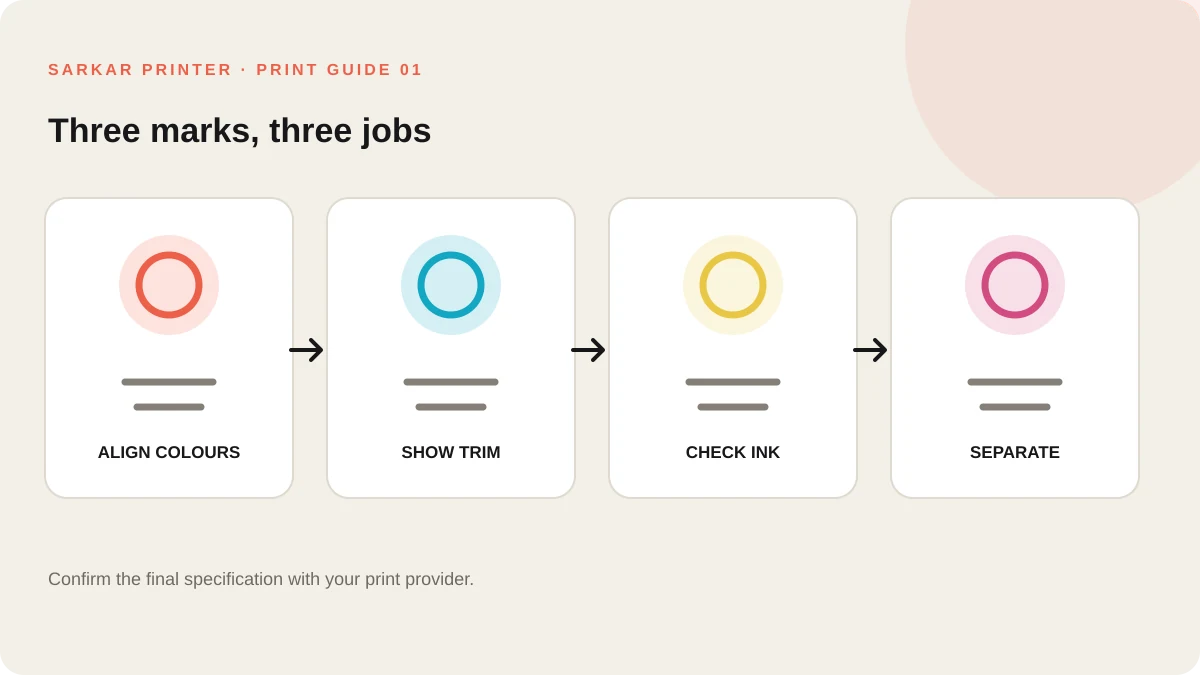
Trim or crop marks show where a finished piece should be cut. Registration targets help align separations. Colour bars carry ink patches that a press operator can inspect or measure. A job may use several kinds of marks, but they do different work.
Do not add marks to a customer-facing page just because a design tutorial shows them. The printer may create a production sheet with its own marks after imposition, and marks placed inside artwork can appear on the finished piece.
| Reference | Primary purpose | Buyer-side check |
|---|---|---|
| Registration target | Align colour separations or units. | Ask the printer how alignment will be checked. |
| Trim or crop marks | Indicate the intended cut boundary. | Keep them outside the finished area. |
| Colour bar | Provide colour patches for press control. | Confirm whether the printer adds it in imposition. |
| Page information | Identify a file, plate or production detail. | Use the provider’s requested naming and job notes. |
Where marks fit in an offset workflow
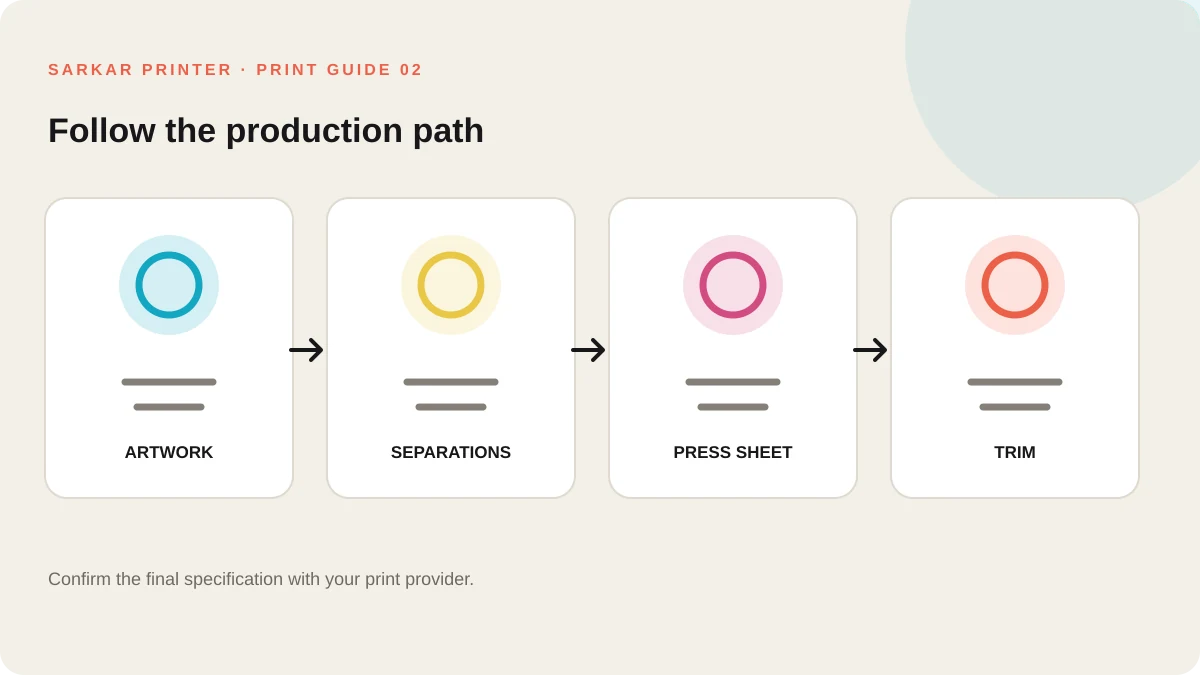
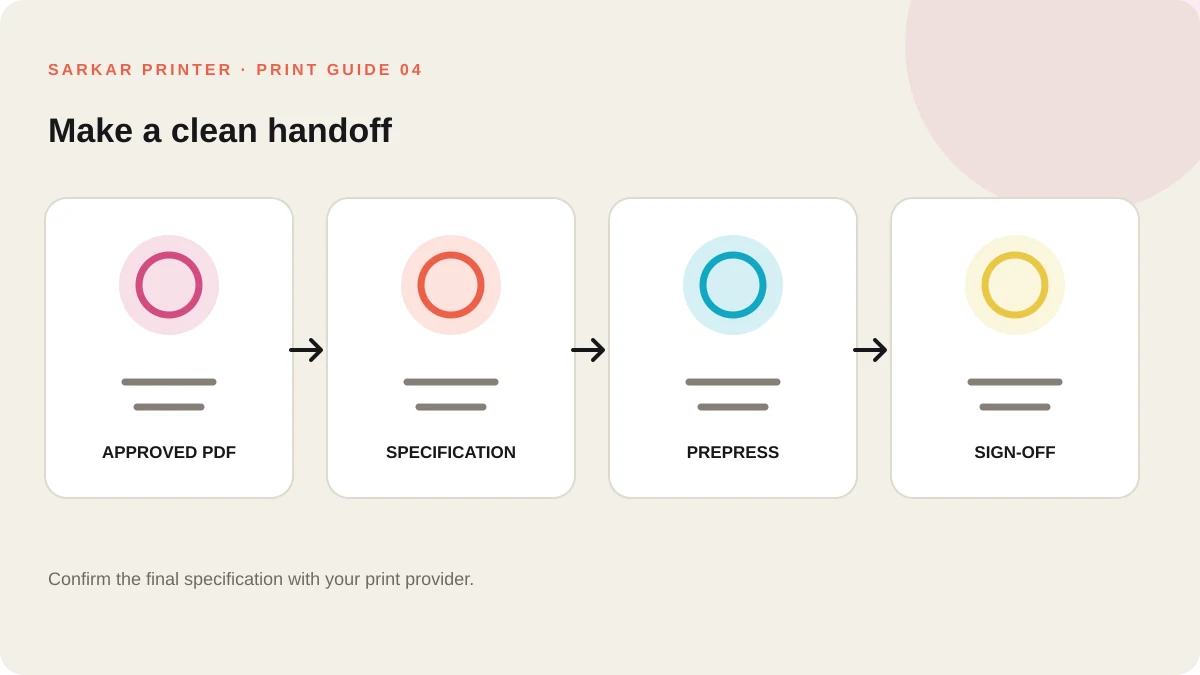
The designer supplies the approved page or package artwork. Prepress checks the file, arranges pages or panels for the press sheet, creates the necessary separations and prepares the production layout. The operator then uses the press sheet and control references during make-ready.
The exact layout depends on the press, sheet, product, number of colours and finishing plan. A buyer can help by providing final size, stock, quantity, colour requirements and the approved artwork version.
What to ask before sending artwork
Ask whether the provider wants a clean PDF or a file with marks, which bleed and colour settings apply, and whether a proof will show the final trim. Include a version name so the team can distinguish approved artwork from earlier drafts.
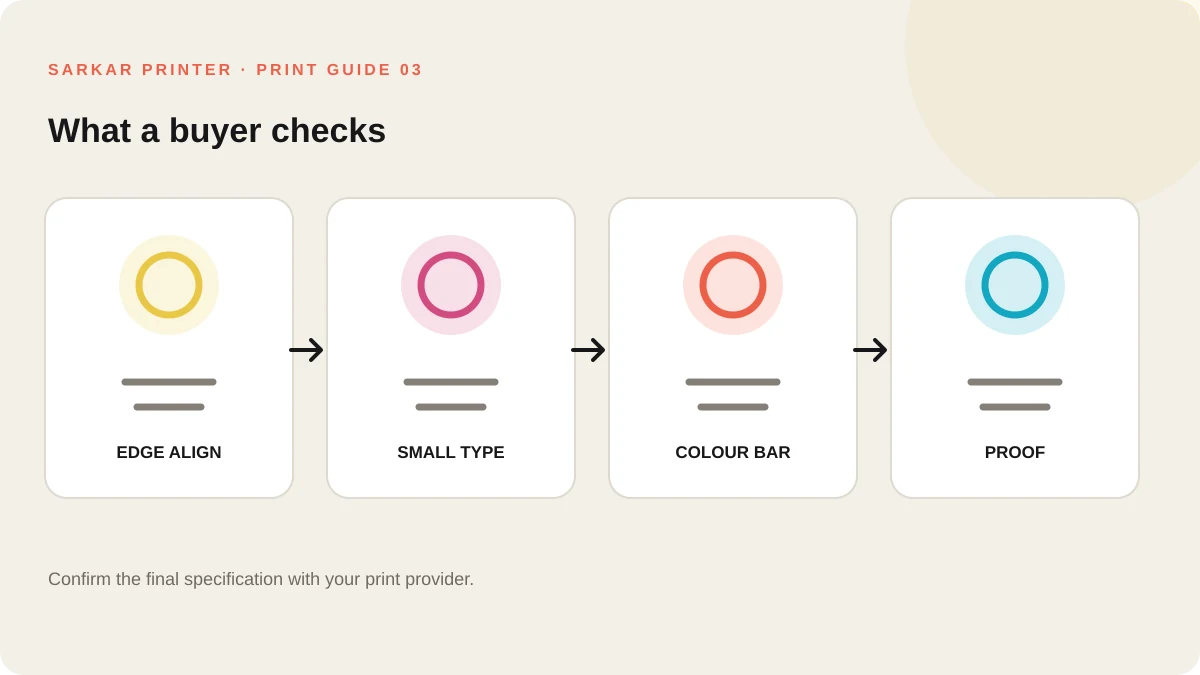
After approval, inspect a proof for trim position, image placement, small text and visible registration. If you see a consistent colour edge or unexpected mark, flag it before the full run rather than assuming the press team will infer the intended change.
Print brief checklist
- Send the approved artwork version, not a marked-up screenshot.
- Confirm bleed, colour mode and finished trim.
- Ask who will add printer’s marks.
- Review the proof and report visible misalignment.
For product-specific options, see Offset printing services or send the team a print enquiry.
Frequently asked questions
Do I need to add registration marks to my artwork?
Only if your print provider specifically requests them. Many commercial workflows add marks during prepress and imposition.
What is the difference between registration marks and crop marks?
Registration marks help align colour separations or units. Crop marks indicate the intended trim position.
What does a colour bar do?
A colour bar contains ink patches that the press team can inspect or measure as part of print control.
Can registration marks appear on the final product?
They should remain outside the finished trim when the production layout is prepared correctly. Confirm the proof and trim specification with the printer.