
Offset printing for packaging starts with the package’s job: protect a product, carry required information and present the brand clearly. The format, stock, artwork and finishing need to work together. A print-ready file is only one part of the decision; confirm the final structure and print specification with the packaging supplier before approving production.
Start with the packaging job
First define the product and how the package will be handled. A folding carton, product sleeve, insert and carry bag have different shapes and use cases. The package may need to stand on a shelf, travel through distribution, or hold several product variations. Those practical needs shape its dimensions, material and printed surfaces.
Offset lithography can be considered for repeatable commercial packaging runs where the chosen substrate and press setup suit the job. It is not automatically the right choice for every pack. Ask the supplier to compare the required quantity, number of versions, material compatibility and finishing steps before committing to a process.
Prepare the artwork and dieline
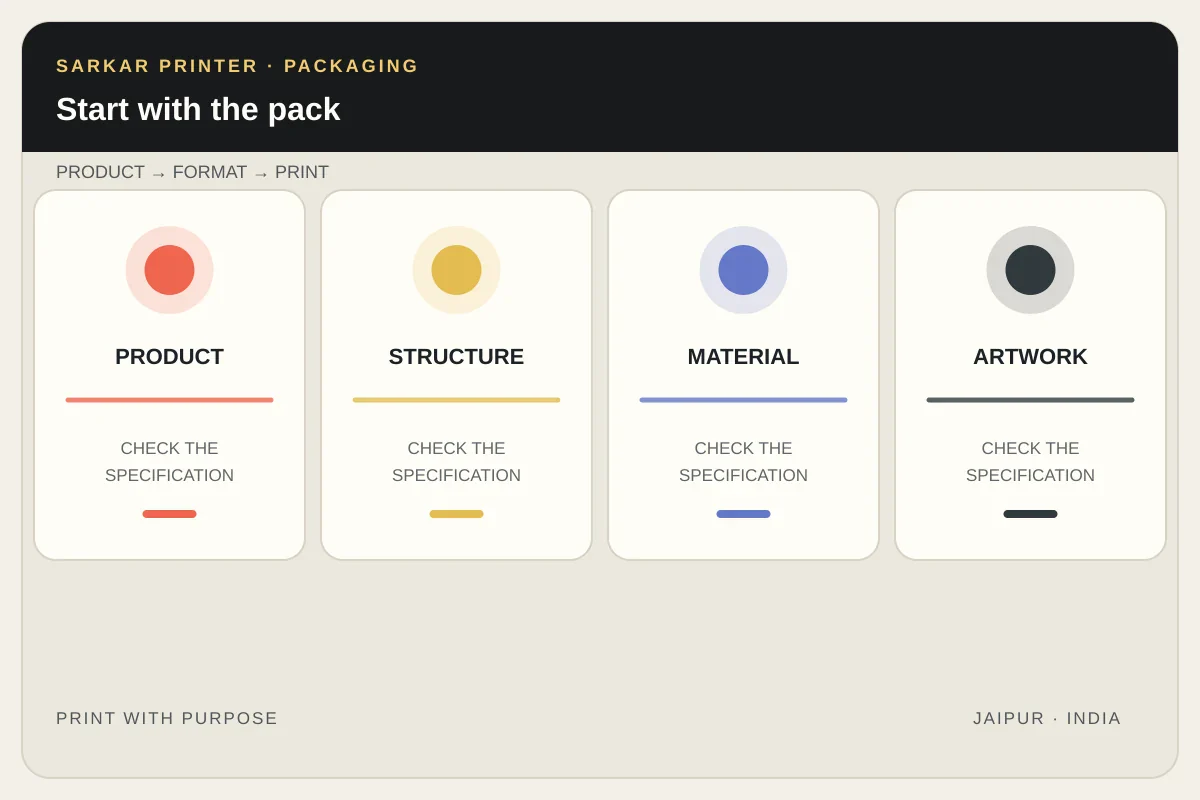
Request the current dieline or structural template before placing artwork. Keep text, logos and important details inside the safe area; allow for folds, glue areas, cut lines and bleed as the supplier specifies. Do not redraw structural guides from a screenshot or reuse a dieline from a different size without checking it.
Packaging designs often have several panels and may include a barcode, batch details, ingredients or other product information. Check these elements at actual size. Confirm which areas print, fold, overlap or remain unprinted. When a design has multiple flavours, sizes or SKUs, use a controlled file naming system and compare every version against the approved master.
Plan stock, colour and finish together
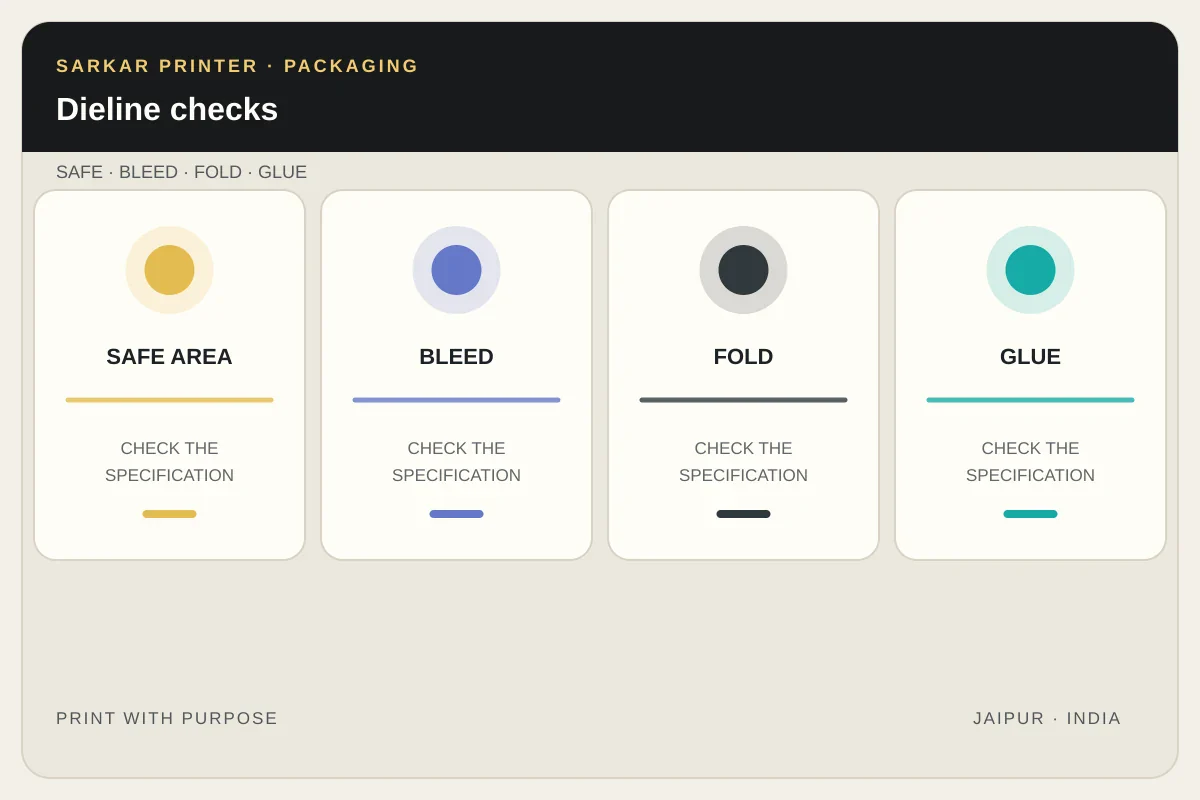
Ask which paper or board is suitable for the package’s structure and intended use. The substrate can change how colours appear and how a coating or lamination behaves. Confirm the exact stock or an agreed alternative, then review colour and finish on a relevant proof or sample.
Choose the ink plan with the artwork in mind. Full-colour images commonly use CMYK; a critical brand shade or special effect may need a separate spot ink or finishing operation. Confirm all colour names, coatings, foil or embossing requirements and which parts of the pack receive them. The supplier should confirm material suitability and any product-specific requirements rather than relying on a generic print article.
Approve a sample before the run
Review a physical sample when structure, fit or appearance could change the decision. Check that the package folds and closes as intended, the copy remains legible and the printed colours follow the agreed reference. Confirm that the sample represents the final artwork version and stock.
For more detailed handoff steps, use our food packaging artwork guide, multi-SKU packaging artwork checklist and packaging sample approval process. See our packaging services or share a packaging print brief to discuss a project.
Further reading
Packaging print specification
| Area | Confirm | Useful evidence |
|---|---|---|
| Structure | Format, dimensions, folds, glue and opening | Current dieline or approved sample |
| Material | Paper or board and any required properties | Supplier’s material specification |
| Artwork | Version, panels, copy and barcode placement | Preflighted file with version number |
| Print & finish | CMYK/spot inks, coating and special effects | Written specification and proof |
Frequently asked questions
Can offset printing be used for packaging?
It can suit some commercial packaging jobs when the order quantity, material, format and finishing fit the press and supplier workflow. Ask the supplier to confirm suitability for the exact pack.
What file should I use for packaging artwork?
Start with the current dieline supplied for the package. Follow the supplier’s file requirements for bleed, safe areas, colour, fonts and export settings.
Should I approve a packaging sample?
A sample is useful when structure, fit, folds, colour or finish could change your decision. Confirm which artwork version and material the sample represents.
How do I handle several packaging SKUs?
Use a controlled master and a separate checked file for each version. Compare product copy, codes, colour and dieline against the approved SKU list.