
Packaging with multiple SKUs often shares a structure but changes in colour, name, size or product data. Multi-SKU packaging artwork needs a reliable system that keeps common elements aligned and makes each variant unmistakable.
Separate shared and changing fields
Create a matrix with one row per SKU and columns for product name, variant, identifier, artwork file and owner. Mark content that stays the same across the range and fields that change. This gives the designer a clear source and helps reviewers compare variants side by side.
Use consistent positions for repeated elements, such as the logo, product family name and instructions. Make the variable field prominent enough to distinguish a flavour, size or model. Colour can support recognition, but pair it with text or a code so the difference does not depend on colour alone.
Review the variants together
Check that each file maps to the correct row in the SKU matrix. A colour-coded comparison sheet can help reviewers spot a mismatched name or swapped image. Confirm quantities for each version and ensure obsolete files do not remain in the handoff folder. Give every artwork a date and revision label.
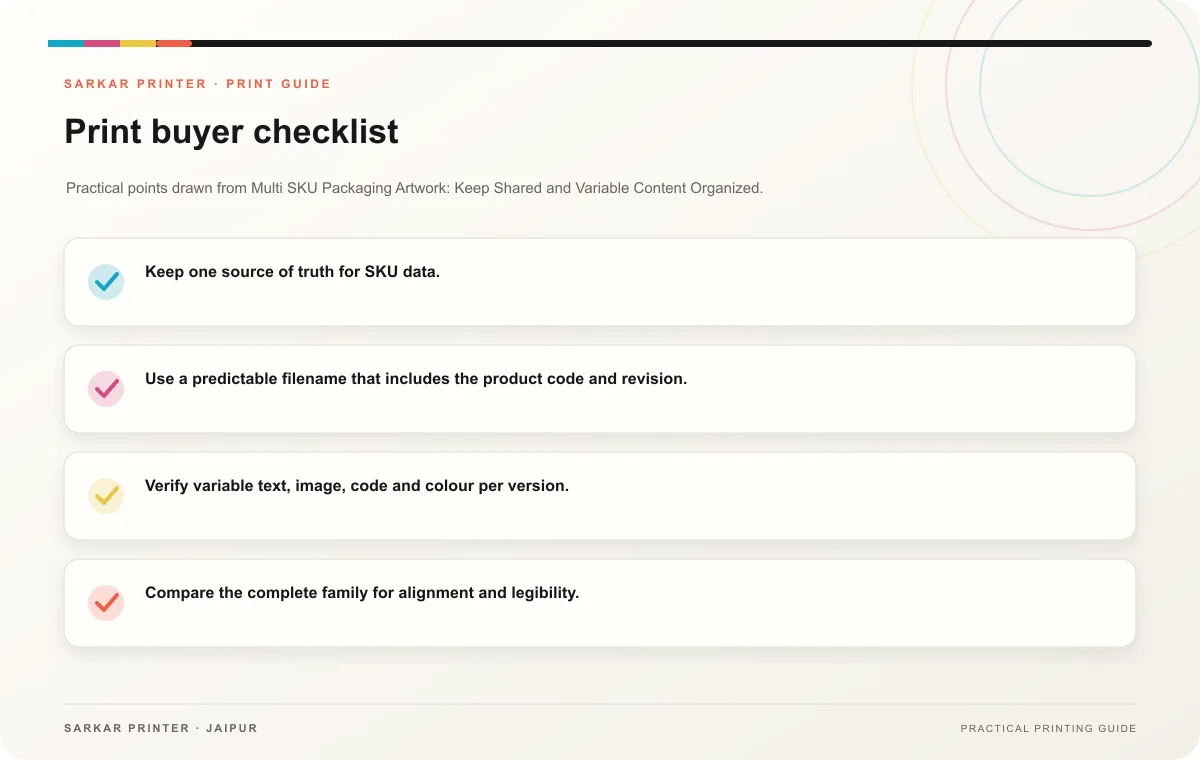
- Keep one source of truth for SKU data.
- Use a predictable filename that includes the product code and revision.
- Verify variable text, image, code and colour per version.
- Compare the complete family for alignment and legibility.
- Record the final approver for shared and variant-specific details.
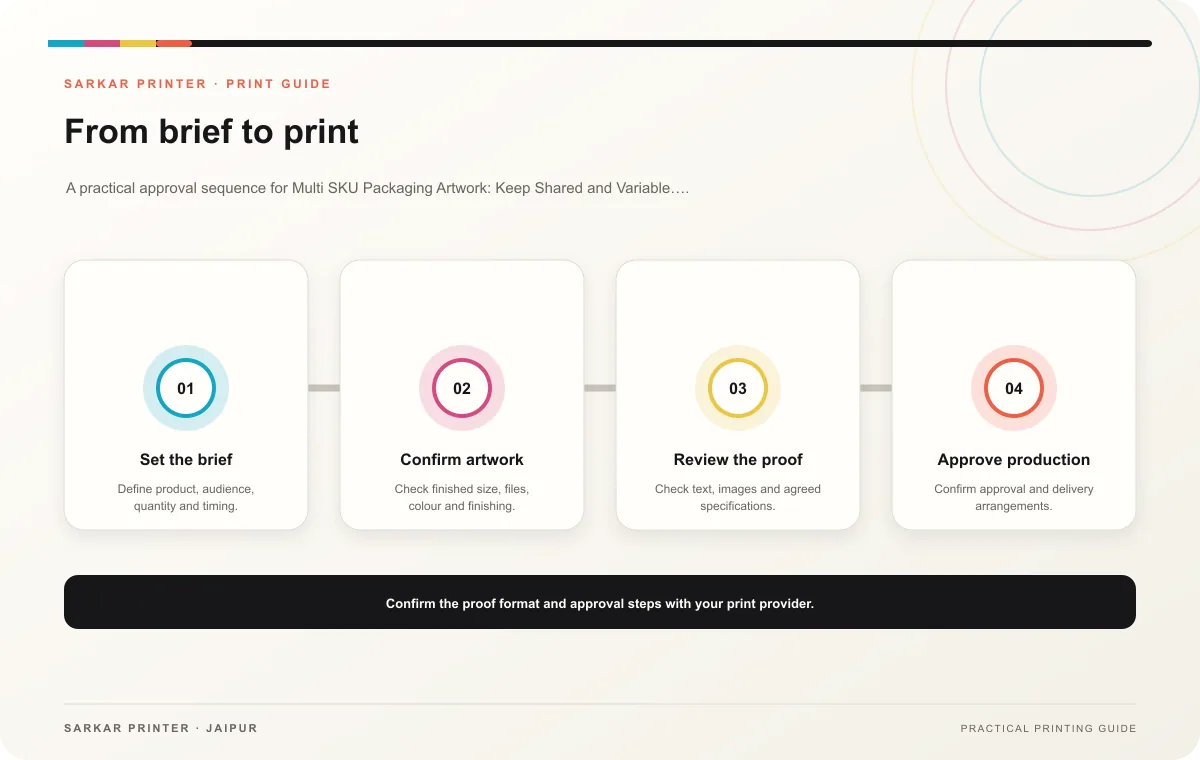
Coordinate production
Send the printer the final files, dieline, variant matrix, quantities, material preference, finish and required date. Ask how the team will identify variants during production and packing. Review representative samples across all versions, not only the first SKU in the list.
Print planning checklist
| Topic | Key point | Check before approval |
|---|---|---|
| Separate shared and changing fields | Create a matrix with one row per SKU and columns for product name, variant, identifier, artwork file and owner. Mark content that stays the same across the range and fields that change.… | Record the agreed choice in the approved print brief. |
| Review the variants together | Check that each file maps to the correct row in the SKU matrix. A colour-coded comparison sheet can help reviewers spot a mismatched name or swapped image. Confirm quantities for each… | Record the agreed choice in the approved print brief. |
| Coordinate production | Send the printer the final files, dieline, variant matrix, quantities, material preference, finish and required date. Ask how the team will identify variants during production and… | Record the agreed choice in the approved print brief. |
CONTINUE THE PRINT PLAN
Keep the next step useful.
Explore the service page or related drafts, then send the agreed brief to the print team.
Frequently asked questions
Can one template support many products?
A shared template can work when the team controls variable content and the team checks each version against the source matrix.
How do we prevent variant swaps?
Use clear identifiers in the source data, filenames, proofs and production quantity schedule.
Does each SKU need its own proof?
Review each version’s changed fields and sample the full family so no variant inherits the wrong details.