
Offset printing colors depend on the ink set, paper, press condition and the reference used for approval. A screen preview helps with layout, but it cannot promise an exact match on a different stock. Decide what must stay consistent—such as a brand mark, product colour or photograph—before the file reaches prepress.
How offset printing colours are built
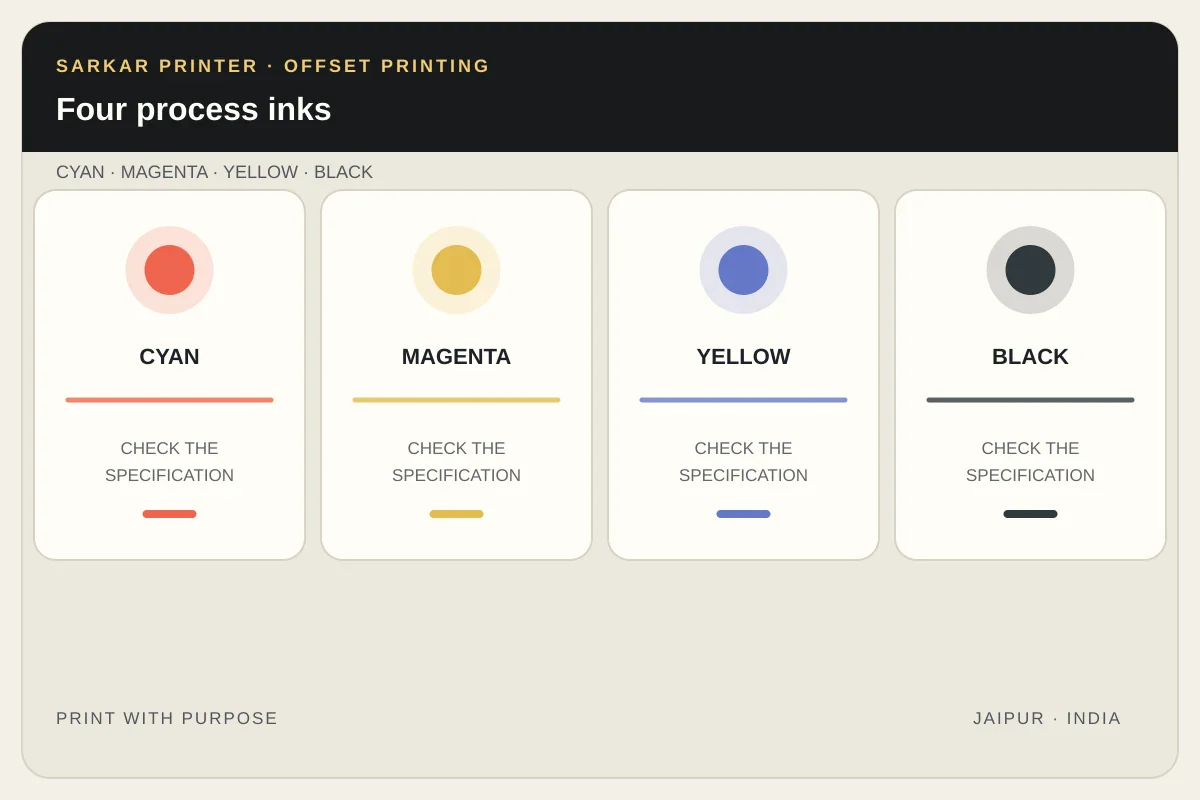
Most full-colour work uses four process inks: cyan, magenta, yellow and black (CMYK). The artwork is separated into plates, and small halftone dots combine on the sheet to create the appearance of many colours. The paper and printing condition affect the result, so the same CMYK numbers can look different on different stocks or under different viewing light.
Use a CMYK workflow for photographs, gradients and designs with many colours. Keep a supplied colour profile with the artwork when the workflow requests one, and ask the printer which file settings suit the job. Adobe explains that process colours use combinations of CMYK inks and recommends coordinating colour expectations with the print provider.
CMYK process ink or a spot colour?
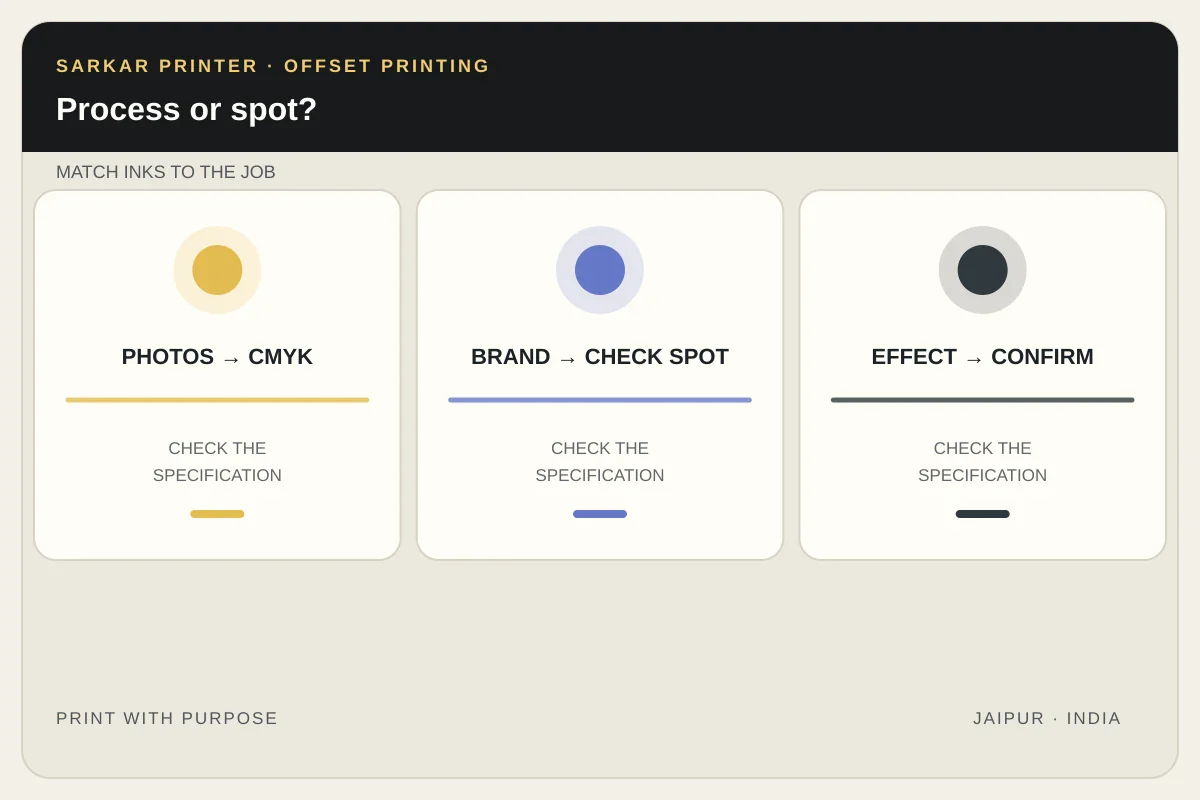
A spot colour is a separately specified ink printed from its own plate. It can help when a project uses a small number of critical brand colours or needs an ink effect that the chosen process cannot reproduce. It also adds a colour separation and production decisions, so confirm the extra ink with the printer before final artwork approval.
Do not assume every colour named in a design file is a spot ink. Check the swatches and separations preview: accidental duplicate spot swatches or leftover colours can create unexpected plates. For a design with many photographs, CMYK is usually the simpler starting point; for a colour-critical logo, ask whether a spot ink is appropriate for the stock and run.
Choose a proof that answers the right question
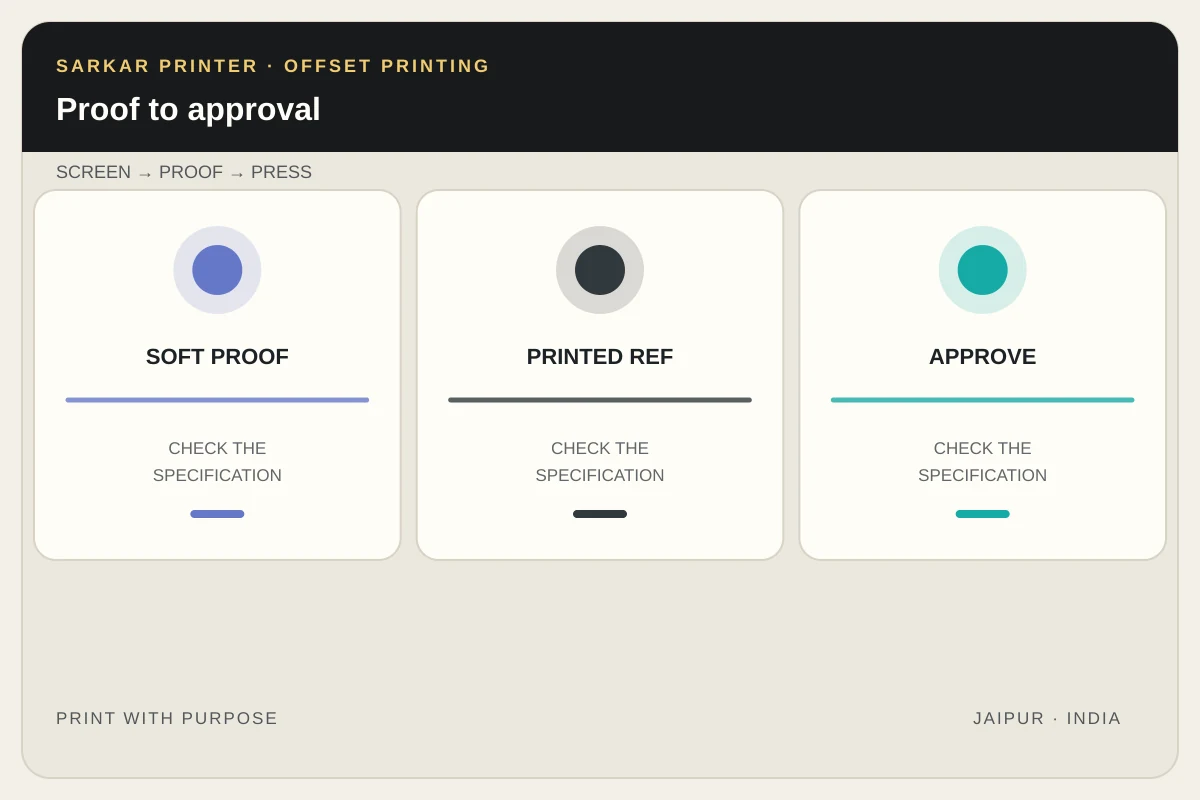
A soft proof previews a colour-managed simulation on a monitor. Its usefulness depends on the display, profiles, selected output condition and room lighting. It is useful for catching broad shifts and reviewing layout, but it is not the same as seeing ink on the final paper.
For a critical colour, ask what proof is available and what it represents. A proof should identify the output condition it is intended to simulate. If the job includes overprinting or special inks, ask the prepress team how those elements will be checked; Adobe notes that a soft proof alone may not show overprinting accurately without the appropriate preview settings.
Preflight the colour plan
- List the process inks and any required spot inks in the brief.
- Keep important brand colour references and the approved sample together.
- Confirm the paper and print condition before judging subtle colour differences.
- Check that the PDF contains the intended separations and no accidental spot colours.
- Record the proof version and approval date so the press team has one clear reference.
For a wider artwork review, use our screen-to-print colour expectations guide and brand colour reference guide for reprints. If your job needs commercial offset production, see our offset printing service or send the print brief.
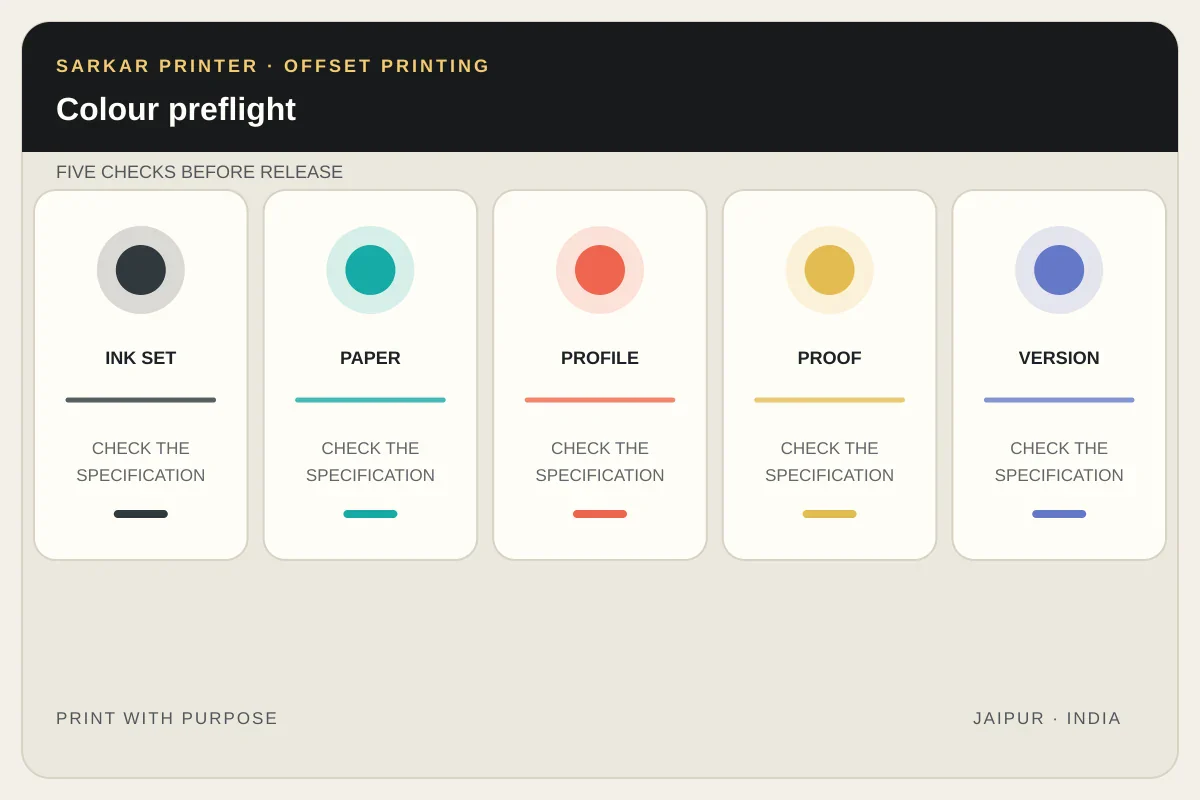
Colour approval checklist
| Decision | What to confirm | Why it matters |
|---|---|---|
| Ink set | CMYK only, or CMYK plus named spot inks | Defines the separations and press setup. |
| Paper | Exact stock or an agreed equivalent | Surface and shade influence appearance. |
| Proof | Which output condition the proof represents | Helps everyone judge the same reference. |
| Critical colour | Printed sample, swatch or agreed tolerance | Prevents screen-only expectations. |
References
Frequently asked questions
Is CMYK enough for every offset job?
CMYK is a common choice for full-colour photographs and artwork, but critical brand colours or special effects may call for a separately specified spot ink. Confirm the ink plan with the printer.
Will my screen show the exact printed colour?
No screen can guarantee an exact press result by itself. Colour-managed soft proofing can guide a review, while the paper, output condition and approved print reference matter too.
Does a spot colour add a separate plate?
A spot ink is generally treated as a separate colour separation. Ask the print provider how it affects the file, press plan and quote.
What should I approve before production?
Approve the artwork version, paper, ink plan and proof reference together. Keep the approved sample or documented target available for the production team.