
A manufacturing spec sheet helps sales, purchasing and production teams compare product details from a consistent source. Manufacturing spec sheet printing should start with approved data and a clear rule for updating product versions.
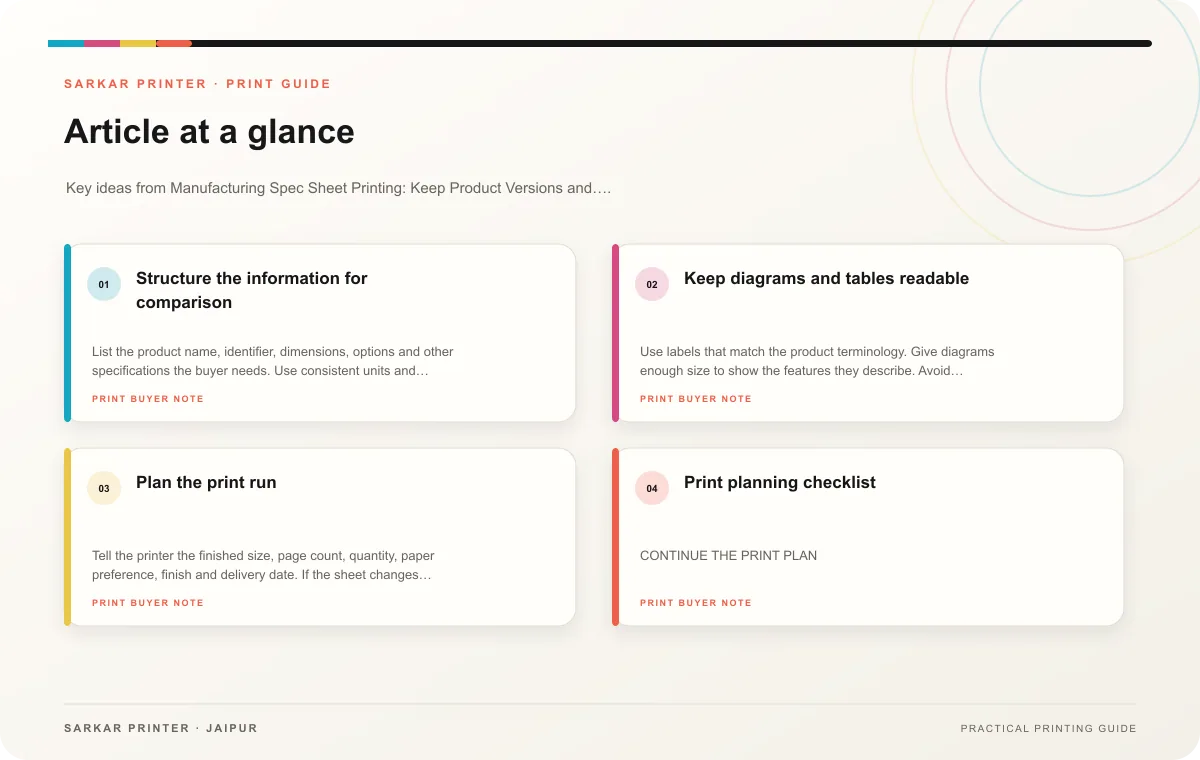
Structure the information for comparison
List the product name, identifier, dimensions, options and other specifications the buyer needs. Use consistent units and labels across the product family. Keep notes that apply to every item separate from values that change by model. A table should make differences obvious without forcing a reader to compare scattered paragraphs.
Assign each field to an owner who can verify it. Engineering or product teams may control measurements; sales may own contact details or availability. Mark the source and revision date so people can see whether the sheet matches the current product.
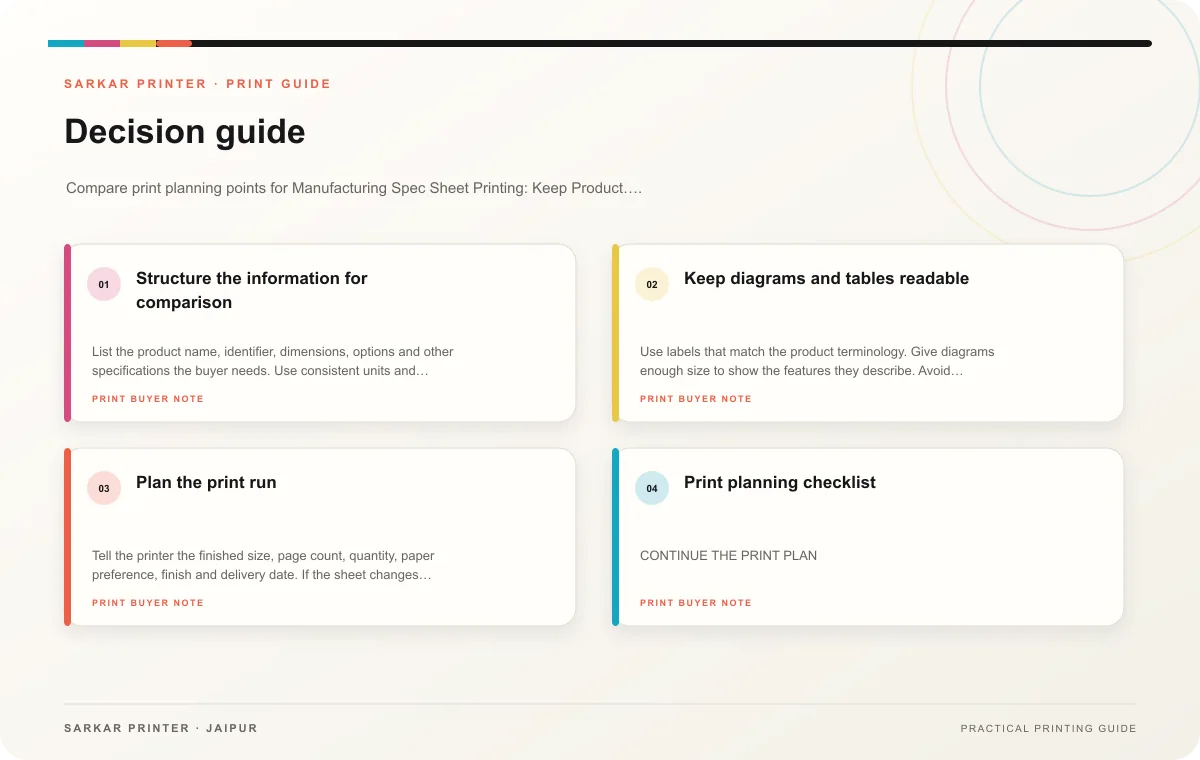
Keep diagrams and tables readable
Use labels that match the product terminology. Give diagrams enough size to show the features they describe. Avoid shrinking a table to fit an overfull page; reorganize the data or use another page when needed. Check how the sheet reads at the finished size, including footnotes and unit labels.
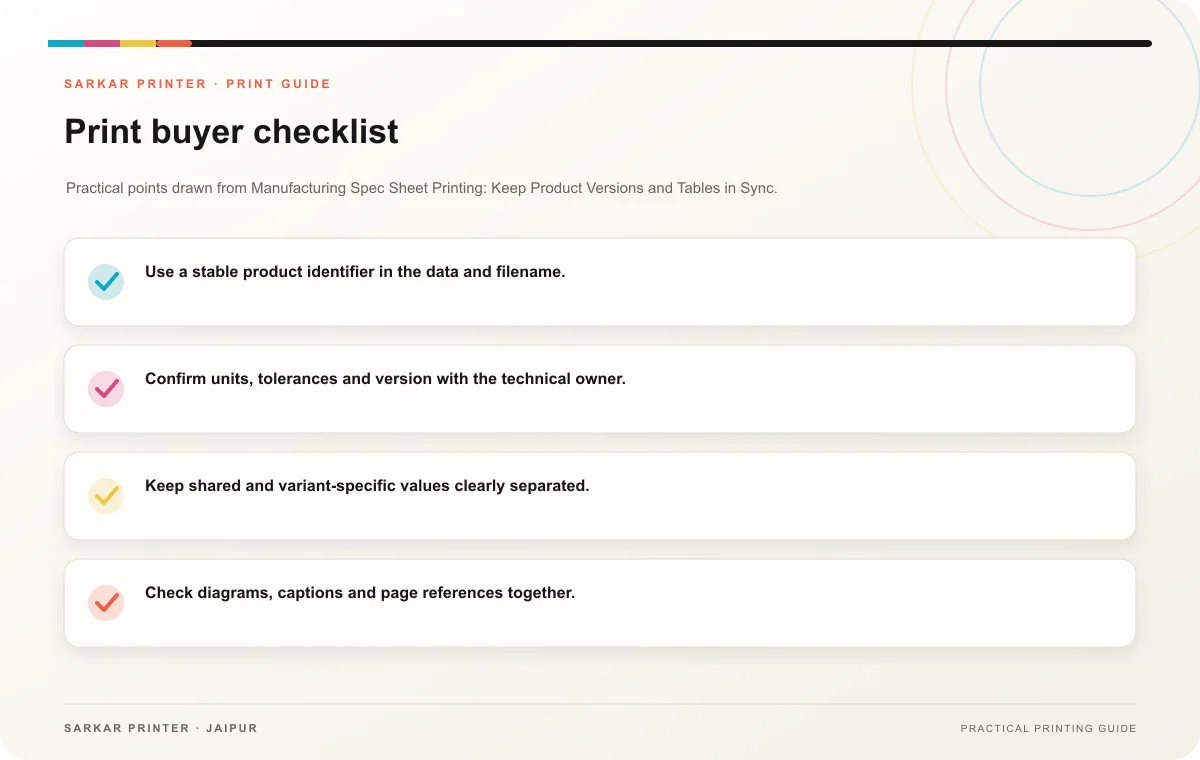
- Use a stable product identifier in the data and filename.
- Confirm units, tolerances and version with the technical owner.
- Keep shared and variant-specific values clearly separated.
- Check diagrams, captions and page references together.
- Store the source data, approved PDF and revision record.
Plan the print run
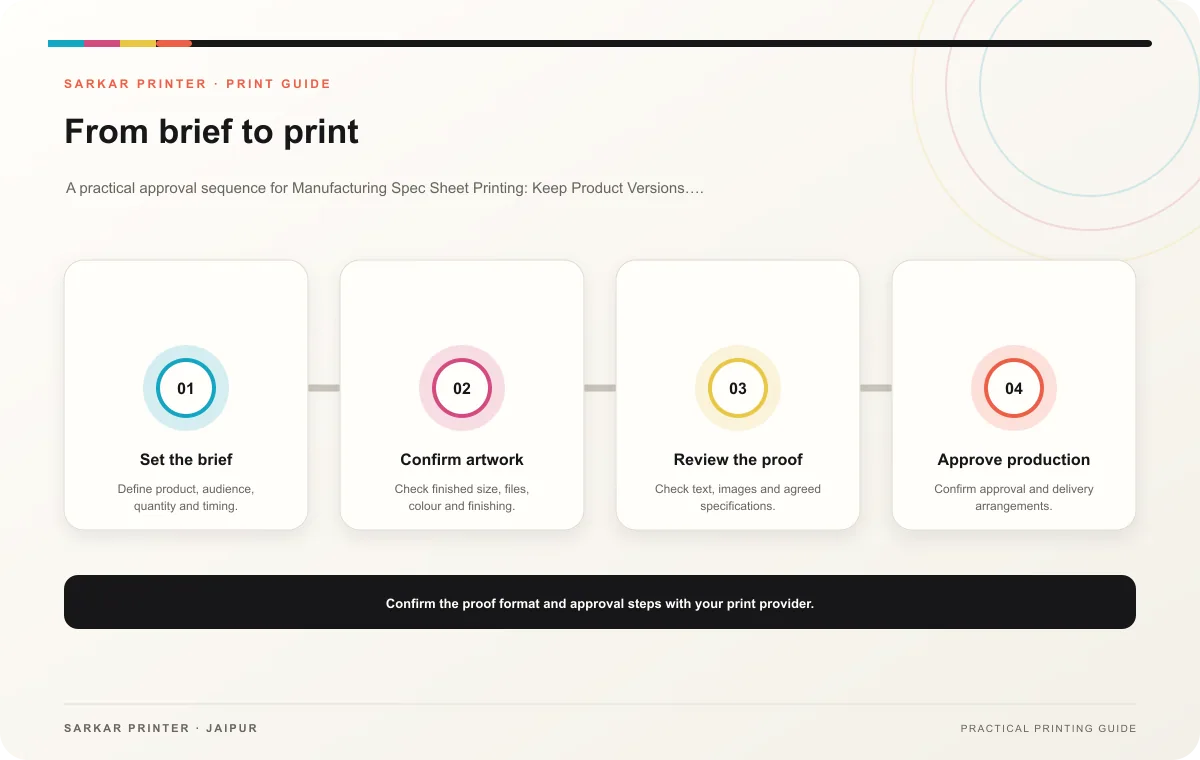
Tell the printer the finished size, page count, quantity, paper preference, finish and delivery date. If the sheet changes by product, provide counts by version and label each file. Review a proof with the person who owns the technical data before production approval.
Print planning checklist
| Topic | Key point | Check before approval |
|---|---|---|
| Structure the information for comparison | List the product name, identifier, dimensions, options and other specifications the buyer needs. Use consistent units and labels across the product family. Keep notes that apply to every… | Record the agreed choice in the approved print brief. |
| Keep diagrams and tables readable | Use labels that match the product terminology. Give diagrams enough size to show the features they describe. Avoid shrinking a table to fit an overfull page; reorganize the data or use… | Record the agreed choice in the approved print brief. |
| Plan the print run | Tell the printer the finished size, page count, quantity, paper preference, finish and delivery date. If the sheet changes by product, provide counts by version and label each file.… | Compare estimates at the quantities you are considering. |
CONTINUE THE PRINT PLAN
Keep the next step useful.
Explore the service page or related drafts, then send the agreed brief to the print team.
Frequently asked questions
Should a spec sheet show every technical detail?
Include what the intended reader needs to compare or use the product, and provide a route to more detailed documentation where appropriate.
Who verifies measurements?
The responsible technical or product owner should check them against the current approved source.
How do we manage revisions?
Use a date or revision code, maintain a change log and mark superseded copies clearly.