
A distributor catalog must help partners identify products, codes and current information quickly. Distributor catalog printing is easier to maintain when product data, availability notes and edition changes follow one consistent system.
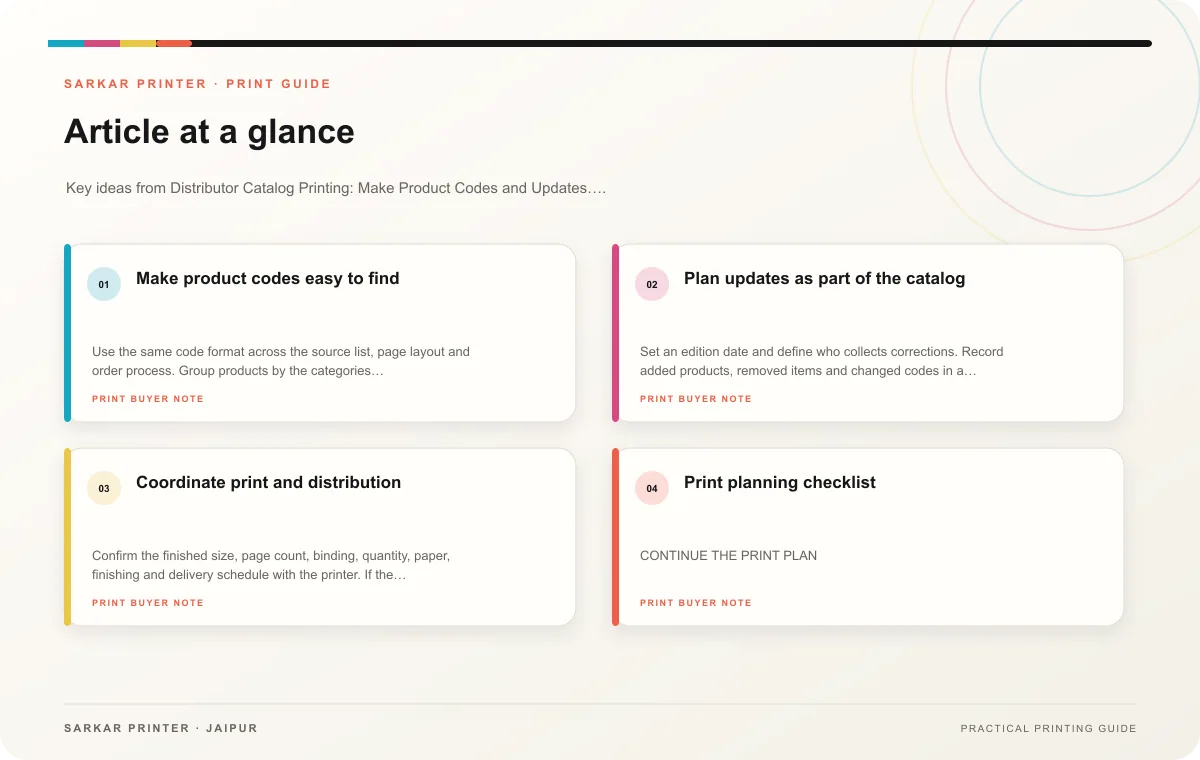
Make product codes easy to find
Use the same code format across the source list, page layout and order process. Group products by the categories distributors use rather than an internal structure that buyers do not recognize. Keep product names and identifiers close together, and use consistent units for dimensions or pack sizes.
Ask product owners to verify descriptions, images, options and availability before the layout starts. If a product has several versions, make the differences visible in a table or comparison block. Avoid mixing obsolete items into the current edition without a clear status.
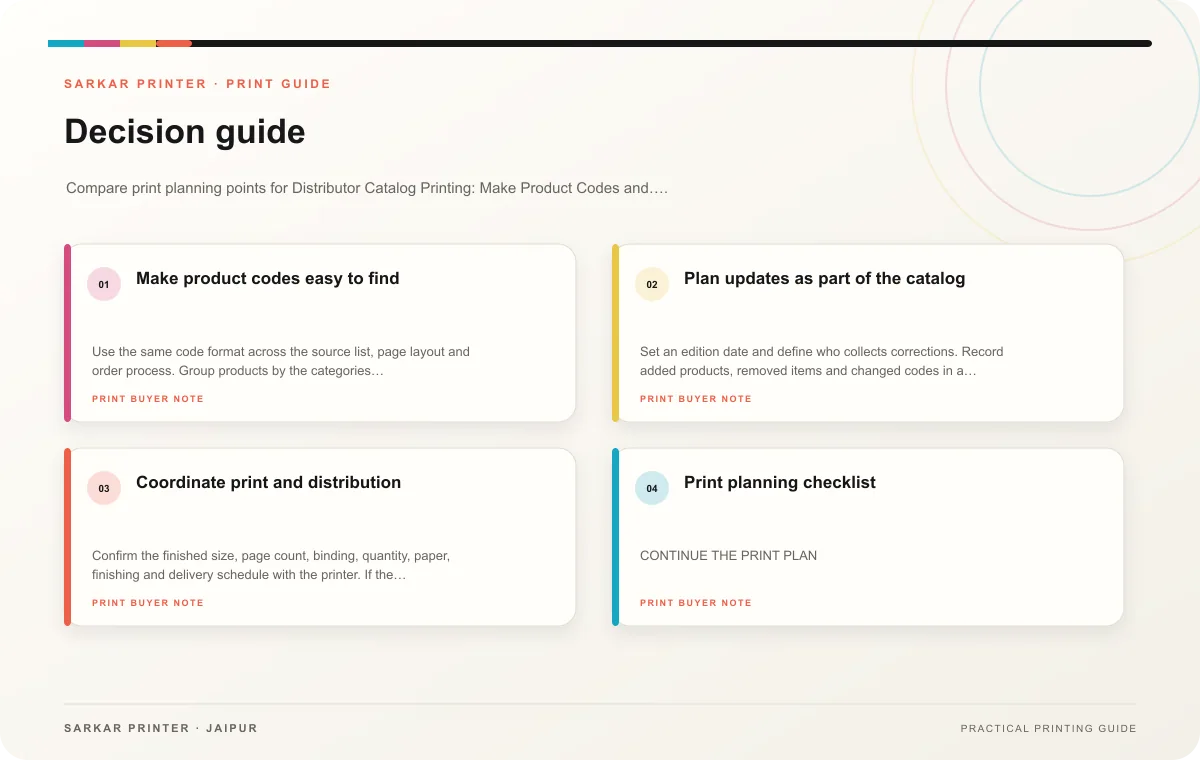
Plan updates as part of the catalog
Set an edition date and define who collects corrections. Record added products, removed items and changed codes in a revision log. If different regions or distributors need different contact details, label those versions and make the quantity plan explicit.
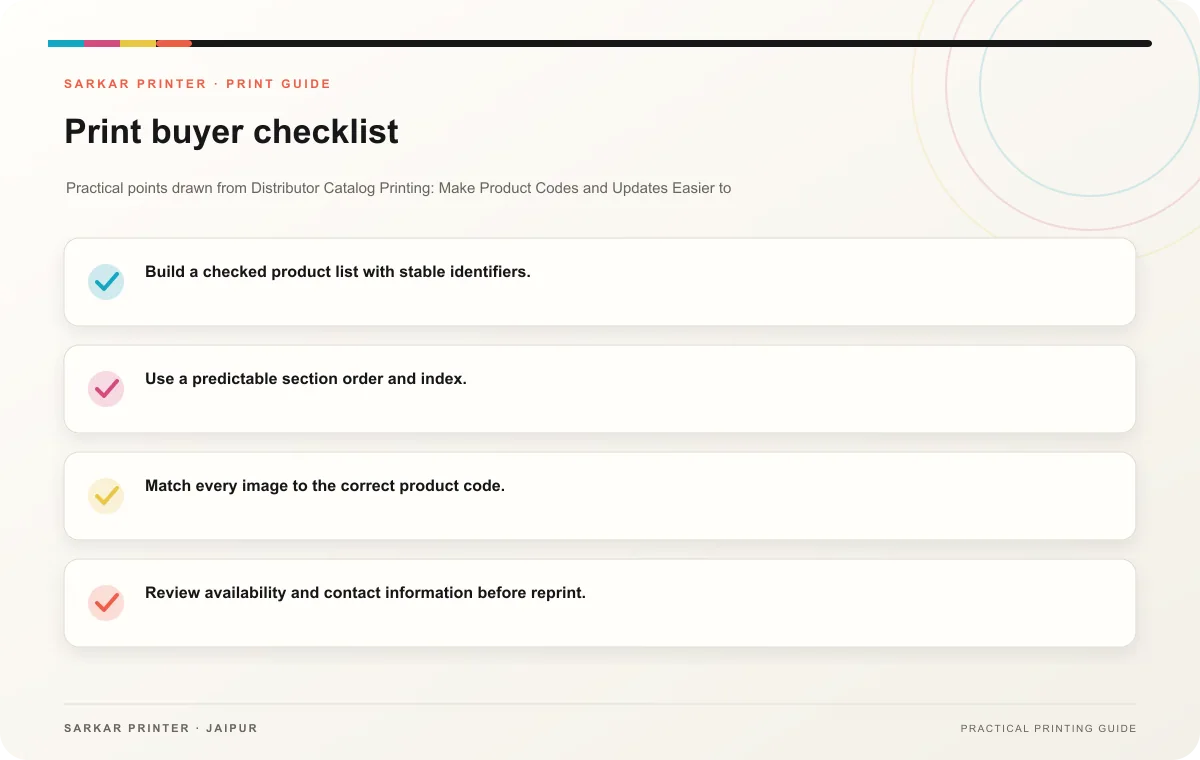
- Build a checked product list with stable identifiers.
- Use a predictable section order and index.
- Match every image to the correct product code.
- Review availability and contact information before reprint.
- Keep old editions marked as superseded.
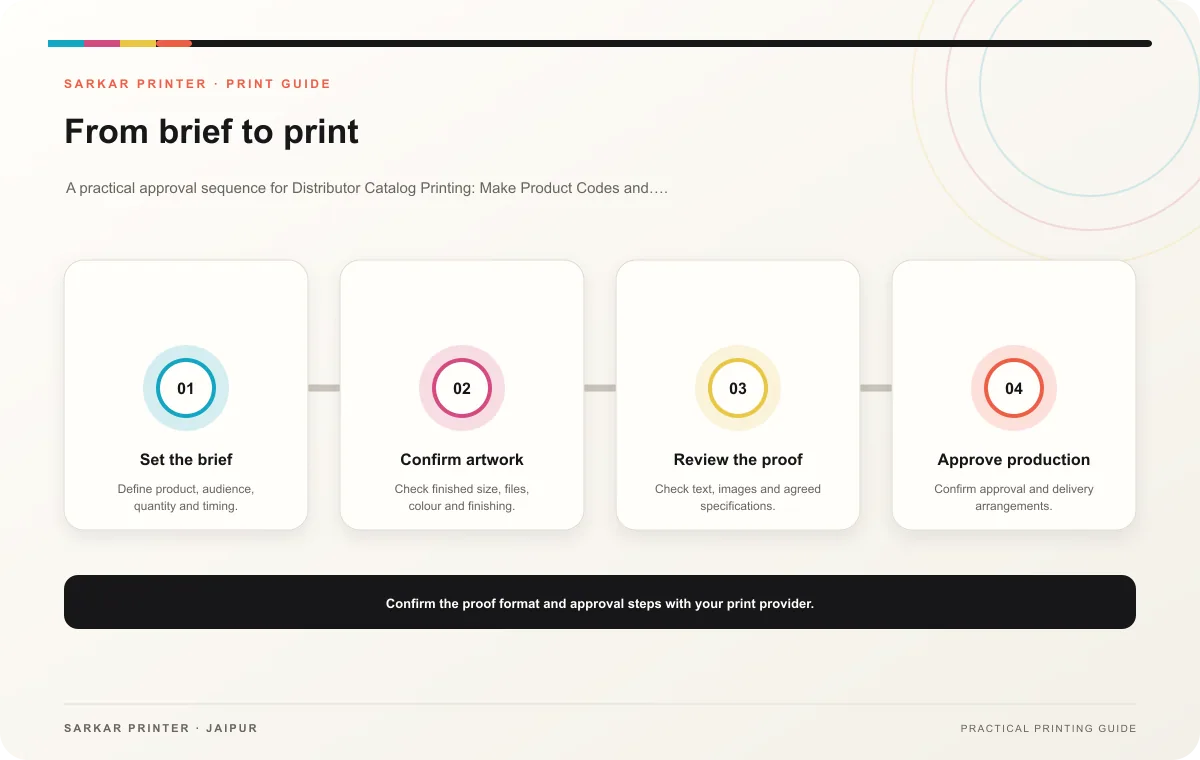
Coordinate print and distribution
Confirm the finished size, page count, binding, quantity, paper, finishing and delivery schedule with the printer. If the catalog ships to several distributor locations, provide counts by destination and ask for labelled bundles. Review a complete proof, including the index and product tables, before sign-off.
Print planning checklist
| Topic | Key point | Check before approval |
|---|---|---|
| Make product codes easy to find | Use the same code format across the source list, page layout and order process. Group products by the categories distributors use rather than an internal structure that buyers do not… | Record the agreed choice in the approved print brief. |
| Plan updates as part of the catalog | Set an edition date and define who collects corrections. Record added products, removed items and changed codes in a revision log. If different regions or distributors need different… | Record the agreed choice in the approved print brief. |
| Coordinate print and distribution | Confirm the finished size, page count, binding, quantity, paper, finishing and delivery schedule with the printer. If the catalog ships to several distributor locations, provide counts… | Record the agreed choice in the approved print brief. |
CONTINUE THE PRINT PLAN
Keep the next step useful.
Explore the service page or related drafts, then send the agreed brief to the print team.
Frequently asked questions
How should your team group products?
Use categories and terms distributors recognize, then keep the same structure across editions.
Can one catalog cover different markets?
A shared catalog can work when product and contact information are common. Use labelled editions when details vary.
What should the team check before reprinting?
Verify codes, availability, images, prices if included, contact details and edition date.