
Company business card printing needs a clear system when many employees share one brand. A master layout keeps the identity consistent, while a controlled data list prevents one person’s phone number or title from appearing on another card. Set the rules before collecting names from the team.
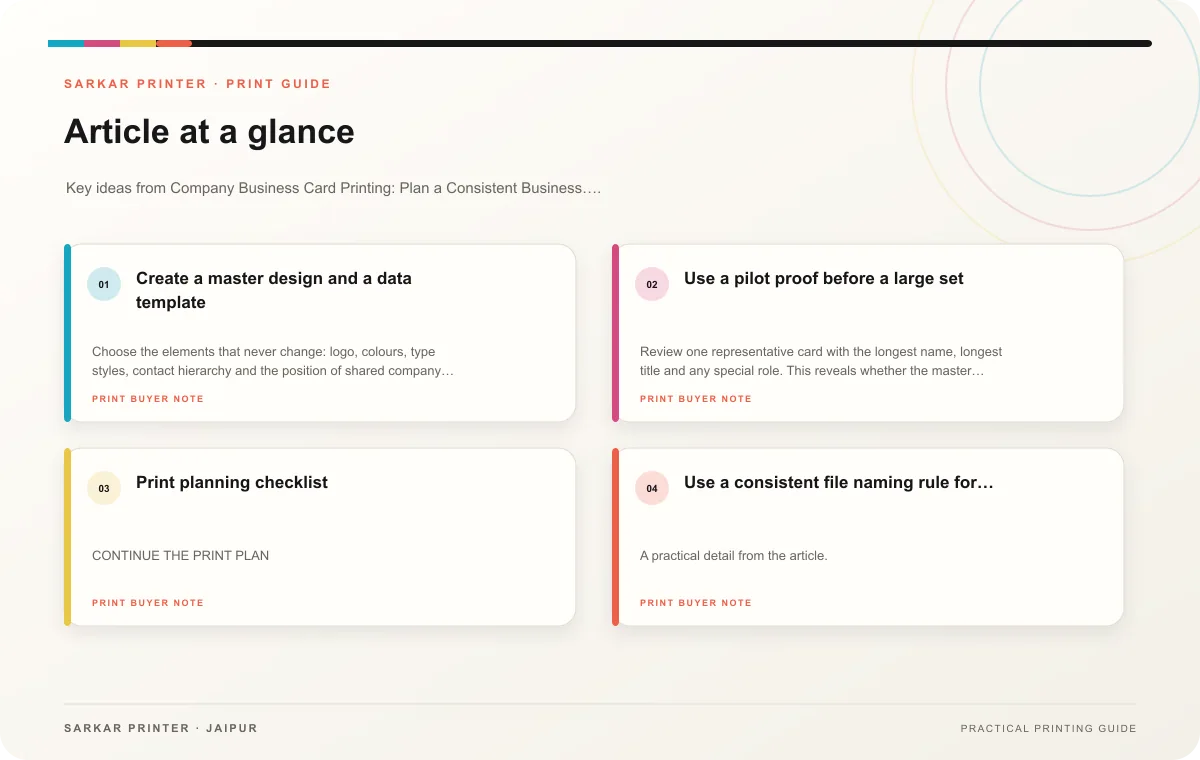
Create a master design and a data template
Choose the elements that never change: logo, colours, type styles, contact hierarchy and the position of shared company details. Then mark the fields that can vary, such as employee name, role, direct number and email. A written template helps new employees follow the same order and reduces ad-hoc design edits.
Collect employee information in one approved spreadsheet or form. Ask each person to check their row, then have a coordinator resolve corrections before artwork begins. Keep access limited to people who manage the job, and avoid copying sensitive personal information that does not belong on the card.
Use a pilot proof before a large set
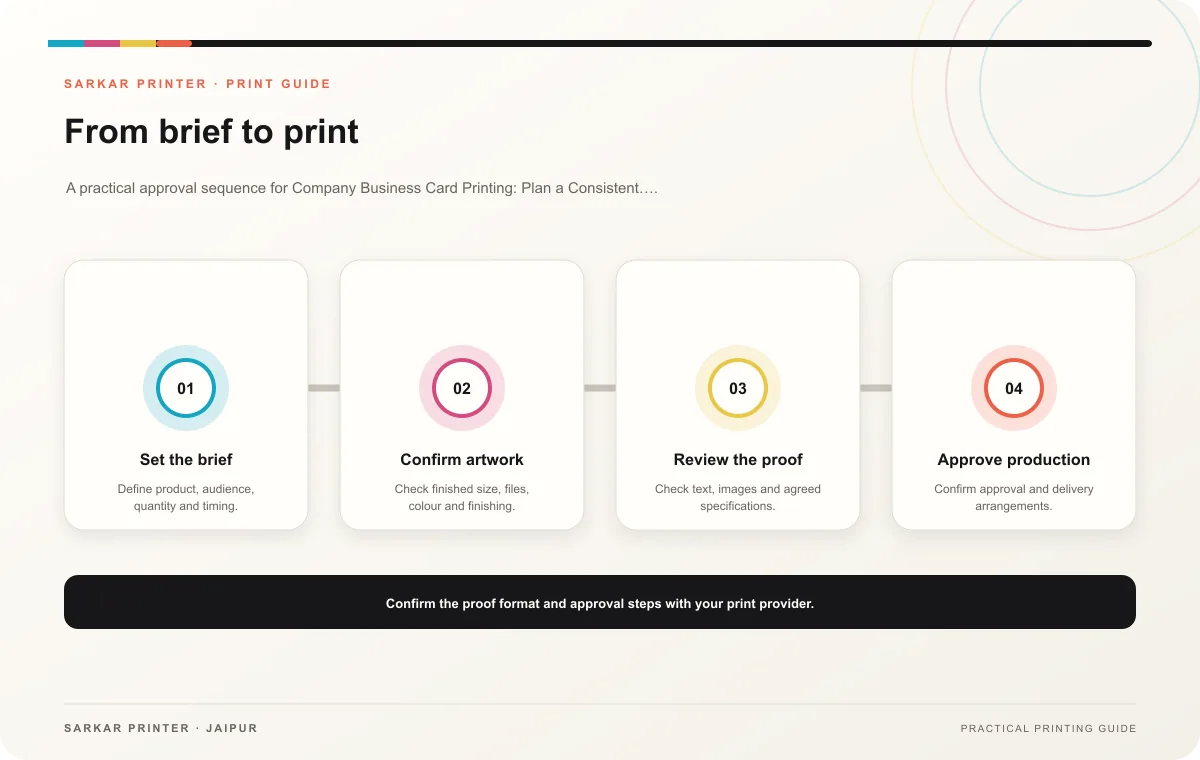
Review one representative card with the longest name, longest title and any special role. This reveals whether the master layout can handle real variations without shrinking text or shifting the logo. After the owner approves a pilot, compare the set with the source list and sample several different records.
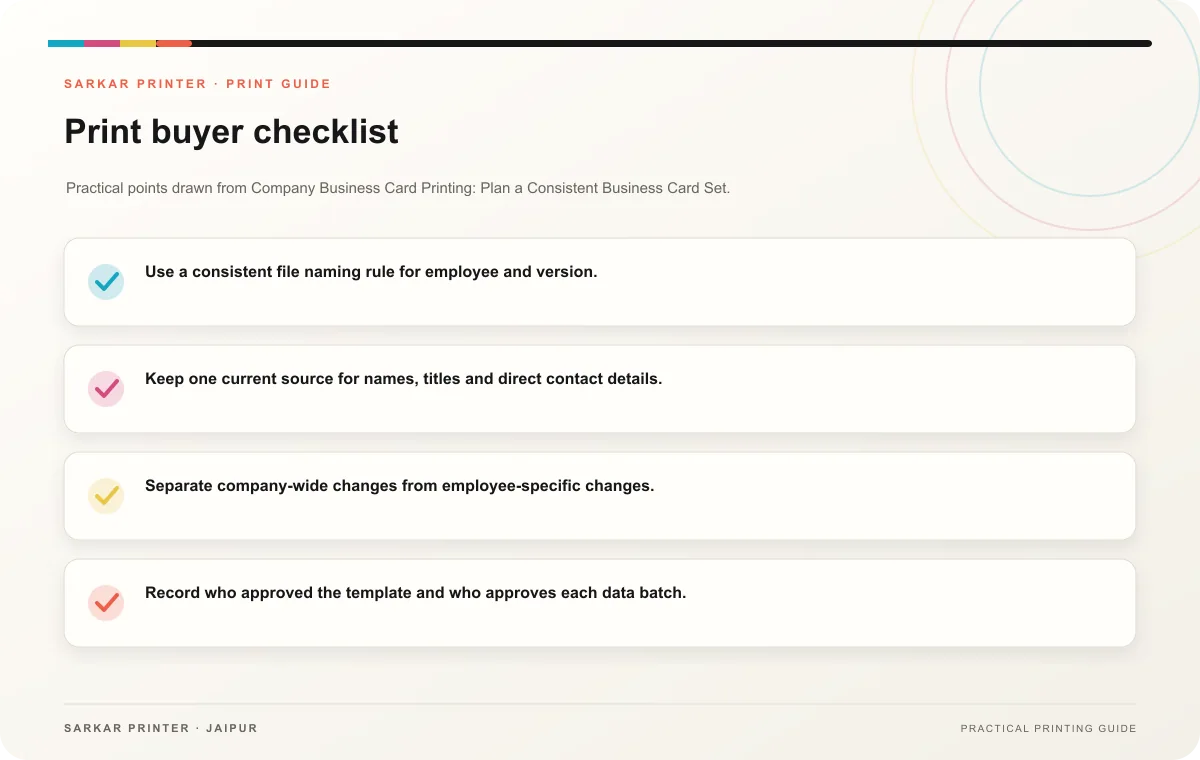
- Use a consistent file naming rule for employee and version.
- Keep one current source for names, titles and direct contact details.
- Separate company-wide changes from employee-specific changes.
- Record who approved the template and who approves each data batch.
Print planning checklist
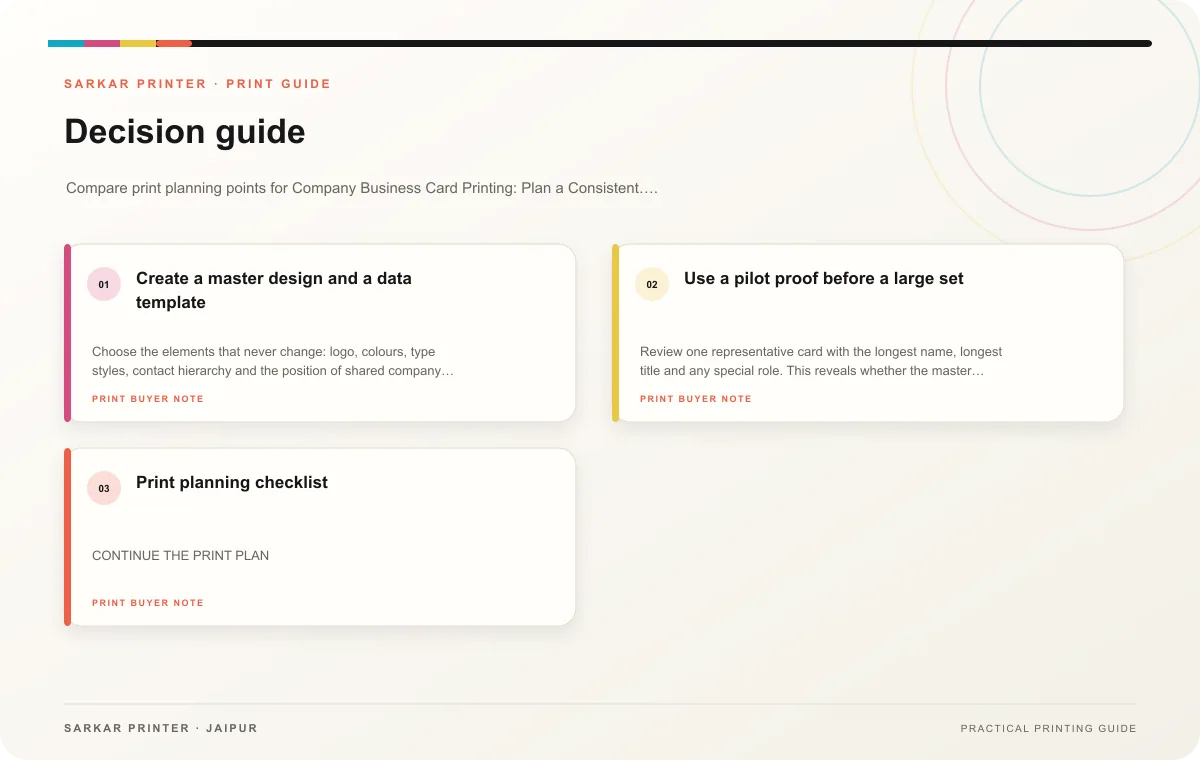
| Topic | Key point | Check before approval |
|---|---|---|
| Create a master design and a data template | Choose the elements that never change: logo, colours, type styles, contact hierarchy and the position of shared company details. Then mark the fields that can vary, such as employee… | Record the audience and main message in the print brief. |
| Use a pilot proof before a large set | Review one representative card with the longest name, longest title and any special role. This reveals whether the master layout can handle real variations without shrinking text or… | Review one dated proof under suitable light before approval. |
CONTINUE THE PRINT PLAN
Keep the next step useful.
Explore the service page or related drafts, then send the agreed brief to the print team.
Frequently asked questions
Should every employee have a different design?
Use the same core design for the team and vary only the fields needed to identify each person. This helps the set look coherent while keeping contact details useful.
How do we order cards for new hires?
Keep the approved template and data process ready. Add the new employee’s verified details, review a proof and confirm which existing version the new batch should match.
How can we prevent mixed versions?
Use a single approved master, label each revision and archive superseded files. Tell the print team which version controls the current order.