
A business card proofreading checklist protects the details people rely on after a meeting. A typo in a name, phone number or web address can make a polished design difficult to use. Review the source information first, then check how it appears on the proof at the finished size.
Build the proof from one approved source
Ask each cardholder to confirm their name, role, phone number, email and any professional designation. Keep the responses in one shared record instead of collecting edits from chat messages and old files. Assign one coordinator to resolve conflicting spellings and mark the final information as approved.
Check every link and QR destination separately. Open each web address on a phone and confirm that the page belongs to the right person or business. If the card includes a location or appointment detail, compare it with the current source. Do not rely on a previous card as the authority; contact details can change between runs.
Review content and layout in separate passes
Read the copy without judging the design. Check names, punctuation, spacing, numbers and URLs against the approved list. Then inspect the proof for visual issues: clipped text, uneven alignment, crowded contact lines or a code placed too close to an edge. A second reviewer who did not create the file can spot details the designer has become used to seeing.
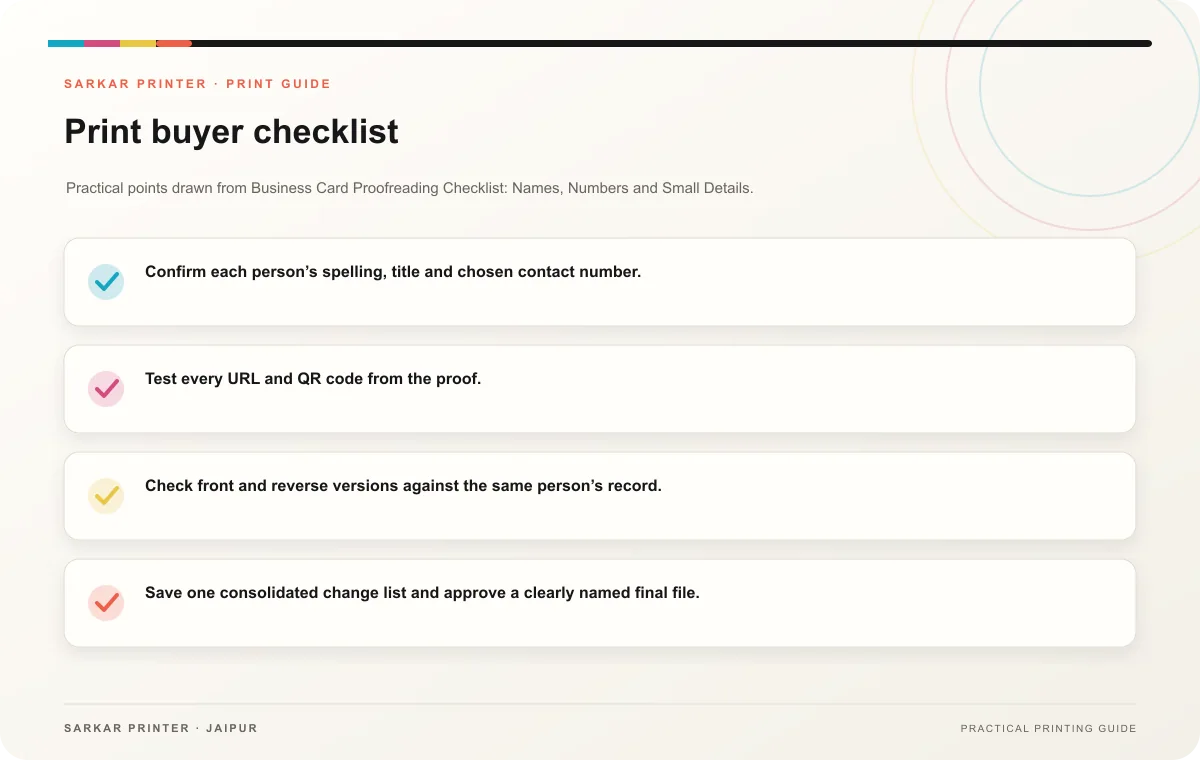
- Confirm each person’s spelling, title and chosen contact number.
- Test every URL and QR code from the proof.
- Check front and reverse versions against the same person’s record.
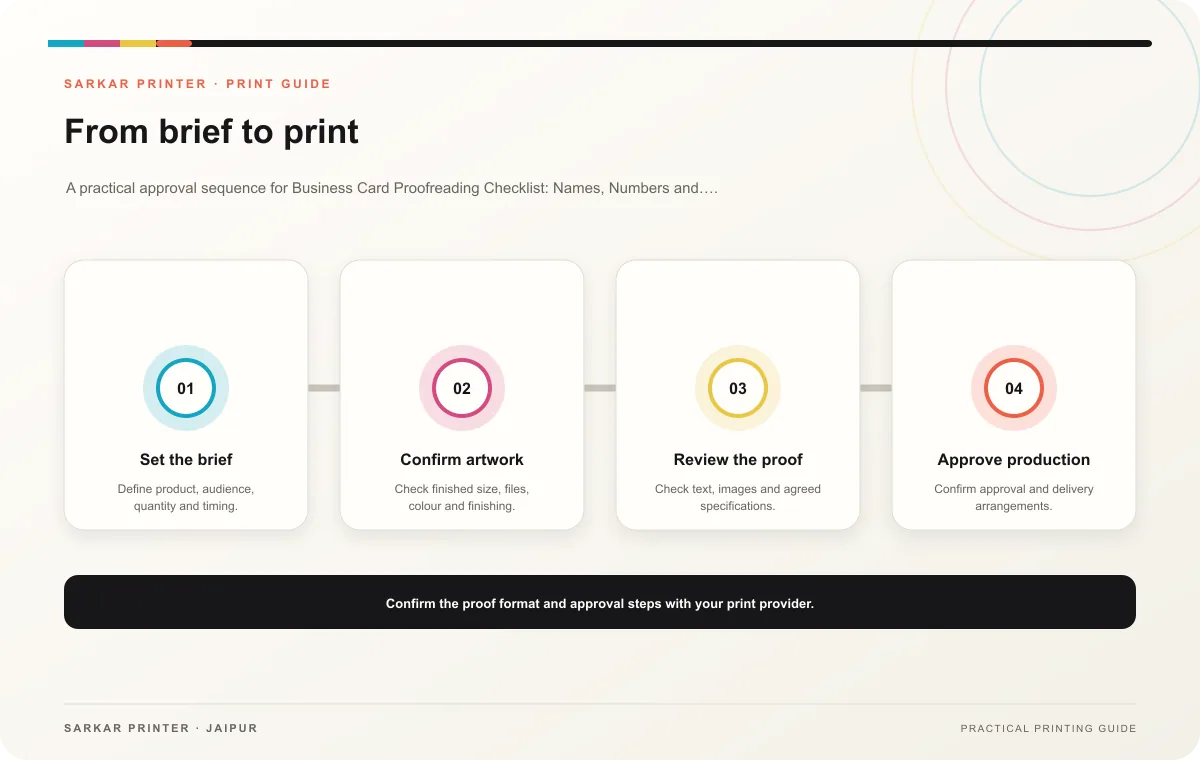
- Save one consolidated change list and approve a clearly named final file.
Print planning checklist
| Topic | Key point | Check before approval |
|---|---|---|
| Build the proof from one approved source | Ask each cardholder to confirm their name, role, phone number, email and any professional designation. Keep the responses in one shared record instead of collecting edits from chat… | Review one dated proof under suitable light before approval. |
| Review content and layout in separate passes | Read the copy without judging the design. Check names, punctuation, spacing, numbers and URLs against the approved list. Then inspect the proof for visual issues: clipped text, uneven… | Check the supplied file at final size and confirm bleed and safe areas. |
CONTINUE THE PRINT PLAN
Keep the next step useful.
Explore the service page or related drafts, then send the agreed brief to the print team.
Frequently asked questions
Who should approve the proof?
The person responsible for the card data should verify the facts, while one project owner should collect changes and approve the final version. This keeps responsibility clear.
Should I proofread the PDF on a phone?
Use a phone to test links and QR destinations, but also review the exported file at its finished size. Zooming far in can hide problems with real-world legibility.
What should I do after approval?
Record the approver and date, label the approved file, and tell the printer which version to use. Move earlier exports into an archive or mark them as superseded.