
Business card finishing options should support the brand and the way people use the card. Start with the surface and message, then select a finish that makes one detail stand out without hiding contact information. A sample helps you judge the combined result of paper, colour and finish.
Start with the feature you want people to notice
Decide whether the card should feel smooth, textured, reflective or raised. Matte and gloss coatings create different surface impressions; foil can draw attention to selected artwork, while embossing changes the card’s tactile shape. Availability depends on the job and equipment, so ask the printer which options suit the card stock and artwork.
Use a special finish with restraint. Apply it to a logo, short name or simple motif instead of covering every detail. Fine text and dense patterns may lose clarity when the finish creates glare or texture. Keep names, phone numbers and QR labels easy to read under ordinary light.
Review finish on the chosen paper
Request a sample that combines the stock, colour and finish you plan to order. Tilt it under indoor light, rub the surface gently and check the reverse for readability. If a person will write on the card, test the intended pen. Do not approve a finish from a screen rendering alone.
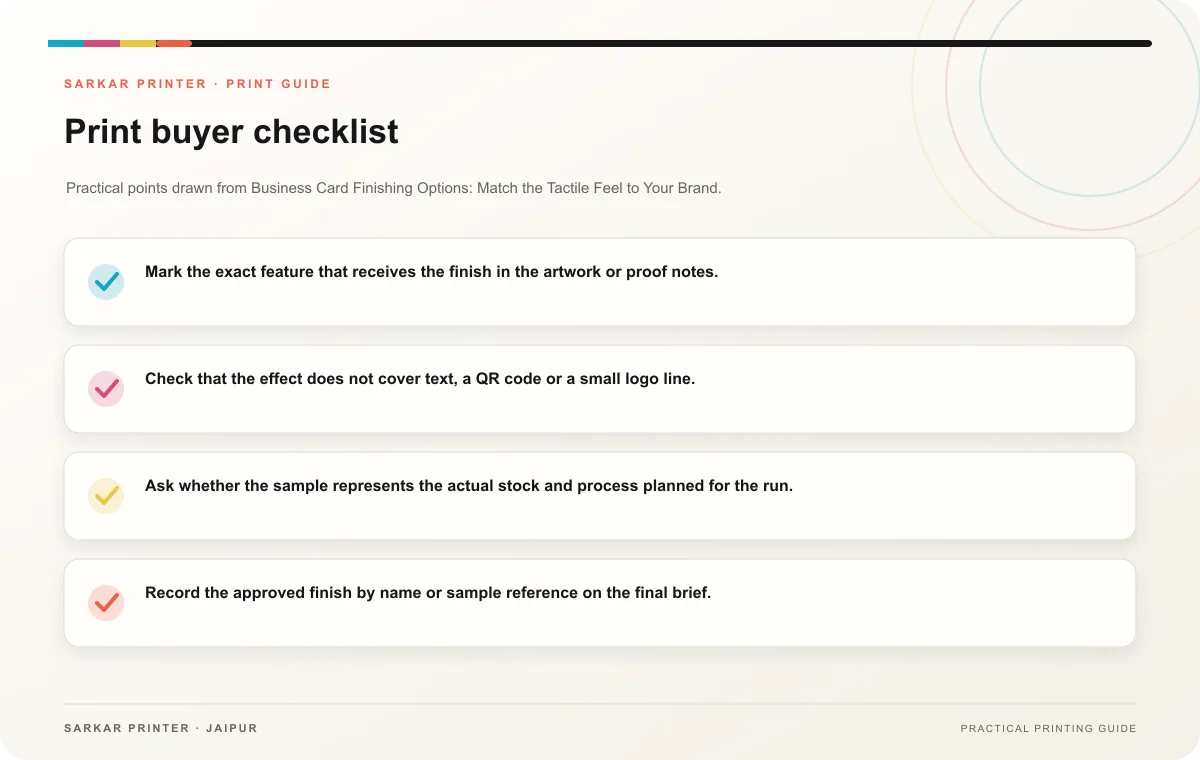
- Mark the exact feature that receives the finish in the artwork or proof notes.
- Check that the effect does not cover text, a QR code or a small logo line.
- Ask whether the sample represents the actual stock and process planned for the run.
- Record the approved finish by name or sample reference on the final brief.
Print planning checklist
| Topic | Key point | Check before approval |
|---|---|---|
| Start with the feature you want people to notice | Decide whether the card should feel smooth, textured, reflective or raised. Matte and gloss coatings create different surface impressions; foil can draw attention to selected artwork,… | Record the agreed choice in the approved print brief. |
| Review finish on the chosen paper | Request a sample that combines the stock, colour and finish you plan to order. Tilt it under indoor light, rub the surface gently and check the reverse for readability. If a person will… | Compare the stock at finished size and check how it will be handled. |
CONTINUE THE PRINT PLAN
Keep the next step useful.
Explore the service page or related drafts, then send the agreed brief to the print team.
Frequently asked questions
Which finish suits a business card?
Choose by the card’s use, the artwork and the brand impression you want. Compare actual options with the printer because a finish can look different across materials.
Can I combine several finishes?
Ask the printer to review the design and production plan. Multiple effects can add complexity, so keep the approval sample and specification clear.
Will a glossy surface affect readability?
Glare can make some text harder to read under bright light. Check the proof from several angles and leave the essential contact details on a clear area.