
Business card reprint planning starts when the information or purpose of a card changes. A new phone number, role, website, location or service can make remaining stock inaccurate. Review the current cards before you place another order, then decide which details must change and which parts of the design should stay consistent.
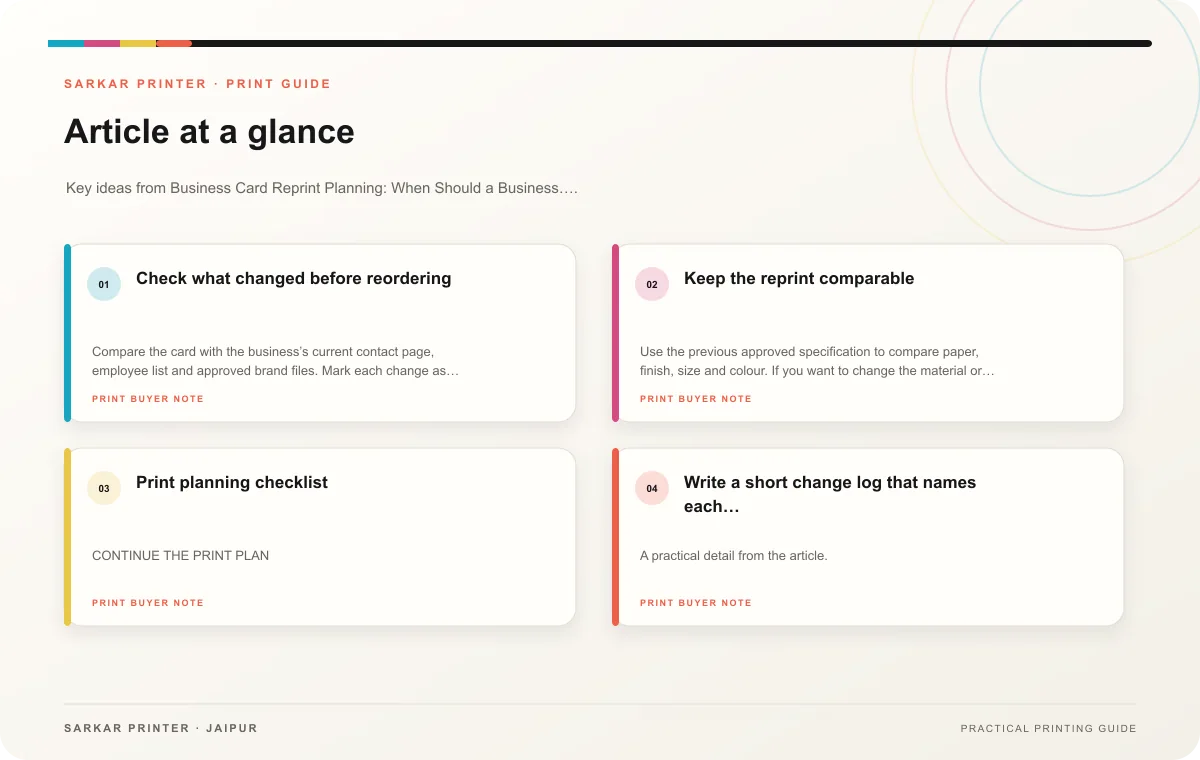
Check what changed before reordering
Compare the card with the business’s current contact page, employee list and approved brand files. Mark each change as essential, optional or unchanged. If the business has expanded its services, avoid adding every new offer to the card; choose the single action a recipient should take after the conversation.
Count usable stock by person or location and separate outdated cards from current ones. Do not combine two employee versions in one folder without clear labels. If a card carries a QR code, open its destination and verify that it still reaches the intended page.
Keep the reprint comparable
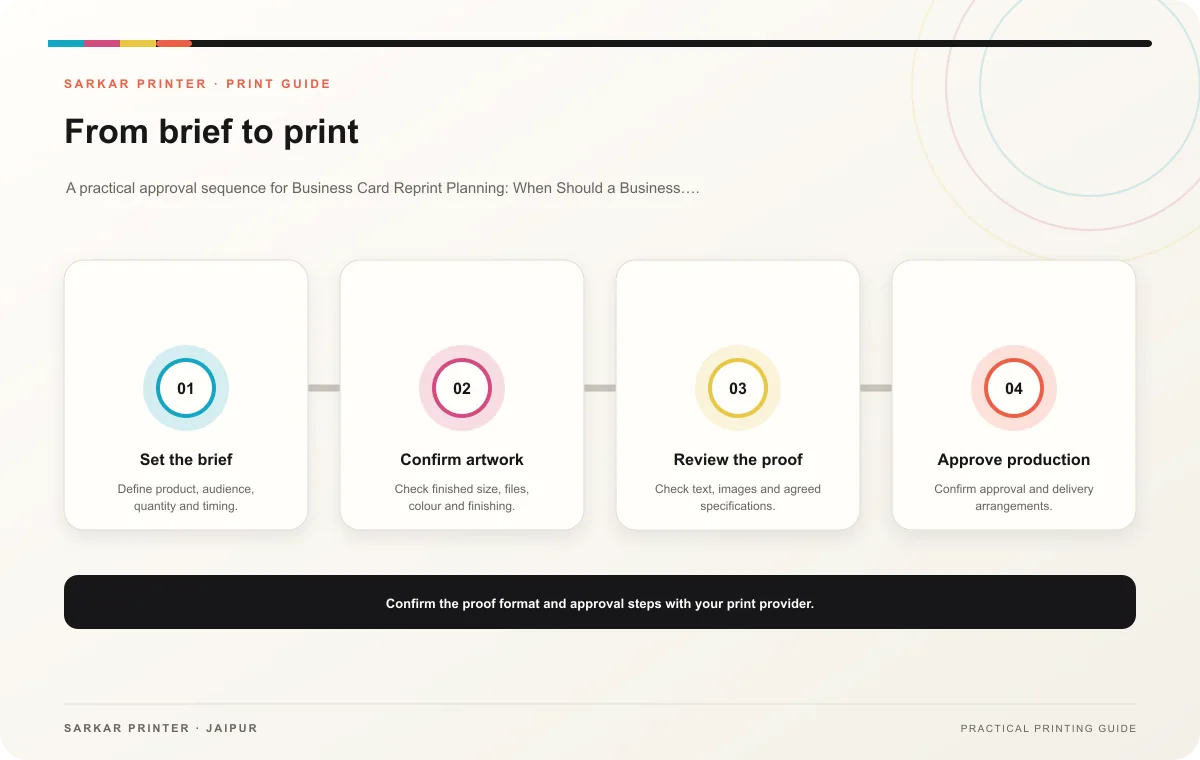
Use the previous approved specification to compare paper, finish, size and colour. If you want to change the material or layout, treat that as a new proof decision rather than assuming the old approval covers it. Ask for an updated proof that shows the revised contact details and the final material choice.
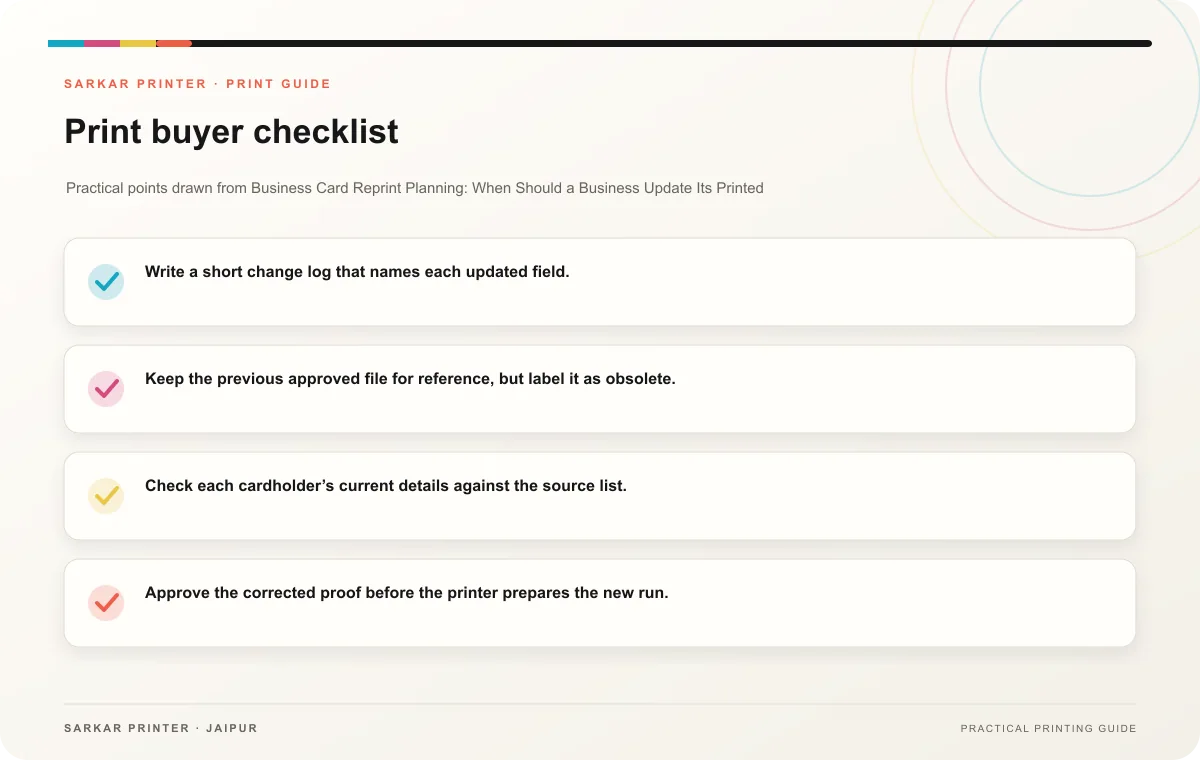
- Write a short change log that names each updated field.
- Keep the previous approved file for reference, but label it as obsolete.
- Check each cardholder’s current details against the source list.
- Approve the corrected proof before the printer prepares the new run.
Print planning checklist
| Topic | Key point | Check before approval |
|---|---|---|
| Check what changed before reordering | Compare the card with the business’s current contact page, employee list and approved brand files. Mark each change as essential, optional or unchanged. If the business has expanded its… | Record the agreed choice in the approved print brief. |
| Keep the reprint comparable | Use the previous approved specification to compare paper, finish, size and colour. If you want to change the material or layout, treat that as a new proof decision rather than assuming… | Record the agreed choice in the approved print brief. |
CONTINUE THE PRINT PLAN
Keep the next step useful.
Explore the service page or related drafts, then send the agreed brief to the print team.
Frequently asked questions
When should a company reprint its cards?
Reprint when the old details would send a recipient to the wrong person or address or when the card no longer represents the current service. Review the remaining stock before deciding the order timing.
Can I reuse the previous artwork?
Use the previous file as a reference, then verify links, fonts, colour settings and contact details. Ask the printer to confirm that the old production setup still fits the new job.
Should I change the design during a reprint?
Change it only when the new design improves clarity or supports a real business update. If you alter the layout, review a fresh proof and compare it with the approved brief.