
Barcode label printing depends on accurate data, clear symbol geometry and a placement that suits the package and scanning process. The brand or supply-chain owner should provide and approve the barcode data before artwork goes to print.
Keep the symbol readable
Use the correct barcode file and preserve its proportions. Avoid rebuilding a symbol by hand or shrinking it until it fits a gap. Leave the quiet zones clear, maintain strong contrast between bars and background, and keep the symbol away from folds, seams, glare or other design elements. GS1 guidance also calls attention to symbol size, bar height, colour, construction and placement.
Consider how a scanner will read the item. A code on a bottle, pouch or box may sit on a curved or handled surface. Ask the packaging team to confirm a location that stays visible in storage and use. If a label will wrap around a container, inspect it after application rather than reviewing only the flat artwork.
Validate the data and the print sample
Check the human-readable digits against the approved product record. Test the code from the final proof or sample using the intended scanning setup. A phone camera test can confirm that a code opens a destination, but it does not replace formal verification when the distribution channel requires a quality grade. Ask the brand or retailer what verification applies.
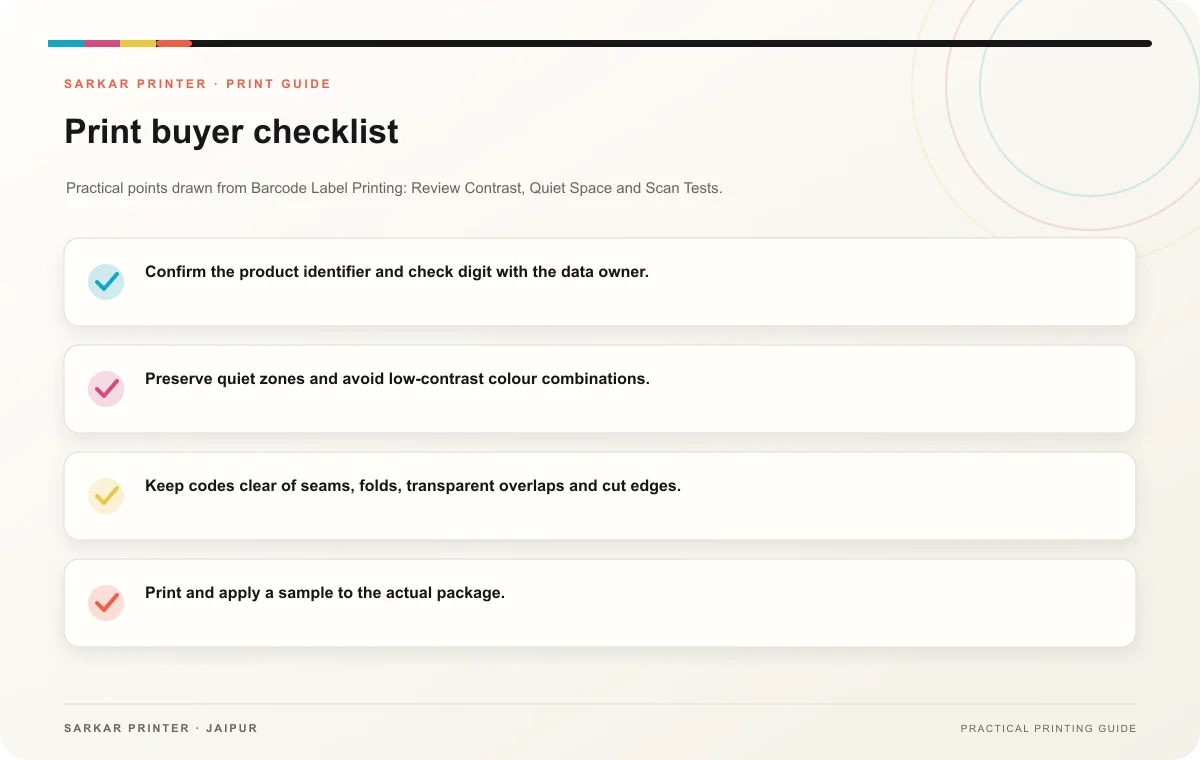
- Confirm the product identifier and check digit with the data owner.
- Preserve quiet zones and avoid low-contrast colour combinations.
- Keep codes clear of seams, folds, transparent overlaps and cut edges.
- Print and apply a sample to the actual package.
- Record the approved code version with the artwork.
Coordinate with the printer
Share the code type, dimensions, material, package shape, scan environment, quantity and deadline. Ask the printer to confirm that the symbol setup and placement suit the process. GS1 offers a barcode implementation guide for product owners planning code selection and placement.
Print planning checklist
| Topic | Key point | Check before approval |
|---|---|---|
| Keep the symbol readable | Use the correct barcode file and preserve its proportions. Avoid rebuilding a symbol by hand or shrinking it until it fits a gap. Leave the quiet zones clear, maintain strong contrast… | Record the agreed choice in the approved print brief. |
| Validate the data and the print sample | Check the human-readable digits against the approved product record. Test the code from the final proof or sample using the intended scanning setup. A phone camera test can confirm that… | Record the agreed choice in the approved print brief. |
| Coordinate with the printer | Share the code type, dimensions, material, package shape, scan environment, quantity and deadline. Ask the printer to confirm that the symbol setup and placement suit the process. GS1… | Record the agreed choice in the approved print brief. |
CONTINUE THE PRINT PLAN
Keep the next step useful.
Explore the service page or related drafts, then send the agreed brief to the print team.
Frequently asked questions
Can I place a barcode anywhere on the label?
Placement depends on the symbol, package shape and scanning process. Confirm it with the packaging and supply-chain owners.
Do I need a formal verifier?
Some use cases require formal print-quality verification. Ask the retailer, brand owner or supply-chain partner for the requirement.
Should the numbers appear under the barcode?
Follow the symbol specification for the code type and your channel’s requirements.