
A QR code on a product label can connect the physical package to instructions, ingredients, a product page or another useful destination. QR code product labels need a stable destination, legible print and a clear reason for the customer to scan.
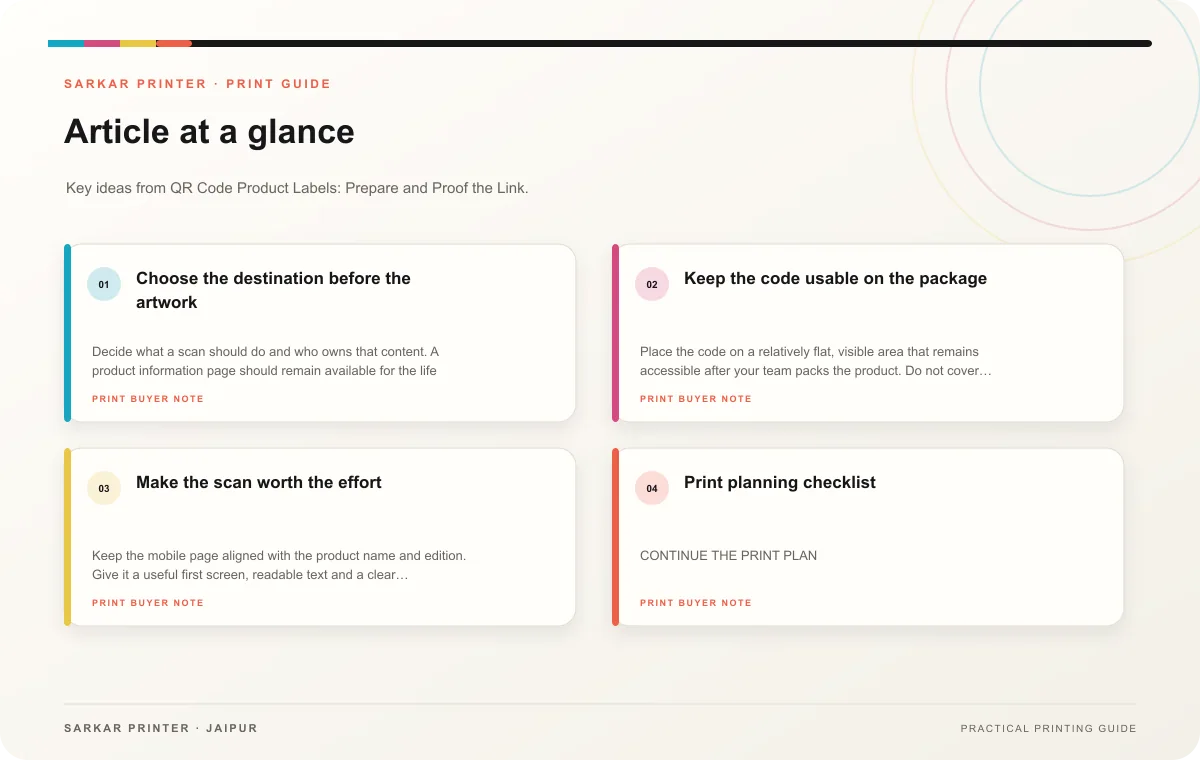
Choose the destination before the artwork
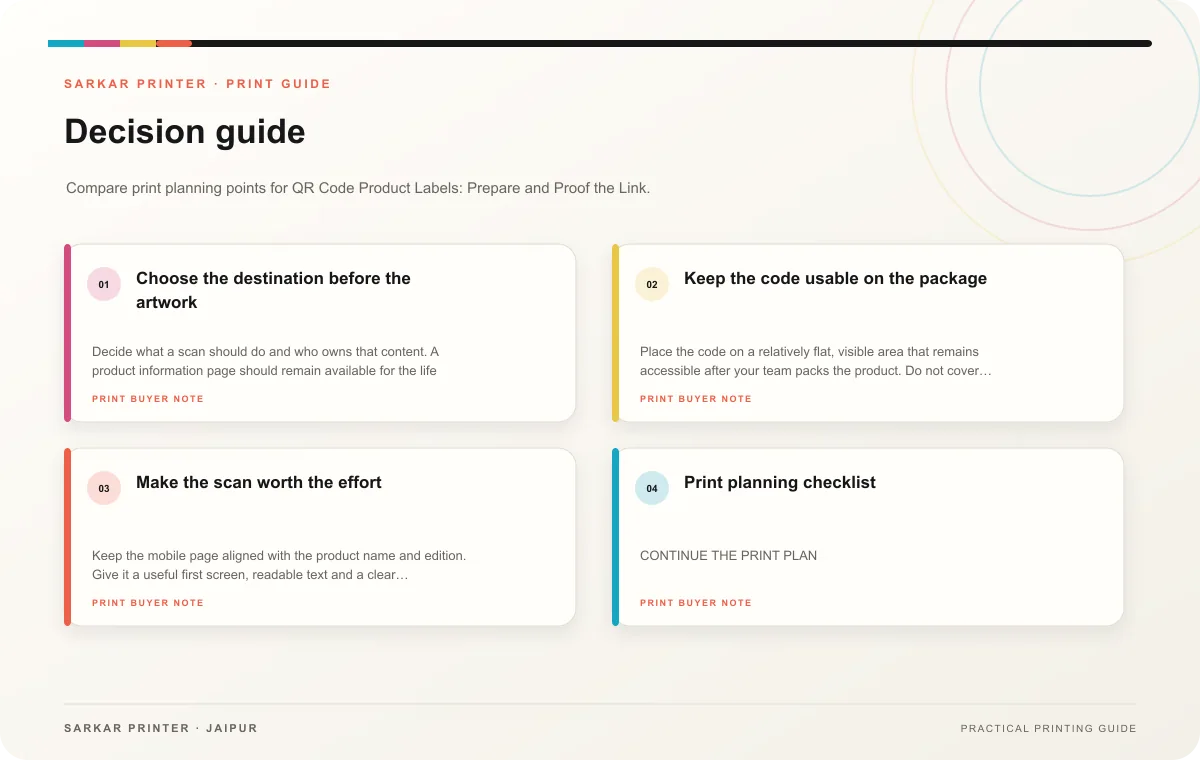
Decide what a scan should do and who owns that content. A product information page should remain available for the life of the label. If the URL changes, assign someone to redirect or maintain the destination. Avoid sending customers to a generic home page when a specific guide or product detail would answer their question.
Use a short, clear prompt beside the code, such as what the customer will find after scanning. Make sure the linked page works on a phone, loads without a login and matches the product variant. If the code leads to a campaign or form, test the complete route before approving print.
Keep the code usable on the package
Place the code on a relatively flat, visible area that remains accessible after your team packs the product. Do not cover it with a seam, flap, reflective layer or label overlap. Ask the printer for guidance on the code size and clear space for the material and application. Test a printed sample on the actual package; a code on screen does not prove that the printed version scans reliably.
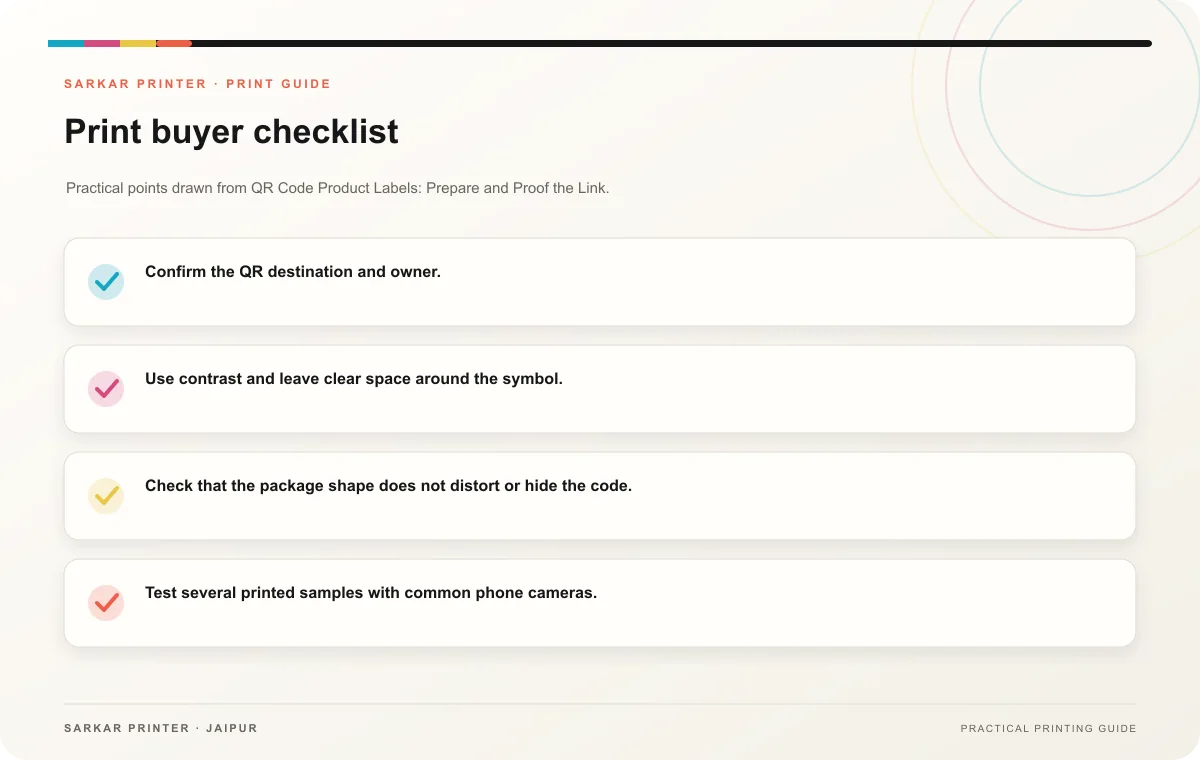
- Confirm the QR destination and owner.
- Use contrast and leave clear space around the symbol.
- Check that the package shape does not distort or hide the code.
- Test several printed samples with common phone cameras.
- Keep a record of the approved artwork and destination URL.
Make the scan worth the effort
Keep the mobile page aligned with the product name and edition. Give it a useful first screen, readable text and a clear next step. If packaging will remain in circulation after a campaign ends, avoid a destination that expires unexpectedly.
Print planning checklist
| Topic | Key point | Check before approval |
|---|---|---|
| Choose the destination before the artwork | Decide what a scan should do and who owns that content. A product information page should remain available for the life of the label. If the URL changes, assign someone to redirect or… | Check the supplied file at final size and confirm bleed and safe areas. |
| Keep the code usable on the package | Place the code on a relatively flat, visible area that remains accessible after your team packs the product. Do not cover it with a seam, flap, reflective layer or label overlap. Ask the… | Record the agreed choice in the approved print brief. |
| Make the scan worth the effort | Keep the mobile page aligned with the product name and edition. Give it a useful first screen, readable text and a clear next step. If packaging will remain in circulation after a… | Record the agreed choice in the approved print brief. |
CONTINUE THE PRINT PLAN
Keep the next step useful.
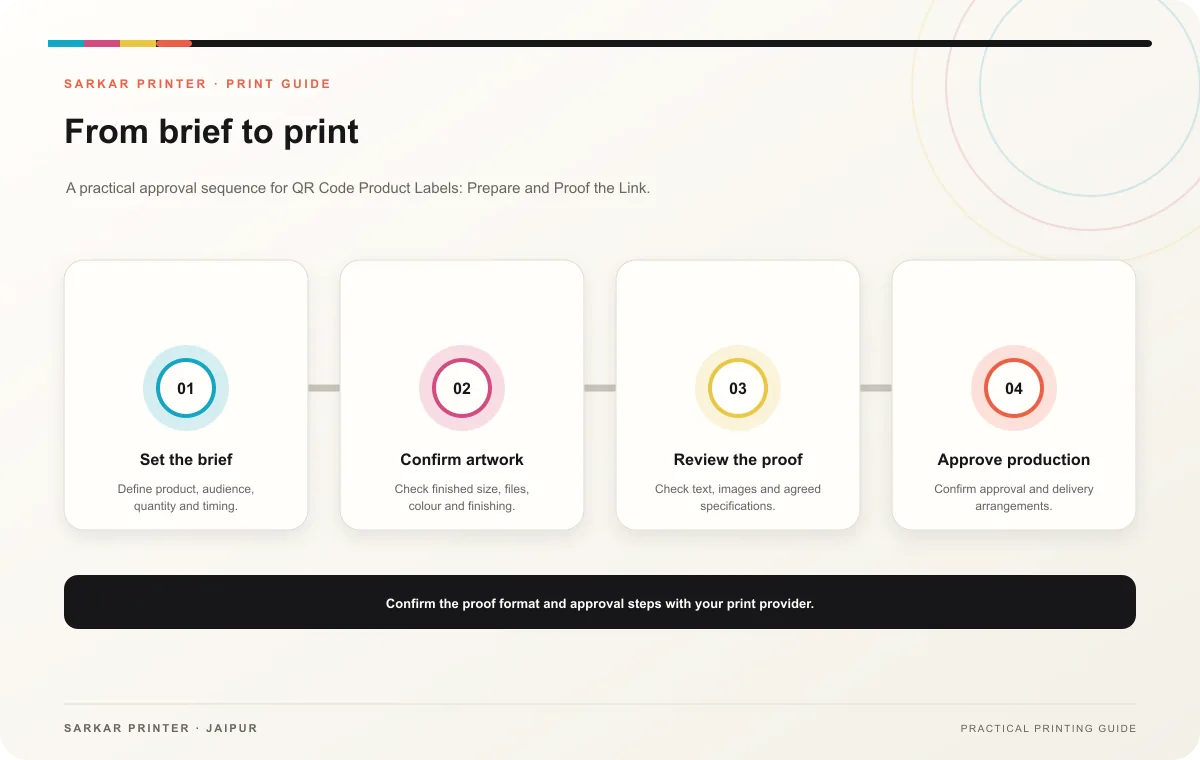
Explore the service page or related drafts, then send the agreed brief to the print team.
Frequently asked questions
What should a product QR code open?
Choose a page that answers a product question or supports a clear customer task, then keep that page current.
How do I check the printed code?
Test it from a physical sample on the finished container and verify the final destination on a phone.
Can the same QR code work for several variants?
It can when the destination clearly covers each variant. Use separate destinations when the information differs materially.