
A training manual often gets used during a lesson and revisited afterward. Training manual printing should support quick navigation, readable instructions and controlled updates across future sessions.
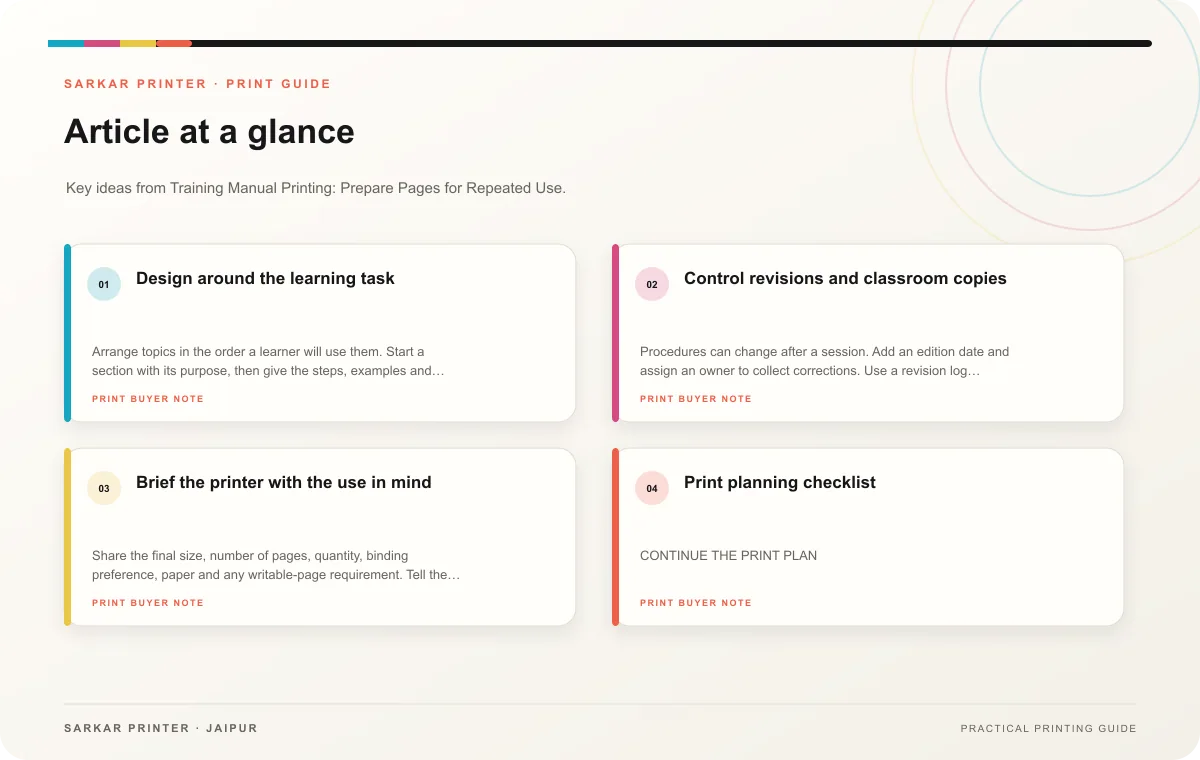
Design around the learning task
Arrange topics in the order a learner will use them. Start a section with its purpose, then give the steps, examples and practice prompts. Use the same pattern for recurring procedures. Descriptive headings help a trainer point to a page without searching through a block of text.
Give diagrams and screenshots enough room to teach. Label each visual and refer to it by name in the instructions. Keep page numbers, section names and version information consistent. If learners need to write answers, leave space for notes and confirm that the chosen paper and finish accept the intended pen or pencil.
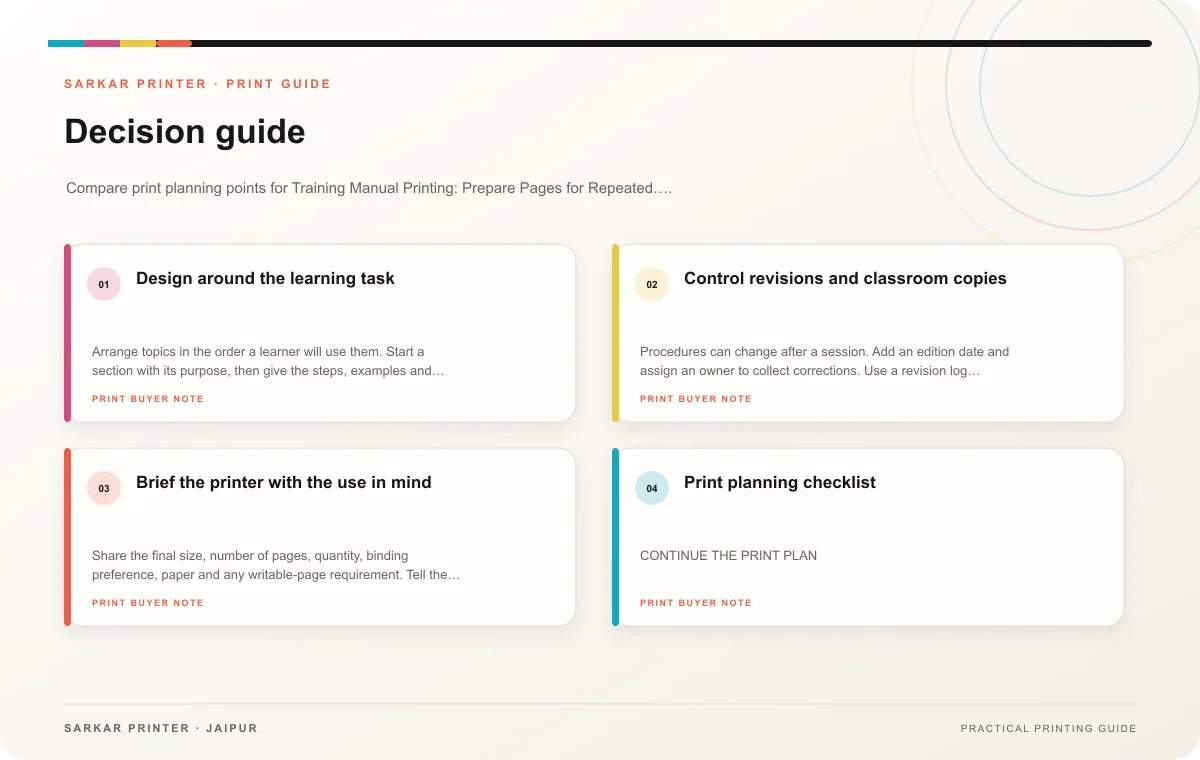
Control revisions and classroom copies
Procedures can change after a session. Add an edition date and assign an owner to collect corrections. Use a revision log for updated steps, screenshots and references. Remove outdated copies when a new edition replaces them, and tell trainers which file is current.
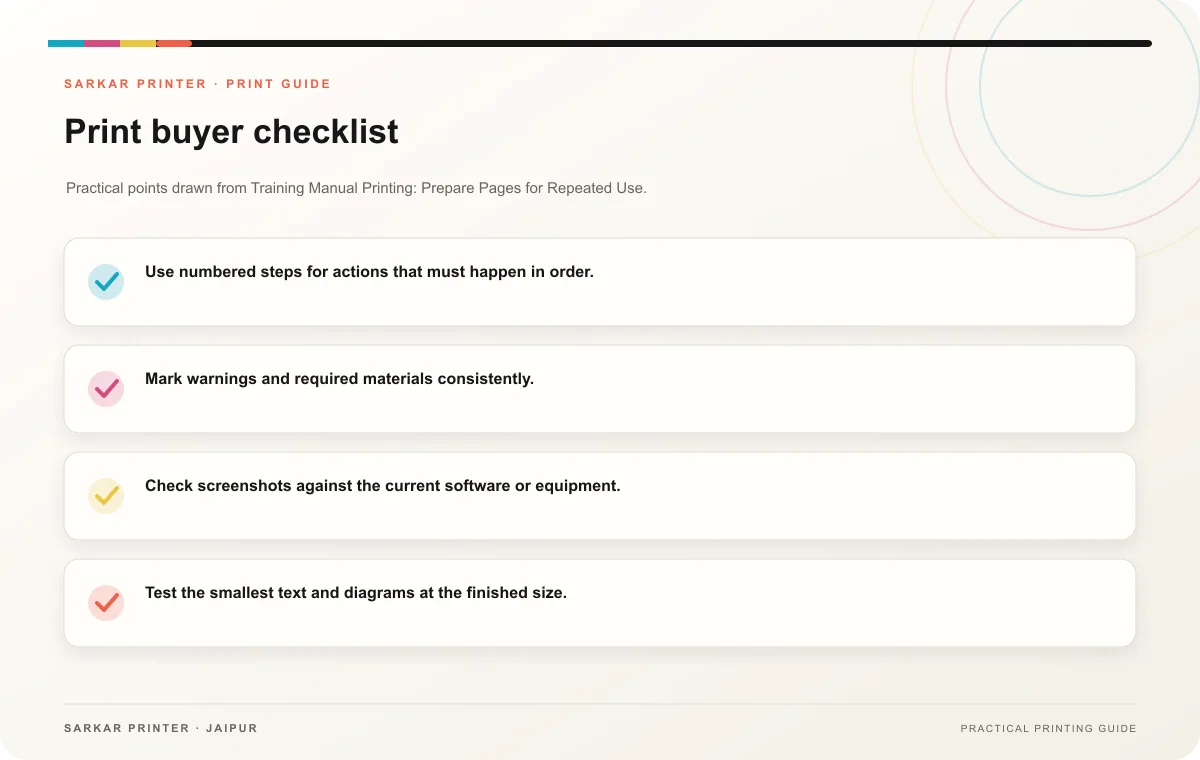
- Use numbered steps for actions that must happen in order.
- Mark warnings and required materials consistently.
- Check screenshots against the current software or equipment.
- Test the smallest text and diagrams at the finished size.
- Identify the audience, course and edition on the cover or opening page.
Brief the printer with the use in mind
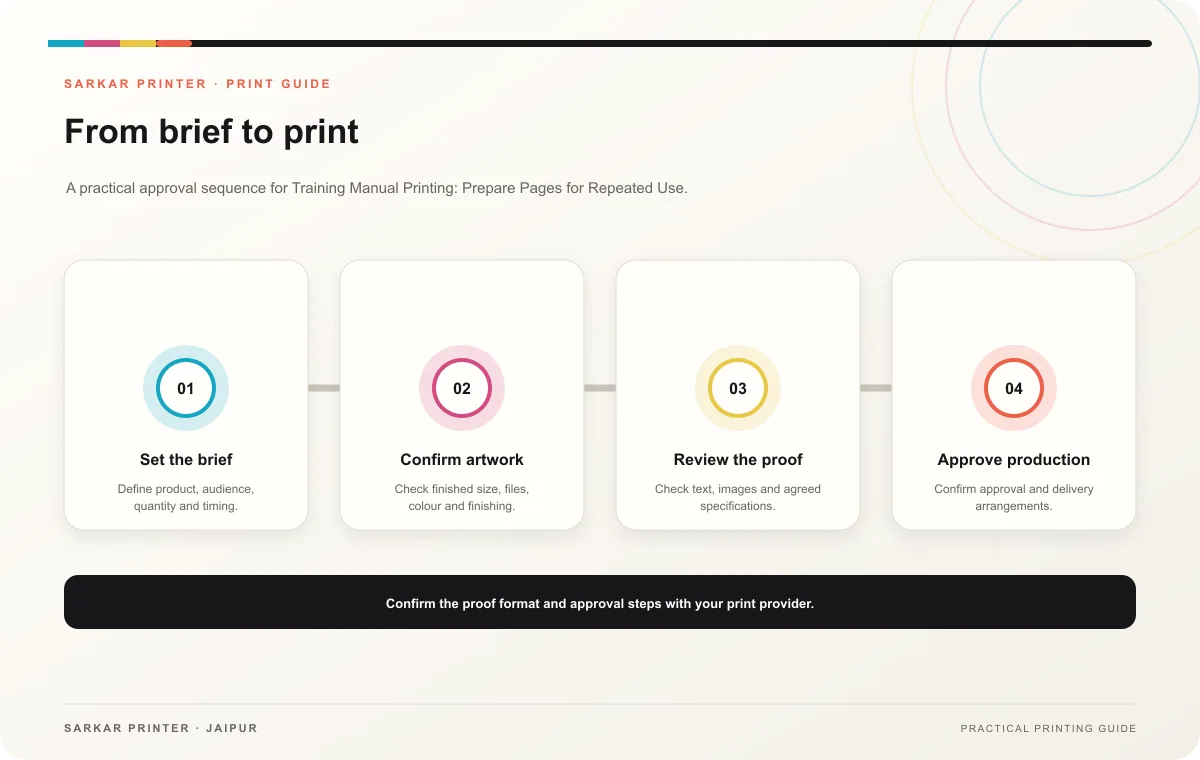
Share the final size, number of pages, quantity, binding preference, paper and any writable-page requirement. Tell the printer how learners will carry or store the manual. Review a proof for page order, repeated headers, legible visuals and sufficient note space before approving the run.
Print planning checklist
| Topic | Key point | Check before approval |
|---|---|---|
| Design around the learning task | Arrange topics in the order a learner will use them. Start a section with its purpose, then give the steps, examples and practice prompts. Use the same pattern for recurring procedures.… | Record the audience and main message in the print brief. |
| Control revisions and classroom copies | Procedures can change after a session. Add an edition date and assign an owner to collect corrections. Use a revision log for updated steps, screenshots and references. Remove outdated… | Record the agreed choice in the approved print brief. |
| Brief the printer with the use in mind | Share the final size, number of pages, quantity, binding preference, paper and any writable-page requirement. Tell the printer how learners will carry or store the manual. Review a proof… | Record the agreed choice in the approved print brief. |
CONTINUE THE PRINT PLAN
Keep the next step useful.
Explore the service page or related drafts, then send the agreed brief to the print team.
Frequently asked questions
Should a manual include a version date?
Yes. A clear edition date helps trainers and learners distinguish current instructions from older copies.
How much writing space should we leave?
Base it on the activities in the lesson. Test a printed sample with the tool learners will use.
Which details should the team check after a procedure changes?
Review affected steps, screenshots, cross-references and any practice questions that rely on the old process.