
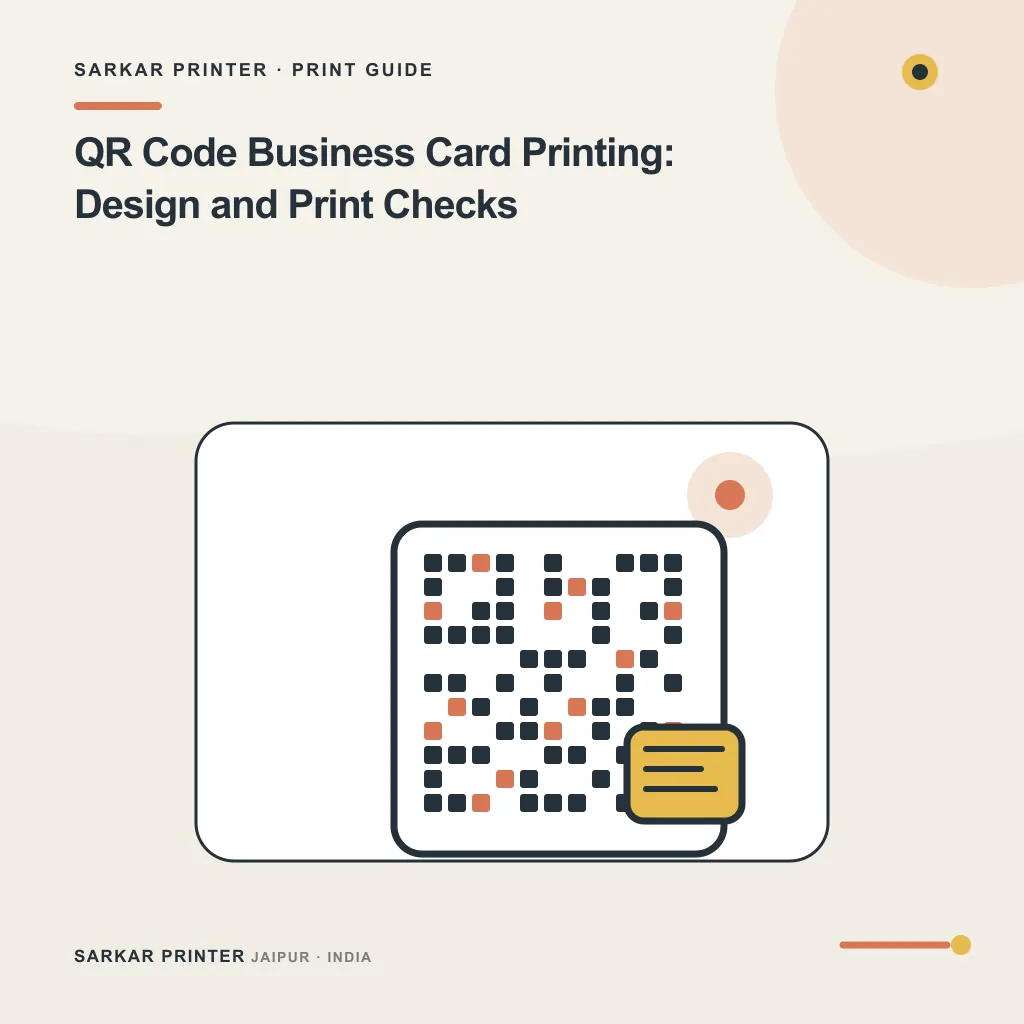
QR code business card printing works best when the code solves one clear task. Decide whether it should open a contact card, portfolio, booking page or company website before you place it in the layout. Then test the printed result; a code that scans on a large monitor may behave differently on a small card.
Choose one destination and keep it current
Give the code a stable destination that your team controls. Check the page on a phone before design approval and confirm that it loads without a login or a confusing chain of redirects. If the destination may change, assign an owner who will update it and keep the old address working when practical.
Tell people what they will get when they scan. A short label such as “View portfolio” sets a useful expectation. Keep a readable website or phone number on the card as a fallback, because someone may not want to scan a code or may have a camera problem.
Protect scan quality in the layout
Ask the printer or designer to confirm the code’s reproduction size and clear area for the finished card. Keep it away from trim edges, folds and decorative elements. Use strong contrast between the code and its background, and do not place a logo over the code unless you test the code after making the change.
For a standard QR Code, DENSO WAVE specifies a clear margin four modules wide on every side. Keep text, logos and other printed elements out of that quiet zone; DENSO WAVE explains the QR Code margin requirement.
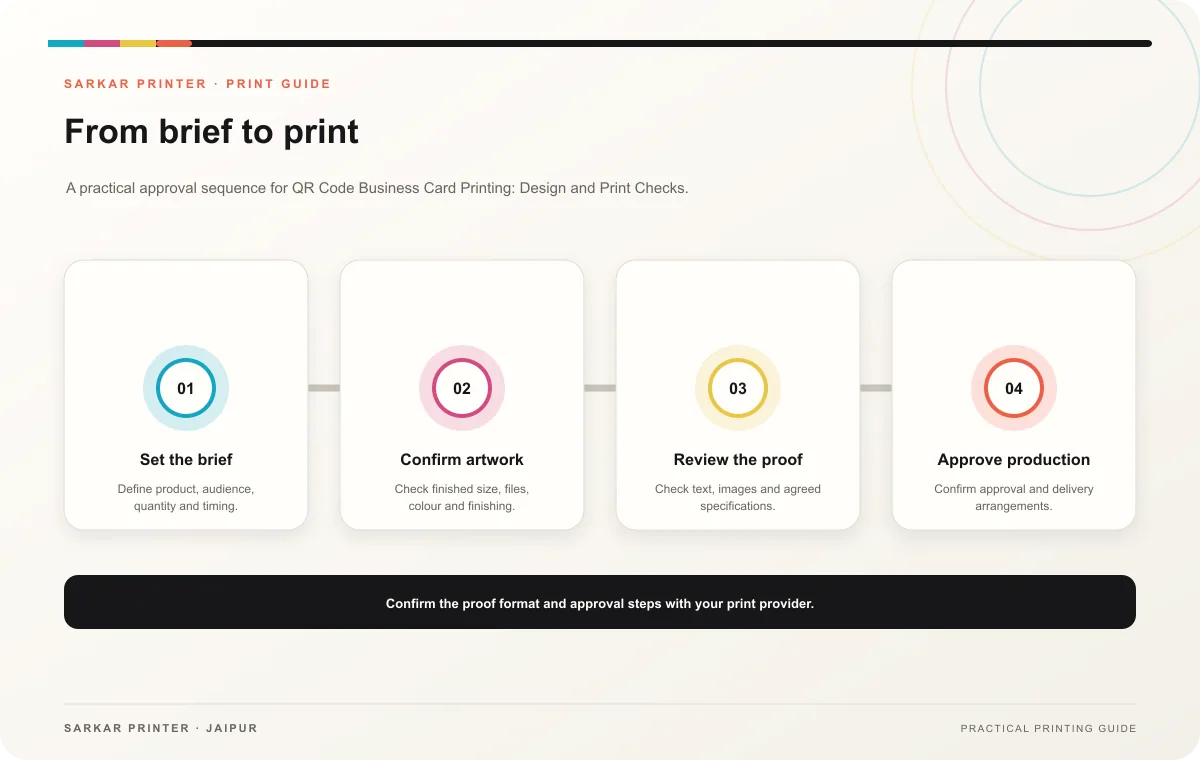
Check the code on the actual proof with more than one phone. Test both sides of the card, the final colours and the destination page. If scanning feels slow or unreliable, enlarge the code, increase contrast or simplify the artwork, then request a new proof.
Print planning checklist
| Topic | Key point | Check before approval |
|---|---|---|
| Choose one destination and keep it current | Give the code a stable destination that your team controls. Check the page on a phone before design approval and confirm that it loads without a login or a confusing chain of redirects.… | Record the agreed choice in the approved print brief. |
| Protect scan quality in the layout | Ask the printer or designer to confirm the code’s reproduction size and clear area for the finished card. Keep it away from trim edges, folds and decorative elements. Use strong contrast… | Check the supplied file at final size and confirm bleed and safe areas. |
CONTINUE THE PRINT PLAN
Keep the next step useful.
Explore the service page or related drafts, then send the agreed brief to the print team.
Frequently asked questions
What should a business card QR code open?
Pick the single action most useful to the recipient, such as saving contact details, viewing work or booking a consultation. Avoid sending every person to a general page with no clear next step.
Should the printed card still show contact details?
Yes. Keep essential information visible so people can use the card without scanning. Treat the QR code as an additional route, not a replacement for readable contact details.
How can I check a QR code before printing?
Scan it from the final-size physical proof under ordinary light and confirm the exact destination. Recheck it whenever the design or code artwork changes.