
“Poster sizes” can mean an A-series format, the finished trim or the display space available. Start with where people will see the poster and how close they will stand. Choose the finished size, then build the artwork to match it.
Start with the display purpose
A large event announcement needs room for a headline, one main visual and essential details. A counter notice may need only one clear instruction. A poster viewed from across a room should use fewer words and stronger contrast than a sheet people can hold close.
Measure the display location before choosing a format. Account for frames, window borders, mounting rails and viewing distance. If the artwork will appear in several locations, check whether one size works everywhere or whether separate layouts will read better.
Poster size chart in millimetres
A-series proportions stay consistent as formats get larger or smaller. Pixel figures below are approximate at 300 pixels per inch, not a universal resolution rule: the required effective resolution depends on viewing distance, image detail and production method.
| Format | Trim size (mm) | Approx. pixels at 300 ppi | Typical use |
|---|---|---|---|
| A0 | 841 × 1189 | 9926 × 14043 | Large display poster |
| A1 | 594 × 841 | 7016 × 9926 | Wall or exhibition display |
| A2 | 420 × 594 | 4961 × 7016 | Medium wall or retail display |
| A3 | 297 × 420 | 3508 × 4961 | Compact notice |
| A4 | 210 × 297 | 2480 × 3508 | Small notice or handout |
The A-series dimensions below follow ISO 216. Ask your printer to confirm the production template and bleed for the selected format.
For landscape artwork, reverse width and height. Do not stretch a finished design; scale proportionally and reposition the layout so the important elements remain balanced.
Choose portrait or landscape
Portrait works well when the message reads top to bottom or the poster sits in a narrow wall space. Landscape can suit timelines, comparisons, wide photographs or a display area with more horizontal room. Orientation does not change the sheet area, but it changes how a viewer moves through the information.
Set orientation before designing. If it changes late, review the headline, image crop, reading order and safe margins instead of simply rotating the artwork. Check the layout at its intended physical size; a screen preview can hide crowded type.
Prepare artwork for the final trim
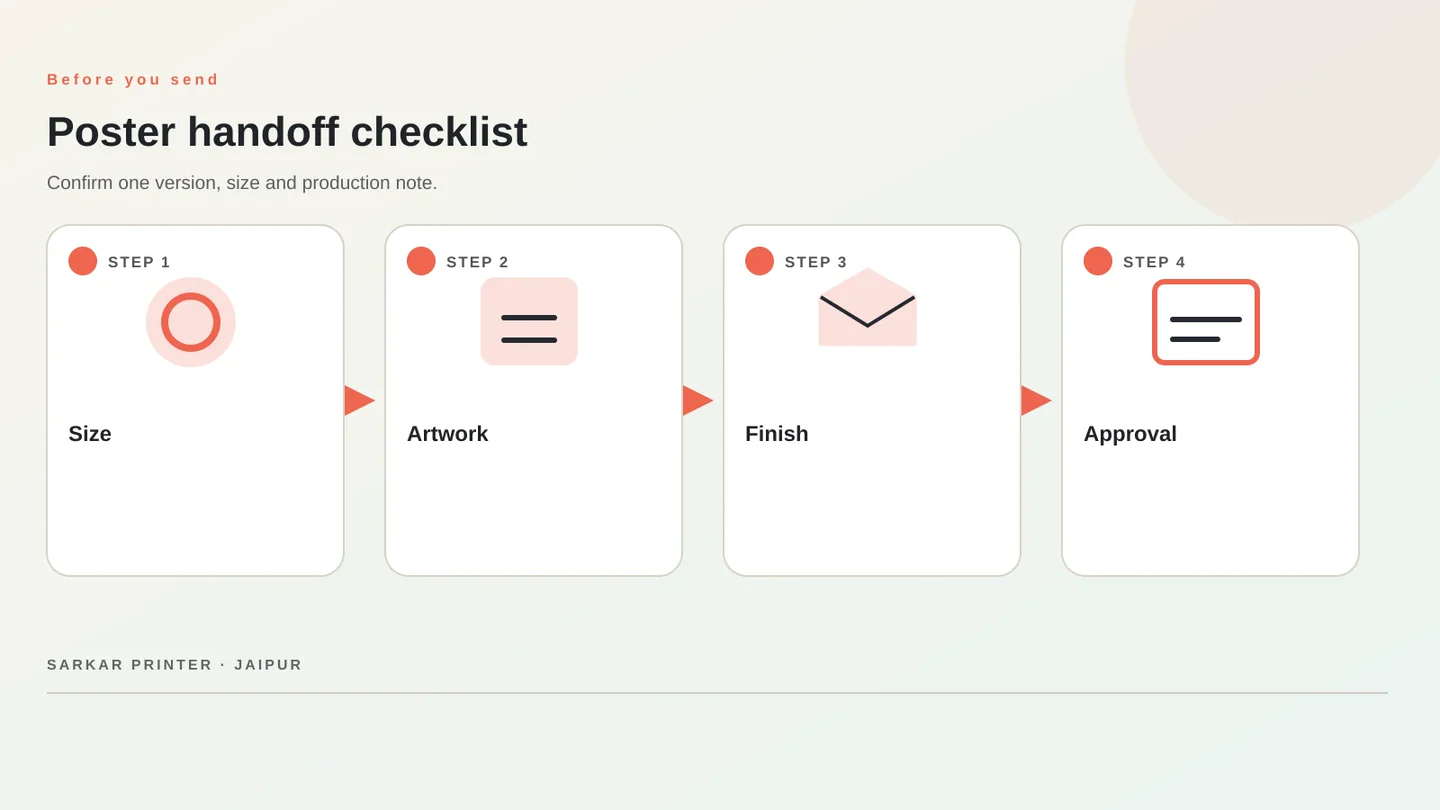
Ask for the printer’s document setup first. Keep the page at finished trim dimensions and add only the specified bleed. Extend backgrounds through the bleed, and keep logos, phone numbers and critical details inside the safe area. A border too close to the edge can look uneven after cutting.
Inspect images at their placed print size. A web graphic may look sharp on a phone but become soft when enlarged. Embed or outline fonts as requested, include linked images and note special colour instructions. Review spelling, dates, prices and contact details on the final proof.
Give the printer a clear order brief
State finished size, orientation, quantity, paper, finish and delivery requirement together. Mention whether the poster will be displayed indoors, near a window or outdoors. Those conditions affect material choices, but standard paper is not automatically weatherproof; confirm options for the intended environment.
For production, visit poster printing services in Jaipur or review our A2 poster artwork guide.
Quick reference: shortlist a poster format
| Need | Compare | Check first |
|---|---|---|
| Large display wall | A0 or A1 | Viewing distance, image resolution, mounting area |
| Retail wall or campaign | A1 or A2 | Headline hierarchy and frame dimensions |
| Counter or compact notice | A3 or A4 | Text size, glare and reading distance |
PLAN YOUR PRINT
Share the format, use and quantity.
Include material, artwork status and delivery needs so the print team can review the specification.
Start an enquiry ↗Frequently asked questions
What is the most common poster size?
There is no single best size for every use. A2 and A1 are useful formats to compare for wall displays; A3 and A4 suit compact notices. Choose from the display area and viewing distance.
What are A1 poster dimensions?
A1 measures 594 × 841 mm before printer-specific bleed. Landscape artwork reverses the dimensions.
What resolution should an A0 poster be?
It depends on viewing distance and image detail. Ask the printer to confirm the effective resolution for the actual job.
How much bleed should I add?
Use the bleed value in the printer’s template. It varies with finishing and production.