
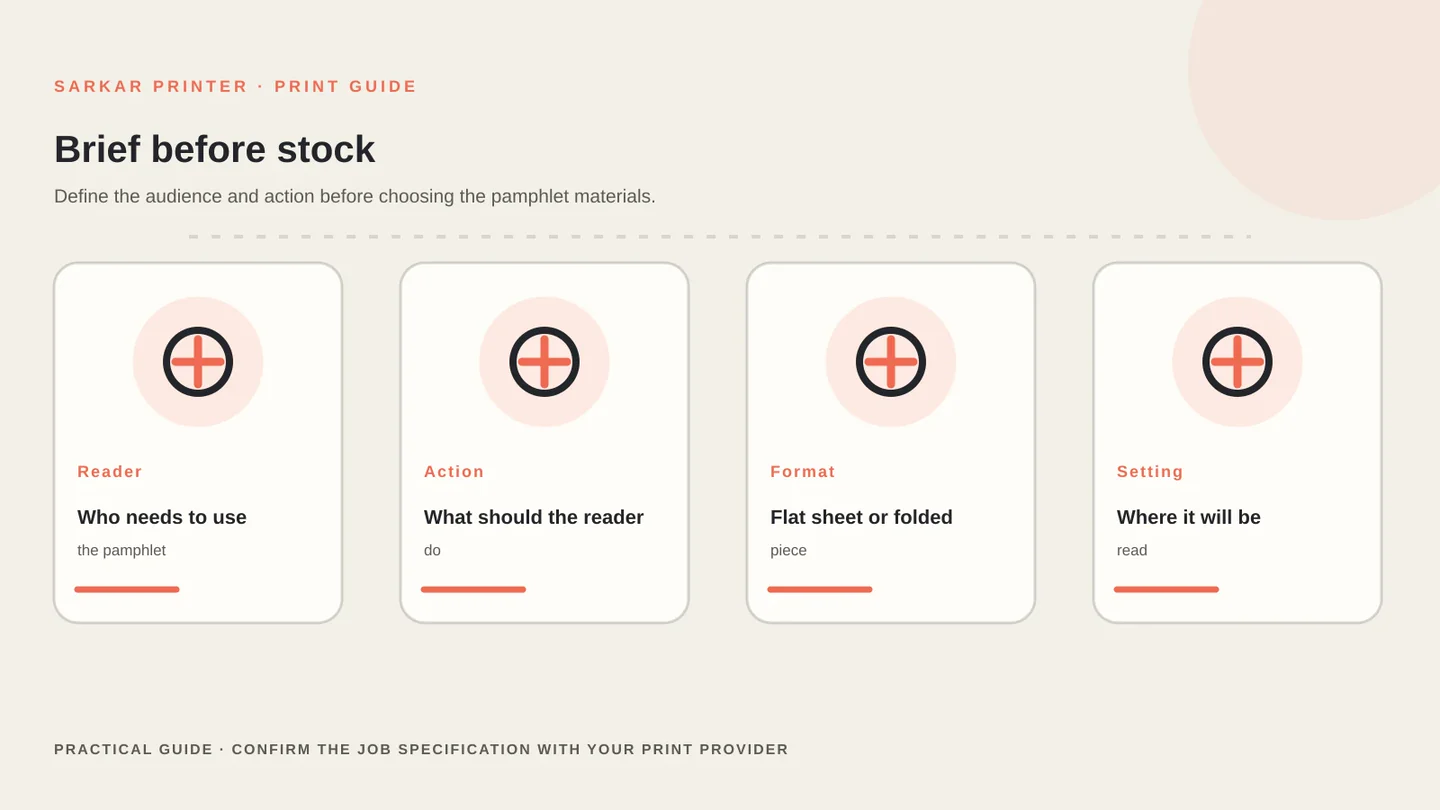
A good pamphlet order starts with the job it needs to do. Before choosing paper or quantities, define the reader, the action you want them to take, and where the piece will be handed out or displayed. That brief makes the format easier to judge. Standardize sheet proportions against the ISO 216 paper size standard, and export final layout geometry following Adobe InDesign print-ready PDF guidelines.
Start with the job the pamphlet must do
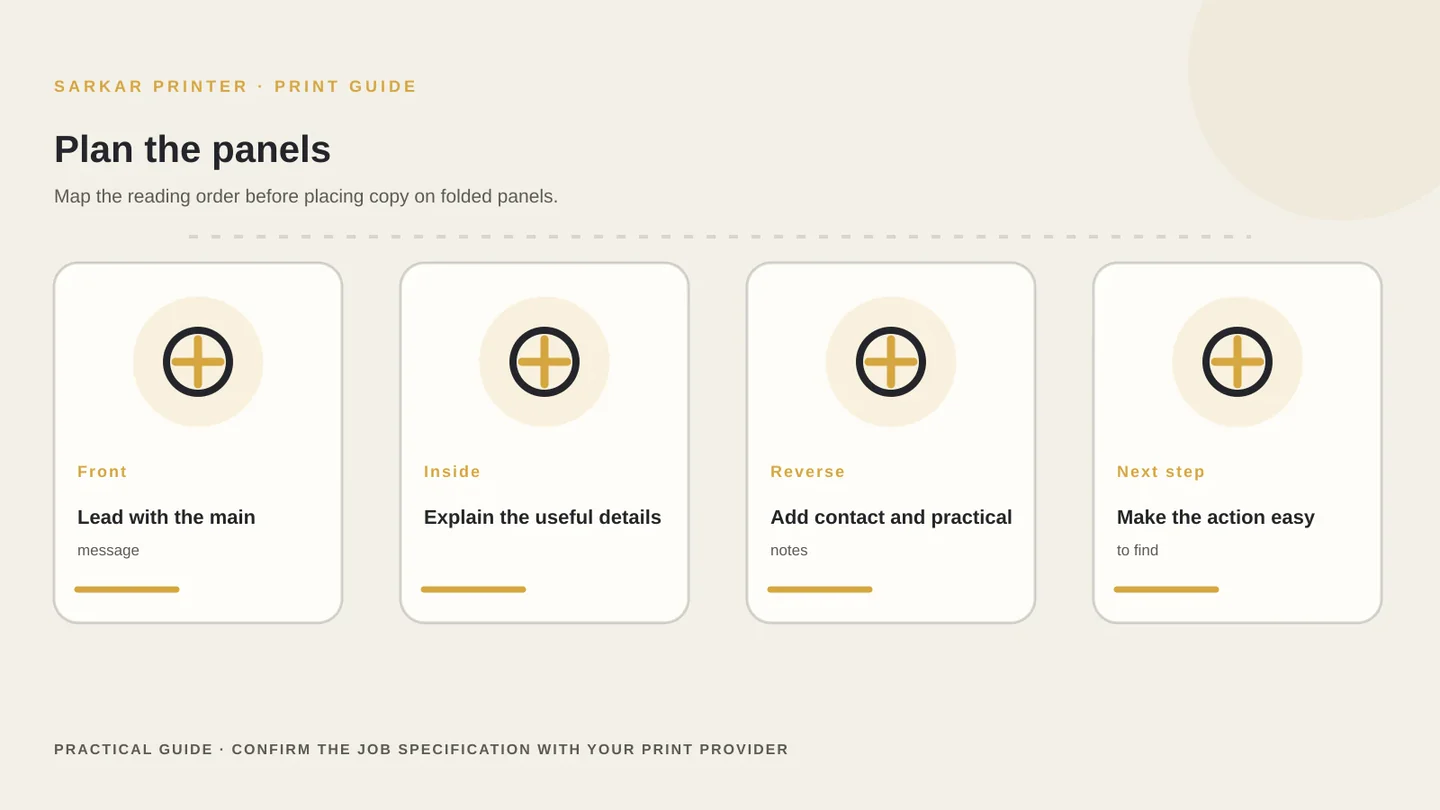
A single-sheet handout can suit a short announcement, menu insert or event detail. A folded piece gives readers a guided route through more information. Choose the format around the reading task, then reserve the first panel for the main message and the final panel for the next action.
Sketch the content blocks before styling the artwork. Decide which details deserve space, which can move to a web page, and what a reader should remember after one glance. Our flyer layout checklist covers message hierarchy; this guide focuses on the production brief.
Set the format and content sequence
Tell the printer the finished size and, for a folded piece, the open size and fold style. Panel order matters because the front, inside panels and reverse side do different jobs. Confirm the final panel map against the supplier’s template rather than guessing fold widths.
List the information the reader needs in order: headline, core offer, supporting details, contact route and any required terms. Keep essential details visible at the size people will hold. If the pamphlet has multiple versions, label each version and keep the artwork files separate.
Consider where distribution happens. A handout used at a counter may need a compact format, while a leave-behind may need room for reference details. These are planning choices, not fixed rules; compare the intended use with the available formats on our pamphlet and flyer printing page.
Prepare artwork and agree on approval
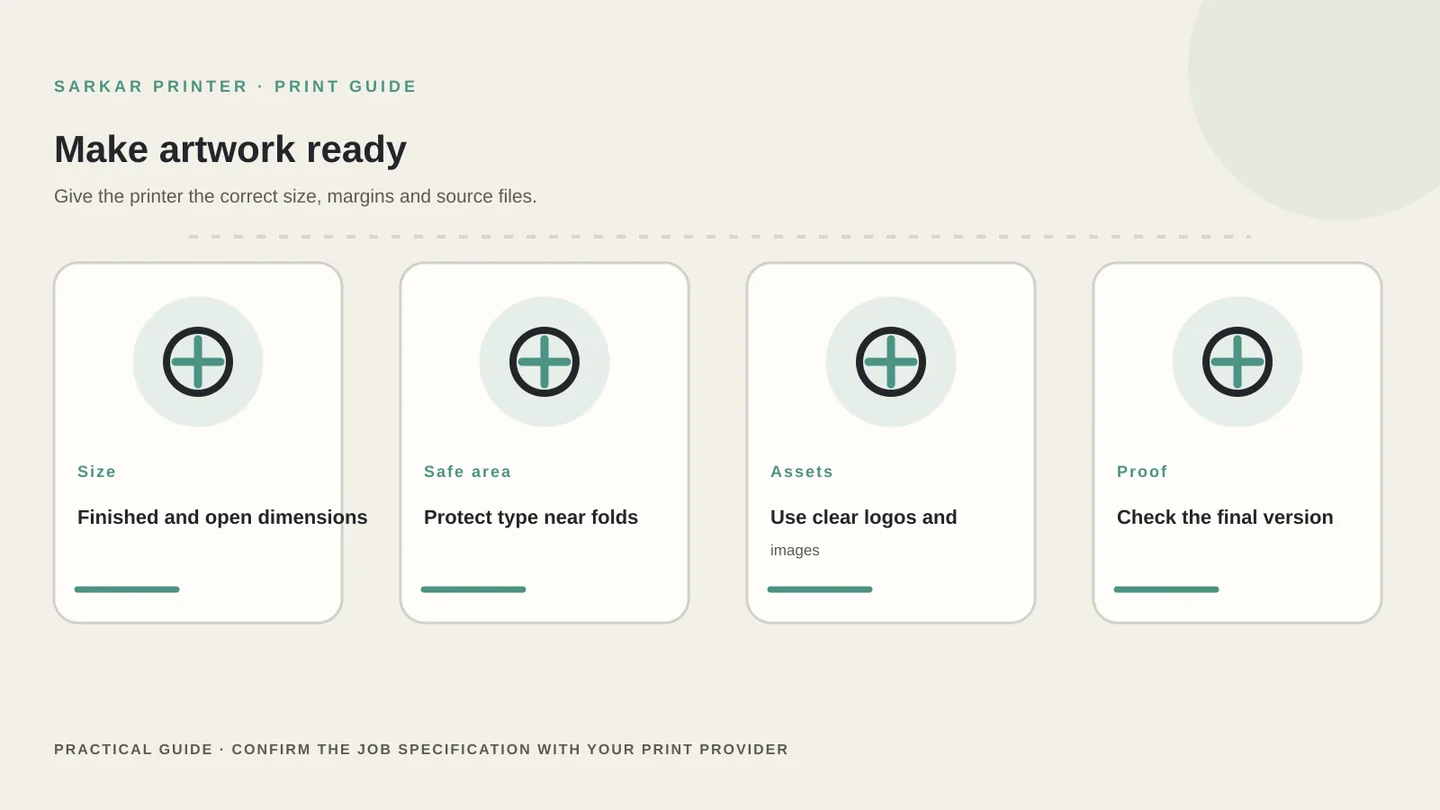
Build the file to the finished dimensions and use the printer’s current template for folds, bleed and safe areas. Keep important type away from trim and fold lines. Use a vector logo where available; check that placed images have enough resolution at their final printed size.
Ask what file type and colour setup the production team expects. A print-ready PDF is a common handoff, but export settings vary by provider and job. Confirm whether the printer wants embedded fonts, spot colours, crop marks or a particular PDF standard before exporting the final file.
Request a proof when the wording, panel order, colour or versioning matters. Check names, phone numbers, QR codes, legal copy and the fold sequence at the proof stage. Record who approved the final file and which version should go to press.
Compare like-for-like quotes and hand off clearly
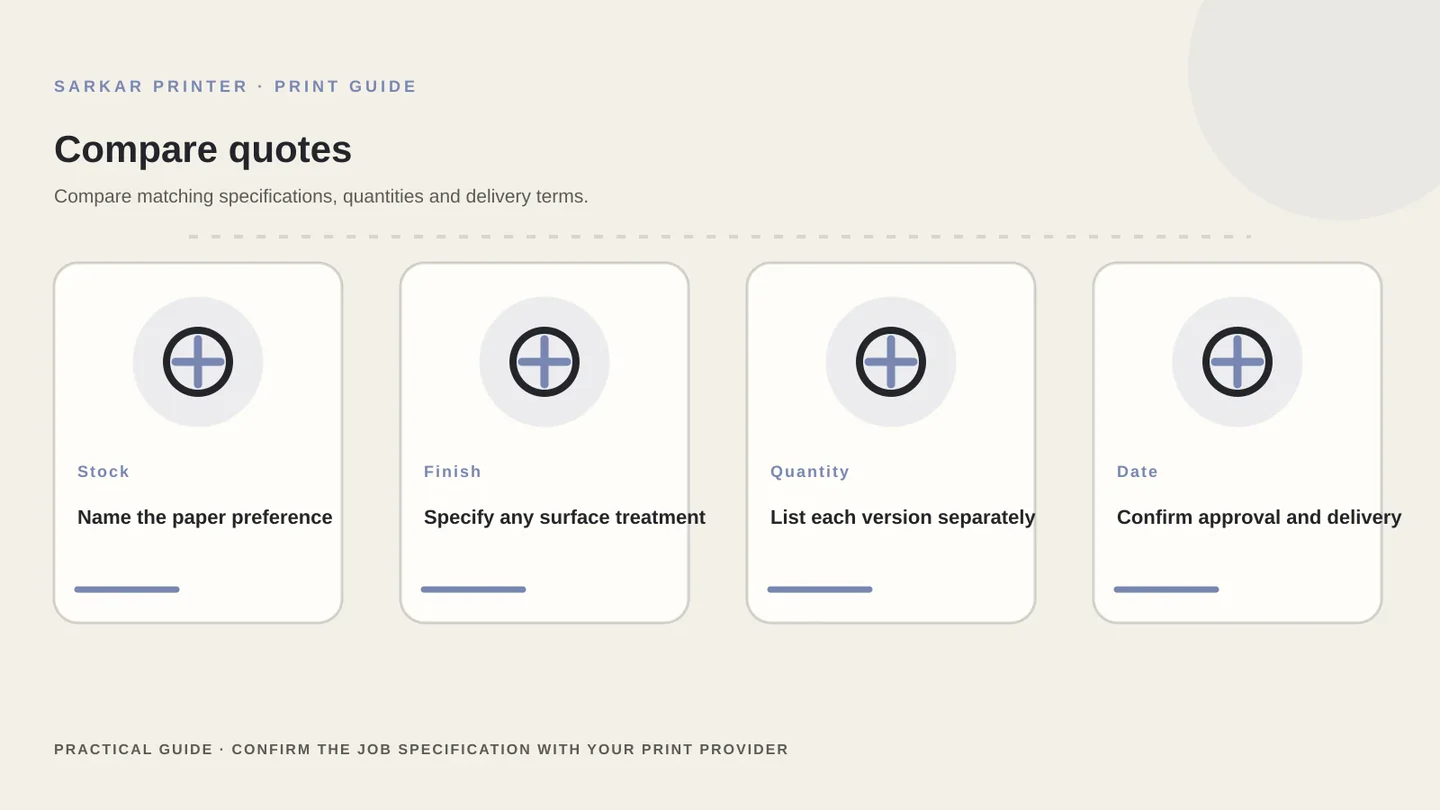
Ask each supplier to quote the same finished size, fold, quantity, paper, sides, finish, number of versions and delivery point. A low total can hide a different stock or finishing assumption. Request a written specification so you can compare what the price includes.
Confirm whether the quote includes artwork checks, a proof, packing and delivery. Share the deadline as a date and explain whether the job can arrive in batches. If the deadline is fixed, ask the printer to confirm feasibility before you approve the order.
When you are ready, share the brief with our enquiry team. Include the information you know; the team can clarify remaining choices before preparing the job.
Pamphlet order brief checklist
Use this table to collect the same information before asking suppliers for a quote.
| Brief item | What to share | Check before approval |
|---|---|---|
| Purpose | Reader, main message and intended next action | The most important information has enough space |
| Format | Finished size, open size and fold style | Panel order matches the printer template |
| Quantity | Total copies and any separate versions | Each version has a clear file name |
| Paper and finish | Preference or intended use if undecided | The quote names the exact stock and finish |
| Artwork | Final PDF, linked assets and contact details | Bleed, safe area, folds and QR code are checked |
| Approval and delivery | Proof contact, deadline and delivery point | One person approves the final version |
CONTINUE THE PRINT PLAN
Make the next print decision with a clear brief.
Explore pamphlet and flyer printing, or send the brief to our enquiry team.
Frequently asked questions
What information should I send for a pamphlet quote?
Share the purpose, finished size, fold style if known, quantity, paper preference, number of versions, artwork status and delivery deadline. The printer can help confirm the remaining production choices.
Should I choose the fold before writing the content?
Plan them together. The amount and order of information affect which fold works, while the fold determines the panel sequence. Confirm the final layout with the printer’s template.
What file should I send for pamphlet printing?
Ask the print provider for its current file requirements. A print-ready PDF is common, but size, bleed, colour and export settings depend on the job.
How can I compare two pamphlet quotes fairly?
Compare identical size, fold, stock, finish, quantity, versions, proofing, packing and delivery terms. Ask each supplier to list any excluded work.