
undefined Standardize sheet proportions against the ISO 216 paper size standard, and export final layout geometry following Adobe InDesign print-ready PDF guidelines.
Lead with one message
Decide whether the flyer promotes a product, announces an event, explains a service or shares an offer. Use one direct headline that names the benefit or subject. If several messages compete at the top, readers may not know what matters.
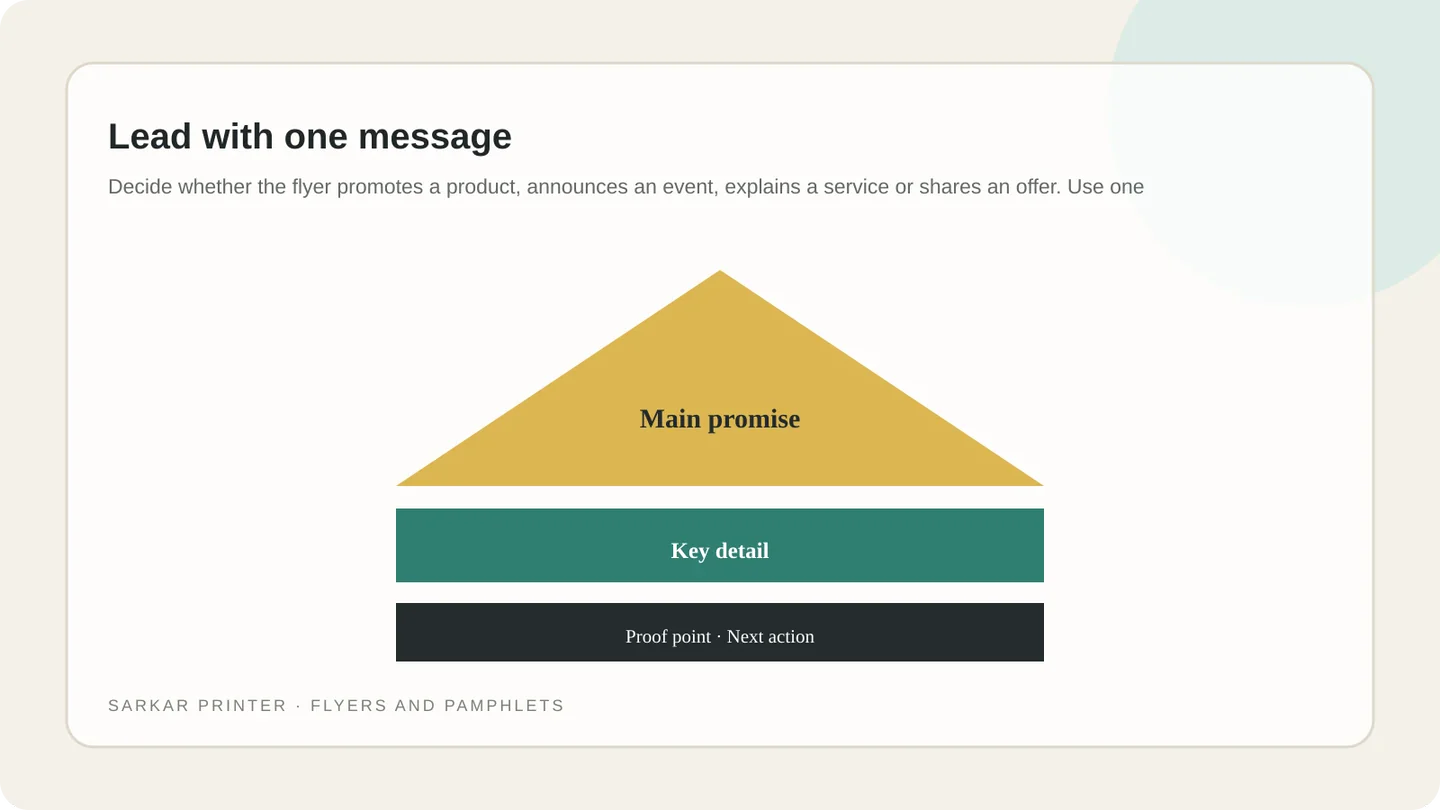
Place useful details near the headline: who the offer is for, what it includes, where it applies and any date. Keep terms readable and avoid promises the business cannot fulfil.
Organize details for quick scanning
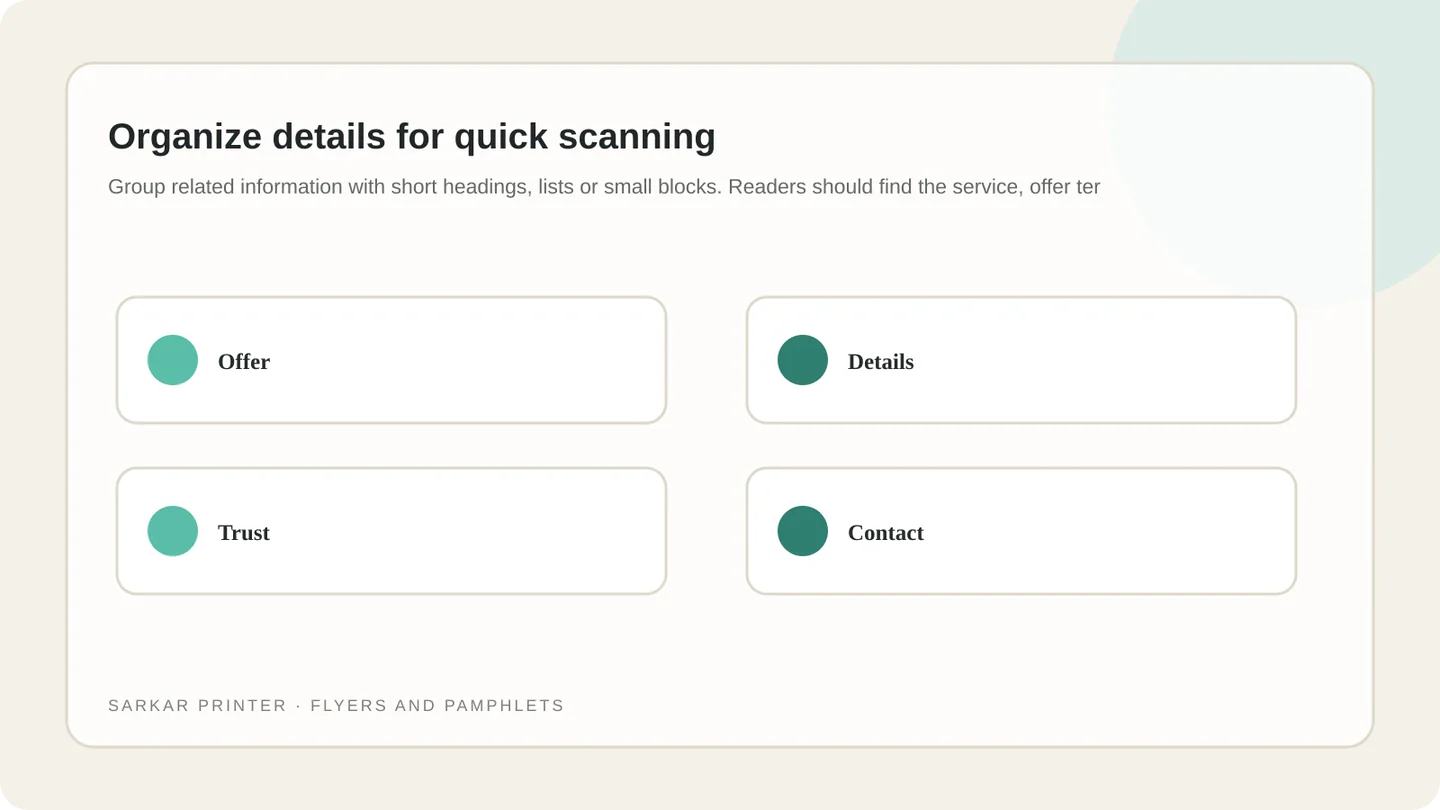
Group related information with short headings, lists or small blocks. Readers should find the service, offer terms, location and contact method quickly. Use spacing to separate groups instead of boxing every item.
One strong photo or illustration can support the message. Use an image related to the offer and leave space around it. For double-sided flyers, plan both sides together so they do not repeat the same dense paragraph.
Make the artwork readable on paper
Choose type sizes and contrast for the final printed size, not a zoomed-in screen. Use a restrained type system and check that thin strokes, pale colours and small reversed text remain clear on the chosen paper.
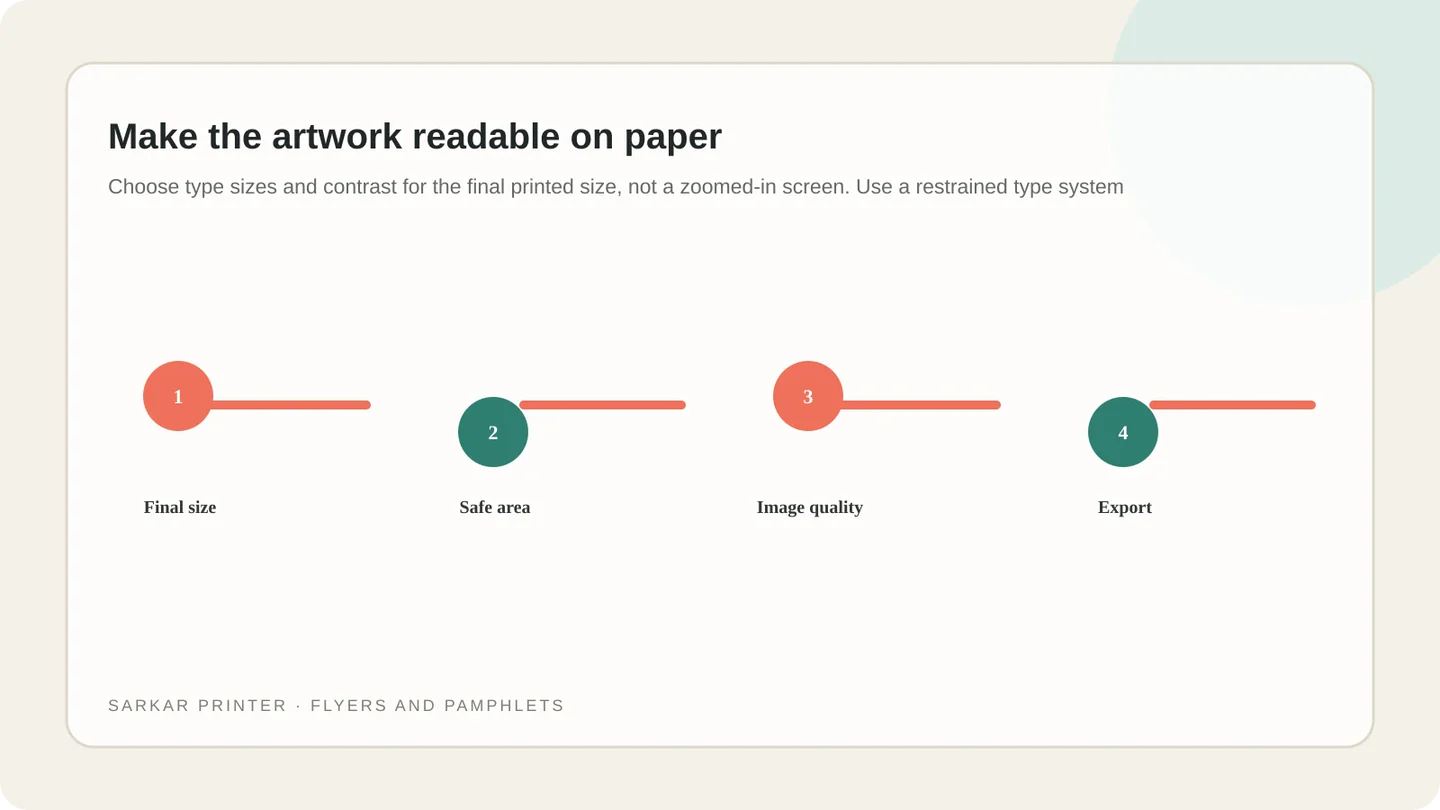
Follow the printer’s instructions for trim, bleed, colour mode and PDF export. Embed or outline fonts as requested, review linked graphics and confirm whether the job is one-sided or two-sided.
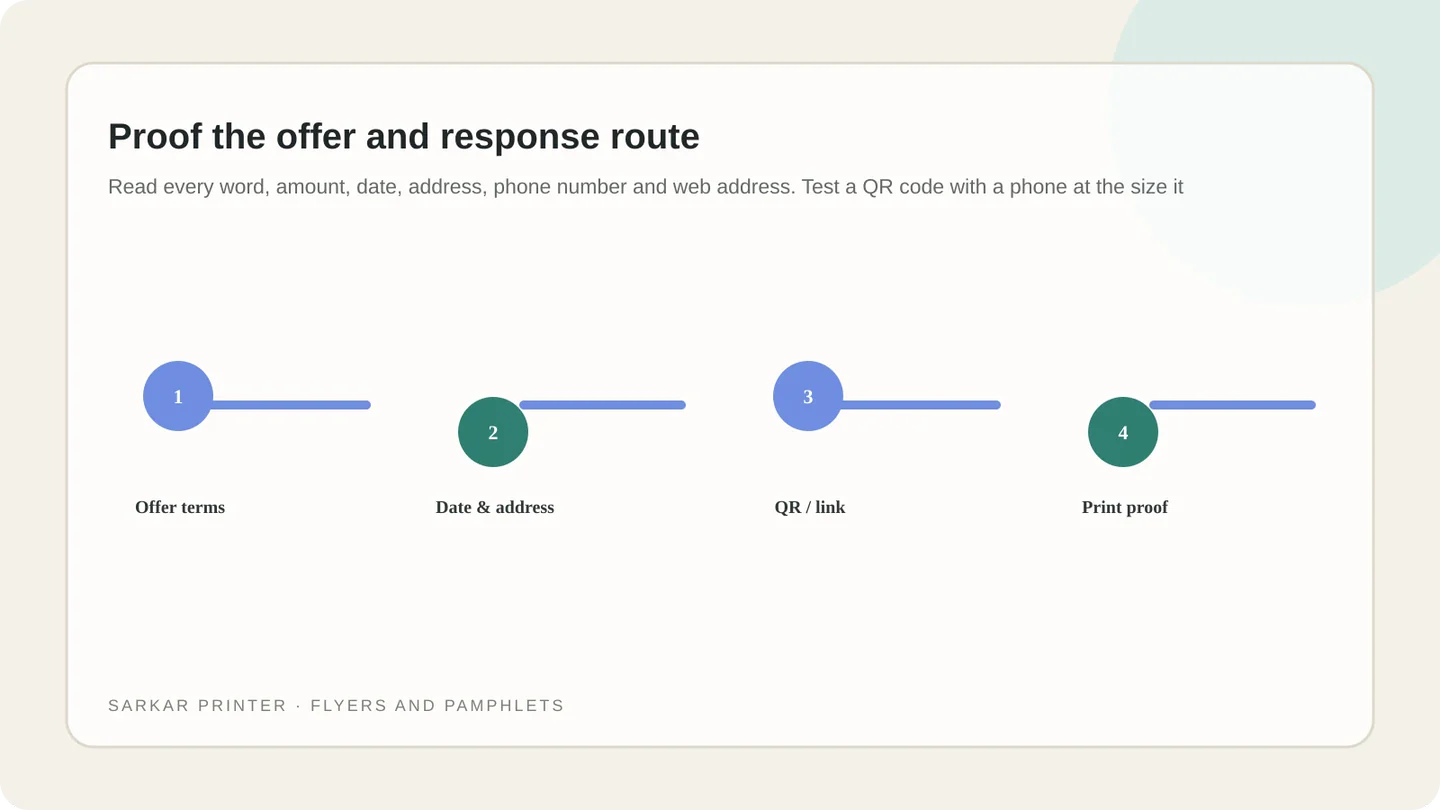
Proof the offer and response route
Read every word, amount, date, address, phone number and web address. Test a QR code with a phone at the size it will print, and confirm the destination page matches the offer.
Ask someone else to review the flyer without an explanation. If they cannot identify the offer or response route quickly, simplify the hierarchy. Explore flyer and pamphlet printing or request a print quote.
Flyer layout checklist
| Element | What to confirm | Review question |
|---|---|---|
| Headline | One clear subject or benefit | Can a reader understand it at a glance? |
| Details | Eligibility, dates, location and terms | Are conditions complete and readable? |
| Visuals | Relevant, sharp image with clear space | Does the visual support the message? |
| Response | Phone, URL, QR code or address | Does it work at final printed size? |
| Artwork | Trim, bleed, fonts and PDF settings | Does the file match the printer’s specification? |
Plan the print job with a clear brief
Share the format, quantity, intended use and deadline. The print team can help confirm production details before artwork approval.
Contact Sarkar Printer ↗Frequently asked questions
What should a small business flyer include?
Include one main message, essential offer or service details, relevant terms, a clear response route and the business identity.
How much text should a flyer have?
Use only the details a reader needs to understand and act on the offer. The size and audience determine the right amount.
Should I use a QR code on a flyer?
A QR code can help when it opens a useful mobile page. Test it at printed size and provide a readable URL or phone route too.
What file should I send for flyer printing?
Follow the printer’s specification. A print-ready PDF is common, but confirm export settings, trim and bleed first.