
A useful offset printing quality checklist compares the printed job with an approved reference and the agreed specification. It does not rely on memory or on how a different screen looks. Decide what needs inspection before production, then check representative sheets and finished pieces at the stages that matter for the order.
Agree on the reference first
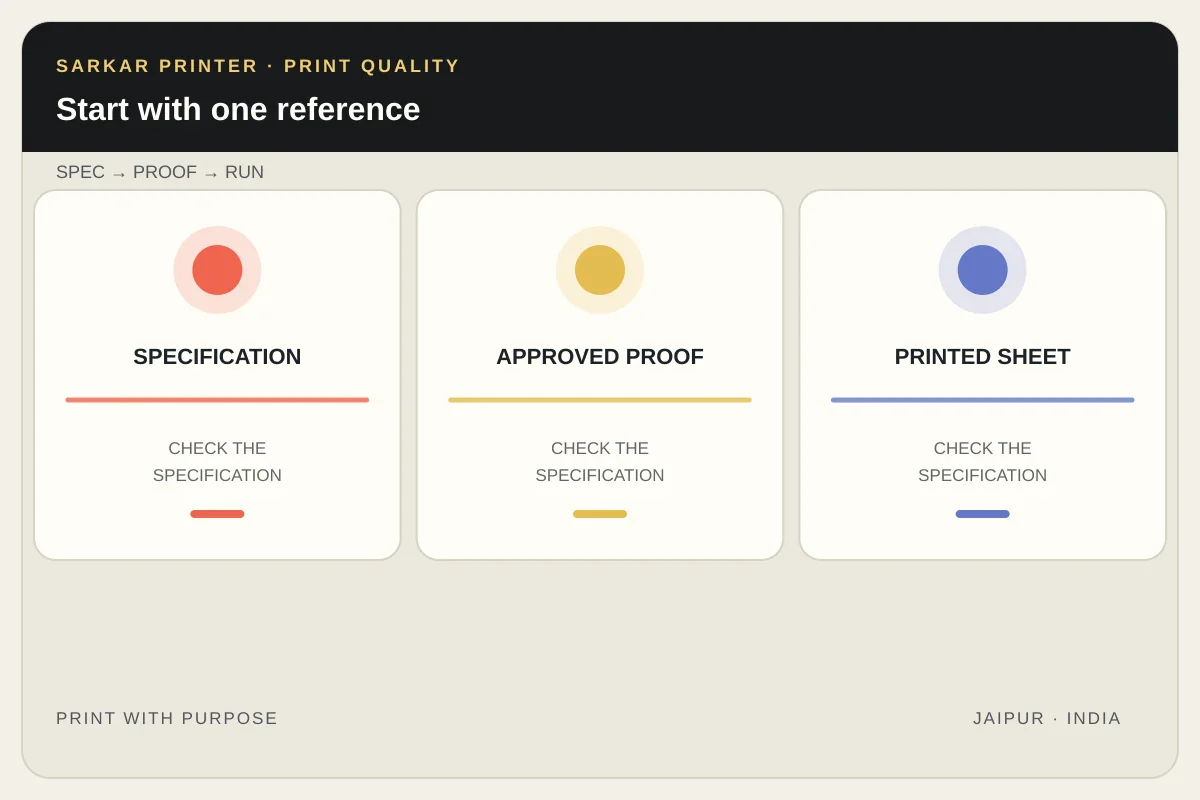
Before the press run, identify the approved artwork version, paper, ink plan, finish and proof or sample that will guide review. Keep one reference available to the people checking the job. If the specification changes, record the change and circulate the new version so the team does not compare against an outdated file.
For colour-critical work, agree how colour will be judged and who will approve it. A visual review under consistent light can catch obvious shifts, while measured process controls require the appropriate instruments, targets and workflow. Do not claim a numerical tolerance unless the project has defined one.
Check the printed sheet
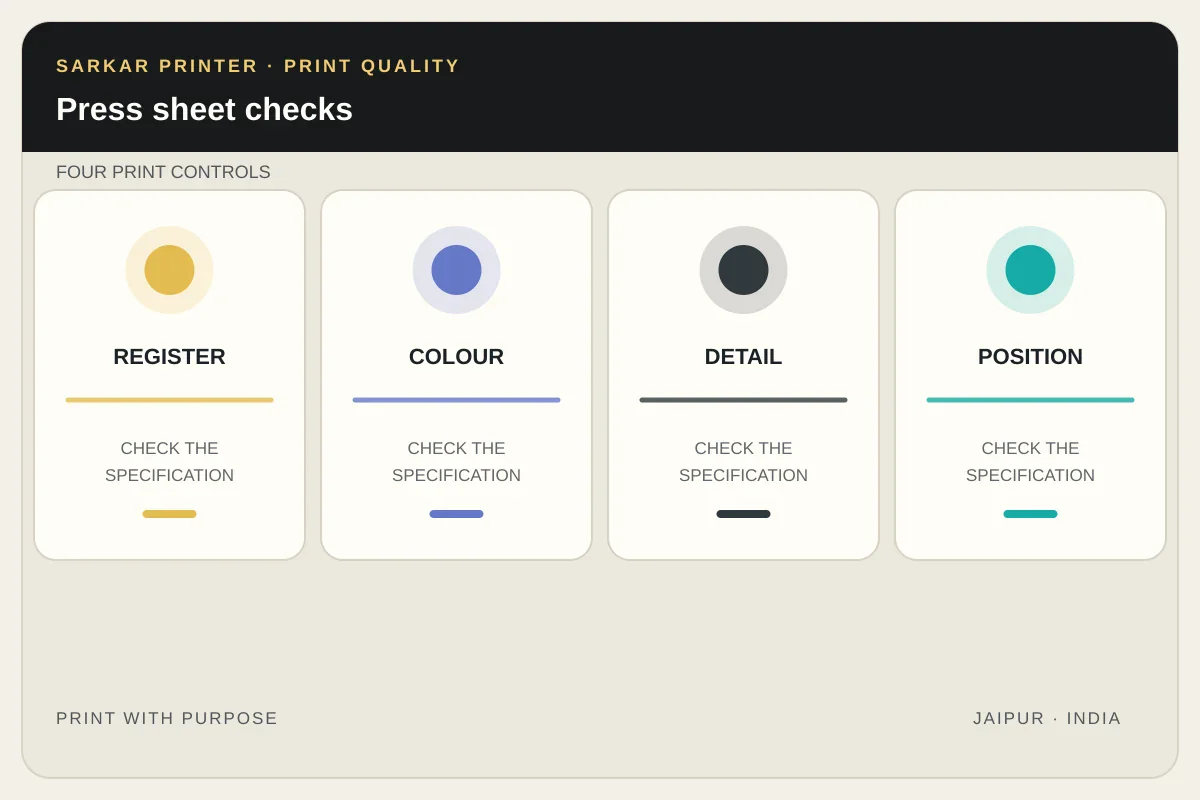
Inspect registration by looking for coloured edges or fringes around fine text and image details. Review solid areas and photographs for visible unevenness, streaks or marks. Check whether small type and fine lines remain clear. When the job uses multiple colours, compare the overall appearance with the agreed proof or sample rather than judging isolated swatches in different light.
Also check the sheet’s orientation and the position of content against the trim and fold plan. A sheet can look correct as a flat print but reveal a problem after folding or cutting. Check the first approved sheet and then review samples from the run according to the agreed production control plan.
Inspect trim and finishing
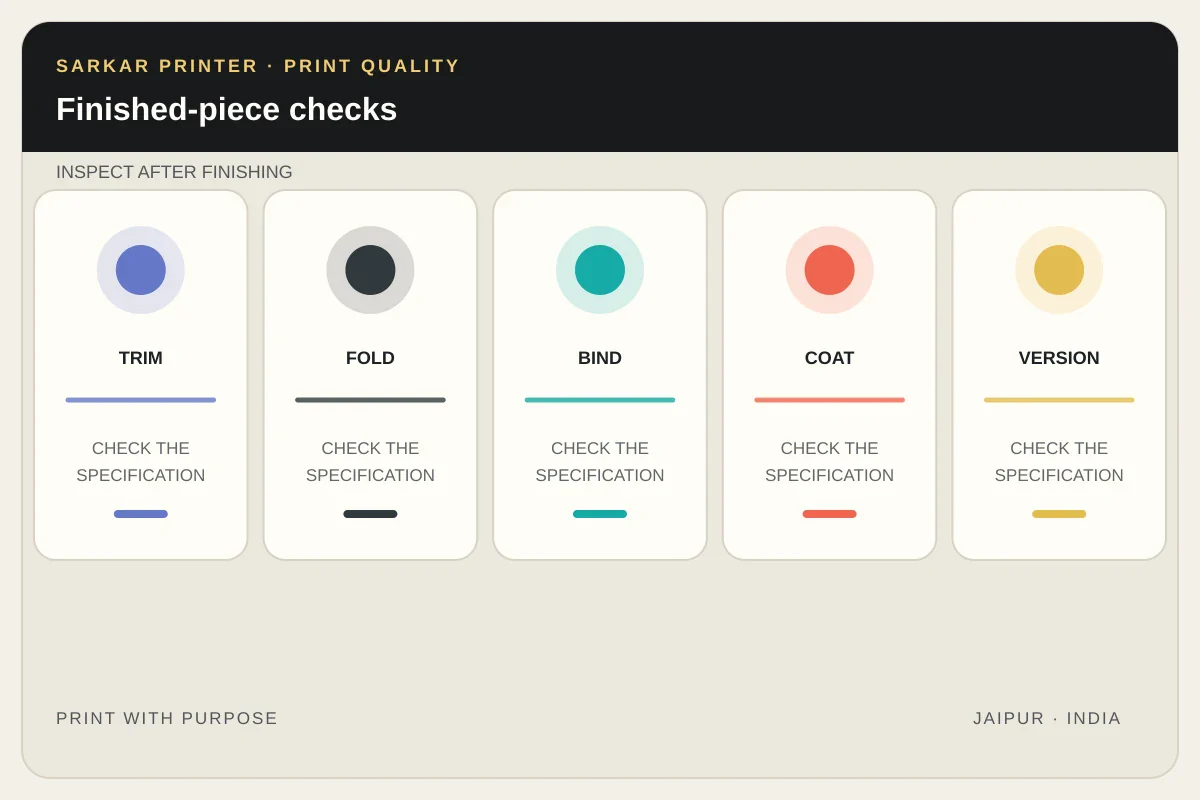
Review the finished product at its final size. Check cut edges, folds, binding, coating or lamination, and any spot finish specified in the order. Open and close folded pieces if the design requires it. For a booklet, verify page sequence and cover alignment; for a packaging insert, check the dimensions and fit against the intended pack.
Look for damage from handling or packing that could affect use. If the order includes several versions, inspect each one against its own approved artwork. A good sample from one SKU does not prove every other SKU is correct.
Record defects clearly
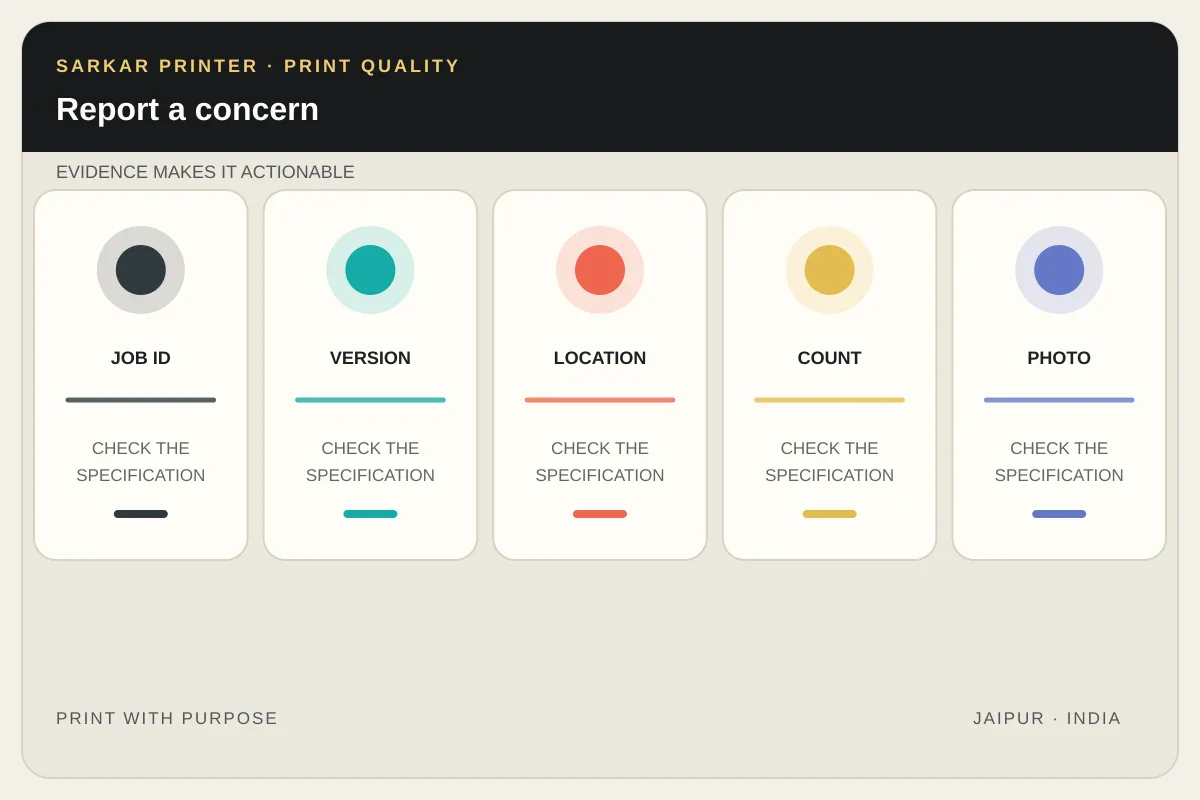
When you find a concern, record the job name, batch or version, location on the sheet, number of affected copies and a clear photo under consistent light. Separate a single handling mark from a repeated production pattern. Share the evidence with the printer promptly and ask for the next step before distributing or reworking the order.
Use the print proof review checklist before approval, then keep the artwork version control guide with the job record. For commercial production, explore our offset printing service or contact the print team.
Quality inspection table
| Stage | Check | Record if there is an issue |
|---|---|---|
| Prepress | Artwork version, ink plan, proof and finishing notes | File name, version and missing specification |
| Press | Registration, colour appearance, detail and sheet position | Location, sample sheet and reference used |
| Finishing | Trim, folds, binding, coatings and version accuracy | Finished size, affected quantity and photo |
| Packing | Protection, count, labels and delivery grouping | Package condition and batch identification |
Reference
Frequently asked questions
What should I check first on an offset print run?
Confirm the approved file, paper, ink plan and reference. Then inspect registration, colour appearance, image detail and position against the agreed specification.
How do I check print registration?
Inspect fine text, edges and colour boundaries for visible fringes or misalignment. For formal measurement, follow the printer’s defined control method.
Can a phone photo prove a colour defect?
A photo can document where a concern appears, but phone screens and lighting alter colour. Use a consistent viewing condition and the agreed proof or sample for comparison.
Should I inspect every printed copy?
Agree a sampling and quality-control plan with the printer. Inspecting representative sheets and every distinct version helps catch problems without assuming every job has the same requirements.