
For manuscript printing, separate the proof copy from the approved production file. Confirm trim size and margins, check the pages and images, and review a physical proof before you approve a book run.
Choose a proof copy or production file
Manuscript printing can serve two different purposes. An author may need a review copy to check the reading experience, while a publisher may need a production-ready file for a full book run. State which one you need before anyone prepares the artwork.
A proof copy helps you find sequence, layout and readability issues on paper. It does not replace copy-editing, fact-checking or a final approval of the text. Keep a separate, versioned master file so review comments do not become mixed with the file already approved for production.
Tell the printer whether the cover, interior pages, inserts and colour figures are part of the same job. Include your intended binding and finished format only after you have confirmed them with the production team.
Set trim size and consistent page styles
Confirm the finished page size before formatting the manuscript. Use the printer’s template or written specification for the trim, margins, bleed and file export. The inside margin may need more space than the outside margin, especially in a bound book.
Use paragraph and character styles for headings, body text, captions and lists. Styles make global changes easier and help keep the document consistent. Avoid lining up text with repeated spaces, because the layout can shift when fonts or page dimensions change.
Check page numbering, chapter starts, headers and footers. Decide how you want blank pages handled, and ask the printer how the final PDF should represent them. Adobe’s booklet-printing settings guide explains how spacing, bleed and margins interact for booklet imposition; ask your printer which parts apply to the chosen binding.
Check images, tables and colour
Review every image at its placed size. A small web image may look soft when enlarged, and a screen preview does not confirm print quality. Ask the printer for the resolution and file requirements for the selected format and process.
Check charts, diagrams, captions and footnotes separately. Confirm that labels remain readable, lines reproduce clearly and any colour-dependent information still makes sense in grayscale if the job will print in black ink.
Package or embed the fonts and linked images as requested by the printer. Before export, update links and inspect the PDF for missing fonts, unexpected page breaks and clipped content. Adobe’s print-ready PDF guidance recommends checking links, fonts, bleed and preflight settings before delivery.
Review the manuscript proof before production
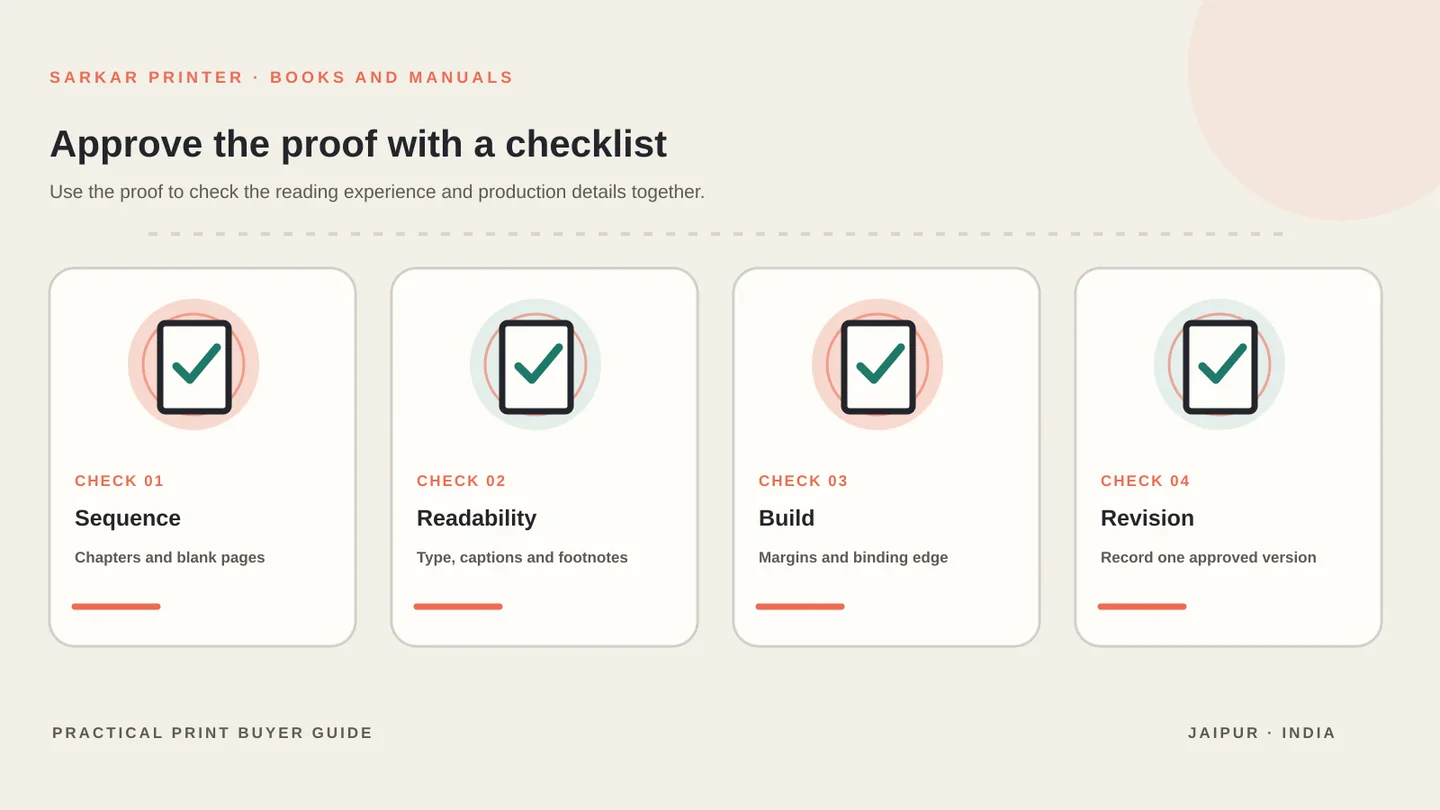
Read the physical proof in the way a reader will use the book. Check chapter order, page turns, table placement, blank pages, running heads and page numbers. Mark corrections clearly and keep a single consolidated revision list.
Inspect the binding edge, inside margins, image crop, cover alignment and any colour pages. A proof can reveal issues that are hard to see at a monitor, especially when the manuscript includes dense tables or footnotes.
Our book printing planning guide covers paper, binding and run decisions. For production, see the book and booklet printing service or ask our prepress team to review the file requirements. You can send a proof-copy brief when the files are ready.
Manuscript printing checklist
Use this table as a starting point, then confirm the production details with the print provider for your job.
| File area | Check before export | Confirm with the printer |
|---|---|---|
| Page size | Finished trim and orientation | Template, margins and bleed |
| Typography | Styles, line spacing and hierarchy | Font and PDF requirements |
| Pagination | Page numbers, chapter starts and blanks | Reader-order or imposed file |
| Images and charts | Placed-size quality and readable labels | Colour process and resolution |
| Linked assets | Fonts and images available | Embed, package or upload method |
| Proof | Sequence, margins, crop and binding | Revision and approval process |
CONTINUE THE PRINT PLAN
Move from manuscript to a production-ready book.
Continue with our book printing planning guide, explore book and booklet printing, or share your proof-copy brief.
Frequently asked questions
What is a manuscript proof copy?
It is a printed review copy used to check layout, page order, readability and the physical reading experience before final approval. It does not replace editing or fact-checking.
What file should I send for manuscript printing?
Ask the printer for its preferred format. Many projects use a print-ready PDF with an agreed trim size, margins, bleed and embedded or packaged fonts.
Should I format the manuscript in a standard font?
Use a consistent, readable type system and follow the printer’s specifications. The chosen font and page size affect pagination, so confirm them before final export.
Can I approve a book run from a screen proof alone?
A screen proof helps review layout, but a physical proof can reveal page-turn, binding, crop and paper issues that a monitor cannot show.